If you are looking for the best Calendly alternatives in 2026, you’re not alone. As scheduling becomes central to sales, consulting, education, and service businesses, many users are searching for tools with better pricing, smarter AI automation, and more flexible team workflows.
Calendly is powerful. It simplified booking meetings and removed endless back and forth emails. But as teams grow, needs evolve. Users often hit limits around advanced routing logic, deeper CRM integrations, customization options, and scalable pricing. For startups, agencies, educators, and enterprises alike, those limitations matter.
The demand for smarter scheduling is rising fast. The global appointment scheduling software market is projected to grow steadily through 2026, driven by automation and remote work adoption. Businesses now expect AI powered time optimization, round robin distribution, automated reminders, and seamless integration with tools like Google Calendar, Outlook, Zoom, and CRM platforms.
With digital appointment scheduling market growth projected at a strong pace, expanding from around $567.1 million in 2025 to over $672 million in 2026, these platforms are no longer optional. They drive automation, cut no shows, and power smarter workflows across industries.
This guide breaks down 14 powerful alternatives, free, paid, and enterprise ready, so you can choose a scheduling platform that matches your workflow, budget, and growth plans.
Why Look for Calendly Alternatives in 2026?
While Calendly is one of the most popular scheduling tools worldwide, it isn’t always the perfect fit for every individual or business. Many users are now exploring Calendly alternatives to find more flexible, cost effective, and feature rich options. Understanding these limitations can help you select a platform that truly fits your workflow and team’s needs.
Pricing Limitations
Calendly’s free plan is useful for solo users, but as soon as you need multiple calendars, team scheduling, or advanced integrations, costs can quickly add up. Paid plans start at $10 per user per month, and adding more users for teams or agencies can become expensive. For students, freelancers, or small startups, the high cost often doesn’t match the value needed. This is why so many turn to Calendly alternatives for free, which provide essential scheduling features without breaking the budget.
Team Routing Gaps
Another common limitation is Calendly’s handling of teams. While it offers basic round robin scheduling, it lacks advanced routing rules or skill based assignment, which are critical for larger teams or service-based businesses. Tools that intelligently assign meetings based on availability, workload, or expertise can save hours of back and forth, improve client satisfaction, and ensure fairness among team members.
Customization & Automation Limits
Calendly is straightforward, but customization options are limited. Branding your booking pages, creating multi step forms, or automating follow ups often requires paid upgrades. Teams that need workflow automation, such as syncing meetings with CRM pipelines or sending personalized reminders, may find Calendly’s automation insufficient.
When Calendly Is Not Ideal
Finally, Calendly may not be suitable for all user types. Students, educators, small agencies, or businesses with complex workflows often need tools with greater flexibility, deeper integrations, or enhanced AI features. For these users, exploring Calendly alternatives for students or team oriented platforms can dramatically improve scheduling efficiency.
By understanding these gaps, you can identify alternatives that save money, reduce scheduling friction, and better match your specific requirements, all while increasing productivity and client satisfaction.
How We Tested & Compared Calendly Alternatives
Choosing the right scheduling tool isn’t just about features listed on a website; it’s about real world usability, flexibility, and ROI. To help you make an informed decision, we rigorously tested and compared 14 of the top Calendly alternatives, focusing on criteria that truly impact productivity and workflow efficiency.
Our comparison looked at six key factors:
- Free Plan Value: Does the tool offer meaningful functionality at no cost? Can solo users or small teams get started without paying immediately?
- Team & Round-Robin Scheduling: How well does the platform manage multiple users, and can it automatically assign meetings based on availability or skills?
- Integrations: Compatibility with Google Calendar, Outlook, Zoom, Slack, CRMs like HubSpot or Salesforce, and payment platforms like Stripe or PayPal.
- Custom Booking Pages: Ability to brand pages, collect detailed client information, and create multi step workflows.
- Automation & AI Features: Smart suggestions, AI driven time slot optimization, automated follow ups, and reminders.
- Pricing Transparency: Clear, upfront costs and scalability for teams of different sizes.
We also compared Microsoft Bookings vs Calendly, a common question among business users. Bookings integrates natively with Outlook and Teams, making it ideal for organizations already in the Microsoft ecosystem. Calendly, however, often offers more third party integrations, deeper automation, and simpler round robin team scheduling.
Many users compare solutions like Microsoft Bookings vs Calendly, especially around cost structures tied to Microsoft 365 subscriptions. Microsoft Bookings can be free with business plans, though its features vary by tier, while Calendly’s paid plans unlock team and automation features that many small teams find essential.
Featured Article: Best HubSpot Alternatives in 2026 (Free & Paid CRM Tools Comparison)
Best Calendly Alternatives: Quick Comparison Table
Choosing the right scheduling tool can feel overwhelming. That’s why we’ve created a comprehensive comparison table of the top 14 Calendly alternatives in 2026. This table allows you to quickly identify which tool fits your workflow, team size, budget, and integration needs.
| Tool | Best For | Free Plan | Starting Price | Key Feature | Rating |
| HubSpot Meeting Scheduler | CRM linked scheduling | Yes | Free (with upgrades) | Native CRM integration | ⭐⭐⭐⭐ |
| Zoho Bookings | SMB & service business | Yes | $6 | Flexible services management | ⭐⭐⭐⭐ |
| Acuity Scheduling | Payment + forms | Trial | $16/mo | Intake + payments | ⭐⭐⭐⭐ |
| Brevo Meetings | Email + scheduling | Yes | $8/mo | All in one comms | ⭐⭐⭐ |
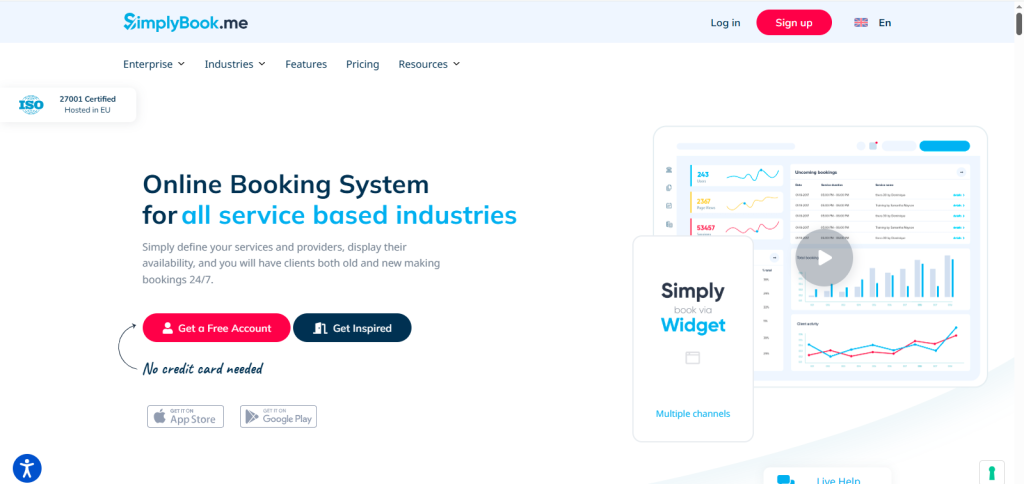
| SimplyBook.me | Custom services | Yes | $11.9/mo | Industry specific plugins | ⭐⭐⭐ |
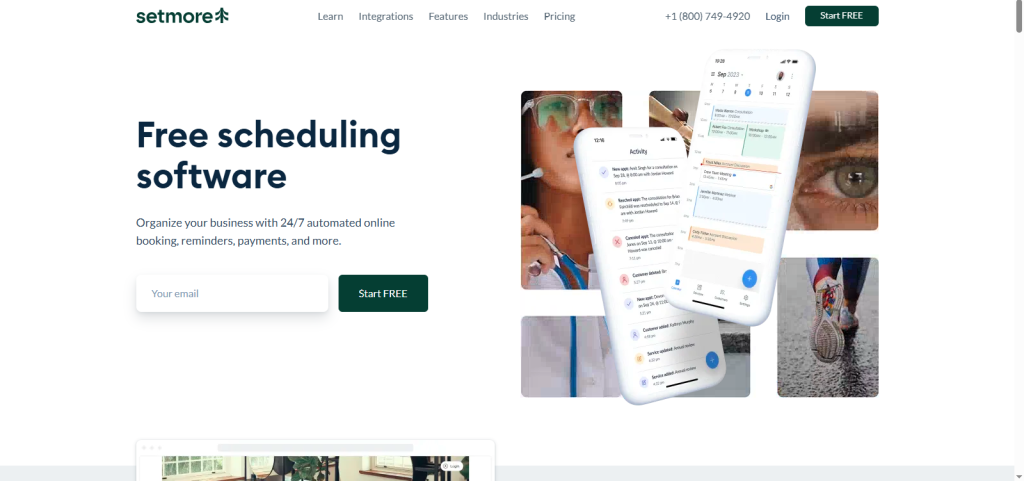
| Setmore | Small teams | Yes | $5/mo | Team scheduling | ⭐⭐⭐ |
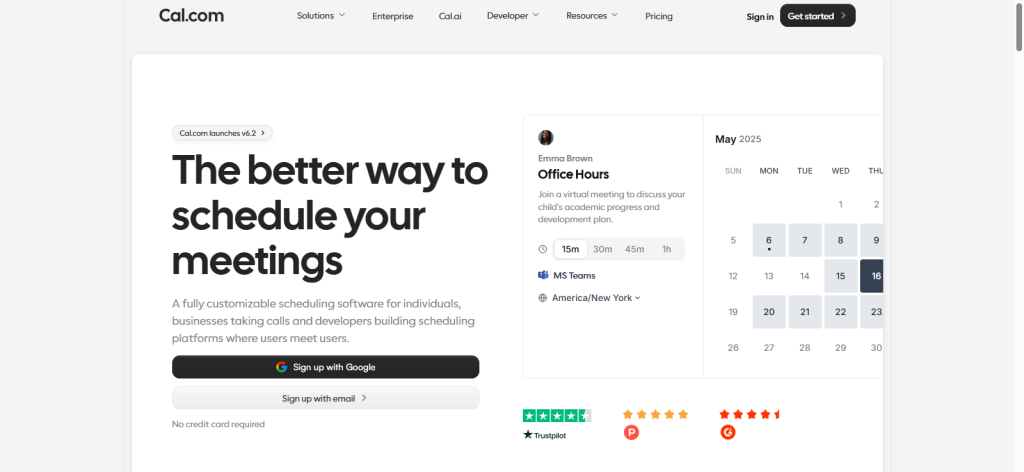
| Cal.com | Open-source | Yes | $15/mo | Self hosted option | ⭐⭐⭐⭐ |
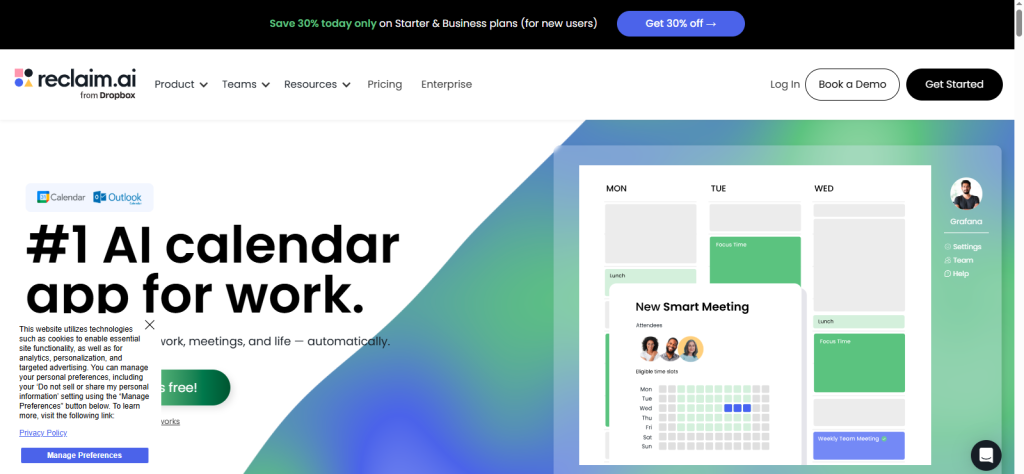
| Reclaim.ai | AI scheduling | Yes | $10/mo | Smart time blocking | ⭐⭐⭐⭐ |
| Appointy | Multi-location | Yes | $19/mo | Staff & service management | ⭐⭐⭐ |
| SavvyCal | Collaborative scheduling | Yes | $12/mo | Shared availability UI | ⭐⭐⭐⭐ |
| OnceHub | Enterprise routing | No | $10/mo | Complex workflows | ⭐⭐⭐⭐ |
| Trafft | Agencies | Yes | $15.9/mo | Automation first | ⭐⭐⭐ |
| lemcal | Simple scheduler | Yes | $9/mo | Minimal UI | ⭐⭐⭐ |
| YouCanBookMe | Custom flows | Yes | $7/mo | Advanced rules | ⭐⭐⭐ |
14 Best Calendly Alternatives (Detailed Reviews)
Below are the top tools reshaping scheduling workflows in 2026, showing why they’re strong Calendly alternatives.
HubSpot Meeting Scheduler

Why It’s Better:
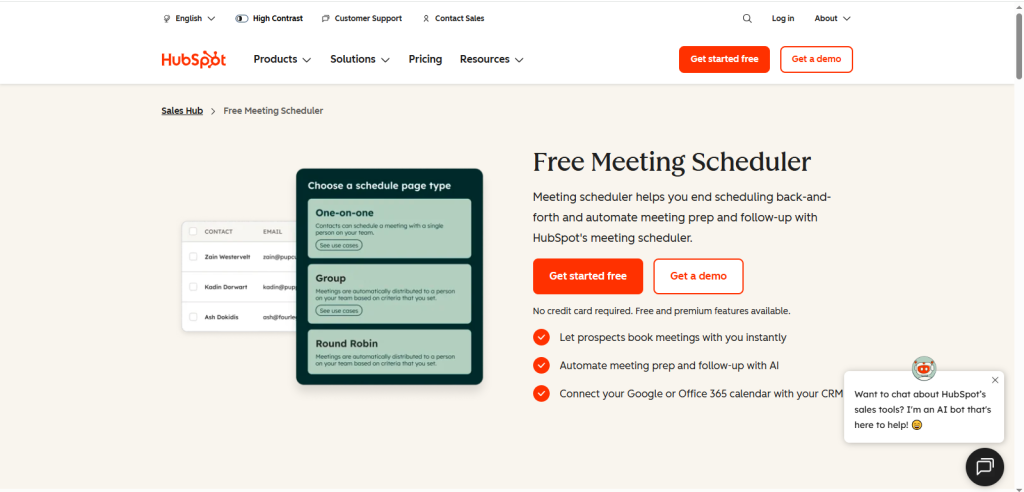
HubSpot Meeting Scheduler is more than just a calendar link; it’s a fully integrated solution within the HubSpot CRM ecosystem. Unlike standalone tools, it eliminates the need for third-party connectors or manual syncing, allowing sales and marketing teams to manage leads, contacts, and appointments all in one place. By connecting directly with HubSpot’s CRM, it ensures that every meeting is automatically linked to the right contact, company, and deal stage, reducing human error and improving team efficiency.Key Features:
- Automatic contact syncing ensures meetings are always tied to CRM records.
- Personalized meeting links and templates save time and maintain consistent branding.
- Automated follow-ups and reminders increase engagement and reduce no-shows.
- The analytics dashboard tracks meeting activity, helping managers optimize team productivity.
Pros:
HubSpot Meeting Scheduler streamlines workflows, reduces repetitive administrative tasks, and ensures every interaction is logged in the CRM, making it invaluable for sales driven organizations.
Cons:
Teams not using HubSpot may find its full functionality unnecessary, as many features depend on the broader HubSpot ecosystem.
Pricing:
A free plan includes essential features, while advanced functionality is unlocked in the HubSpot Starter and Professional tiers.
Best For: Sales teams, marketing teams, and SMBs that rely on HubSpot for CRM, lead management, and automated workflows.
Zoho Bookings

Why It’s Better:Zoho Bookings stands out as an affordable and highly customizable scheduling tool, making it ideal for service based businesses such as salons, clinics, consultants, and small agencies. Unlike some scheduling tools that focus primarily on solo users or corporate teams, Zoho Bookings offers robust features for managing multiple staff members, services, and locations on a single platform. Its deep integration with the Zoho ecosystem ensures that businesses already using Zoho CRM, Zoho Mail, or Zoho Projects can manage appointments seamlessly alongside their other workflows.
Key Features:
- Staff and service management: Easily assign appointments to available staff and manage multiple service offerings.
- Automated notifications and reminders: Reduce no shows by automatically sending emails or SMS reminders to clients.
- Calendar syncing: Sync with Google Calendar, Outlook, or Zoho apps to avoid double bookings and keep everyone aligned.
- Payment integration: Accept payments through Stripe or PayPal directly within the booking flow.
Pros:
Zoho Bookings is strong for small businesses, agencies, or clinics that handle recurring appointments and need both flexibility and automation. Its affordability, combined with multi staff support, makes it a reliable choice for growing teams.
Cons:
First time users may experience a slight learning curve due to the many features and customization options.
Pricing: Free for one staff member; paid plans start at $6/month per user.
Best For: Salons, clinics, consultants, small agencies, and any service business looking for a cost effective, flexible scheduling solution.
Acuity Scheduling

Why It’s Better:
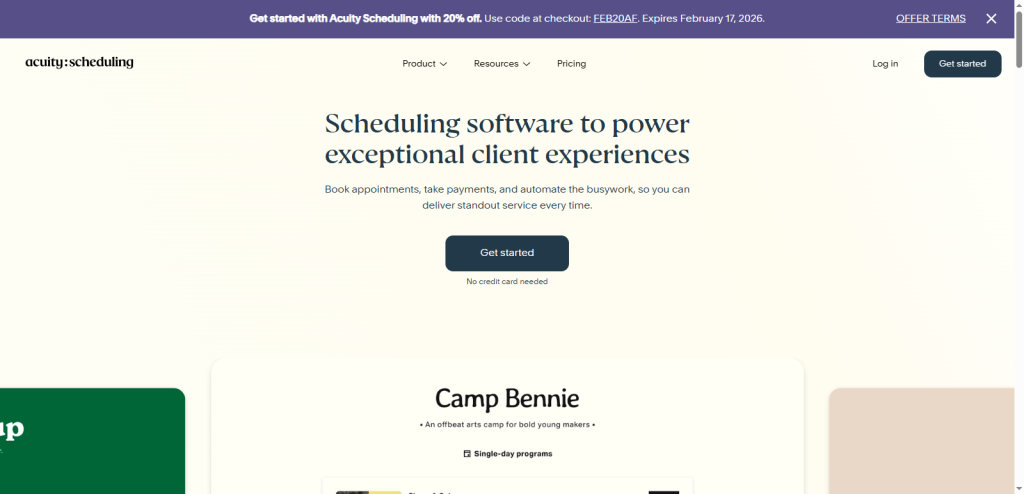
Acuity Scheduling is a powerful tool designed specifically for professionals who require more than just basic appointment booking. Unlike simpler schedulers, Acuity offers robust customization options, making it ideal for coaches, therapists, consultants, and fitness trainers who need to manage multiple appointment types, client intake forms, and payment options. Its versatility allows professionals to streamline scheduling workflows, reduce administrative overhead, and provide a seamless booking experience for clients.Key Features:
- Custom intake forms and questionnaires: Collect important client information upfront to tailor appointments effectively.
- Payments via Stripe, Square, or PayPal: Securely accept payments at the time of booking, reducing no-shows and ensuring commitment.
- Package and subscription support: Manage multi session packages, memberships, or recurring appointments easily.
- Time zone auto detection: Simplifies booking for remote clients and ensures no scheduling conflicts across regions.
Pros:
Acuity Scheduling is excellent for paid consultations, coaching sessions, therapy appointments, or fitness training. Its package and subscription features allow professionals to scale their services efficiently.
Cons:
To access advanced features like package management, SMS reminders, or multiple staff scheduling, higher-tier paid plans are required.
Pricing: Free tier available with limited functionality; paid plans start at $16/month.
Best For: Coaches, therapists, consultants, fitness trainers, or any professional who wants to provide a streamlined, client friendly scheduling experience while integrating payments and session management.
- Brevo Meetings

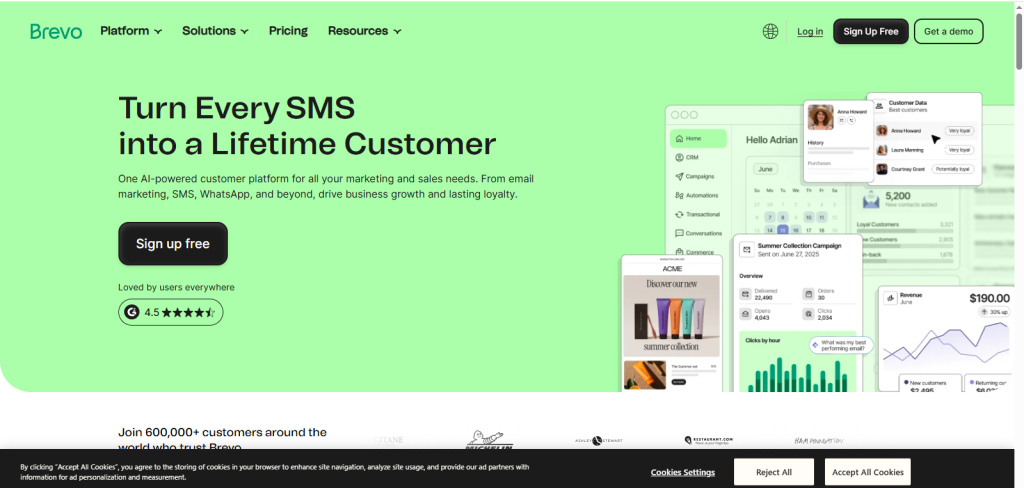
Why It’s Better:Brevo Meetings uniquely combines scheduling with email marketing, making it a smart choice for small businesses that want to manage client communications and appointments from a single platform. Unlike standalone schedulers, it integrates seamlessly with Brevo’s marketing tools, allowing you to follow up automatically, nurture leads, and reduce no shows, all without switching between multiple apps. This combination of scheduling and communication makes it ideal for marketing teams, small agencies, or client focused businesses.
Key Features:
- Integrated communication + scheduling: Manage appointments and emails in one place.
- Email notifications and follow-ups: Automated reminders keep clients engaged and reduce cancellations.
- Team calendar management: Assign appointments across team members easily.
- Basic automation workflows: Streamline recurring tasks and scheduling processes.
Pros:
Combines email marketing and scheduling, reducing app fatigue and streamlining workflows for small teams.
Cons:
Scheduling features are simpler than dedicated tools like Acuity or HubSpot, limiting advanced workflows.
Pricing: Free plan with limited functionality; paid plans start at $8/month.Best For: Small businesses, marketing teams, and client facing professionals who want an integrated scheduling + communication solution.
SimplyBook.me

Why It’s Better:SimplyBook.me is tailored for service based industries that require more than basic scheduling. Its advanced booking plugins, industry specific features, and customization options make it ideal for wellness centers, healthcare providers, and beauty businesses. Unlike general purpose tools, SimplyBook.me allows you to brand booking pages, manage staff and resources, and offer promotions or memberships, giving service businesses everything they need in one platform.
Key Features:
- Industry specific add ons: Memberships, coupons, and promotional offers for clients.
- Custom booking pages: Fully branded and mobile friendly for a professional appearance.
- SMS/email reminders: Automated notifications reduce no shows.
- Staff and resource allocation: Assign appointments efficiently across multiple staff or locations.
Pros:
Highly versatile for wellness, healthcare, and beauty sectors; supports advanced booking workflows and client management.
Cons:
Interface may feel complex initially, especially for beginners.
Pricing: Free for basic use; paid plans start at $11.9/month.
Best For: Salons, spas, clinics, and small service businesses needing a customizable, client-focused booking platform.
Setmore

Why It’s Better:Setmore is a team focused scheduling platform designed to simplify appointment management for small businesses and startups. Unlike individual centric tools, Setmore makes it easy to coordinate multiple staff calendars, manage group bookings, and integrate video meetings seamlessly. Its focus on teams and free unlimited appointments makes it an attractive choice for businesses just starting or those with tight budgets.
Key Features:
- Group calendars and multi staff scheduling: Assign appointments to staff efficiently and prevent double bookings.
- Zoom and Teleport integration: Schedule video calls directly within the platform without extra steps.
- Free plan with unlimited appointments: Ideal for small teams and businesses that need extensive functionality without cost.
- Email notifications and reminders: Reduce no shows with automated alerts for clients and staff.
Pros:
Excellent free tier with unlimited appointments and team focused features. Highly user friendly for small businesses.
Cons:
Lacks advanced automation and AI scheduling compared to competitors like Reclaim.ai or HubSpot.
Pricing: Free plan available; paid plans start at $5/month.
Best For: Small businesses, startups, and teams that need a simple, collaborative scheduler without breaking the budget.
Cal.com

Why It’s Better:Cal.com is an open source scheduling platform built for maximum flexibility and control. Unlike proprietary tools, it allows businesses to self host, fully customize their booking system, and maintain complete ownership of data. This makes it ideal for developers, SaaS companies, and privacy conscious teams who want a scalable, programmable scheduling solution.
Key Features:
- Self hosting options: Full control over data and infrastructure.
- Advanced booking rules and multi team support: Tailor availability, round robin assignment, and team workflows.
- Integrations via Zapier or native APIs: Connect with calendars, CRMs, and other software tools.
- Open source community support: Access a growing ecosystem of developers and plugins.
Pros:
Highly customizable, scalable, and secure; perfect for tech savvy teams.
Cons:
Requires technical setup and ongoing maintenance; may be challenging for non technical users.
Pricing: Free self hosted option; paid cloud plans start at $15/month.
Best For: Developers, SaaS companies, and organizations needing a fully flexible, privacy conscious scheduling solution.
Reclaim.ai

Why It’s Better:Reclaim.ai uses AI to optimize your schedule automatically, saving you hours of manual calendar management each week. Unlike traditional schedulers, it intelligently finds the best times for meetings based on priorities, deadlines, and focus time. This makes it ideal for productivity focused professionals and busy teams who want to maximize their time and minimize scheduling conflicts.
Key Features:
- Smart time blocking and prioritization: AI determines optimal slots for tasks and meetings.
- Integration with Google Calendar, Outlook, and Slack: Seamless workflow across your main productivity apps.
- Recurring meetings automation: Automatically schedules repeating meetings without manual input.
- Focus time management: Protects dedicated blocks for deep work or priority tasks.
Pros:
Saves significant time, reduces scheduling conflicts, and increases productivity.
Cons:
Higher price point for teams compared to simpler tools.
Pricing: Limited free plan; paid plans start at $10/month.
Best For: Professionals and teams focused on productivity, time optimization, and AI driven scheduling.
Appointy

Why It’s Better:
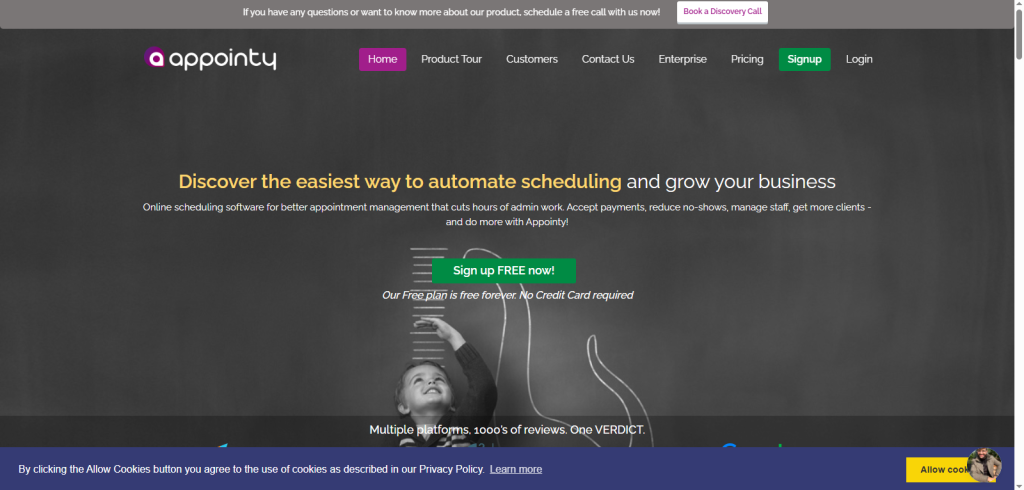
Appointy is designed for multi-location businesses and organizations that need robust staff and service management. Unlike basic scheduling tools, Appointy handles complex operations, allowing businesses to assign staff, manage multiple locations, and route appointments efficiently.Key Features:
- Staff scheduling and appointment routing: Assign clients to available staff automatically.
- Customer notifications via SMS and email: Reduce no shows with timely reminders.
- Multi location and multi-service support: Perfect for franchises or businesses with multiple offices.
- Integration with Google and Outlook: Keep all calendars in sync.
Pros:
Supports complex operations and franchises effectively.
Cons:
User interface feels outdated compared to newer platforms.
Pricing: Free basic plan; paid plans start at $19.99/month.
Best For: Multi location businesses, educational institutions, and franchises that need robust, organized scheduling.
SavvyCal
Why It’s Better:
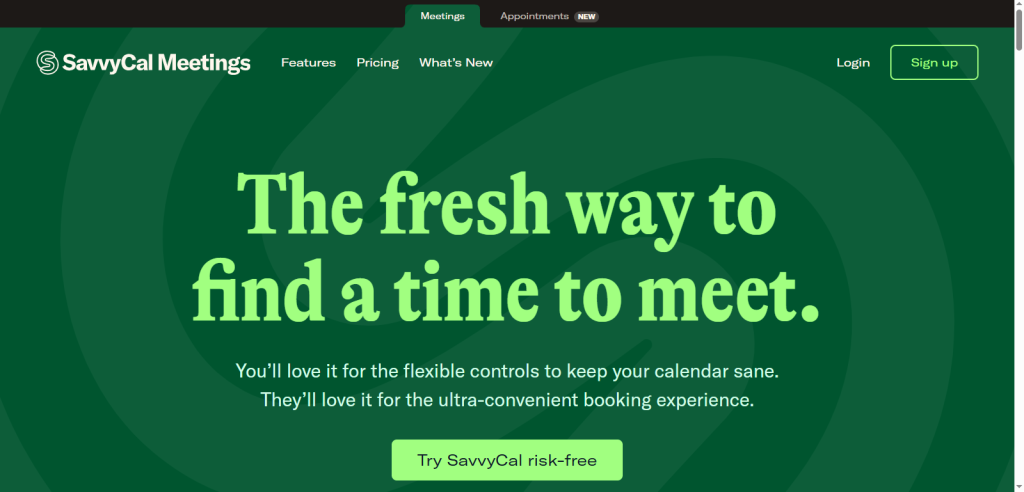
SavvyCal focuses on collaborative scheduling to eliminate the back and forth common with client meetings. Unlike traditional tools, it overlays calendars for invitees, allowing them to pick times that work best without conflicts, which saves time for both teams and clients.Key Features:
- Calendar overlay for invitees: Easy scheduling without repeated emails.
- Time zone auto detection: Automatically adjusts availability for global clients.
- Personalized availability sharing: Share only the time slots that suit you best.
- Integrations with Zoom, Google, and Outlook: Streamlines virtual meetings.
Pros:
Excellent for client facing professionals and freelancers, reducing scheduling friction.
Cons:
Less suitable for large enterprises or multi location teams.
Pricing: Paid plans start at $12/user/month.
Best For: Consultants, freelancers, and teams that frequently coordinate with clients or external partners.OnceHub

Why It’s Better:
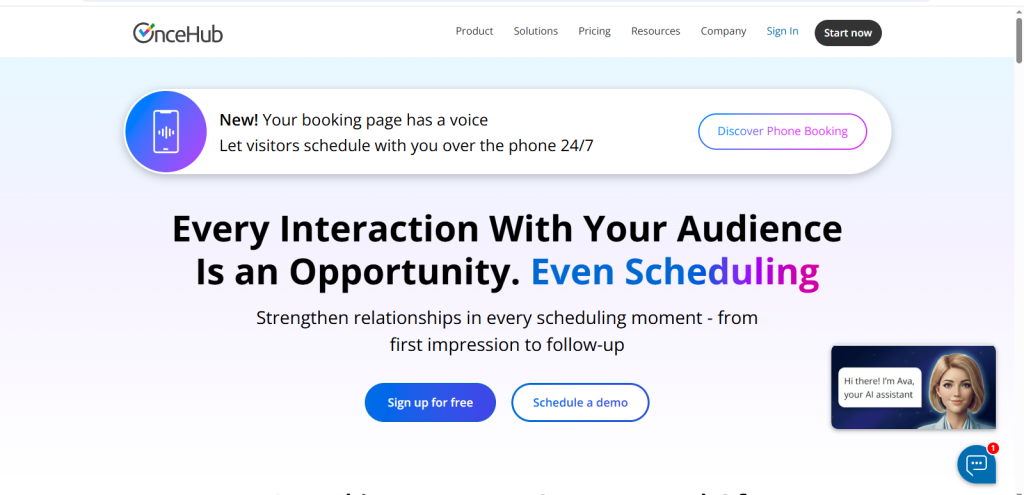
OnceHub is an enterprise grade scheduling solution built for complex workflows, sales teams, and large organizations. Unlike simpler tools, it offers advanced conditional logic, multi team routing, and deep CRM integrations, making it ideal for enterprises that need precise control over appointment distribution and lead management.Key Features:
- Conditional meeting logic and lead routing: Assign meetings based on rules, team availability, or sales stage.
- Multi-team scheduling support: Manage large teams with diverse responsibilities efficiently.
- Integration with Salesforce, HubSpot, and Zoom: Sync appointments with existing workflows and CRMs.
- Advanced analytics and reporting: Track meeting activity, team performance, and client engagement.
Pros:
Perfect for enterprise sales and marketing teams requiring complex scheduling workflows.
Cons:
Steep learning curve for beginners and smaller teams.
Pricing: No free plan; paid plans start at $10/month per user.
Best For: Enterprise sales, marketing teams, and organizations managing multi layered scheduling operations.
Trafft
Why It’s Better:
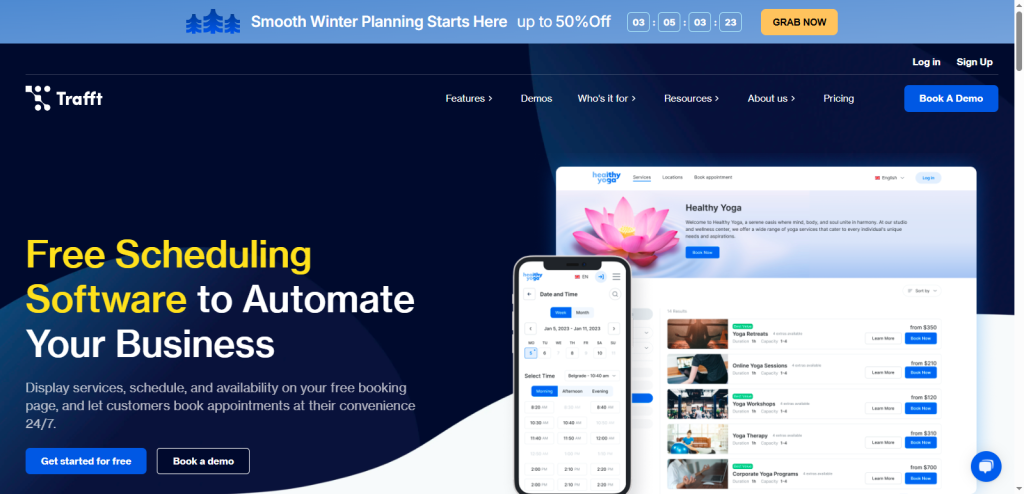
Trafft is designed for agencies and service teams that want automation first scheduling. Its white label booking pages and automated workflows make it easy to manage multiple staff and client appointments without constant manual oversight.Key Features:
- White label booking pages: Fully branded and professional.
- Automated confirmations and reminders: Reduces noshows.
- Multi staff scheduling: Assign appointments across teams efficiently.
- Payment integration: Accept payments directly during booking.
Pros:
Streamlines client management for agencies and service teams.
Cons:
Smaller ecosystem than some competitors; fewer integrations.
Pricing: Free plan available; paid plans from $15.9/month.
Best For: Agencies, service providers, and consultants managing multiple clients.
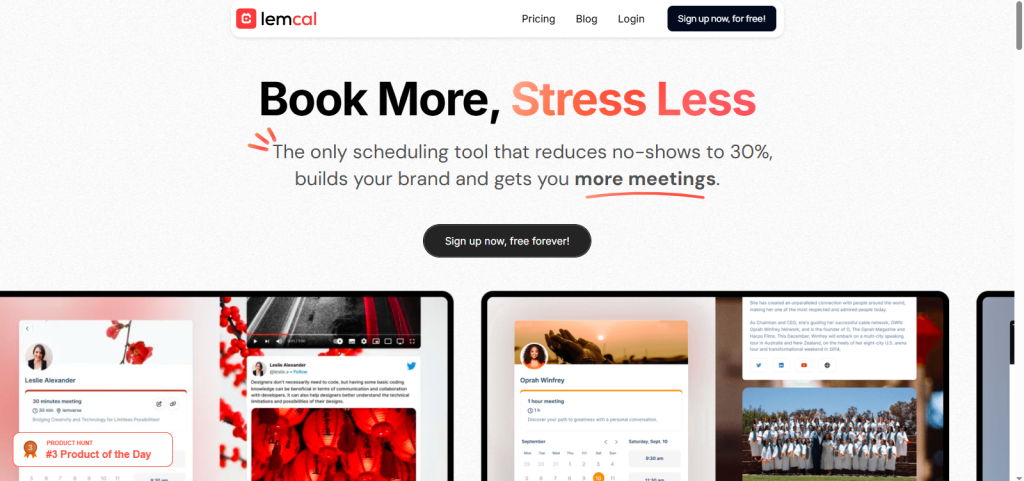
Lemcal
Why It’s Better:
Lemcal is a minimalist scheduling tool built for distraction free, fast bookings. Its simplicity makes it perfect for solo professionals who want an intuitive, no frills scheduler.Key Features:
- Lightweight UI: Focused on ease of use.
- Google Calendar sync: Keeps all appointments in one place.
- Customizable availability: Share only your preferred time slots.
- Simple meeting links: Quick and client-friendly.
Pros:
Extremely easy for solo professionals and small teams.
Cons:
Lacks advanced features, automation, and AI capabilities.
Pricing: Free plan available; paid plans from $9/month.
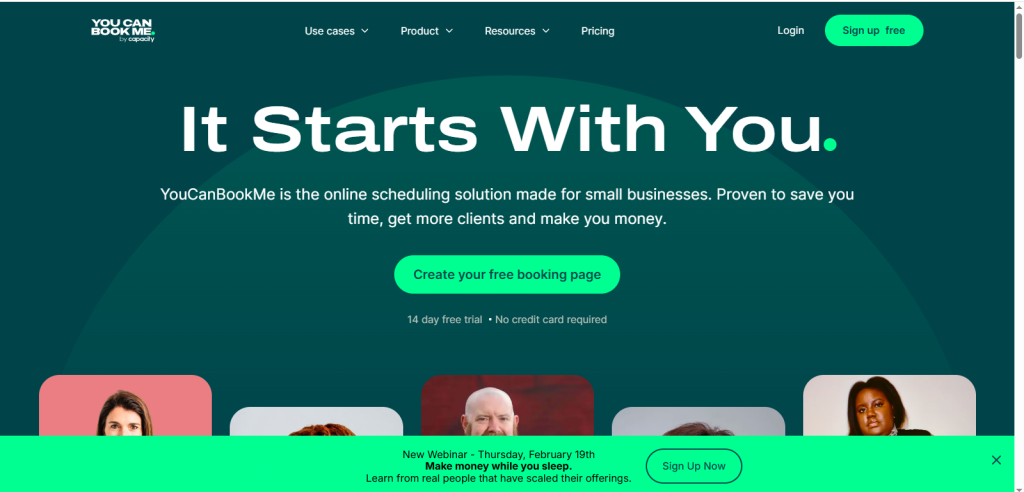
Best For: Freelancers, consultants, and small teams needing a simple, fast booking solution.YouCanBookMe
Why It’s Better:
YouCanBookMe provides advanced booking rules and form customization, making it ideal for teams that require structured workflows. Unlike simpler tools, it allows conditional forms, team calendars, and automated notifications, ensuring efficient scheduling for both staff and clients.Key Features:
- Conditional booking forms: Customize forms based on client responses.
- Automated notifications and reminders: Reduce missed appointments.
- Integration with Zoom, Google, and Outlook: Sync across major platforms.
- Multiple team calendars: Manage appointments for distributed teams.
Pros:
High flexibility for complex team workflows and scheduling rules.
Cons:
Interface is slightly outdated compared to newer tools.
Pricing: Free for basic use; paid plans start at $7/month.
Best For: Teams needing conditional workflows, automation, and advanced scheduling rules.
Featured Article: Best Semrush Alternatives in 2026 (Free & Paid SEO Tools Compared)
Calendly vs Alternatives: Which One Should You Choose?
Selecting the right scheduling tool isn’t just about features, it’s about matching the platform to your workflow, team size, and business goals. Let’s break it down so you can find the best fit for your situation.
Individuals vs Teams
For solo professionals, scheduling needs are often straightforward: quick setup, easy calendar links, and minimal overhead. Small teams, however, require collaboration features, shared calendars, and automated reminders. Large teams need advanced routing and analytics to stay organized and efficient.
- Solo professionals: SavvyCal, lemcal, or free tiers of HubSpot.
- Small teams: Zoho Bookings, Setmore.
- Large teams: OnceHub, HubSpot.
SMBs vs Enterprises
Your company size affects priorities when choosing a scheduling tool. Small-to-medium businesses often look for cost effective, easy-to-implement solutions. Enterprises need features that ensure compliance, complex workflow support, and full integration with existing systems.
- SMBs: Look for cost effective automation.
- Enterprises: Prioritize compliance, routing logic, CRM sync.
Sales vs Service Businesses
Different business models have unique scheduling needs. Sales teams require tools that integrate with CRM systems and manage lead routing efficiently. Service based businesses need intake forms, payment processing, and multi-session management.
- Sales teams: Need CRM integrations and lead routing.
- Service businesses: Need payments and intake forms.
Featured Article: Best Streaming Software for Beginners in 2026 (Easy & Free Options)
Conclusion
Scheduling tools have ceased to be merely a luxury in 2026; they become a business necessity that will facilitate efficiency and productivity in business. Although Calendly is a widespread and efficient tool, it cannot always be the right solution to fit any workflow, the size of the team, and the model of the business.
Many professionals and organizations are now exploring Calendly alternatives, including options that offer AI scheduling, team workflows, deeper CRM integration, and payment-enabled bookings. For those looking for Calendly alternatives, free or student-friendly tools, options like lemcal, SavvyCal, and the free tiers of HubSpot Meeting Scheduler provide excellent solutions.
Enterprise users often compare Microsoft Bookings vs Calendly to determine which platform fits their complex workflows. The worldwide scheduling software market is growing at a high rate due to the growing concerns of businesses in automation, smooth management of clients, and making internal workflows effective.
It is not only that in selecting the correct scheduling platform today one is selecting the means of booking a meeting, but rather maximizing time and minimizing errors, and making each interaction a profit generating interaction.
You have to test free plans, consider integrations carefully, and evaluate the way the platform fits into your everyday activities before committing. The correct decision does not make your working process change; it makes it better.
Scheduling is more than spending a couple of minutes; saving time by investing in a scheduling tool that matches your aspirations, you are setting your business up to operate efficiently in the long term, with more intelligent automation, and achieve growth in a very competitive environment.
Featured Article: Best Brand Mention Tools in 2026 (Monitor & Track Your Brand Online)