Going live for the first time can be intimidating. A misplaced location, a cluttered dashboard, and before long, streaming becomes more complex than it ought to be. In 2026, streaming software for beginners no longer requires technical skills, complex setups, or expensive gear. Streaming has never been as easy, quick, and user friendly as it is today, even with little to no technical knowledge whatsoever.
About 28.5 % of internet users watch live streams weekly, showing how deeply live content has integrated into everyday online behaviour. Current streaming solutions are designed to be used by non technical creators rather than by engineers.
Whether you’re planning to broadcast gaming, host live interviews, or start your first brand live show, we break down beginner-friendly, affordable, and straightforward to set up tools. You’ll learn what each tool does, how they compare, and which one fits your goals best so you can start streaming confidently, without feeling overwhelmed by tech.
What Is Streaming Software? (Beginner Friendly Explanation)
The software you should use to share audio and video with a live audience is online streaming software. It can be described as the connection between your camera, microphone, or screen and such platforms as YouTube, Twitch, Facebook, or LinkedIn. It takes whatever you have to say, shrinks it so it can be easily transmitted (encoding), and sends it live so that you can watch it instantly when it happens.
For beginners, streaming software can sound technical and intimidating, but many tools are designed to be simple and intuitive, requiring no advanced technical skills. Whether you’re recording a gaming session, hosting a live Q&A, teaching an online class, or broadcasting a podcast, streaming software makes it possible to go live with just a few clicks.
In simple terms:
- Capture: Grabs video from a webcam, camera, or screen.
- Encode: Converts raw video into a format that is suitable for streaming.
- Broadcast: Sends your live content online in real time.
How We Chose the Best Streaming Software for Beginners
We evaluate tools based on clear, beginner friendly criteria. Our focus is on software that’s easy to set up, intuitive to use, and well supported with tutorials or help resources. We also consider performance, essential features, and overall value, so beginners can start streaming without feeling overwhelmed or needing technical expertise. These help you choose the best streaming software with confidence and clarity:
- Ease of Setup: Simple on-boarding with minimal steps.
- User Interface: Clean dashboards and intuitive controls.
- Learning Curve: Software that doesn’t require tech expertise.
- Free Plan Availability: Tools that let beginners start with no cost.
- Tutorials & Support: Helpful guides, FAQs, and community resources.
Best Streaming Software for Beginners (Quick Comparison)
Choosing the right streaming software can be overwhelming for beginners. To simplify your decision, here’s a quick comparison of the top 15 streaming tools that are beginner friendly and offer affiliate programs (where applicable). The table highlights ease of use, platform compatibility, free plan availability, and which type of beginner it’s best suited for.
| Software | Best For Beginners | Platforms | Free Plan | Ease of Use (Beginner Rating) |
| Streamlabs OBS | All around streaming & alerts | Windows, macOS | Yes | ⭐⭐⭐⭐☆ |
| XSplit | Simple game & screen capture | Windows | Yes | ⭐⭐⭐⭐☆ |
| StreamYard | Browser based, quick setup | Web | Yes | ⭐⭐⭐⭐⭐ |
| Nvidia Shadowplay | Gaming streaming simplicity | Windows | Yes | ⭐⭐⭐⭐☆ |
| Restream | Multi platform streaming | Web | Yes | ⭐⭐⭐⭐☆ |
| RiversideFM | Remote interviews & podcasts | Web | Yes | ⭐⭐⭐⭐☆ |
| OneStream Live | Scheduled multistreaming | Web | Yes | ⭐⭐⭐⭐☆ |
| Evmux | Interactive audience engagement | Web | Yes | ⭐⭐⭐⭐☆ |
| Wave.video | Marketing & brand focused streams | Web | Yes | ⭐⭐⭐⭐☆ |
| Livestorm | Corporate webinars & events | Web | Free tier | ⭐⭐⭐⭐☆ |
Top 10 Streaming Software for Beginners (Detailed Reviews)
Whether you’re just starting or leveling up your streaming setup, this list breaks down the top beginner friendly options available today. Each review highlights key features, pros and cons, ease of use, and real world performance, so you can find the best software that matches your streaming goals without confusion.
Streamlabs OBS: Best Overall for Beginners

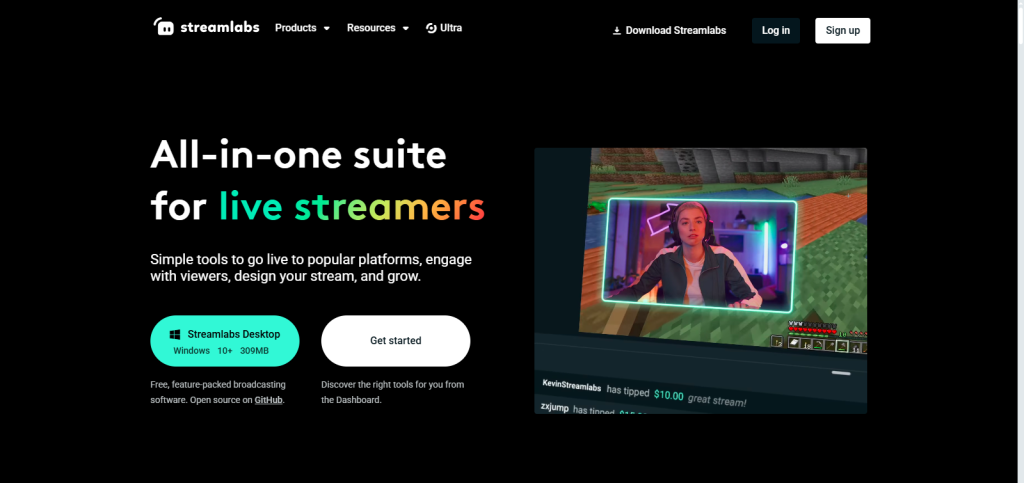
Streamlabs OBS builds on the power of OBS but removes much of the complexity that beginners struggle with. It offers a cleaner interface, ready to use themes, and built-in tools like alerts, donations, and chat widgets. This means new streamers can launch professional looking streams quickly without spending hours on setup, design, or technical configuration.
Key Features:
- Built‑in alerts and donations widgets
- Custom overlays and themes
- Multistream support to platforms like Twitch and YouTube
- Chat moderation tools
Pros:
- Great for community engagement
- Easy to set up
Cons:
- Can be resource heavy for low end PCs
- Some premium features require a paid plan
Pricing: Free tier + premium Streamlabs Ultra
Who Should Use It: Beginners who want a pro look quickly
XSplit: Best Free Option

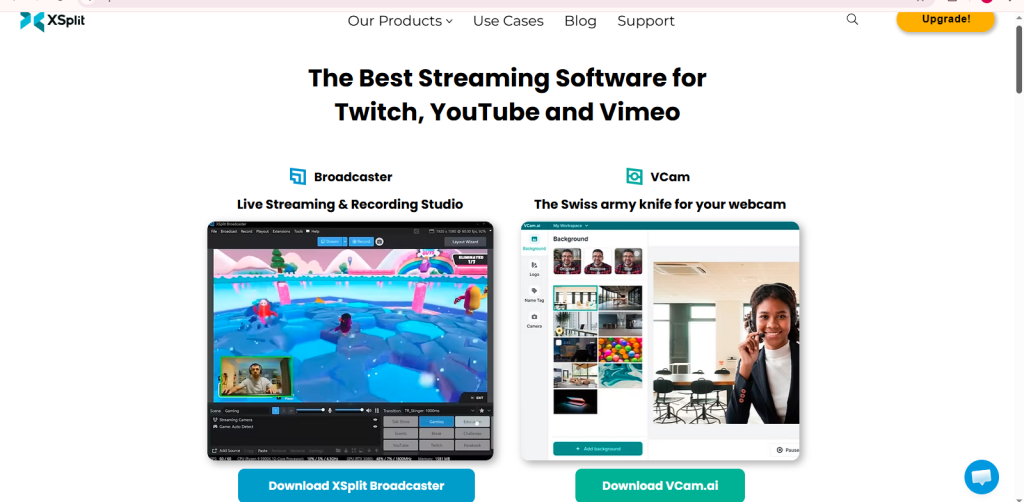
XSplit is a long standing, beginner friendly streaming solution with an intuitive UI and simple scene switching. XSplit is not a new program, and many new streamers have put their trust in it due to its uncluttered design and simple buttons. The interface is clear and easy to navigate, so switching between scenes, gameplay capturing, or sharing your screen does not puzzle. XSplit provides an uncluttered learning process to new users who would like to use reliable and convenient streaming software that can work immediately.Key Features:
- Easy scene and source management
- Game capture optimization
- Plugin support
Pros:
- Clean interface
- Great for gameplay and screen sharing
Cons:
- Full feature set behind subscription
Pricing: Free tier available
Who Should Use It: Beginners focused on gameplay streaming
StreamYard: Easiest Setup (Browser Based)

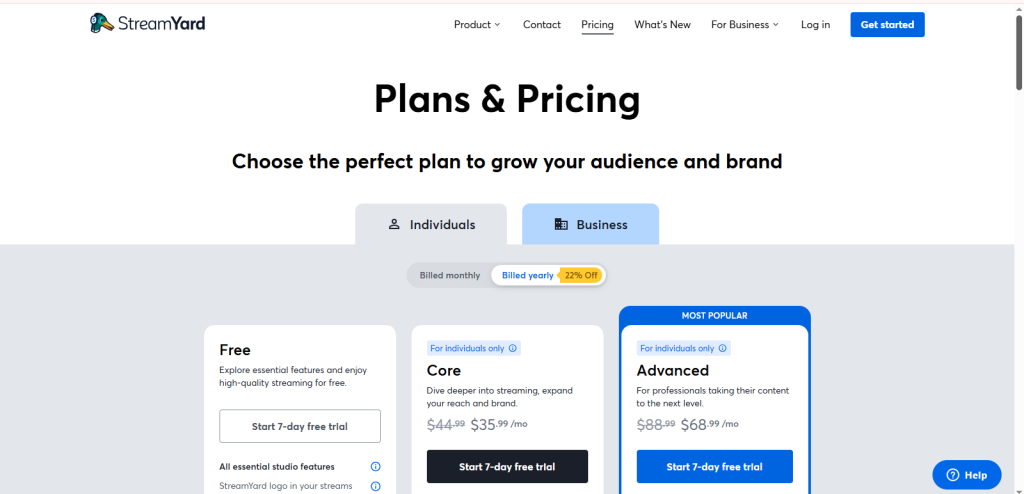
StreamYard runs entirely in a browser with no download necessary, making it one of the most accessible platforms for beginners. This renders it one of the simplest and best streaming software that a beginner can start with in the shortest time possible. Inviting guests, adding simple branding, and going live takes only minutes with just a link. It is best suited to the creators who desire a quick and stress free stream experience without technical configuration.Key Features:
- Browser streaming only
- Easy guest invites
- Multistreaming built in
- Custom branding & overlays
Pros:
- No installations
- Great for live shows and interviews
Cons:
- Limited advanced video control
Pricing: Free plan + paid tiers
Who Should Use It: Creators who want fast, remote streaming
Nvidia Shadowplay: Best for Gaming Beginners
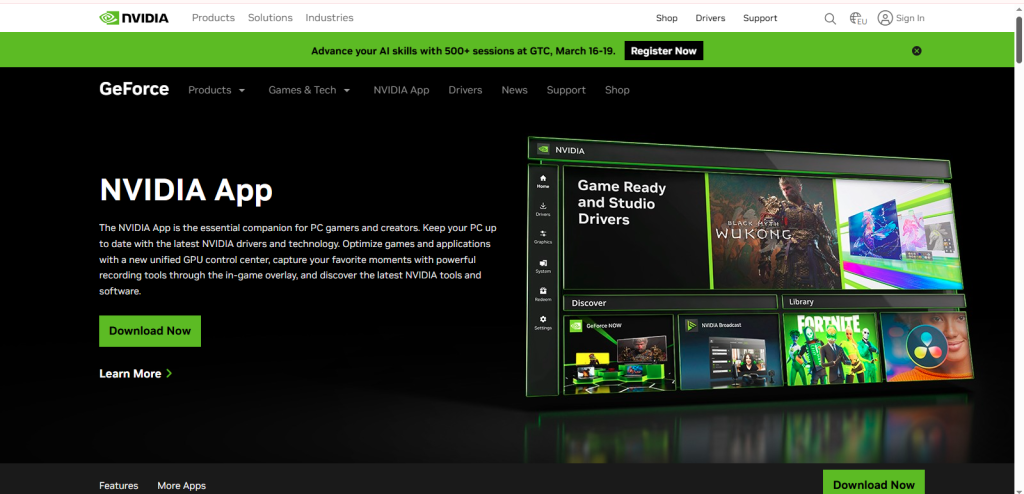
Nvidia Shadowplay is created with particular attention to gamers with Nvidia graphics cards. It enables you to stream or record gameplay with minimal effects on system performance and thus can help keep games running without problems. The configuration is minimalistic, and the majority of features are automatically configured to fulfill their role. Shadowplay can be a good option in this case, as it is easy and does not require any complicated gameplay streaming.
Key Features:
- Low impact streaming
- Instant replay & recording
- Overlay tools
Pros:
- Minimal CPU/GPU load
Cons:
- Limited non gaming features
Pricing: Free
Who Should Use It: Beginner gamers with Nvidia hardware
Restream: Best for Multistreaming

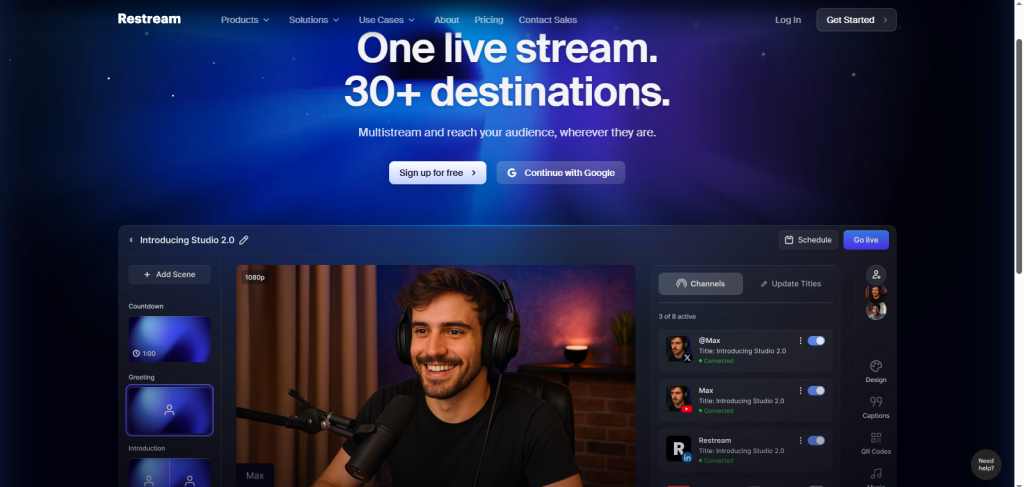
Restream makes multistreaming simple by letting you go live on multiple platforms at the same time from one dashboard. Instead of managing separate streams for YouTube, Facebook, or Twitch, beginners can reach a wider audience with minimal effort. The setup is quick, the interface is clean, and built in chat tools help you stay connected with viewers across platforms.Key Features:
- Multistream to 30+ platforms
- Unified chat
- Scheduling tools
Pros:
- Broad reach
- Easy analytics
Cons:
- Some features behind premium tiers
Pricing: Free + paid plans
Who Should Use It: Beginners spreading content across channels
RiversideFM: Best for Remote Guest Shows

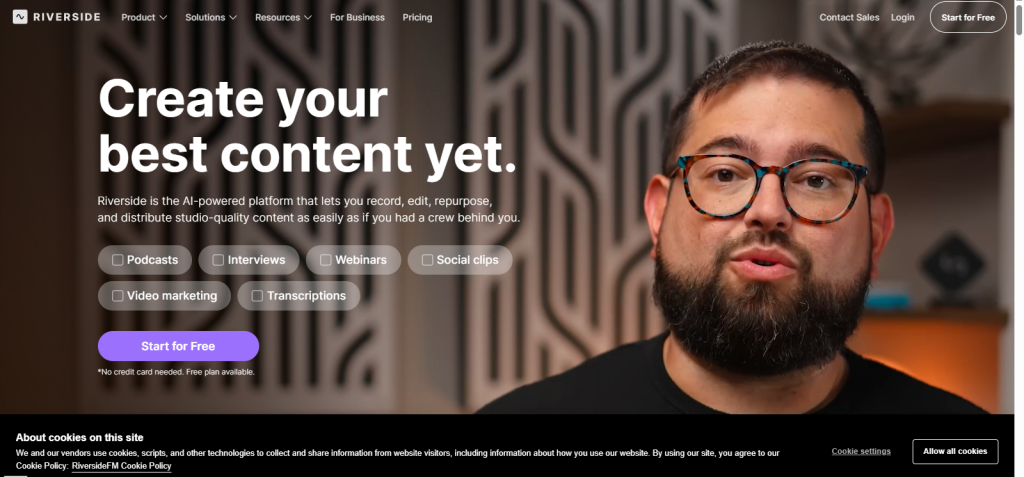
Riverside FM specializes in remote interviews and podcast recording while streaming, ideal for content creators focusing on guest‑based shows. It captures good quality audio and video on site per participant, even when streaming live without losing quality due to poor internet connection. The platform is simple to operate and can even be operated in a browser, which makes it a powerful option among beginners who have started professional looking guest streams.Key Features:
- High quality local recording
- Multistream support
- Speaker switching
Pros:
- Great for podcasts
Cons:
- Free trial only
Pricing: Free trial + paid plans
Who Should Use It: Interview & podcast beginners
OneStream Live: Best for Scheduled Streams

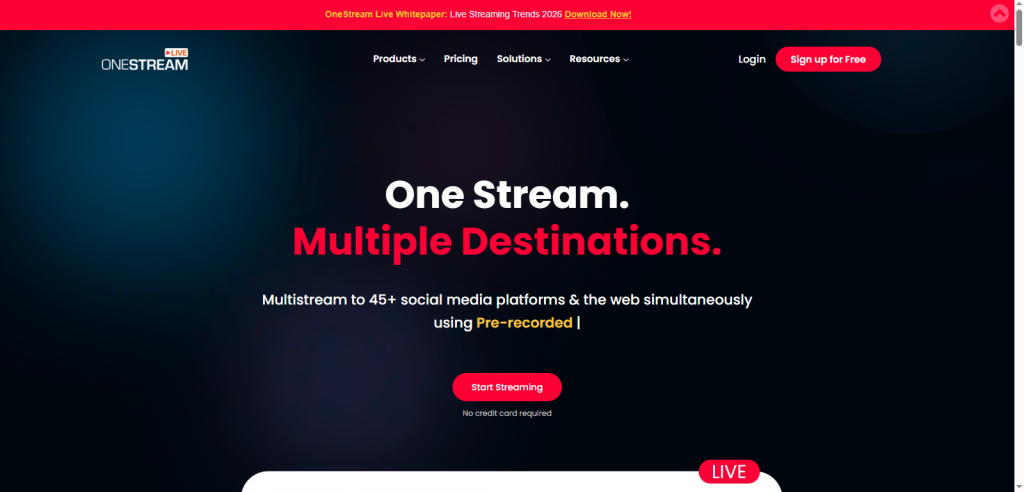
OneStream Live empowers beginners to schedule streams in advance and broadcast them simultaneously to multiple platforms. This makes planning content much easier, whether you’re hosting live shows, tutorials, or events. Its cloud based system handles streaming for you, so you don’t need technical expertise. Beginners can stay organized, maintain a consistent schedule, and reach a wider audience without juggling multiple tools or live sessions.
Key Features:
- Schedule streams in advance
- Multistream support
- Cloud based
Pros:
- Great planning tools
Cons:
- Limited editing inside the tool
Pricing: Free + paid plans
Who Should Use It: Organizers & event streamers
Evmux: Best Interactive Streams

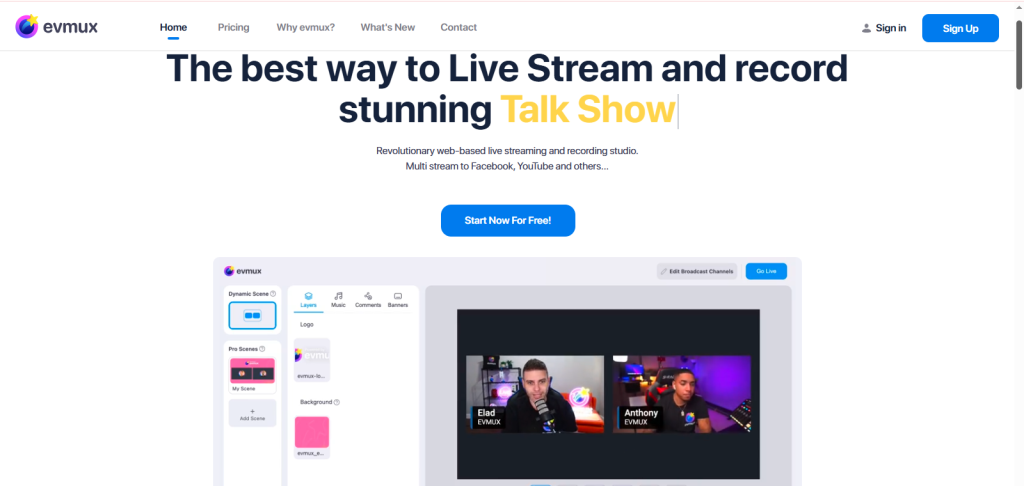
Evmux empowers beginners to create interactive streams with polls and viewer interaction features built in. With built-in features like live polls, Q&A, and real time viewer interaction, you can turn a passive audience into an active community. Its easy to use interface requires no technical skills, letting creators focus on content and engagement rather than complicated setups, making it ideal for interactive live shows and audience driven streams.Key Features:
- Interactive overlays
- Viewer engagement tools
- Multistreaming features
Pros:
- Engagement tools built in
Cons:
- Lesser known than mainstream tools
Pricing: Free + paid plans
Who Should Use It: Creators prioritizing interaction
Wave.video: Best for Marketing Content
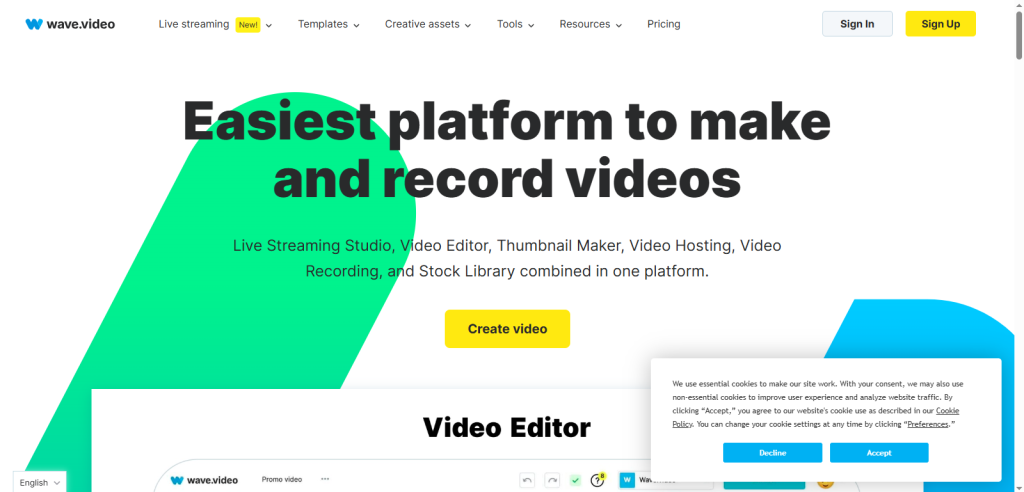
Wave.video blends live streaming with marketing‑focused tools like branding templates and analytics. It offers pre-designed templates, easy overlay customization, and built in analytics, so you can create professional looking streams while tracking performance. No technical skills are required, and the interface allows you to focus on content and audience engagement, helping beginners produce polished, marketing-ready streams with minimal effort. This software for streaming ensures that even beginners can create polished, online streaming software content while tracking engagement.Key Features:
- Branded templates
- Live & recorded streaming
- Simple editing tools
Pros:
- Marketing ready features
Cons:
- Not as robust as full studios
Pricing: Free + paid plans
Who Should Use It: Creators focused on audience growth.
Wave.video can also help with recorded content, but you may want a dedicated workflow when turning existing articles into videos. Our guide on how to turn a blog post into a video with AI explains the process step by step.
Livestorm: Best for Corporate/Webinars

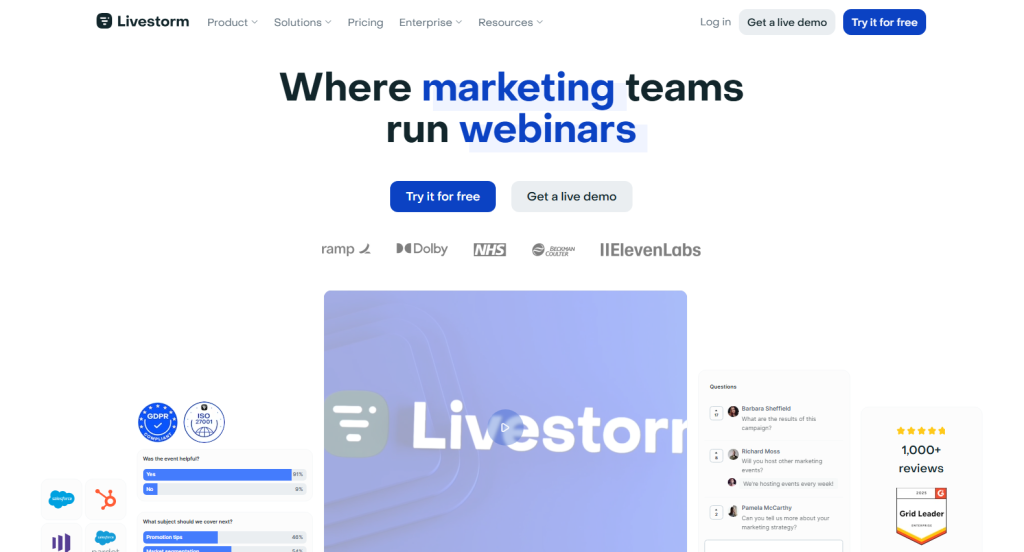
Livestorm is a webinar centric platform that simplifies professional streaming for product demos, team training, and virtual events. Perfect for product demos, team training, and virtual events, it combines simplicity with powerful features like Q&A, polls, and analytics. This software for streaming allows newcomers to host polished corporate webinars without technical skills, making it one of the best live streaming software options for businesses and professional content creators in 2026.
Key Features:
- Webinar tools
- Q&A & polls
- Analytics reports
Pros:
- Professional features built in
Cons:
- Paid plans are required for full tools
Pricing: Free + paid tiers
Who Should Use It: Business & corporate beginners
Livestorm is also useful for product demonstrations and business presentations. If you’re creating a demo to promote a product beyond a live webinar, see our guide on how to create product demo videos that convert on social media.
Free vs Paid Streaming Software for Beginners
Free streaming software is perfect if you’re just starting, experimenting, or on a budget. Tools like XSplit, StreamYard’s basic plan, and Restream’s free tier give you a solid start without paying. Paid plans become worth it when you want:
- Higher quality streams (1080p+).
- Branding and professional overlays.
- Built‑in monetization and advanced features.
OBS (Open Broadcaster Software), while free, comes with a steeper learning curve than browser based tools, but gives unmatched flexibility and power. Most beginners will find browser solutions like StreamYard or Restream faster to launch with, while free desktop options like Streamlabs let you scale up as you learn.
Streaming software handles the live broadcast, but you’ll need a video editor when you want to clean up recordings or create videos for social media. See our guide to the 7 Best AI Video Editing Software in 2026 to compare tools for different editing needs.
Conclusion
Through streaming, beginners now have more access to streaming than ever in 2026. It doesn’t matter how simple or tricky your browser-based streams are, or how many platforms you want to reach; there is a streaming tool that fits what you are capable of and what you can achieve. Streamlabs OBS is a powerful one stop solution for users who require a more proactive tool that allows them greater control, whereas StreamYard is hard to contest due to its simplicity and ease of use.
Restream provides creators with reliable performance, and Nvidia Shadowplay provides the quality of game streaming with a minimum lag to creators who are interested in addressing several audiences simultaneously.
It is a clever step to begin with a free online streaming software plan to satisfy your initial needs. When you have a larger channel, you will be able to upgrade to the paid tools to get more features and monetization opportunities. It is with the help of the right streaming software that you will find yourself in an ideal place to come up with a more professional, engaging, and interactive streaming experience in the year 2026.