Production of quality visuals does not involve the creation aspect of design, costly software, and time wastage. Nowadays, anyone can use text to image prompts to create beautiful images using AI image generators in a few seconds. These tools are transforming digital content creation and scaling regardless of whether you are a content creator, a marketer, or a business owner.
However, this is the issue here: dozens of AI image generators exist, and not all of them will be the same. Others are concerned with artistic quality, others with speed, and most of them vary regarding commercial use, prices, and convenience. Using the wrong tool may consume time, restrict creativity, or even cause a problem with licensing of your projects.
But the most common tools we tried and studied to present to you a clear, no fluff list of the 13 best AI image generators in 2026. As simple tools exist that allow free users to work with data, and more sophisticated tools exist that allow professional users to work with data, this guide will allow you to select the right tool depending on your needs, whether creating social media content, marketing visuals, or professional designs.
What Are AI Image Generators?
AI image generators are tools that convert text prompts into images using advanced machine learning models. In simple terms, you describe what you want, and the tool creates a visual based on your input. This makes it one of the fastest ways to produce graphics without needing design skills or expensive software.
These tools work in two main ways:
- Text → Image: You type something like “a futuristic city at sunset,” and the AI generates a completely new image.
- Image → Image: You upload an existing image and modify or enhance it using AI.
Unlike traditional tools like Adobe Photoshop, AI image generators automate the entire design process. You don’t need to draw, edit layers, or learn complex tools.
Who Uses Them?
- Designers → concept art and creative projects
- Marketers → ads, campaigns, product visuals
- Content creators → Instagram posts, thumbnails
- Businesses → branding, ecommerce images
Today, over 34 million AI generated images are created daily, showing how widely these tools are used. This is why choosing the best AI image generator is crucial if you want quality, speed, and reliability.
Best AI Image Generators: Quick Comparison
Tool | Best For | Image Quality | Styles | Free Plan | Commercial Use |
Midjourney | Artistic quality | ⭐⭐⭐⭐⭐ | Cinematic, Artistic | ❌ | Limited |
DALL·E | Prompt accuracy | ⭐⭐⭐⭐ | Realistic | ✅ | Yes |
Stable Diffusion | Customization | ⭐⭐⭐⭐⭐ | Flexible, Customizable | ✅ | Yes |
Leonardo AI | Game assets | ⭐⭐⭐⭐ | Gaming, Textures | ✅ | Yes |
Adobe Firefly | Commercial safety | ⭐⭐⭐⭐ | Professional, Clean | ✅ | Yes |
Ideogram | Text in images | ⭐⭐⭐ | Posters, Social Media | ✅ | Yes |
Playground AI | Free AI generator | ⭐⭐⭐ | General, Beginner | ✅ | Yes |
NightCafe | Artistic styles | ⭐⭐⭐⭐ | Painterly, Creative | ✅ | Limited |
Canva AI | Non designers | ⭐⭐⭐ | Templates, Social Media | ✅ | Yes |
Image + video bundle | ⭐⭐⭐⭐ | Art, Cartoon, Anime, Realistic | ✅ | Yes | |
Runway | Image + video | ⭐⭐⭐⭐ | Multi modal, Creative | ✅ | Yes |
Bing Image Creator | Free option | ⭐⭐⭐⭐ | General, Realistic | ✅ | Yes |
PixArt / Open Models | Custom training | ⭐⭐⭐⭐⭐ | Fully Customizable | ✅ | Depends on the license |
13 Best AI Image Generators in 2026 (In Depth Reviews)
Not all AI image generators are created equal. While some prioritize realism and precise prompt interpretation, others focus on speed, creative flexibility, or ease of use. Choosing the right AI tool can make the difference between a professional looking visual that engages your audience and a generic image that falls flat. For creators, marketers, and businesses, it’s not just about generating images, it’s about generating the right images efficiently and safely, especially if you plan to use them commercially.
Midjourney: Best Overall Image Quality

Midjourney is widely regarded as the gold standard for AI image generation due to its ability to produce cinematic visuals that look almost professional grade. Its outputs are detailed, creative, and adaptable across multiple artistic styles, making it ideal for designers and creators who want unique, high quality imagery. Unlike traditional design software, Midjourney uses AI to interpret text prompts and create visuals from scratch.Best for:
- Professional and amateur artists
- Graphic designers seeking inspiration or final assets
- Content creators looking for unique visuals for blogs, social media, or marketing campaigns
Key Features:
- Advanced control over styles, lighting, and textures
- Multiple rendering modes for different artistic effects
- Discord based workflow for collaboration and prompt sharing
- Regular updates with new AI models and features
Pros:
- Produces the highest visual quality among AI generators
- Offers creative flexibility and multiple styles
- Strong community support for learning and prompts
Cons:
- Slight learning curve for beginners unfamiliar with Discord
Pricing & Rights:
Paid plans start at $10/month; commercial rights are available depending on the subscription tier, making it suitable for professional use.
DALL·E: Best for Prompt Accuracy

DALL·E, developed by OpenAI, specializes in generating images that accurately match text prompts, making it a go to tool for marketers, bloggers, and content creators who need specific visuals quickly. The AI understands complex instructions, including style, composition, and context, which ensures outputs closely align with your idea. Its integration into the OpenAI ecosystem allows for smooth interaction with other tools like ChatGPT, providing a seamless workflow for content creation.Best for:
- Marketing professionals producing ad creatives
- Bloggers and content writers need images for articles
- Social media managers looking for visually accurate posts
Key Features:
- Converts text prompts into highly accurate images
- Supports image editing and variations of existing images
- Allows style adjustments for realism or artistic effect
- Part of OpenAI platform, integrating with other AI tools
Pros:
- Excellent prompt understanding and accuracy
- Easy to use interface with minimal learning curve
- Quick image generation suitable for high volume needs
Cons:
- Less artistic flexibility compared to Midjourney
- Free plan limits the number of prompts per month
Pricing & Rights:
Free credits available; paid plans start with PKR 8499/mo, unlock more generations, and allow for commercial use, making it suitable for businesses and professional projects.
Stable Diffusion: Best Open Source AI

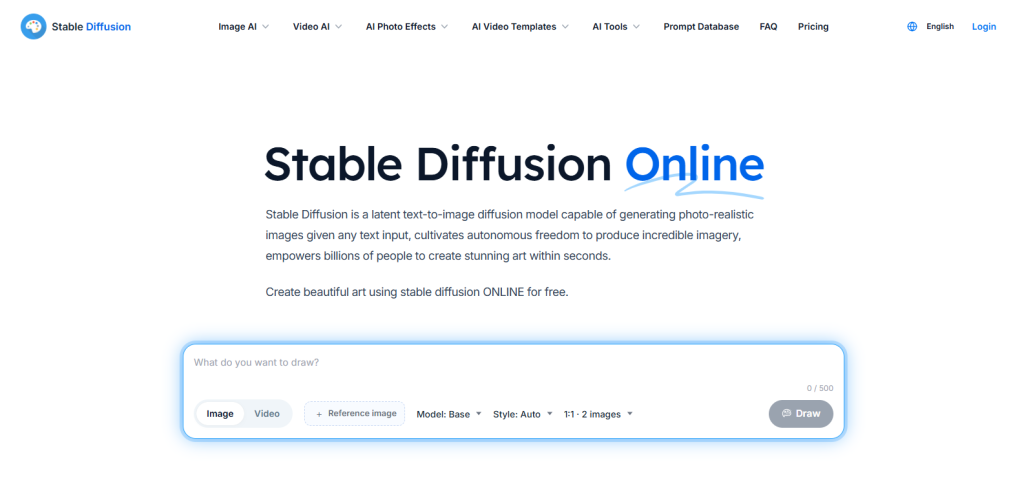
Stable Diffusion is one of the most versatile and powerful open source AI image generators available today. Unlike closed platforms, it allows users to fully customize models, tweak outputs, and even run the software locally, giving complete control over the generated images. Its flexibility has made it a favorite among developers, AI researchers, and artists who want total creative freedom. Stable Diffusion can generate anything from photorealistic images to highly stylized artwork, depending on your prompts and model settings.Best for:
- Developers and AI enthusiasts
- Professional artists and designers
- Users who want customizable, open source AI tools
Key Features:
- Supports text to image and image to image generation
- Ability to fine-tune and train models on custom datasets
- Can run locally or in the cloud, ideal for sensitive projects
- Wide community support with plugins and extensions
Pros:
- Fully customizable and open-source
- High quality outputs suitable for professional use
- Can be run offline for privacy
Cons:
- Steep learning curve for beginners
- Requires computing resources for best results
Pricing & Rights:
Free to use, with optional paid cloud hosting services starting with $10/mo; commercial use allowed depending on the model license.
Leonardo AI: Best for Game Assets

Leonardo AI is designed specifically for game developers and 3D artists, providing tools to generate high quality characters, textures, and environments. Its AI engine allows users to create game ready assets quickly while maintaining control over style and consistency. Unlike general purpose AI image generators, Leonardo AI focuses on gaming aesthetics and the usability of assets, making it ideal for both indie developers and professional studios.Best for:
- Game designers and developers
- 3D artists creating textures or character models
- Studios needing quick, consistent asset generation
Key Features:
- Generates characters, props, and environments optimized for game engines
- Style controls to match your game’s visual theme
- Supports batch creation for asset libraries
- AI assisted adjustments for textures and proportions
Pros:
- Specialized for gaming assets
- Fast output generation
- Strong customization and style controls
Cons:
- Less versatile for non gaming images
- Requires a paid subscription for full features.
Pricing & Rights:
Subscription-based, starting at $12/mo; all outputs can be used commercially in games, making it a reliable tool for professional developers.
Adobe Firefly: Best for Commercial Safety

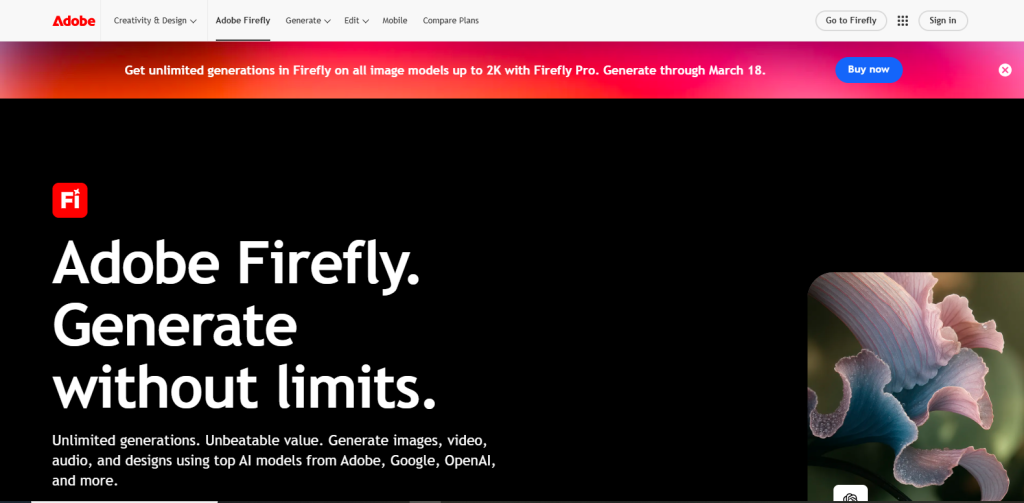
Adobe Firefly is a powerful AI image generator built by Adobe with a strong focus on commercial safety and ethical AI usage. Unlike many other tools, Firefly is trained on licensed and public domain data, making it a reliable choice for businesses that want to avoid copyright risks. It integrates seamlessly with Adobe’s ecosystem, including Photoshop and Illustrator, allowing users to generate and edit images within familiar workflows.Best for:
- Businesses and brands
- Marketers creating ad visuals
- Designers needing legally safe assets
Key Features:
- Text to image generation with commercial-safe outputs
- Integration with Adobe Creative Cloud
- Style presets for branding consistency
- Generative fill and editing tools
Pros:
- Safe for commercial use
- Trusted brand with reliable performance
- Easy integration with design tools
Cons:
- Limited creative flexibility compared to Midjourney
- Requires an Adobe account
Pricing & Rights:
Free plan available with credits; paid plans unlock more usage, starting with $9.99/mo. All outputs are safe for commercial use, making it ideal for professional projects.
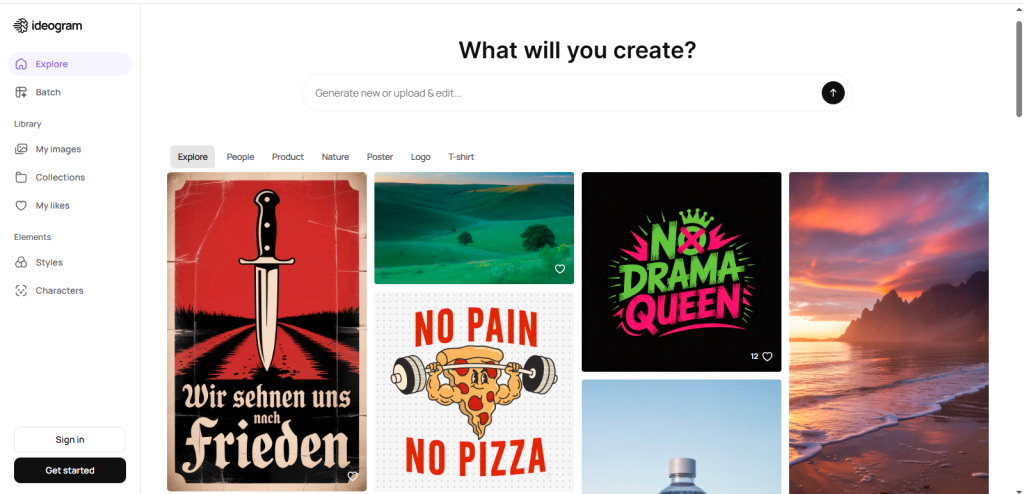
Ideogram: Best for Text in Images

Ideogram stands out as one of the few AI image generators that can accurately render text inside images, a task most AI tools struggle with. This makes it especially useful for creating posters, social media graphics, thumbnails, and branding visuals where text clarity matters. The platform is simple to use, making it accessible even for beginners who want quick, polished outputs without complex design steps.Best for:
- Social media creators
- Marketers designing ads or banners
- Educators and content creators
Key Features:
- Accurate text to image with readable typography
- Style customization for layouts and colors
- Fast generation for quick content creation
- Simple and clean interface
Pros:
- Best tool for text based visuals
- Easy to use with minimal learning curve
- Great for marketing and social media
Cons:
- Limited artistic depth compared to Midjourney
- Fewer advanced customization options
Pricing & Rights:
Offers free and paid plans starting at $15/mo. Most outputs can be used commercially, making it a practical choice for business and content use.
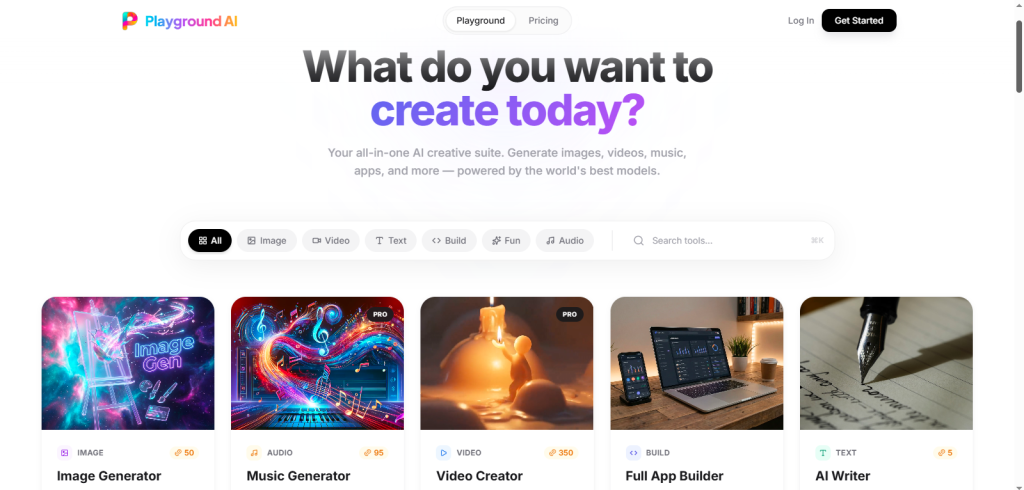
Playground AI: Best Free AI Image Generator
Playground AI is a beginner friendly AI image generator that provides free access to text to image creation with a simple interface. It’s designed for users who want to experiment with AI visuals without committing to a paid subscription. While it may not match the high end quality of premium tools, it delivers solid results for everyday use, like social media posts, blog images, and creative projects.Best for:
- Beginners and students
- Casual content creators
- Small businesses on a budget
Key Features:
- Free daily image generation credits
- Simple prompt based interface
- Multiple styles and filters
- Basic editing tools
Pros:
- Completely beginner friendly
- Free plan available
- Fast and easy to use
Cons:
- Lower image quality than premium tools
- Limited advanced features
Pricing & Rights:
Free plan with daily limits; paid plans unlock more usage starting at $9.99/mo. Images can be used commercially, making them a great entry level tool.
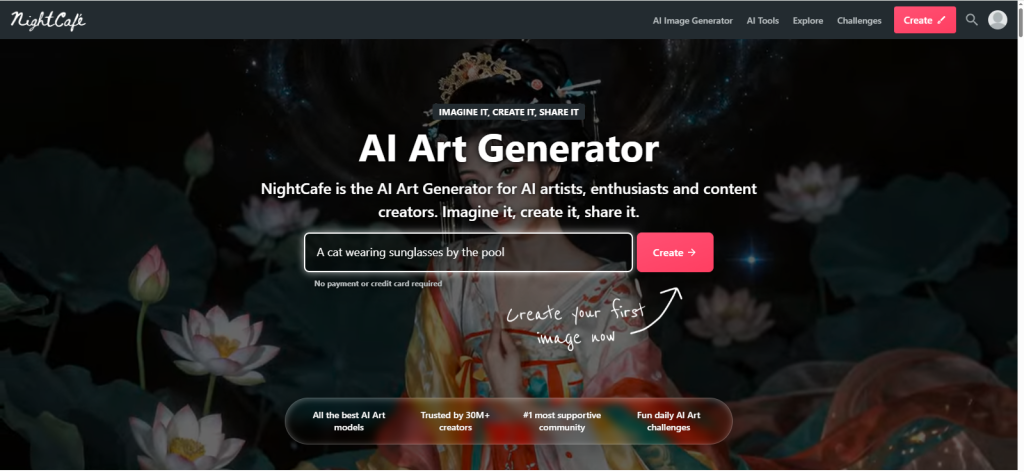
NightCafe: Best for Artistic Styles

NightCafe is a popular AI image generator designed for users who want to create highly artistic and visually expressive images. Unlike tools focused on realism, NightCafe emphasizes creativity, offering multiple art styles such as abstract, surreal, and painterly outputs. It also has a strong community driven platform, where users can share creations, explore prompts, and gain inspiration. This makes it ideal not just for generating images but also for learning and improving prompt writing skills.Best for:
- Artists and hobbyists
- Creative content creators
- Users exploring unique art styles
Key Features:
- Multiple AI models and artistic styles
- Community gallery for inspiration
- Daily free credits system
- Easy sharing and exporting
Pros:
- Excellent for creative and artistic visuals
- Strong community engagement
- Beginner friendly interface
Cons:
- Limited realism compared to advanced tools
- The free plan has usage limits
Pricing & Rights:
Offers free daily credits with optional paid plans starting with $7.49/mo. Commercial use is allowed on higher tier plans, making it suitable for creators who want artistic content with monetization potential.
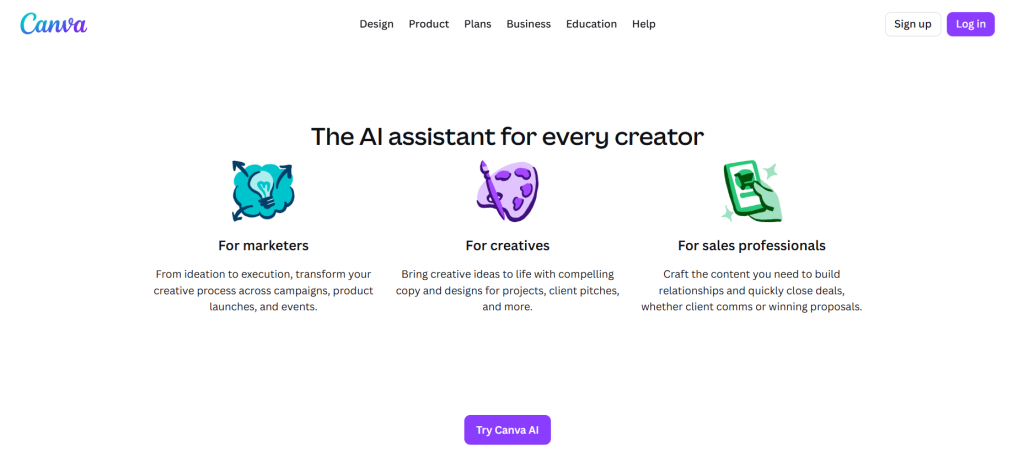
Canva AI: Best for Non Designers

Canva AI combines AI image generation with a drag and drop design platform, making it one of the easiest tools for beginners. Built by Canva, it allows users to generate visuals and instantly place them into social media posts, presentations, or marketing materials. This eliminates the need to switch between multiple tools, making content creation faster and more efficient.Best for:
- Non-designers and beginners
- Social media managers
- Small business owners
Key Features:
- Text to image generation inside Canva
- Ready made templates for quick design
- Easy editing and resizing tools
- Brand kit integration
Pros:
- Extremely easy to use
- All in one content creation tool
- Perfect for social media and marketing
Cons:
- Limited advanced customization
- Less control over artistic details
Pricing & Rights:
Free plan available; Pro version unlocks more features. Images can be used commercially, making them ideal for business and marketing use.
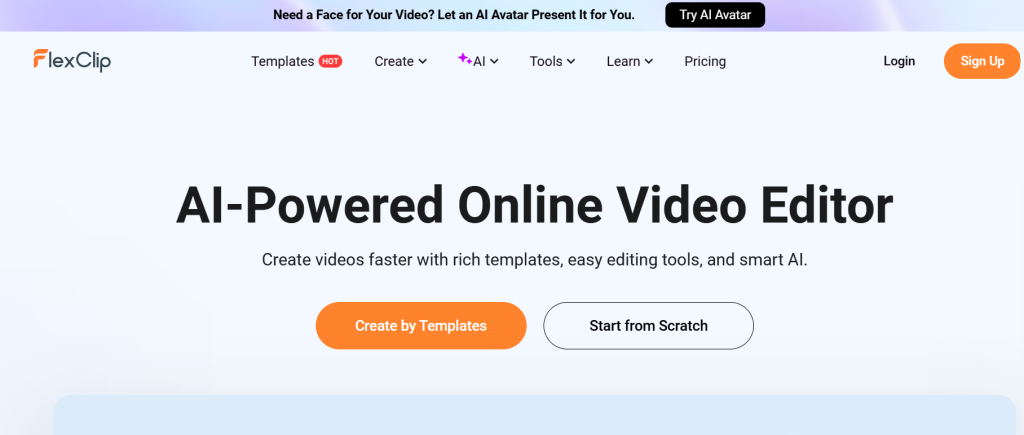
FlexClip: Best All-in-One for Image + Video Content

FlexClip stands out from single-purpose image generators by combining AI text-to-image and image-to-image generation with a full video editing suite in one browser-based platform. Instead of generating a visual and then exporting it elsewhere to turn into a reel, ad, or slideshow, you can create the image and animate it into finished video content without switching tools. This makes it a practical pick for creators who need visuals that don’t stop at a static PNG.
Best for:
- Marketers and social media managers who need images and video from one tool
- Small businesses producing product visuals and promo content
- Creators who want to turn AI-generated images directly into slideshows or videos
Key Features:
- AI text-to-image generator with multiple art styles (3D, cartoon, painting, realistic)
- AI image-to-image style transfer that preserves the original subject
- AI Group Photo Generator to merge people from separate photos into one shot
- AI Photo Editor with background replacement and object swap
- Built-in video editor to turn generated images into videos, slideshows, or social content
- 6,000+ templates and a massive royalty-free stock library
Pros:
- Rare combo of image generation and video editing in a single subscription
- No need to export/import between separate apps for image + video workflows
- Fast, beginner-friendly interface with no prompt complexity required
- Strong value if you already need video tools for the same content
Cons:
- Image quality and style range don’t match dedicated tools like Midjourney or Stable Diffusion
- Free plan is limited (watermark, 720p, capped project count)
- Better suited to marketing/content visuals than fine art or highly artistic work
Pricing & Rights:
Free plan available with limited exports; paid plans start at $11.99/mo (Plus) and $19.99/mo (Business), billed annually, including AI credits for image and video generation. Commercial use is allowed on paid plans. Get an exclusive FlexClip discount here.
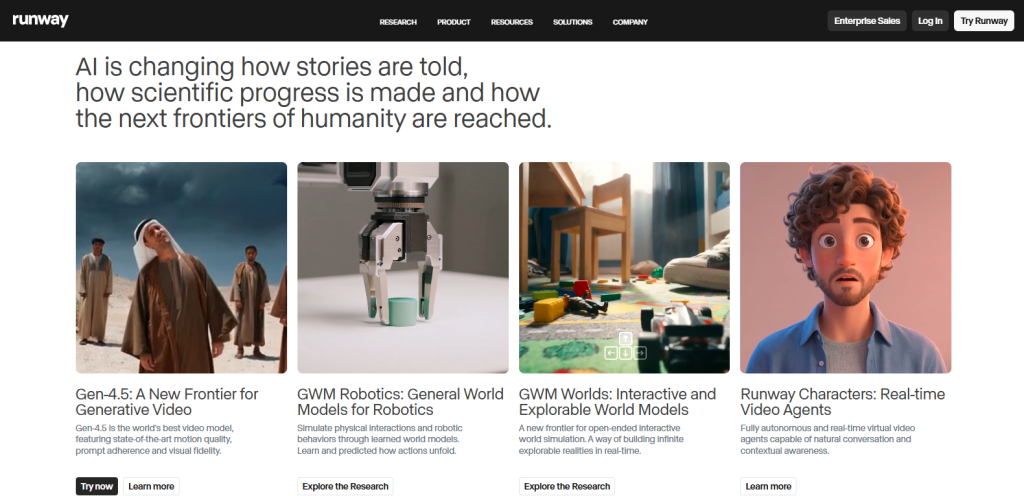
Runway: Best for Image + Video

Runway is a powerful AI platform that goes beyond images by combining image and video generation in one place. It’s widely used by creators who want to produce high quality visual content for YouTube, ads, and digital media. Runway’s AI tools allow users to generate images, edit videos, and even create animations, making it one of the most versatile platforms available. One of the best AI image editors.Best for:
- Content creators and YouTubers
- Digital marketers
- Video editors
Key Features:
- AI powered image and video generation
- Advanced editing tools
- Background removal and motion tracking
- Real time collaboration
Pros:
- Multi modal capabilities (image + video)
- Professional level tools
- Ideal for content production
Cons:
- Paid subscription required for full features
- Slight learning curve for beginners
Pricing & Rights:
Offers limited free access; paid plans unlock advanced tools starting with $12/mo. Outputs can be used commercially, making them suitable for professional creators and agencies.
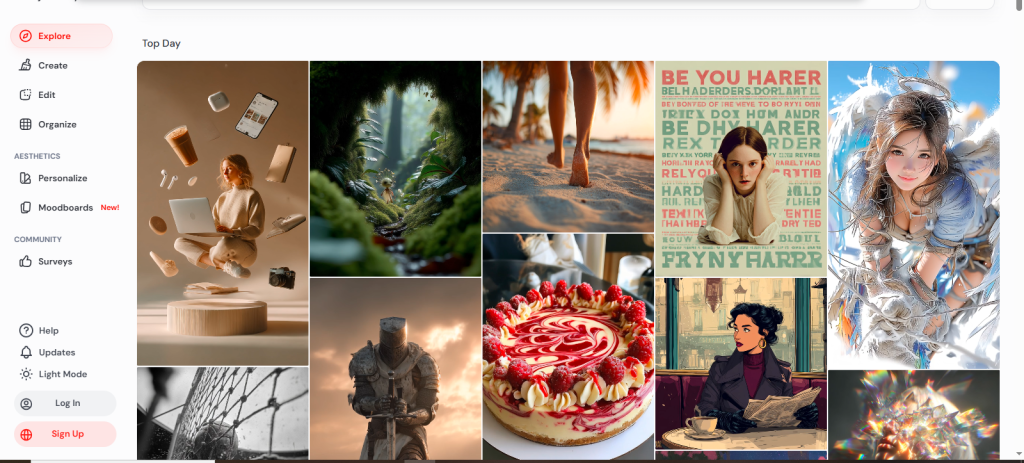
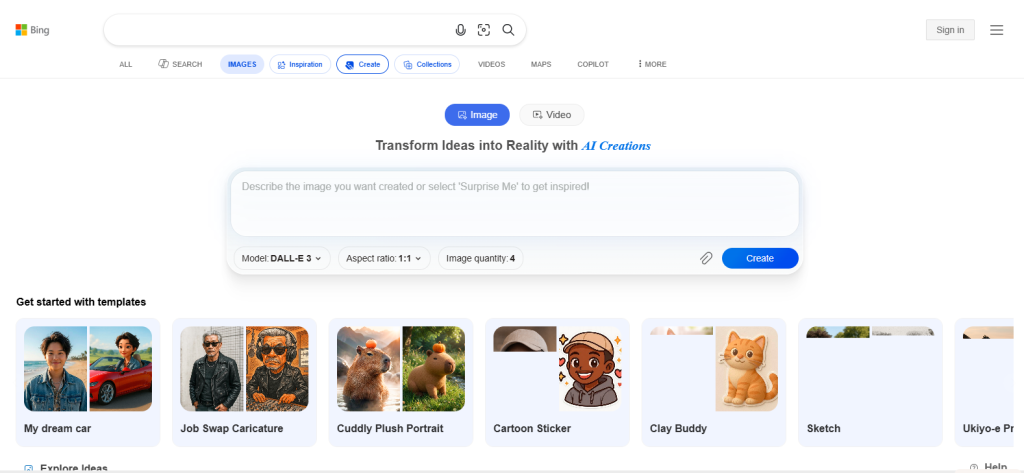
Bing Image Creator: Best Free Option

Bing Image Creator is a free AI image generator powered by advanced models from Microsoft. It allows users to quickly generate images from text prompts without needing any technical skills. Because it’s integrated into Bing and Microsoft tools, it’s easily accessible and widely used by beginners and casual creators.Best for:
- Beginners and casual users
- Bloggers and marketers
- Quick image generation needs
Key Features:
- Text to image generation
- Fast and simple interface
- Free access with usage limits
- Integration with the Microsoft ecosystem
Pros:
- Completely free to use
- Easy and fast image generation
- Reliable results for everyday use
Cons:
- Limited customization options
- Less control over artistic styles
Pricing & Rights:
Free for everyone with a Microsoft Account (MSA). Most images can be used commercially, making it a strong option for budget conscious creators.
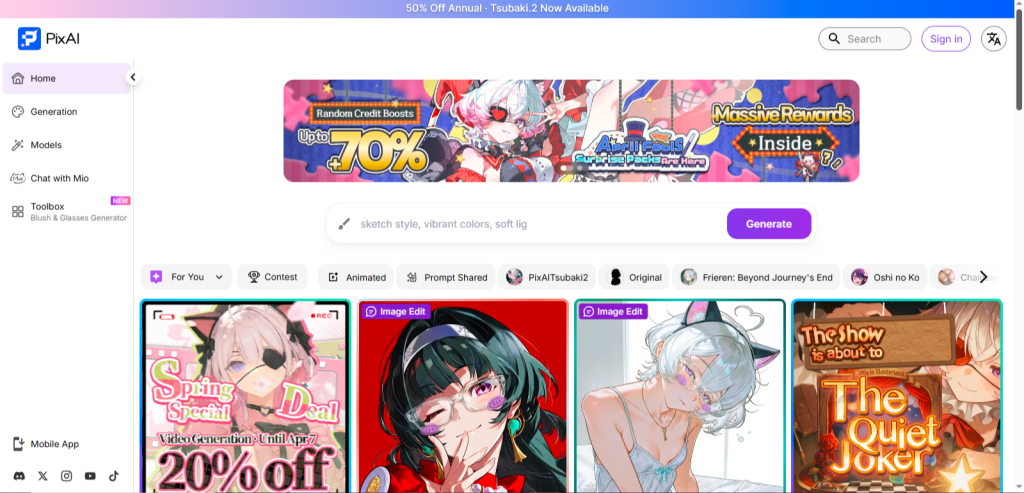
PixArt / Open Models: Best Custom Training
PixArt and other open AI models focus on advanced customization and model training, allowing users to generate highly specific and tailored visuals. These tools are ideal for professionals who want to train AI on their own datasets, creating consistent styles for branding, products, or creative projects. Unlike standard AI image generators, PixArt offers deeper control over how images are generated.Best for:
- AI developers and researchers
- Creative professionals
- Businesses needing custom visuals
Key Features:
- Custom model training
- Fine tuning for specific styles
- High quality image outputs
- Integration with AI workflows
Pros:
- Maximum control and customization
- Professional grade results
- Ideal for niche use cases
Cons:
- Requires technical knowledge
- Not beginner friendly
Pricing & Rights:
Mostly paid or self hosted solutions. Commercial use depends on how the model is trained and licensed, making it suitable for advanced users who need full control.
How AI Image Generators Work (Simple Explanation)
AI image generators use diffusion models to create images from noise. In simple terms, the AI starts with a blurry, random pattern and gradually turns it into a clear image based on your text prompt.
Simple Breakdown:
- You enter a prompt (e.g., “a sunset over mountains”)
- AI starts with random noise
- It refines the image step-by-step
- A final, detailed image is generated
Over 92% of AI tools use diffusion or similar models, making this the standard technology behind most modern generators.
Why This Matters:
- Better prompts = better images
- More detail in prompts = more control over results
- You can adjust styles, lighting, and composition
Understanding this helps you get more accurate and high quality outputs without trial and error.
How to Choose the Right AI Image Generator
Choosing among the right AI image generators depends on your specific goal, skill level, and usage needs. Not every tool is built for the same purpose, so instead of picking the most popular option, focus on what actually solves your problem.
- Output Quality
If your priority is high end visuals, go for tools like Midjourney that deliver cinematic and detailed images. For quick, decent-quality visuals, tools like Bing Image Creator work well. - Style Control
Advanced users who want full control over styles, lighting, and composition should choose Stable Diffusion. Beginners who prefer simplicity can rely on Canva. - Commercial Rights
If you’re creating content for business or clients, always choose tools with clear licensing. Adobe Firefly is one of the safest options for commercial use. - Budget
Free tools like Playground AI or Bing are great for starting. But if you need consistent, professional results, investing in premium tools like Midjourney is worth it. - Ease of Use
If you’re a beginner, choose tools with simple interfaces and templates. Advanced users can explore tools that offer deeper customization and control.