SHORT SUMMARY
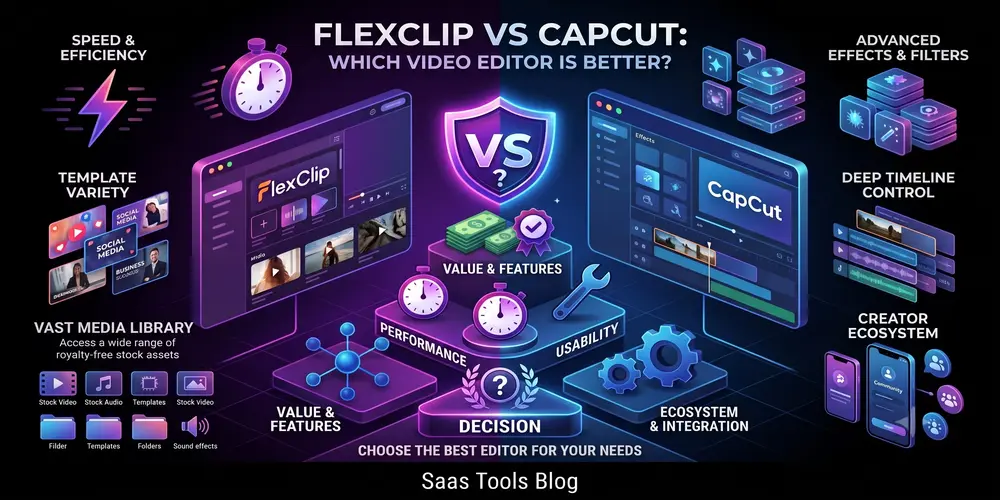
- FlexClip builds videos through templates and a storyboard, not a timeline
- FlexClip suits promo videos, training content, and marketing assets
- FlexClip includes AI text to video and text to speech for narrated content
- CapCut suits creators publishing regularly to TikTok, Reels, or YouTube Shorts
- CapCut gives tighter control through a full multi track timeline
- CapCut works across mobile, desktop, and browser, while FlexClip stays browser only
Pick based on what you’re actually making. If it’s business or marketing content, FlexClip gets you there faster. If it’s short form social clips, CapCut fits the workflow better.
What Is FlexClip
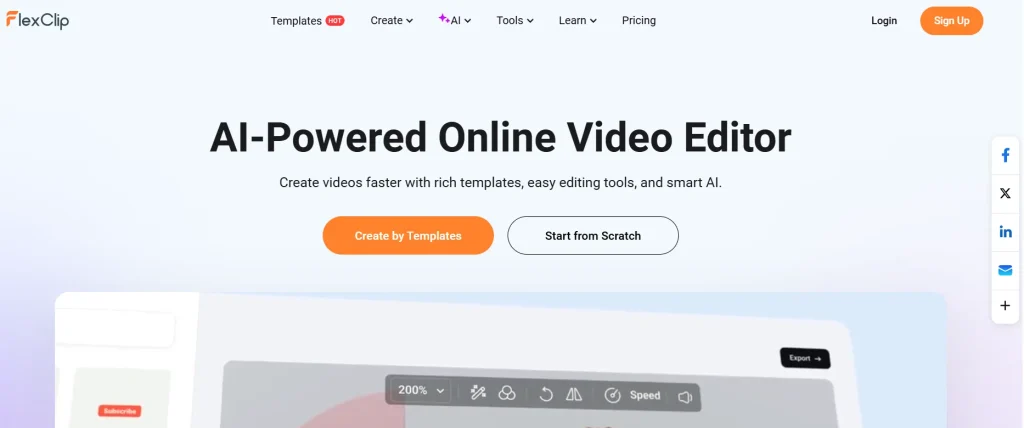
FlexClip is a cloud based video editor built by PearlMountain that lets users create videos directly in a web browser without installing software. The platform serves over 5 million registered users, according to PearlMountain’s own reporting. FlexClip organizes editing around templates and a storyboard layout instead of a multi track timeline. Users select a template, replace placeholder clips and text, then export the finished video.
FlexClip includes a royalty free media library, AI tools such as text to video generation and automatic subtitles, and three pricing tiers: Free, Plus, and Business. Marketers, small business owners, and real estate agents use FlexClip to produce promotional videos, training content, and property walkthroughs, and the Business plan adds cloud collaboration for teams.
What Is CapCut
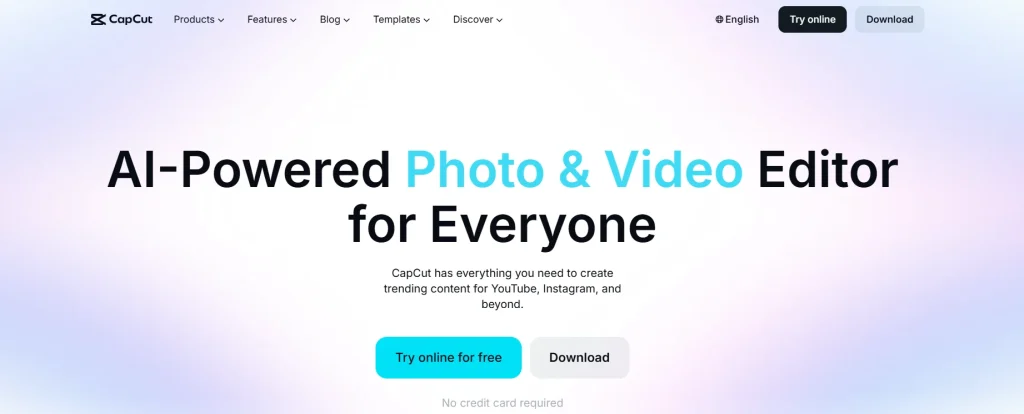
CapCut is a free video editing app developed by ByteDance that runs on mobile, desktop, and web browsers. The app has passed 1 billion downloads worldwide and uses a multi track timeline that supports layered clips, transitions, keyframe animation, and chroma key background removal. CapCut integrates directly with TikTok, giving creators immediate access to trending sounds, effects, and templates used across the platform.
CapCut includes AI features such as automatic captioning, background noise removal, and one click background removal, along with two pricing tiers: a free plan with a watermark and a 15 minute export cap, and a Pro subscription that removes both restrictions. Short form content creators, TikTok influencers, and social media marketers use CapCut to publish frequently across Instagram Reels, YouTube Shorts, and TikTok.
FlexClip vs CapCut at a Glance
FlexClip and CapCut differ across six core areas: platform access, editing workflow, target use case, stock library, pricing structure, and export limits. The table below compares both platforms side by side using their current 2026 offerings.
| Feature | FlexClip | CapCut |
| Primary Platform | Web browser only | Desktop, mobile, and web |
| Editing Workflow | Template and storyboard based | Multi track timeline |
| Best Suited For | Business promos, training videos, real estate walkthroughs | TikToks, Reels, and YouTube Shorts |
| Stock Library | Millions of royalty free videos, photos, and music tracks | Trending audio, social stickers, and effects |
| Free Plan Limits | 720p export, watermark, 10 minute cap | Watermark on select exports, 15 minute cap |
| Paid Plans | Plus and Business tiers | Pro tier only |
| AI Tools | Text to video, auto subtitle, text to speech | Auto captions, background removal, noise reduction |
Both platforms run AI features directly inside the editor, removing the need for separate transcription tools such as Otter.ai or Rev. The core difference comes down to workflow: FlexClip assembles videos from templates, while CapCut builds videos on a layered timeline.
Ease of Use and Editing Style
FlexClip and CapCut use two different editing structures: a template driven storyboard and a multi track timeline. This structural difference shapes how quickly each platform suits beginners versus experienced editors.
FlexClip’s Template and Storyboard Workflow
FlexClip arranges video creation around a storyboard, where each scene functions like a slide. Users pick from thousands of templates built for platforms such as YouTube, Instagram, TikTok, and Facebook. Each scene holds one clip, image, or text block, and users edit scenes individually rather than layering elements on a timeline.
This structure removes advanced tools such as keyframe animation, multi layer compositing, and precise clip trimming. The tradeoff favors speed over creative control. A user with no editing background can assemble a polished promo video in under 15 minutes using a template.
CapCut’s Timeline and Multi Track Editing
CapCut uses a multi track timeline that supports layered video, audio, and text elements. This layout resembles desktop editors such as Adobe Premiere Pro and DaVinci Resolve. Editors stack multiple clips, apply transitions between them, and adjust keyframes for precise motion control.
CapCut supports chroma key background removal, speed curve adjustments, and frame by frame trimming. This depth requires a longer learning curve than FlexClip’s template system. New users typically need several editing sessions before mastering multi track sequencing and layered effects.
AI Tools Compared
FlexClip and CapCut both build AI tools directly into their editors, but each platform focuses on different tasks. FlexClip prioritizes content generation, while CapCut prioritizes content enhancement for short form video.
Auto Captions and Subtitles
Both platforms generate captions automatically from spoken audio. FlexClip’s auto subtitle tool transcribes voiceovers and syncs text to the video in one pass. CapCut’s auto caption tool adds the same transcription, plus animated caption styles used across TikTok and Instagram Reels.
CapCut offers more caption styling options, including bounce, typewriter, and karaoke style animations. FlexClip’s captions stay static by default, which suits business and training videos better than social clips.
Text to Video and Script Tools
FlexClip converts written scripts into full videos using its AI text to video tool. Users paste a script, and FlexClip matches each sentence to stock footage, adds transitions, and generates scene timing automatically. This tool works best for explainer videos, product demos, and training content.
CapCut does not offer a script to video generator. CapCut’s AI tools focus on editing existing footage rather than generating new scenes from text. Creators who need script to video generation rely on FlexClip or dedicated tools such as Pictory or InVideo.
Voice and Avatar Features
FlexClip includes AI text to speech and AI avatar generation for narrated videos. Users type a script, select a voice, and FlexClip generates spoken narration without recording audio. The AI avatar tool adds a talking digital presenter to videos.
CapCut does not include AI avatar generation. CapCut’s audio tools focus on background noise removal and voice effects applied to recorded audio, not synthetic narration.
Pricing and Free Plan Limits in 2026
FlexClip and CapCut both offer free plans, but each restricts different features behind a paid subscription. FlexClip limits export quality and template access, while CapCut limits export length and adds a watermark.
FlexClip Pricing Breakdown
FlexClip offers four ways to pay: Free, Plus, Business, and pay as you go AI credits. The Free plan costs $0 and includes 720p exports with a watermark, capped at 10 minute videos. The Plus plan costs $11.99 per month and removes the watermark while unlocking 1080p exports and 3,600 AI credits per year. The Business plan costs $19.99 per month and adds 4K exports, the full stock library, and 12,000 AI credits per year.
| Plan | Price | Best For | What You Get |
| Free | $0 | Testing it out | 720p export, watermark, 10 minute videos |
| Plus | $11.99/mo | Solo creators and YouTubers | 1080p, no time limit, 3,600 AI credits per year |
| Business | $19.99/mo | Teams and agencies | 4K, full stock library, 12,000 AI credits per year |
| AI Credits | From $9.99 | Occasional AI use | No subscription, pay for credits only |
FlexClip periodically runs discount codes on the Plus and Business plans. Check the current FlexClip discount and coupon codes before subscribing to reduce the monthly cost.
CapCut Pricing Breakdown
CapCut offers two plans: Free and Pro. The Free plan costs $0 and includes a watermark on select export formats. The Pro plan costs $9.99 per month and removes the watermark while unlocking premium effects, fonts, and cloud storage.
| Plan | Monthly Cost | Key Unlock |
| Free | $0 | Core editing tools, watermark on some exports |
| Pro | $9.99 | No watermark, premium assets, cloud storage |
What You Actually Get on the Free Plans
Neither free plan supports unrestricted commercial use. FlexClip’s free plan caps exports at 720p, adds a watermark, and limits videos to 10 minutes. CapCut’s free plan caps video length at 15 minutes and applies a watermark to specific export formats such as GIFs and certain filters.
The 2026 Shift Toward Paid Features
Both platforms locked more free features behind paywalls in 2026. Casual users now hit limits faster than before.
CapCut moved three previously free features into CapCut Pro during 2026: trending auto caption styles, keyframe transitions, and premium fonts. Free users lose access to these unless they pay $9.99 monthly.
FlexClip lowered its free export resolution and restricted more templates. Getting a full HD, publish ready video now requires the $11.99 Plus plan.
Both platforms let you edit for free. You just end up paying once you want a clean, full quality export. Anyone posting content regularly should budget for a paid plan on either platform.
Stock Media and Templates
FlexClip and CapCut both include built-in stock libraries, but each targets different content types. FlexClip offers millions of royalty free videos, photos, and music tracks built for business use. CapCut offers a smaller library focused on trending audio, social stickers, and TikTok style effects.
FlexClip’s templates cover corporate needs such as promo videos, real estate walkthroughs, and training content. CapCut’s templates cover social formats such as TikTok trends, Reels transitions, and meme style captions. Each library matches its platform’s core audience.
Is CapCut Safe to Use
CapCut is safe for general editing use, but it collects user data under ByteDance’s ownership. ByteDance also owns TikTok, which faces ongoing scrutiny over data handling in the United States and other countries.
CapCut processes some AI features through cloud servers, which requires an internet connection and data transfer. Users concerned about data privacy can review CapCut’s privacy policy before uploading sensitive footage. No major security breach has been publicly linked to CapCut as of 2026.
Team Collaboration for Businesses and Marketers
FlexClip and CapCut both offer cloud collaboration, but only on their paid business tiers. Marketing teams need shared access to project files, brand assets, and export permissions across multiple users.
FlexClip’s Business plan lets teams save projects to shared folders and edit the same video from different devices. CapCut Pro includes similar cloud storage, though it targets individual creators more than structured teams.
Why FlexClip Fits Marketing Teams
FlexClip’s Business plan suits marketing teams that produce promo videos, training content, and campaign assets on a schedule. Team members access the same templates, brand colors, and stock library without duplicating work.
The storyboard workflow lets non editors on a marketing team build videos without learning a timeline. Teams that need consistent, on brand output benefit from FlexClip’s Business plan more than CapCut’s creator focused Pro tier.
Common Complaints From Real Users
FlexClip and CapCut users report different frustrations tied to each platform’s core limitations, based on reviews from G2 and Trustpilot.
FlexClip Pain Points
FlexClip users report slow export and rendering times, especially on longer videos. Some reviewers note that navigating away from the browser tab during export delays the process further. Auto subtitle syncing also appears inconsistent in several user reviews, requiring manual timing adjustments.
CapCut Pain Points
CapCut users report confusion over which features require a Pro subscription. Several reviewers describe features that worked on the free plan suddenly requiring payment after an update. This shift frustrates users who built workflows around free tools.
The desktop version offers fewer features than the mobile app, according to multiple reviews. Editors switching from mobile to desktop encounter missing effects and templates available only on phones.
Choose FlexClip If
Choose FlexClip for browser based editing, business templates, or marketing content built without a learning curve. FlexClip suits users who prioritize speed and consistency over advanced creative control.
- You need promo videos, training content, or real estate walkthroughs
- Your team edits from multiple devices without installing software
- You want AI script to video and text to speech built into the editor
- You prefer templates over building scenes on a timeline
Start building videos with FlexClip using the free plan before upgrading.
Choose CapCut If
Choose CapCut for short form social content published across TikTok, Reels, and YouTube Shorts. CapCut suits creators who need trending effects and precise timeline control.
- You publish content directly to TikTok, Instagram, or YouTube Shorts
- You need multi track editing with keyframes and chroma key
- You edit primarily on mobile and want desktop access as a backup
- You want access to trending audio and effects as they release
Final Verdict
Pick FlexClip for business and marketing videos. Pick CapCut for short clips on TikTok, Reels, or YouTube Shorts.
FlexClip skips the learning curve with templates and built in voiceovers, which suits small businesses and marketers well. CapCut’s timeline gives more control, but it takes longer to learn.
If your videos go beyond quick social clips, FlexClip is the easier pick. Try the free plan first, and use code FLEXCLIP10 at checkout for 10 percent off any annual Plus or Business plan.