SHORT SUMMARY
- See why FlexClip wins for business and marketing videos, and CapCut wins for free short-form social content, with 5 more tools covering distinct, specific jobs.
- Get a quick reference table comparing all 7 tools by platform, free tier limits, and starting price.
- Learn the difference between AI editors, AI generators, and AI repurposers, and which category each tool actually falls into.
- Find the right tool for your exact workflow, whether that’s podcast editing, professional color grading, or turning long videos into shorts.
- See real FlexClip user feedback from G2 and Trustpilot, including where it’s fastest and where it falls short.
There is no single best AI video editing software for everyone. FlexClip is best for quick business and marketing videos, CapCut is better for short-form social content, DaVinci Resolve is the strongest free professional editor, and Adobe Premiere Pro is better for advanced production work.
Choosing the right tool depends on what you want to create. Some editors help you clean up existing footage, while others generate videos from text or turn long videos into short clips.
What Is an AI Video Editor?
An AI video editor uses automated tools to make video editing faster. It can help with tasks such as cutting footage, creating captions, improving audio, removing backgrounds, or building a video from text.
Not every tool works the same way. Some edit videos you already have, some create new footage, and others turn long videos into short clips.
| Type | What It Does | Example |
| AI Video Editor | Helps edit existing footage faster | FlexClip, CapCut |
| AI Video Generator | Creates new video from text or images | Runway |
| AI Video Repurposer | Turns long videos into short clips | OpusClip |
Knowing the difference makes it easier to choose the right tool for your project.
How We Evaluated These AI Video Editors
We compared these tools based on ease of use, free plan limits, export quality, pricing, and what each tool is best suited for.
We also considered information from official product pages and user reviews on platforms such as G2, Capterra, and Trustpilot. The goal is not to find one winner for every type of video, but to identify the tool that fits each common use case best.
7 Best AI Video Editing Software in 2026
FlexClip: Best for Business and Marketing Videos

Best for: Marketers, small businesses, and creators who want to make professional-looking videos quickly.
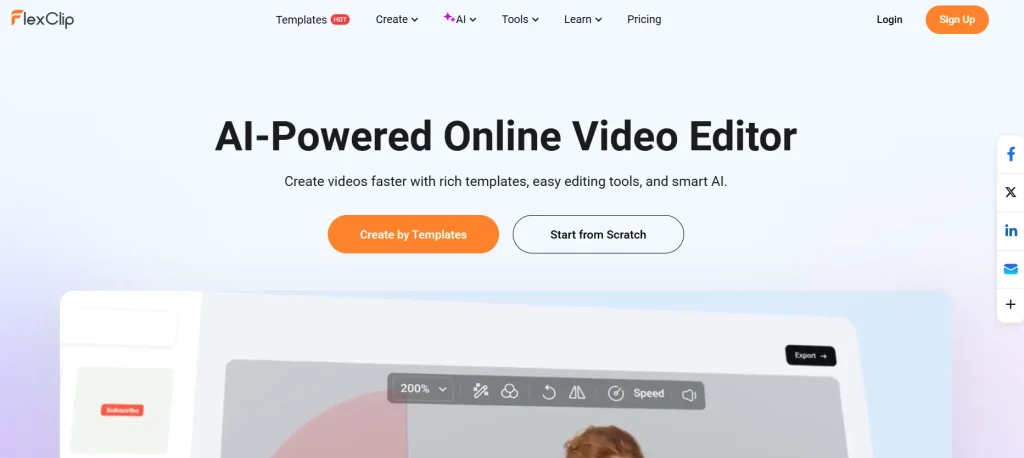
FlexClip is a browser-based video editor that focuses on simple editing and ready-made templates. You can start with a template, add your own content, and make changes without learning a complicated timeline.
One of its most useful features is text and blog-to-video creation. You can provide a script or blog URL and use it to create a video draft with matching footage and transitions.
The free plan includes 720p exports and a watermark. Paid plans start at $11.99/month, while the Business plan costs $19.99/month based on the pricing listed for this article.
Why choose FlexClip: It is a strong choice when speed and simplicity matter more than advanced professional editing.
CapCut: Best for Short Form Social Videos

Best for: TikTok, Instagram Reels, YouTube Shorts, and other short-form content.
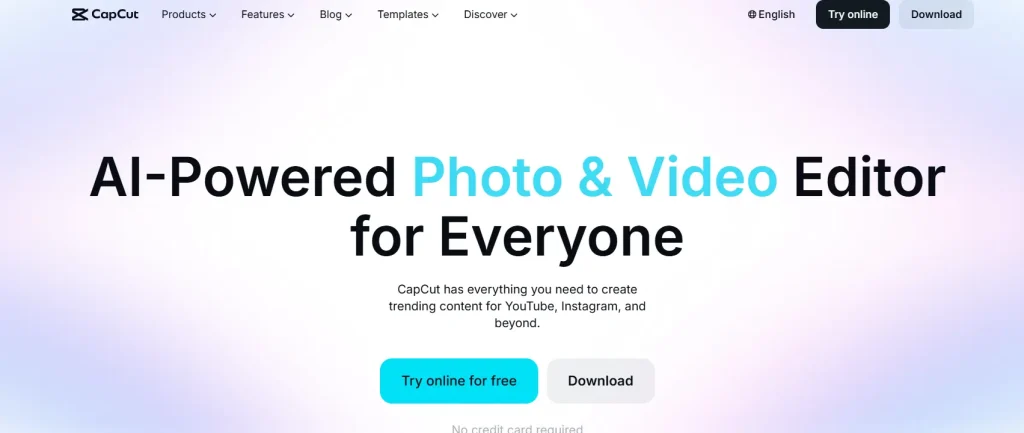
CapCut gives creators more control than a basic template editor. Its timeline lets you work with multiple layers, transitions, effects, and precise cuts.
That makes it a better fit for creators who publish social content regularly and want more control over each part of the video.
The free version is useful for getting started, while the Pro plan starts at around $9.99/month according to the pricing listed in this comparison.
Why choose CapCut: Pick it when short-form social content and detailed editing control are your main priorities.
Descript: Best for Podcasts and Talking Head Videos

Best for: Podcasts, interviews, tutorials, and videos where spoken content is the main focus.
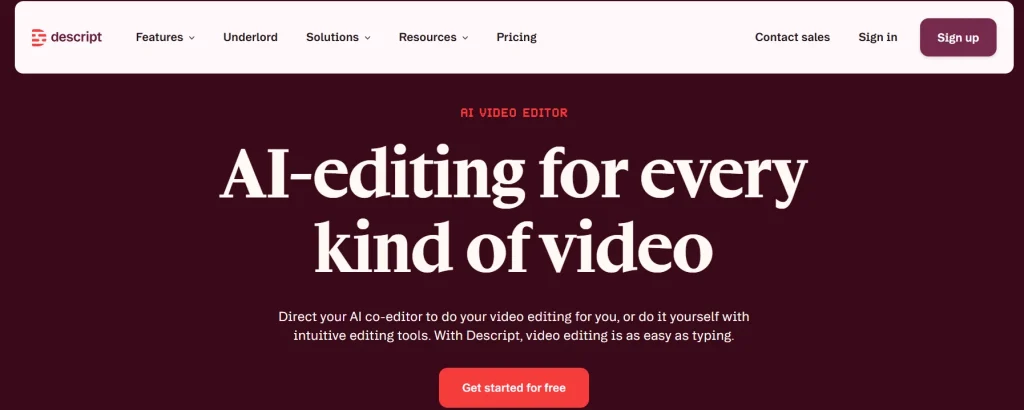
Descript takes a different approach to editing. It creates a transcript of your video, and you can edit the video by changing the text.
For example, deleting a sentence from the transcript also removes the matching section of the video. This can save time when editing interviews, podcasts, and talking-head content.
Descript also includes tools for cleaning up audio and correcting spoken mistakes. Its paid plans start at $16/month when billed annually based on the pricing used in this comparison.
Why choose Descript: It is a good option when most of your editing involves spoken content rather than complex visuals.
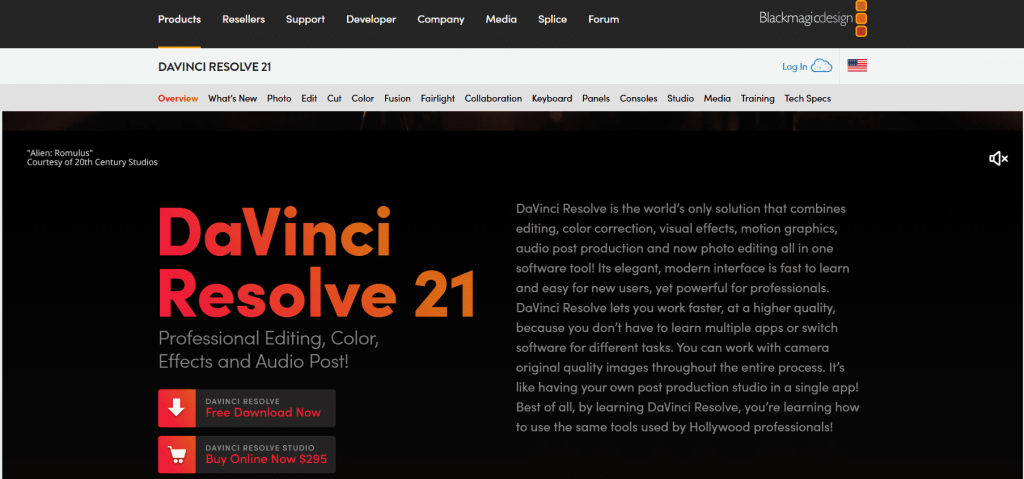
DaVinci Resolve: Best Free Professional Video Editor

Best for: Creators who want professional editing tools without paying a monthly subscription.
DaVinci Resolve is one of the strongest choices for serious video editing. Its free version includes advanced editing, color correction, audio tools, and visual effects.
It also includes features such as Magic Mask and Voice Isolation that can speed up common editing tasks.
The biggest drawback is its learning curve. Beginners may need more time to understand the interface, especially when working on larger projects.
The main version is free, while DaVinci Resolve Studio costs $295 as a one-time purchase according to the pricing listed in this article.
Why choose DaVinci Resolve: Choose it if professional editing and color control matter more than ease of use.
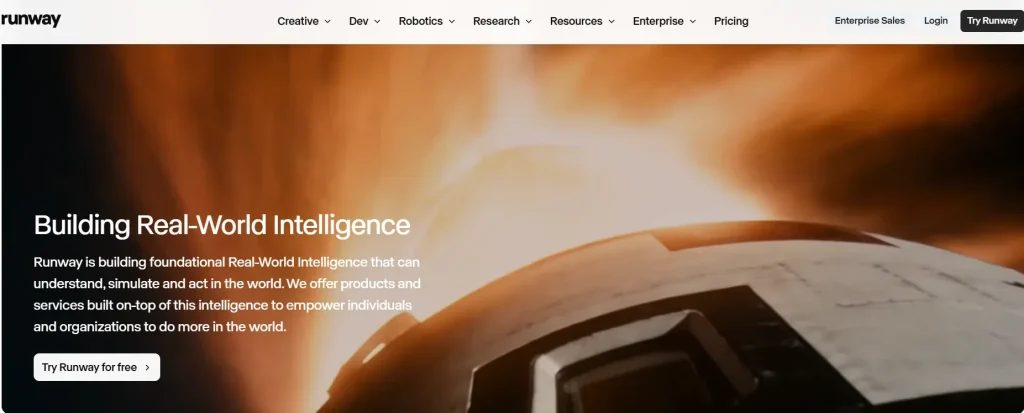
Runway: Best for Generating Video

Best for: Creators who need to create new video footage rather than simply edit existing clips.
Runway works differently from traditional video editors. You can use text or images to create new video content instead of starting with footage you have already recorded.
It can also help with tasks such as background removal, image animation, and changes to existing footage.
The free plan includes limited credits, while paid plans start at $12/month when billed annually based on the pricing used in this comparison.
Why choose Runway: It is better suited to creators who need generated visuals for ads, concepts, creative projects, or other content.
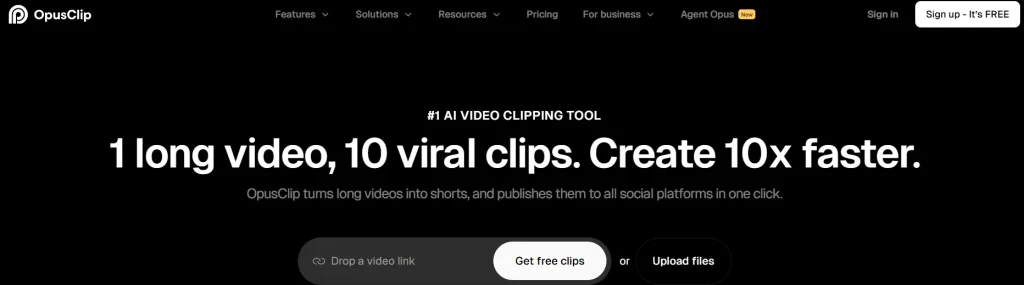
OpusClip: Best for Turning Long Videos Into Shorts

Best for: Creators who want to turn podcasts, interviews, webinars, or YouTube videos into short clips.
OpusClip takes a long video and identifies sections that can work as shorter social clips. It can also add captions and prepare clips for platforms such as YouTube Shorts, TikTok, and Instagram.
This makes it useful for content repurposing. Instead of manually watching an hour-long recording and finding clips yourself, you can use the tool to speed up that process.
The free plan has monthly limits and a watermark. Paid plans start at $15/month according to the pricing listed in this comparison.
Why choose OpusClip: Choose it when you already have long-form content and want to create several short videos from it.
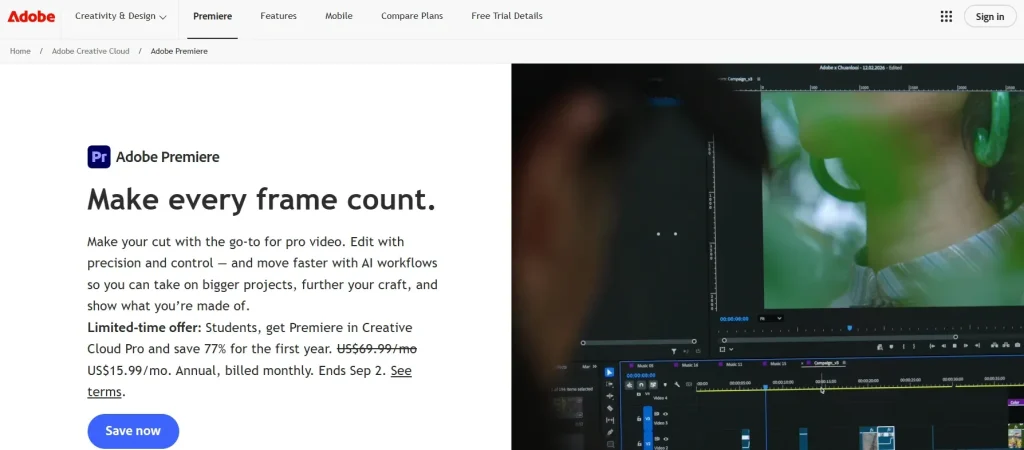
Adobe Premiere Pro: Best for Professional Video Production

Best for: Professional editors, agencies, filmmakers, and high-production-value projects.
Adobe Premiere Pro offers detailed timeline editing and works well with other Adobe applications. It is designed for users who need precise control over video, audio, effects, and project structure.
Its automated tools can help with captions, reframing, and other editing tasks, but Premiere Pro still requires more editing knowledge than beginner-focused platforms.
The individual plan costs $22.99/month based on the pricing used in this comparison.
Why choose Premiere Pro: Choose it when you need professional editing control and an established production workflow.
AI Video Editors Compared at a Glance
| Tool | Best For | AI Features | Platform | Free Plan | Starting Price |
| FlexClip | Business and marketing videos | Text-to-video, captions, automated video creation | Browser | Yes | $11.99/mo |
| CapCut | Short-form social content | Captions, effects, editing tools | Desktop, mobile, browser | Yes | $9.99/mo |
| Descript | Podcasts and interviews | Transcript editing, voice and audio tools | Desktop, browser | Yes | $16/mo |
| DaVinci Resolve | Professional editing | Magic Mask, Voice Isolation | Mac, Windows, Linux | Yes | Free |
| Runway | Video generation | Text-to-video and image-to-video | Browser | Yes | $12/mo |
| OpusClip | Long videos to shorts | Automatic clip selection and captions | Browser, iOS | Yes | $15/mo |
| Adobe Premiere Pro | Professional production | Generative Extend, captions, reframing | Mac, Windows | No | $22.99/mo |
Prices can change. Check the official pricing page before subscribing.
Which AI Video Editor Is Best for Your Needs?
Best for Business and Marketing Videos
Choose FlexClip. Its templates and simple workflow make it easier to create promotional videos, explainers, training videos, and social content without spending hours learning a timeline.
Best for TikTok, Reels, and YouTube Shorts
Choose CapCut. Its timeline, effects, mobile support, and short-form editing tools make it a strong choice for frequent social content.
Best for Podcasts and Interviews
Choose Descript. Editing through a transcript is especially useful when your video is mostly spoken content.
Best Free Professional Editor
Choose DaVinci Resolve. Its free version provides advanced editing, color, audio, and visual effects tools without a watermark.
Best for Creating New Video Footage
Choose Runway. It is designed for creating video from text and images rather than simply editing footage you have already recorded.
Best for Turning Long Videos Into Shorts
Choose OpusClip. It is built specifically for finding useful moments in long videos and turning them into short social clips.
Best for Professional Production
Choose Adobe Premiere Pro. It is the better fit for agencies, filmmakers, and editors who need detailed control over the entire production.
Which AI Video Editor Should You Choose?
Choose the tool based on the type of video you make most often.
- FlexClip for quick business and marketing videos
- CapCut for short-form social content
- Descript for podcasts and talking-head videos
- DaVinci Resolve for free professional editing
- Runway for generating new video footage
- OpusClip for turning long videos into shorts
- Adobe Premiere Pro for professional production
Check the FlexClip discount page for the current pricing and available offer before subscribing, if FlexClip looks like the right fit.