In 2026, the AI chatbots that are truly the best ones on a website do much more than provide answers to simple questions. They generate leads, automate the customer support, enhance conversions, and cut down operation costs without adding to the number of people. Assuming that you still use the old fashioned practice of the static forms or slow email feedback, you are losing visitors with high intentions daily.
The current AI chatbots apply deep natural language processing and large language models to comprehend the situation, provide intelligent reply and direct users to take action. An AI chatbot is able to provide 24/7 relevant answers within seconds, whether a person needs suggestions on products, payment information, booking service, or technical support.
The impact is measurable. IBM estimates that 30 percent of customer service costs can be minimized with the help of AI driven automation. Research also reveals that companies that are able to respond to the lead in five minutes have a much higher probability of converting the lead than companies that respond more slowly.
That high scale instant engagement is what is facilitated by AI chatbots. This guide is a close comparison of the 12 most popular, top AI chatbots to use on a site, both free and paid.
What Are AI Chatbots for Websites & How They Work
AI chatbots for websites are intelligent software applications designed to simulate human conversation and assist visitors in real time. Unlike traditional rule based bots that rely on pre written scripts, modern AI chatbots use advanced language models to understand context, interpret intent, and generate relevant responses.
They act as virtual assistants that guide users through product discovery, answer support queries, qualify leads, and even process bookings or orders. These chatbots sit directly on your website, usually in the form of a chat widget.
When a visitor types a question, the AI analyzes the message, identifies intent, and responds with helpful, conversational answers. Because they can be trained on your website content, FAQs, documentation, and knowledge bases, responses feel personalized and accurate.
AI Chatbot vs Live Chat: What’s the Difference?
Live chat connects visitors to human agents who manually respond to inquiries. While this offers empathy and personalization, it requires staffing and has limitations in scale. AI chatbots, on the other hand, operate 24/7 without breaks and can handle thousands of simultaneous conversations.
The most effective websites often use a hybrid approach. AI chatbots handle repetitive or simple queries instantly, then escalate complex issues to human agents when needed. This reduces workload while maintaining high customer satisfaction.
How AI Chatbots Work: NLP and LLMs Simplified
AI chatbots rely on Natural Language Processing to understand what users are asking. NLP breaks down sentences, detects intent, and identifies key entities such as product names or order numbers. Large Language Models then generate humanlike responses based on learned patterns and contextual understanding. Some chatbots can also connect to APIs, CRMs, and databases. This allows them to retrieve real time information such as account status or shipping updates.
Where AI Chatbots Are Used
Their flexibility makes them one of the most scalable digital tools available today. AI chatbots are widely used across:
- Ecommerce websites for product recommendations and order tracking
- SaaS platforms for onboarding and troubleshooting
- Service businesses for appointment booking
- Educational websites to assist students with course information
Best AI Chatbots for Websites: Quick Comparison
When comparing the best AI chatbots for websites in 2026, it is important to look beyond just the starting price and logo. Top chatbot platforms differ significantly in how they handle AI quality, training methods, pricing transparency, integration options, and real world performance.
For example, modern comparison frameworks evaluate platforms across six key categories, such as pricing models, response relevance, training ease, channel support, setup time, and compliance standards.
Experts note that some platforms advertise low entry prices, but actual costs can increase quickly when add ons like multi channel support, extra AI conversations, or per conversation charges are factored in.
| Tool | Best For | AI Model | Website Integration | Free Plan | Starting Price |
| Intercom | Enterprise customer support | GPT + Claude | Web, apps, CRM | Free Trial | From $29/seat |
| Gemini | AI powered search & answers | Gemini LLM | API / Custom embed | Limited | From Rs 700/mo |
| Copilot | Microsoft ecosystem automation | GPT-4 (via Azure) | Web via API | Yes | Usage based |
| Drift | B2B lead generation | Proprietary AI | Web + CRM | limited | $2,500- $10,000/mo |
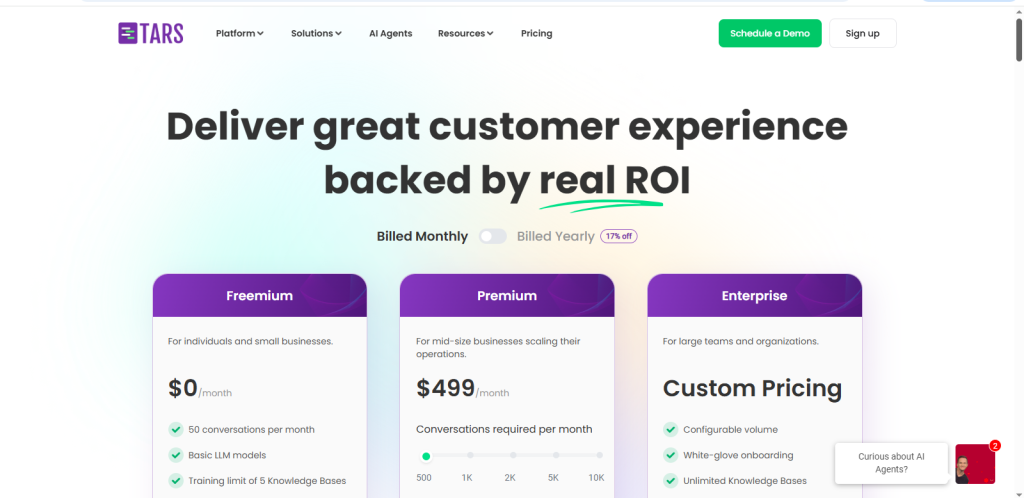
| Tars | Landing page conversions | Proprietary AI | Web embed | No | From $499/mo |
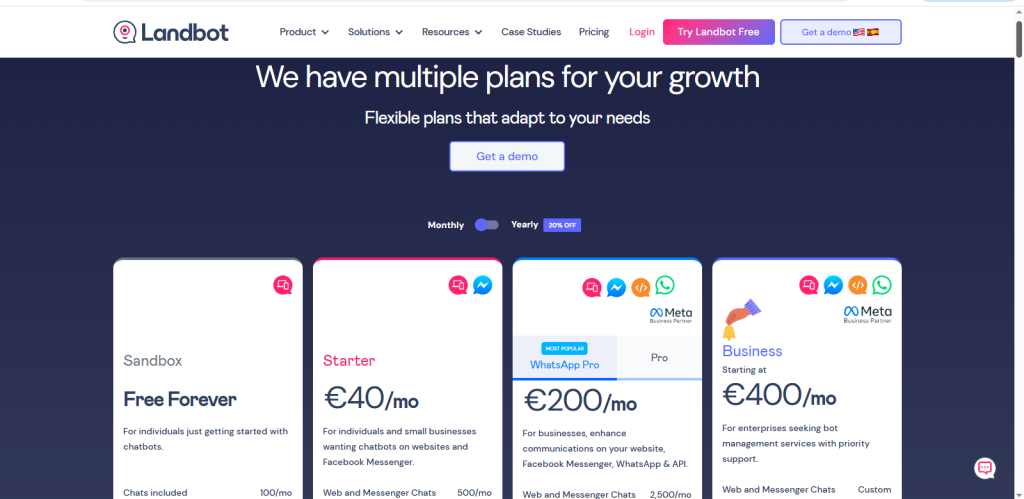
| Landbot | No code visual chatbot builder | GPT based | Web embed | Yes | From €40/mo |
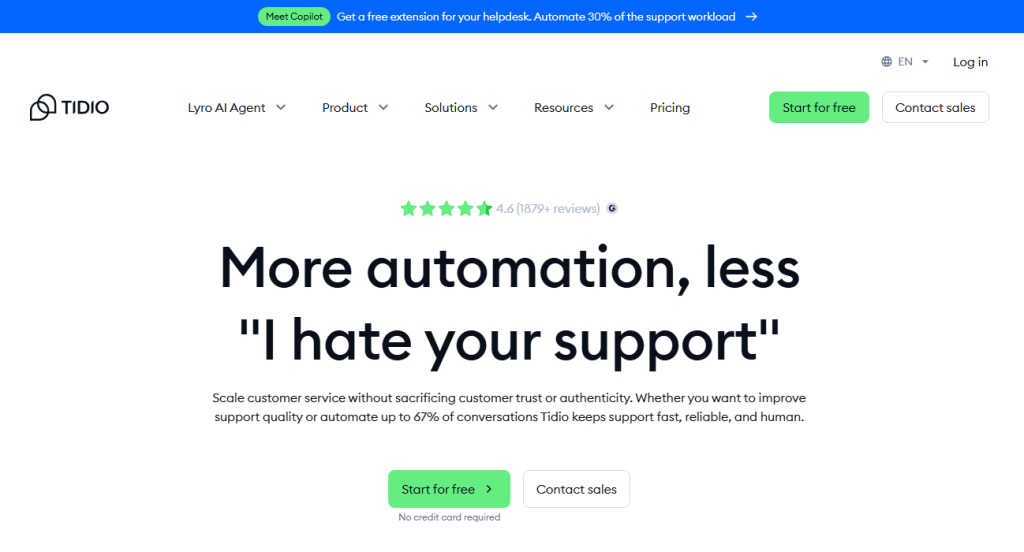
| Tidio | SMB chat + automation | Lyro AI | Web, WordPress, Shopify | Yes | From $24.17/mo |
| ProProfs | Budget support automation | Proprietary AI | Web embed | Yes | From $99.99/ year |
| Perplexity | AI powered conversational search | Proprietary LLM stack | API / Custom embed | Limited | From $17/mo |
| Claude | Advanced reasoning chatbot | Claude LLM | API / Custom embed | Limited | $17/mo |
| Acquire | Omnichannel support | Proprietary AI | Web + Social channels | Yes | Custom |
| Knock AI | Conversational website assistant | Proprietary AI | Web embed | Yes | From $97/mo |
12 Best AI Chatbots for Websites (In Depth Reviews)
In this section, we break down the 12 best AI chatbots for websites in 2026 with a clear, unbiased lens. Each review covers core features, strengths, limitations, pricing structure, and ideal use cases. Whether you are a startup looking for an affordable AI assistant or an enterprise searching for scalable automation, this comparison will help you make a confident, informed decision.
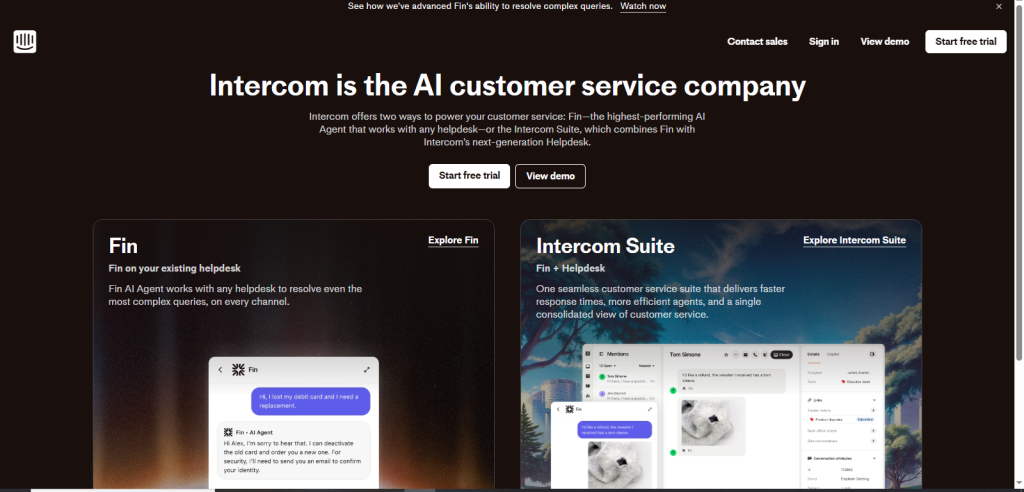
Intercom: Best for Enterprise AI Customer Support

Intercom is designed for serious support teams that need automation at scale. Its AI agent integrates GPT and Claude models to handle complex customer conversations while maintaining brand tone and escalation logic. Intercom’s strength lies in its ecosystem. It connects deeply with CRMs, product databases, billing systems, and support workflows. This allows the AI to pull real-time account information, resolve tickets, and route high value customers to human agents when necessary.
Key Features:
- AI powered Fin assistant
- Advanced workflow automation
- Omnichannel messaging
- Deep CRM integrations
Pros:
- Strong analytics and reporting
- Reliable escalation system
- Built for scale
Cons:
- Higher pricing compared to SMB tools
- Requires onboarding time
Pricing:
- Starts around $29 per seat, but advanced AI features increase the total cost.
Best Use Case:
- Midsized to enterprise companies with high customer interaction volume.
Intercom is not the cheapest option, but it is one of the most powerful for organizations that view support as a competitive advantage.
Gemini: Best AI for Advanced Language Understanding

Gemini is Google’s advanced large language model designed for multimodal reasoning, contextual understanding, and complex problem solving. While it is not a plug and play website chatbot builder like Tidio or Landbot, it can power highly intelligent website assistants through API integrations via Google AI Studio or Vertex AI.
Gemini excels in understanding nuanced queries, multilingual conversations, and long form contextual inputs. This makes it particularly strong for businesses serving global audiences or industries where detailed explanations are necessary.
Its architecture supports text, images, and structured data, allowing developers to build dynamic chatbot experiences that go beyond basic question and answer automation. One major advantage of Gemini is its integration with the broader Google ecosystem. It is among the best AI chatbots in the world for language understanding.
Key Features:
- Advanced contextual reasoning
- Multilingual support
- Multimodal capabilities
- Google Cloud integration
Pros:
- Strong language comprehension
- Scalable infrastructure
- Enterprise grade reliability
Cons:
- Requires developer setup
- Not a ready made chatbot UI solution
Pricing:
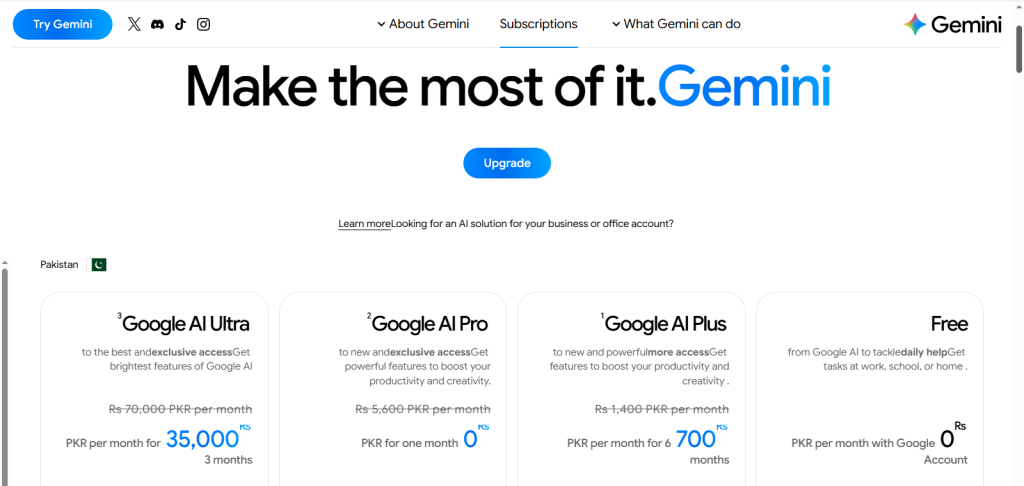
- Starts around Rs700/mo.
Best Use Case:
- Development teams are building custom AI powered website assistants with high reasoning demands. Gemini works best when flexibility and intelligence matter more than plug and play simplicity.
Copilot: Best for Microsoft Ecosystem Automation

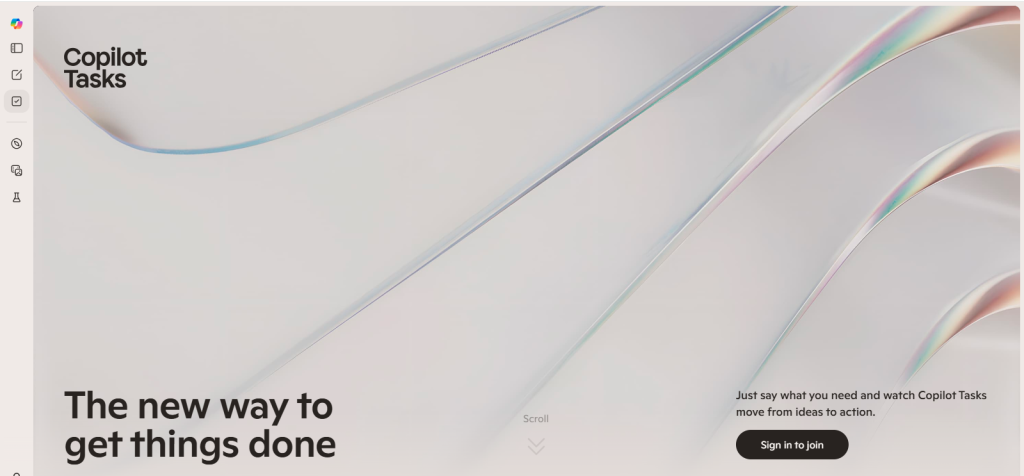
Copilot is Microsoft’s AI layer integrated across its ecosystem, including Azure, Microsoft 365, and enterprise productivity tools. While Copilot itself is not a standalone website chatbot builder, it can power AI driven website assistants when deployed through Azure OpenAI services.
Businesses already operating within Microsoft’s infrastructure benefit from seamless integration with Dynamics CRM, SharePoint, Teams, and internal databases. This allows website chatbots powered by Copilot technology to retrieve real-time data, access internal documentation, and support customer queries with high accuracy.
One of Copilot’s strengths lies in enterprise workflow automation. It can connect chatbots to backend processes such as order management, support ticketing, and knowledge base retrieval. Security and compliance are also strong advantages, particularly for regulated industries.
Key Features:
- Azure OpenAI integration
- Enterprise workflow automation
- Secure cloud deployment
- CRM and database connectivity
Pros:
- Ideal for Microsoft based companies
- Strong data security standards
- Deep enterprise integration
Cons:
- Requires technical configuration
- Costs scale with usage
Pricing:
- It’s priced based on usage and tiers, including individual, business, enterprise, and studio plans.
Best Use Case:
- Businesses heavily invested in Microsoft infrastructure, seeking AI chatbot capabilities tied directly to internal systems. Copilot shines when automation and enterprise integration are priorities.
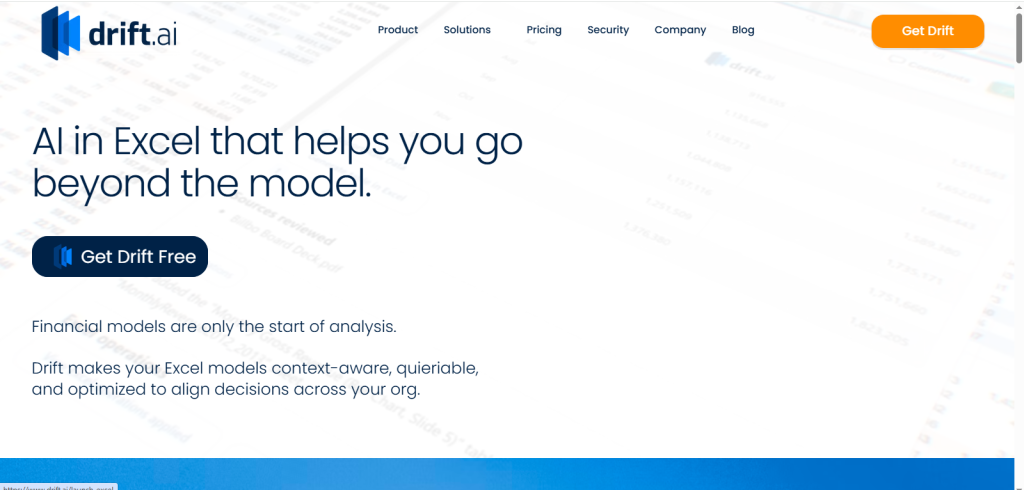
Drift: Best for B2B Lead Generation

Drift is built around one core goal, converting website visitors into qualified sales conversations. Instead of waiting for form submissions, Drift proactively engages visitors and asks qualifying questions.
Its conversational marketing approach integrates directly with sales calendars and CRM systems. When a high intent visitor arrives, the chatbot can book meetings instantly or route them to the correct sales rep.
Key Features:
- Conversational lead qualification
- Calendar booking automation
- CRM sync
- Account based targeting
Pros:
- Strong B2B focus
- Improves sales pipeline velocity
- Excellent personalization options
Cons:
- Custom pricing can be expensive
- More sales focused than support oriented
Pricing:
- Custom pricing depending on features and company size.
Best Use Case:
- B2B SaaS companies that prioritize pipeline growth and faster deal cycles. If your website exists primarily to generate meetings and revenue, Drift aligns directly with that goal.
Tars: Best for Landing Page Conversions

Tars specializes in creating conversational landing page experiences. Instead of long forms, visitors interact with a guided chatbot flow that collects information step by step. This improves engagement and reduces form abandonment. The visual drag and drop builder makes it easy for non technical teams to create conversion funnels quickly.
Key Features:
- Visual chatbot builder
- Lead capture templates
- Landing page integrations
- Analytics tracking
Pros:
- Beginner friendly
- Focused on conversion flows
- Clean user interface
Cons:
- Limited advanced AI reasoning
- Less suitable for deep support use cases
Pricing:
- Starts at around $499 per month.
Best Use Case:
- Marketing teams are optimizing paid traffic landing pages. Tars is ideal when the main goal is lead capture and campaign performance improvement.
Landbot: Best No Code Visual Chatbot Builder

Landbot offers a highly visual chatbot creation experience. You build flows using a drag and drop interface that feels intuitive even for non developers. It supports GPT integrations for AI powered responses but still allows structured flow control when needed. This makes it flexible for both automation and personalization.
Key Features:
- Visual flow builder
- GPT integration
- Web and WhatsApp support
- API integrations
Pros:
- Easy to learn
- Flexible automation logic
- Strong multichannel support
Cons:
- Can become complex with large workflows
- AI responses depend on integration quality.
Best Use Case:
- SMBs want design control without coding. Landbot works well when visual experience and flexibility matter.
Tidio: Best for Small Businesses

Tidio combines live chat with its AI assistant Lyro, giving small businesses a hybrid support solution. It integrates easily with ecommerce platforms like Shopify and WordPress, making it popular among online stores. The AI handles common questions while humans can step in when needed.
Key Features:
- AI + live chat combo
- Ecommerce integrations
- Email and Messenger support
- Automation flows
Pros:
- Affordable
- Quick setup
- Suitable for small teams
Cons:
- Advanced automation requires upgrades
- Limited enterprise features
Pricing:
- Starts at approximately $24.17 per month.
Best Use Case:
- Small ecommerce or service businesses looking for affordable automation.
- Tidio balances cost and functionality well for growing brands.
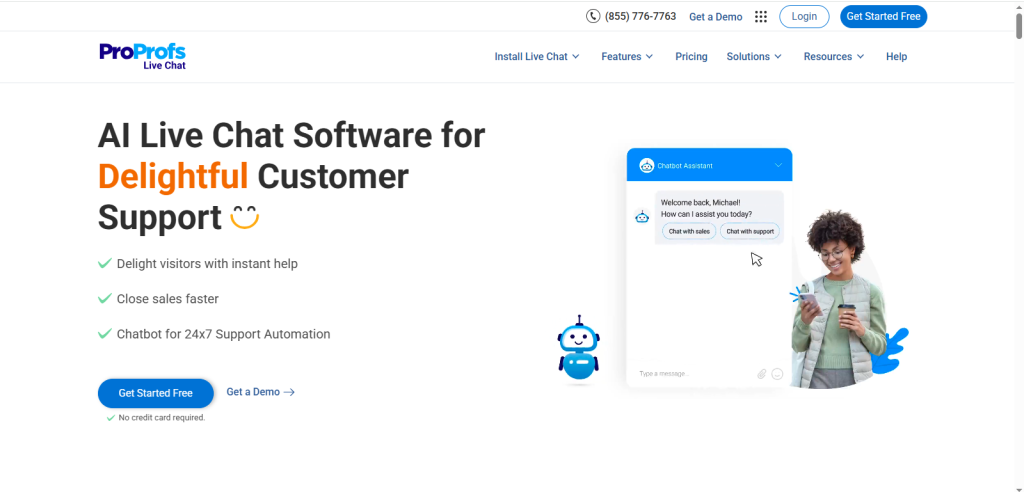
ProProfs: Best Budget Friendly Support Chatbot
ProProfs provides AI chat functionality paired with helpdesk and knowledge base tools. Its focus is on practical support automation rather than advanced conversational AI. For many small businesses, that is enough. It is one of the best AI chatbots for students as well.
Key Features:
- FAQ automation
- Helpdesk integration
- Visitor tracking
- Basic AI responses
Pros:
- Affordable
- Simple setup
- Good for FAQ automation
Cons:
- Limited advanced AI reasoning
- Fewer customization options
Pricing:
- Starts around $25 per month.
Best Use Case:
- Support-focused websites with limited budgets.
- ProProfs is a practical entry level automation tool.
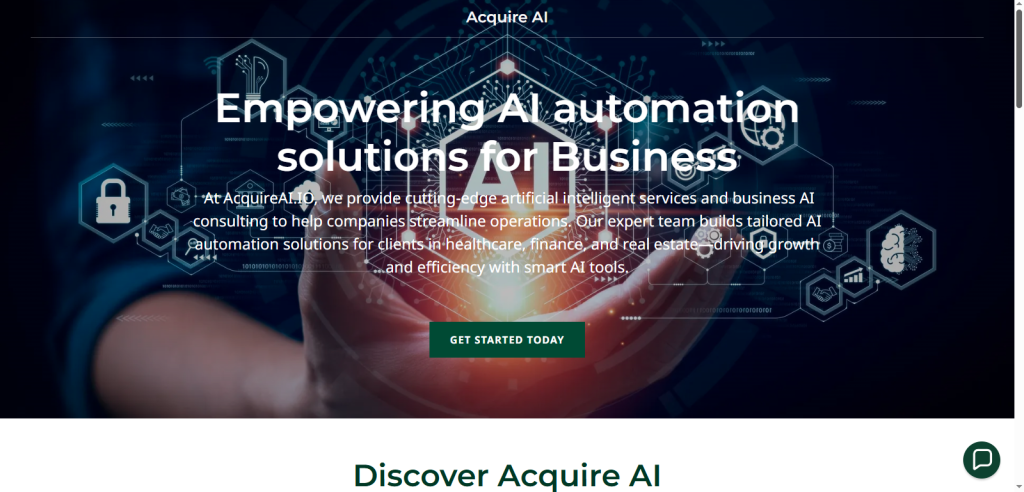
Acquire: Best for Omnichannel Customer Support
Acquire enables businesses to manage website chat, email, video chat, and social messaging from one platform. Its AI assists in triaging conversations and routing them appropriately. For teams managing multiple communication channels, this centralization is valuable.
Key Features:
- Unified inbox
- AI routing
- Video chat
- CRM integrations
Pros:
- Multi channel capability
- Suitable for support teams
- Strong ticketing tools
Cons:
- Pricing not transparent
- Better for larger teams
Pricing:
- Custom quotes.
Best Use Case:
- Companies are managing large support volumes across channels. Acquire is ideal for structured support environments.
Perplexity: Best for AI Search Experience

Perplexity is known for its conversational AI search capabilities. Unlike traditional chatbot builders focused on scripted flows, Perplexity is designed to deliver information-rich answers backed by contextual understanding and source referencing.
For content heavy websites, research portals, documentation platforms, or knowledge bases, Perplexity can function as an AI powered search assistant. Instead of users manually browsing articles, the AI retrieves and synthesizes relevant information conversationally.
Its strength lies in structured answer generation and research style responses. This makes it ideal for industries where users seek in depth, reliable information rather than simple transactional interactions.
Key Features:
- Conversational search
- Context aware responses
- Structured knowledge retrieval
- API based integration
Pros:
- Strong for informational queries
- Helpful for research heavy sites
- High quality language output
Cons:
- Not optimized for sales funnels
- Requires API integration
Best Use Case:
- Knowledge portals, educational websites, and research driven platforms that want intelligent search functionality. Perplexity works best when the goal is enhancing content discovery rather than lead capture.
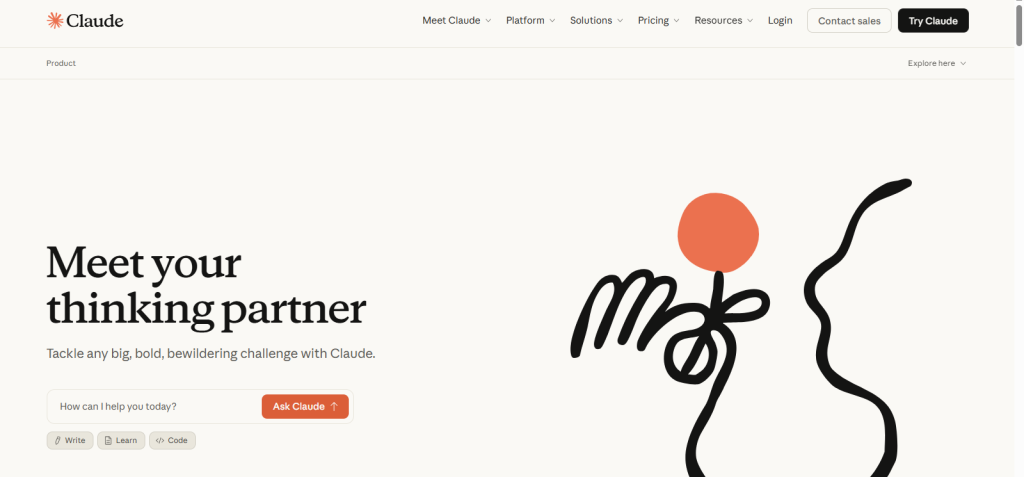
Claude: Best for Advanced Reasoning Chatbots

Claude is known for its strong reasoning abilities, long context understanding, and safety focused AI design. It performs particularly well in nuanced conversations where clarity, logical structure, and context retention are important.
Claude supports large input windows, allowing it to process extensive documentation, product manuals, or policy guidelines. This makes it highly effective for technical support environments, SaaS documentation portals, and regulated industries that require precise responses.
Through API integration, Claude can power custom website chatbots that require thoughtful and structured replies rather than short, transactional answers. Many businesses prefer Claude for its balanced tone and strong contextual awareness.
Key Features:
- Long context processing
- Strong reasoning capabilities
- Safety focused AI architecture
- API integration flexibility
Pros:
- Excellent contextual retention
- Suitable for complex queries
- Reliable structured outputs
Cons:
- Requires custom implementation
- Not a visual no code builder
Best Use Case:
- Organizations require deeper contextual reasoning and structured support responses. Claude is ideal when conversation quality and analytical depth are more important than simple automation
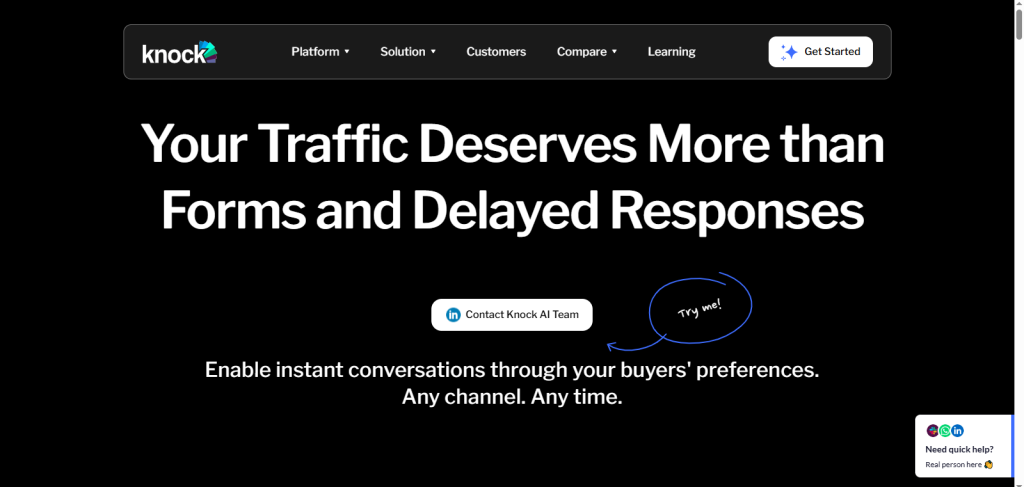
Knock AI: Best for Conversational Website Experiences

Knock AI is a next generation conversational platform designed specifically for website engagement, combining natural language chat with action oriented interactions. It is built to create user friendly, on site assistants that guide visitors through tasks such as product discovery, support troubleshooting, and lead conversion, all without heavy scripting or complex setup.
Key Features:
- Contextual AI responses based on page content
- Customizable conversational UI
- Action buttons (e.g., schedule demo, get pricing, view product)
- Detailed visitor analytics and conversational intent tracking
Pros:
- Easy to set up with minimal technical expertise
- Designed for conversion optimization
- Provides structured outputs rather than generic chatbot responses
Cons:
- Not as deeply integrated with CRMs as some enterprise platforms
- Advanced AI configuration options require experience
Pricing:
- Custom pricing depending on business size and usage needs.
Best Use Case:
- Businesses focused on conversational engagement that drives action, such as demo requests, scheduling, product recommendations, or lead capture, especially in marketing and SaaS websites.

Benefits of Using AI Chatbots on Websites
AI chatbots deliver measurable business value across lead generation, customer support, automation, and conversions:
- 24/7 customer support: One of the biggest benefits is 24/7 availability. Unlike human agents, chatbots never sleep. They answer questions instantly, guide users through services, and provide support at any time, which significantly improves customer satisfaction and retention.
- Lead qualification & capture: Another major advantage is instant response time. Modern AI chatbots powered by tools like Intercom, Drift, and Tidio can handle multiple conversations simultaneously without delays. This reduces bounce rates and keeps users engaged.
- Reduced support costs: Chatbots can handle 60% or more routine queries, cutting operational expenses by up to 90%.
- Faster response times: Additionally, chatbots reduce support workload by answering repetitive FAQs. This lowers staffing costs while maintaining service quality.
- Higher conversion rates: Websites using AI bots often see overall conversion lifts of 10% to 30%.
These performance gains come from proactive engagement, instant responses, and conversational guidance that keep visitors moving through your funnel instead of leaving.
How to Choose the Best AI Chatbot for Your Website
A practical approach is to list your use cases and compare them against each tool’s strengths. Choose based on these key criteria:
Website Type
- Ecommerce: bots that support product recommendations and cart assistance
- SaaS: Bots that onboard users and answer technical questions
Traffic Volume
- High traffic sites benefit from scalable AI that can handle bulk interactions.
Support vs Sales Focus
- Decide whether your priority is support, lead generation, or revenue conversions.
AI Training Needs
- Tools with customizable training let you tailor responses to your content.
Budget
- Consider total ownership costs, including add-ons, usage-based pricing, and seat fees.
Conclusion
AI chatbots have taken the place of modern websites as it has become a complete system of efficiency, automation, and customer interaction. They provide 24/7 services, and customers can always get quick answers, be it a question about a specific product, solving simple problems, or referring the user to a buy.
This is because this 24/7 availability will not only enhance customer satisfaction but also avoid possible leads that can be lost due to delayed response. In addition to assistance, AI chatbots will automate repetitive processes like FAQs, appointment scheduling, order tracking, and data collection.
This will lower the operational workload and enable the human teams to work on the activities that add value, such as complex problem-solving and relationship building. Enterprise level solutions, such as Intercom, and budget friendly ones, such as Tidio and ProProfs, allow businesses of both sizes to find a chatbot that meets their interests and resources.
The trick is to consider your audience, the level of integration required, and the growth approach and then choose a platform. To conclude, AI chatbots are no longer optional resources; they are strategic assets. They improve user experience, convert more, cut down the cost, and improve the sales and customer support services when properly applied.