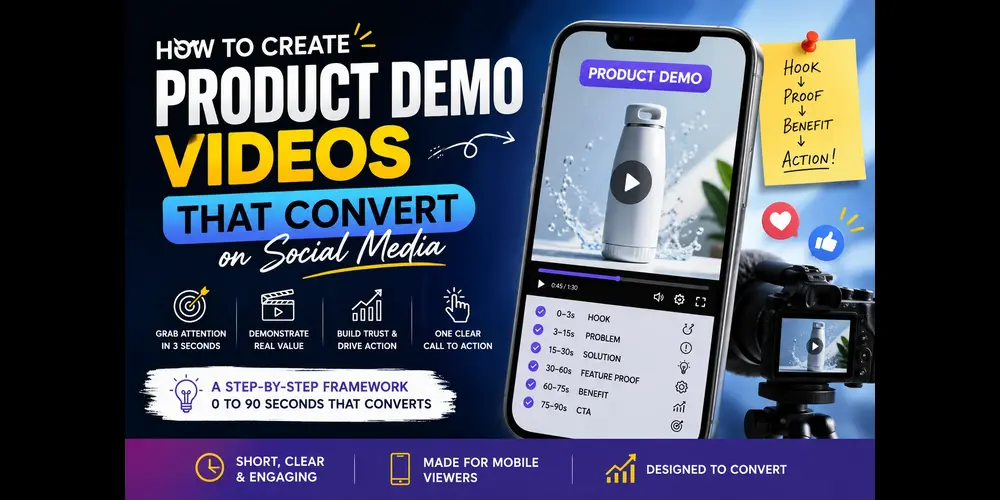
SHORT SUMMARY
- Learn how to create product demo videos that grab attention and explain your product quickly.
- Follow a practical framework covering the hook, problem, solution, feature proof, benefit, and CTA.
- See real examples from Canva, Square, and Ring and understand what makes their demos effective.
- Choose the right demo style for your product, from screen recordings and motion graphics to live action and animation.
- Learn how to make demos clearer, more engaging, mobile friendly, and focused on conversion.
What Makes a Product Demo Video Convert on Social Media?
A product demo converts when viewers quickly understand what the product does, why it matters, and what to do next.
The strongest demos focus on one problem, one workflow, and one clear outcome. They avoid long introductions and show the product early.
Your video also needs to work on a small screen and remain understandable without sound. Captions, readable interfaces, and clear visual changes help viewers follow the demonstration while scrolling.
The goal is not to show everything your product can do. The goal is to prove one useful result quickly enough that the viewer wants to see what comes next.
The 0 to 90 Second High Converting Framework
A strong product demo follows six basic stages: hook, problem, solution, feature proof, benefit, and CTA. A shorter social video can compress these stages into 15 to 60 seconds.
The Framework at a Glance
| Time | Stage | What to Show |
| 0 to 3 sec | Hook | A problem, question, result, or striking visual |
| 3 to 15 sec | Problem | The specific problem your audience faces |
| 15 to 30 sec | Solution | Your product solving the problem |
| 30 to 60 sec | Feature proof | One to three important features in action |
| 60 to 75 sec | Benefit | The result or improvement |
| 75 to 90 sec | CTA | One clear next action |
0 to 3 Seconds: Hook
The first few seconds should immediately tell viewers why the video is worth watching.
Start with a recognizable problem, a question, a strong visual, or the product already performing the task. Skip company history and long logo animations.
3 to 15 Seconds: Problem
Show the problem in a way that makes the viewer recognize their own situation.
Keep the explanation short. A specific pain point is more useful than a general statement about how difficult something can be.
15 to 30 Seconds: Solution
Introduce the product as the direct solution to the problem.
Show the product completing the task instead of spending time explaining its background or company history.
30 to 60 Seconds: Feature Proof
Show one to three features working in the real workflow.
Focus on actions that support the main result. Avoid turning the demo into a tour of every menu and setting.
60 to 75 Seconds: Benefit
Show the result the viewer gets from using the product.
This could be a completed task, a before and after comparison, saved time, or a clearer workflow.
75 to 90 Seconds: CTA
End with one specific action that matches the video’s goal.
Examples include “Start your free trial,” “Create your first video,” or “See how it works.”
What a High Converting Demo Video Looks Like in Practice
Canva, Square, and Ring demonstrate three different ways to keep a product demo focused.
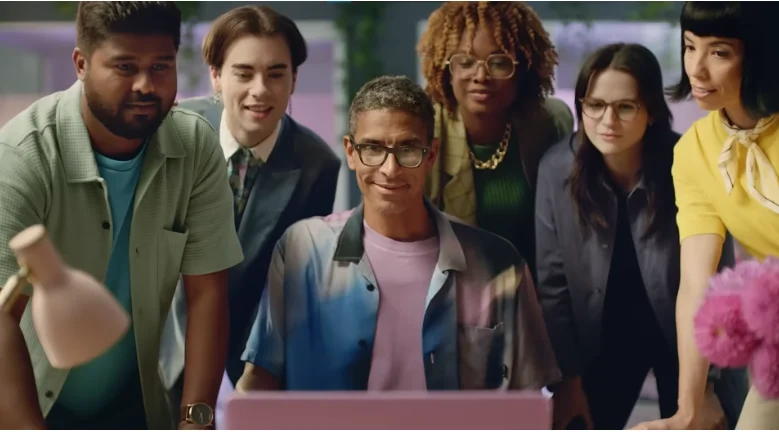
Canva: Make the Feature the Hook
Canva’s background removal demo focuses almost entirely on one feature and shows the transformation immediately.
There is little setup because the visual result explains the feature by itself.
Takeaway: When a feature is easy to understand visually, the demonstration can become the hook.
Bye bye background | Canva Videos
Square: Connect the Product to the Outcome
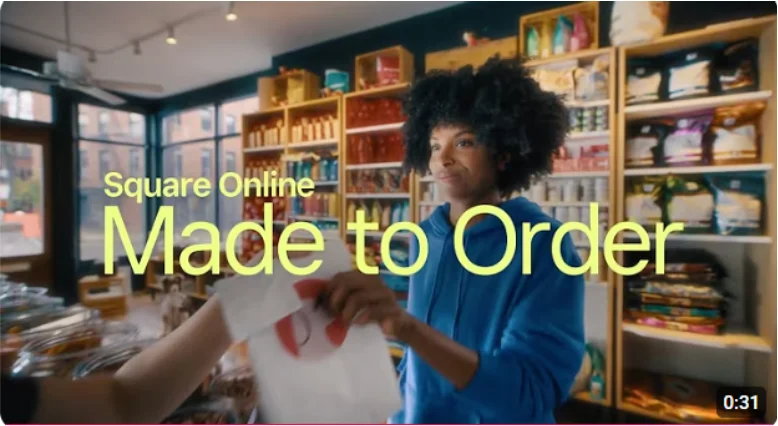
Square’s retail demo connects its physical card reader with the software experience instead of presenting them as separate products.
This makes the workflow easier to understand because viewers can see how the hardware and software work together.
Takeaway: When a product combines hardware and software, show the complete workflow whenever possible.
Square Online: Made to Order for Retail
Ring: Let the Visual Story Explain the Product
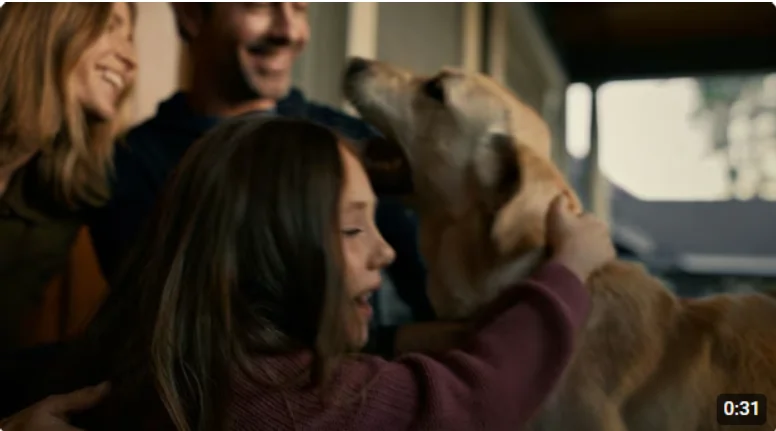
Ring’s doorbell camera advertisement uses an everyday household situation to demonstrate the product without relying on traditional narration.
The viewer understands the use case through what happens on screen.
Takeaway: A product demo does not always need a voiceover when the visual situation clearly communicates the benefit.
Search Party from Ring | Be A Hero In Your Neighborhood
What These Examples Have in Common
None of these videos try to explain everything the product can do.
Each one chooses a specific idea, demonstrates it clearly, and gives the viewer a reason to continue watching.
Choosing the Right Demo Style for Your Product
The best demo style depends on what you are showing and what the viewer needs to understand.
Screen Recording
Screen recording works best for software products because it shows the actual interface.
It is useful for SaaS tools where viewers want to see dashboards, features, and workflows before trying the product.
The main problem is readability. Small text and crowded interfaces can become difficult to follow on a phone.
Screen Recording With Motion Graphics
Motion graphics make a screen recording easier to follow.
Zooms, highlights, arrows, captions, and short transitions can direct attention toward important actions while keeping the real product visible.
Stylized UI Animation
Stylized UI animation recreates the interface as a designed animation rather than recording the real screen.
It can produce a cleaner result for social media, but the visuals should still represent the actual product accurately.
Live Action
Live action works best when the product needs to be shown in a real environment.
Physical products such as cameras, devices, equipment, and consumer products are easier to understand when viewers can see them being used.
2D or 3D Animation
Animation works well for products or concepts that are difficult to demonstrate through a screen recording or camera.
It can explain abstract processes, technical ideas, or workflows that are difficult to film directly.
For SaaS products, screen recording with simple motion graphics is usually the most practical starting point.
Building the Video Without Hiring a Production Team
A small team can create an effective product demo by combining a clear script, product footage, screen recordings, and simple editing.
For SaaS products, tools such as FlexClip can reduce the amount of manual editing required. This is especially useful when the demo starts with a script, blog post, product description, or existing product screenshots.
FlexClip is more focused on fast production than detailed timeline editing. That makes it suitable for marketers and small businesses creating social content without a dedicated video editor.
You can also turn existing written content into video instead of starting from a blank script. Our guide on how to turn a blog post into a video with AI explains that workflow in detail.
For a broader comparison of editing tools, see our 7 Best AI Video Editing Software guide.
Rules for Maximum Social Conversion
The simplest way to improve a social demo is to remove anything that makes the viewer work harder to understand the product.
| Do | Don’t |
| Show the product quickly | Start with company history |
| Make the message work without sound | Depend completely on narration |
| Follow one workflow | Tour every feature |
| Keep the interface readable | Show tiny dashboard elements |
| Use one clear CTA | End with a vague CTA |
| Adapt the video to the platform | Use the same edit everywhere |
Measuring Whether Your Demo Video Actually Converts
Views alone do not tell you whether a product demo is working.
Track the points where viewers enter, continue watching, leave, and take action.
| Metric | What It Tells You |
| Play rate | Whether the thumbnail and placement attract viewers |
| Watch time | How long viewers stay |
| Drop off point | Where viewers lose interest |
| CTR | Whether viewers click the intended link |
| Conversion rate | Whether the video generates the desired action |
| A/B test results | Which hook, visual, or CTA performs better |
A repeated drop at the same point can reveal where the video loses attention.
If watch time is strong but clicks are low, the problem may be the CTA or the offer rather than the video itself.
Product Demo Video Checklist
Run this checklist before publishing your demo.
- The product appears within the first few seconds
- The video focuses on one problem
- One workflow carries the demonstration
- The interface is readable on mobile
- The main message works without sound
- The result is clearly shown
- The video matches the platform format
- The CTA asks for one action
- Unnecessary introductions have been removed
- The first few seconds have been tested
- Viewer drop off is reviewed after publishing
FAQs
The Bottom Line
A product demo video works best when it shows one useful result quickly and gives viewers one clear next step.
Start with a strong visual hook, show the problem, demonstrate the product, and connect the feature to a real benefit. Keep the interface readable and make the message understandable without sound.
The right production style depends on the product. Use screen recordings for software, live action for physical products, and animation when the product or concept is difficult to show directly.
You do not need a large production team to create a useful demo. A focused script, clear product footage, simple editing, and a strong CTA are enough to create a video worth watching.