Project management tools are no longer viewed as an option. They play a key role in team success in 2026. Remote teams can coordinate their work, automate their work, and increase productivity with greater visibility.
Whether you are a small start up organization balancing sprints or a large organization with cross functional projects, the appropriate tool keeps the deadlines on time, decreases bottlenecks, and encourages team accountability.
Digital transformation, work models based on AI, and hybrid work have driven the project management software market to more than $53.7 billion by 2030. Almost three quarters of organizations (73 percent) currently have project management software to monitor progress, an increase of nearly fifty percent in 2021 over 58 percent in 2020, with the increase attributable to remote collaboration requirements.
Simultaneously, according to the findings of the Project Management Institute (PMI) studies, ineffective project performance wastes an average of almost 10 percent of all funds invested in the project, which is often a result of ineffective planning and a lack of transparency and accountability.
Contemporary teams simply cannot afford that inefficiency. They require applications that enable them to centralize their communication, automate repetitive operations, and have real time dashboards to make smarter decisions.
This is a complete guide that includes fast comparison tables, detailed information on the 15 best project management tools, and the selection is determined by experts, and the frequently asked questions are answered.
What Are Project Management Tools & Why Teams Need Them in 2026
Project management tools are software platforms designed to help teams plan, track, collaborate on, and deliver work efficiently, whether you’re launching a new product, organizing a marketing campaign, or managing internal operations. These tools provide a single source of truth for all tasks, reducing confusion and ensuring that every team member knows what needs to be done, by whom, and by when.
What Project Management Software Does
Centralizes tasks
All projects, tasks, files, and discussions are consolidated into a single workspace. Instead of switching between spreadsheets, email threads, and messaging apps, teams gain full visibility into ongoing work.This prevents missed deadlines, reduces duplicative efforts, and ensures that everyone operates from a single source of truth. Centralization is especially critical for remote and hybrid teams where transparency directly impacts productivity.
Tracks deadlines
Interactive dashboards, Kanban boards, Gantt charts, and timeline views allow managers and team members to monitor progress in real time. Milestones, due dates, and dependencies become visible at a glance, helping teams identify bottlenecks early and adjust priorities proactively.Clear deadline tracking improves on-time delivery rates and reduces last-minute rushes that often affect quality.
Encourages ownership
Every task can be assigned to a specific team member with defined responsibilities and deadlines. This clarity eliminates confusion around “who is doing what” and strengthens accountability across departments.When ownership is transparent, performance improves, follow-ups become easier, and collaboration becomes more structured.
Facilitates communication
Project management platforms centralize discussions within tasks, projects, or workflows. Comments, file attachments, updates, and approvals are stored in context rather than scattered across email inboxes or multiple chat tools.This reduces communication clutter, minimizes misunderstandings, and ensures that important information remains accessible throughout the project lifecycle.
Automates repetitive work
Workflow automation rules, triggers, recurring task templates, and AI-assisted recommendations eliminate manual updates and repetitive administrative tasks. Automated reminders, status updates, and reporting reduce human error while saving valuable time. As teams scale, automation becomes essential for maintaining efficiency without increasing operational complexity.Spreadsheets and emails are no longer enough. Spreadsheets lack real time updates and make it difficult to see who’s responsible for each task, while email threads bury context and force teams to hunt for critical information.
In 2026, teams of all sizes, from small startups to global enterprises, need the best project management tools for clarity, consistent execution, and automation, particularly as hybrid and remote work models become the norm.>
Who Relies on Project Management Tools?
- Small teams collaborating on daily tasks and sprints
- Marketing and creative teams are managing campaigns and content schedules
- Product development squads coordinating releases and backlogs
- Enterprises overseeing multi-team projects with complex dependencies
Top 15 Project Management Tools: Quick Comparison
Below is a concise comparison of the top project management software in 2026, each evaluated for real world utility, pricing transparency, and growth readiness. Each platform has been evaluated for real-world utility, pricing transparency, automation capabilities, and growth readiness.
Whether your team is a small startup, a growing agency, or a large enterprise, this table helps you quickly identify which tool aligns with your workflow needs.
| Tool | Best For | Free Plan | Key Features | Starting Price |
| monday.com | All around workflows | Yes | Automation, Dashboards, Integrations | From $9/user/mo |
| Asana | Team collaboration | Yes | Task templates, Timelines | From $10/user/mo |
| ClickUp | All in one platform | Yes | Goals, AI tools | From $7/user/mo |
| Notion | Flexible docs & PM | Yes | Database, Wiki | Free / Paid plans at $10/mo |
| Trello | Kanban simplicity | Yes | Boards & Cards | Free / Paid plans $5/mo |
| Smartsheet | Enterprise planning | No | Gantt, Analytics | From $9/user/mo |
| Wrike | Enterprise work mgmt | Yes | Workflows, Reporting | From $10/user/mo |
| Zoho Projects | Budget-friendly | Yes | Time tracking, Milestones | From $4/user/mo |
| Basecamp | Simple collaboration | Yes | Message boards | From $15/mo |
| Teamwork.com | Client project mgmt | Yes | Billing, Templates | From $10/user/mo |
| Clockify | Time tracking | Yes | Timer, Reports | Free / Paid plans at $5/mo |
| ProofHub | Centralized PM | Trial | Groups, Workflows | Flat pricing |
| Paymo | Time + Billing | Yes | Time logging, Invoicing | From $5.9/user/mo |
| Zapier | Workflow automation | Yes | App triggers | From $19.99/mo |
| Airtable | Hybrid database PM | Yes | Database | From $20/mo |
15 Best Project Management Tools (In Depth Reviews)
Each tool below includes a concise summary of strengths, weaknesses, real world use cases, and essential features to help you make a fast, informed decision. We focus on tools that cater to a variety of team sizes, project types, and budgets. Whether you are managing a small creative team or overseeing enterprise-level initiatives, these reviews highlight what each platform does best.
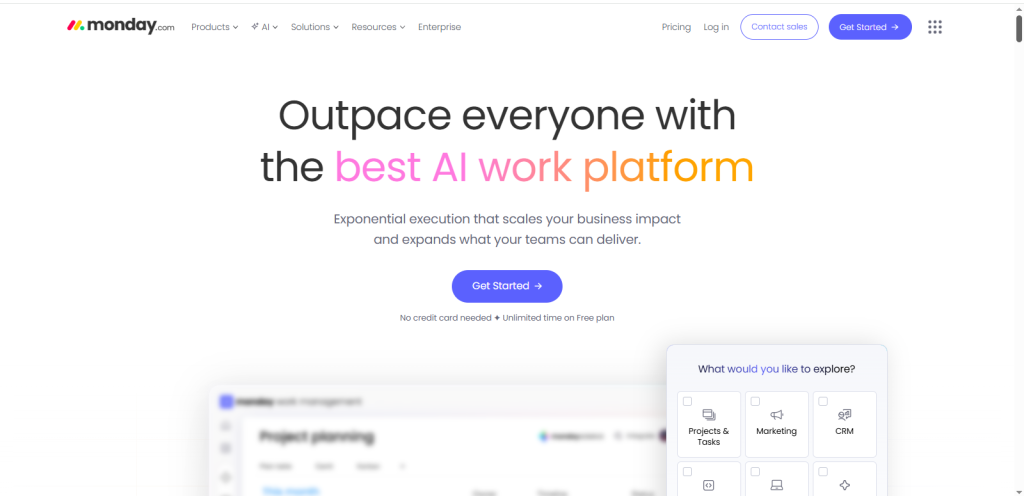
Monday.com

Monday.com is a versatile project management platform that combines visual workflows, dashboards, and automation to help teams manage complex projects efficiently. Its intuitive, drag and drop interface makes it easy to organize tasks, track progress, and communicate updates in real time. Teams can customize boards to match their specific workflow, whether it’s a marketing campaign, product development sprint, or operational project.
Key Features
- Visual boards & dashboards: Track projects visually with Kanban, timeline, or calendar views for clear oversight.
- Built in automation: Automate repetitive tasks such as notifications, status updates, and deadline reminders to reduce manual work.
- Template library: Ready made templates for marketing, HR, software development, and more save time on setup.
- Rich integrations: Connect with tools like Slack, Google Workspace, Microsoft Teams, and Zoom to centralize work.
Pros
- Strong performance for cross team collaboration
- Easy to scale as teams grow
- Stunning interface and robust reporting tools that provide actionable insights
Cons
- Pricing can be steep for larger teams, especially when upgrading to advanced plans
Pricing
- Starts at $9 per user per month, with tiered plans adding automation, analytics, and advanced workflow features.
Best For
Marketing teams, operations, and mid-sized enterprises that need visibility, automated workflows, and centralized project management. Its combination of flexibility and power makes it ideal for teams managing multiple concurrent projects while maintaining clarity and efficiency.
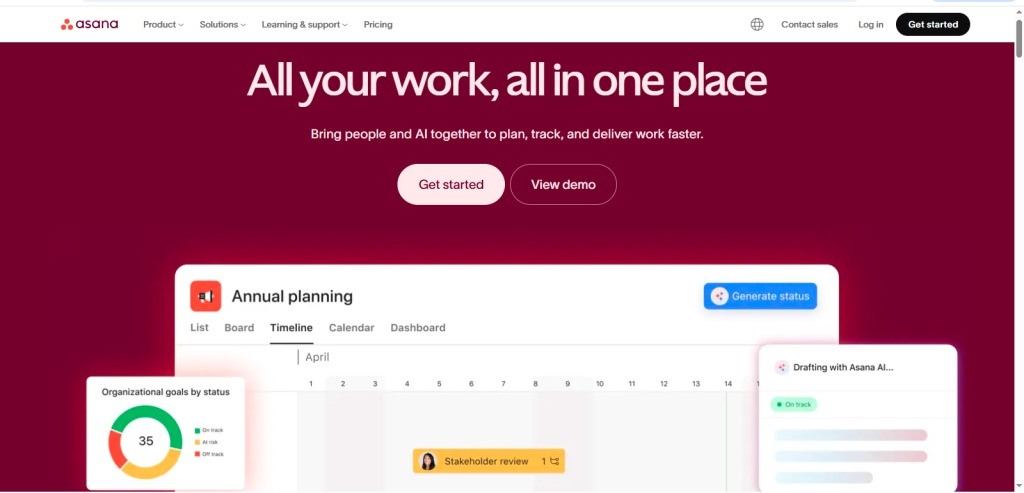
Asana: Best for Structured Team Collaboration

Asana is a powerful project management tool designed to help teams organize work from simple tasks to complex projects. It is especially popular for its strong collaboration features, customizable workflows, and ability to scale across departments and industries. Teams can easily assign tasks, set priorities, track deadlines, and visualize progress, making it ideal for both small teams and large organizations managing multiple projects at once.
Key Features
- Task templates and tagging: Quickly create tasks using pre-built templates and tag team members for accountability.
- Timeline view: Offers a Gantt style view to plan projects and track dependencies between tasks.
- Workload management: Monitor team capacity to prevent overloading and ensure balanced distribution of work.
- Priority settings: Highlight critical tasks to help teams focus on high impact activities.
Pros
- Highly scalable for teams of all sizes
- Excellent for cross functional collaboration across departments
- Integrates seamlessly with tools like Slack, Microsoft Teams, and Jira
Cons
- Can feel overwhelming for beginners due to extensive features
- Some advanced automation and reporting features require the Premium plan
Pricing
- Starting from $10/user/mo
Best For
Marketing agencies, product teams, and operational departments that require structured planning, clear visibility, and collaborative workflows. Asana helps teams stay aligned, meet deadlines, and efficiently execute projects without losing track of priorities, making it a trusted platform for productivity driven organizations.
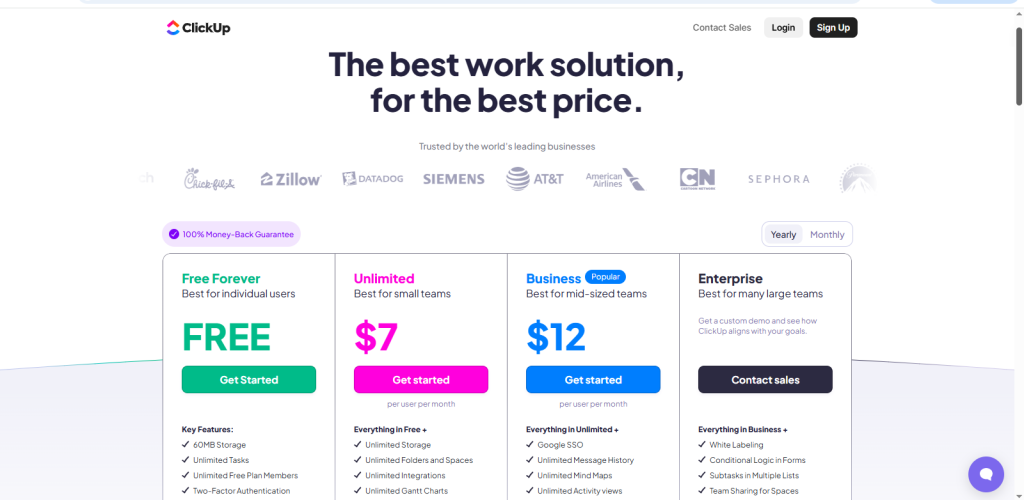
ClickUp: Best All in One Platform for Every Workflow

ClickUp is a powerful all in one work platform designed to replace multiple tools by combining docs, tasks, goals, chat, and time tracking under a single interface. It allows teams to centralize work, reduce app fatigue, and improve collaboration while maintaining visibility across projects of any size. ClickUp’s flexibility makes it suitable for small startups as well as large enterprises managing complex workflows.
Key Features
- Multiple task views: Kanban, Gantt, list, and calendar views make it easy to visualize projects and track progress.
- Built in AI: Suggestions, summaries, and automated task assignments help teams work smarter and reduce manual updates. It is not only a slight upgrade to an AI powered search, but the transition is a revolutionary change in information access and processes.
- Goals, milestones, and portfolios: Plan, track, and measure progress across projects to ensure alignment with business objectives.
- Native time tracking: Track individual and team time on tasks for better accountability and reporting.
Pros
- Highly flexible and customizable to fit unique team workflows
- Affordable for small teams and scalable for larger organizations
- Comprehensive feature set across all plans
Cons
- Onboarding can take time due to the platform’s depth
- Too many options may overwhelm new users
Pricing
- Starts at $7 per user per month
Best For
Teams seeking a single source of truth to manage tasks, documents, communication, and time tracking. ClickUp reduces tool sprawl and provides centralized visibility, enabling teams to streamline work, stay aligned, and achieve goals efficiently.
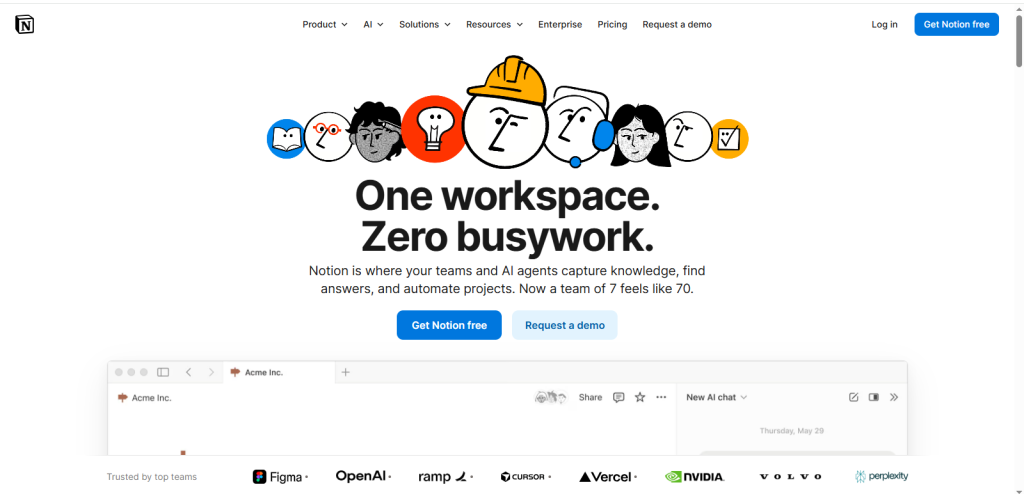
Notion: Best for Flexible Documentation & Workspaces

Notion is a versatile platform that blends documentation, notes, and project planning into a single, customizable workspace. Its true strength lies in flexibility, allowing teams to create workflows tailored to their unique processes. Whether managing product roadmaps, content calendars, or internal knowledge bases, Notion gives teams the freedom to organize, track, and collaborate efficiently in one centralized environment.
Key Features
- Linked databases: Connect related data across projects to streamline workflows and maintain context.
- Templates for sprints and roadmaps: Pre built templates save time while standardizing planning processes.
- Integrated notes and wikis: Keep documentation, meeting notes, and project updates in one accessible place.
Pros
- Excellent for combining knowledge management with project tracking
- Unlimited customization to fit team specific workflows
- Clean, intuitive user interface that is easy to navigate
Cons
- Not designed primarily as a task management tool
- Lacks built in Gantt charts in the free version
Pricing
- Free Plan: Includes unlimited pages, blocks, and basic collaboration tools
- Plus Plan:$10 per user per month (depending on billing) with advanced features, version history, and admin controls
Best For
Teams that prioritize documentation alongside task management, such as product development squads, remote teams, and knowledge focused departments. Notion excels at providing a single hub for notes, wikis, and planning, helping teams stay organized and maintain context across projects.
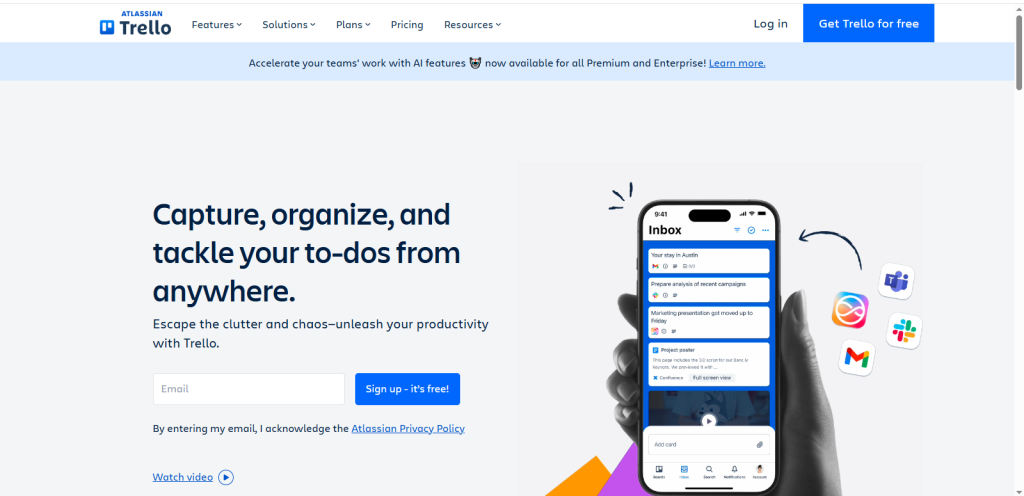
Trello: Best Simple Kanban Tool
Trello is a lightweight and visually intuitive project management tool built around boards, lists, and cards. Its simplicity makes it perfect for teams with straightforward workflows or individuals who want to organize tasks without a steep learning curve. Trello’s drag and drop interface allows users to move tasks through stages, providing a clear overview of project progress at a glance.
Key Features
- Drag and drop boards: Easily move tasks between stages to reflect progress.
- Power-ups for automation: Automate repetitive tasks, notifications, and updates with built in integrations.
- Custom labels and checklists: Organize tasks by priority, category, or department while tracking subtasks efficiently.
Pros
- Extremely easy to onboard new users
- Free tier is robust, making it accessible for small teams or solo users
- Excellent visual representation of tasks and workflows
Cons
- Limited built-in reporting and analytics
- Some advanced features require paid Power-ups or integrations
Pricing
- Free Plan: Unlimited boards, cards, and basic Power-ups
- Paid Plan: $5 per user per month for additional automation, custom fields, and premium Power ups.
Best For
Small teams, freelancers, and individuals who want simplicity, visual clarity, and fast setup. Trello excels in lightweight task management without overwhelming users, making it an ideal choice for straightforward projects and collaborative boards.
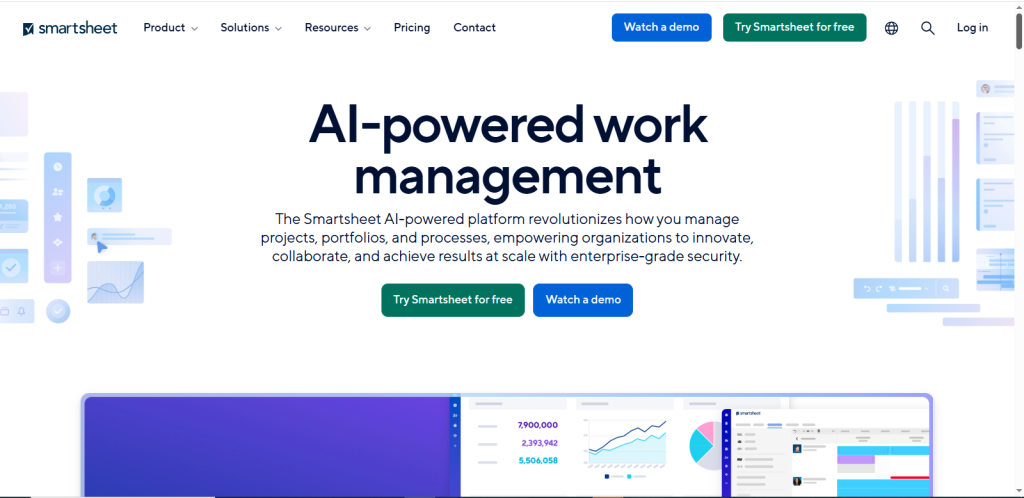
Smartsheet: Best for Enterprise Planning

Smartsheet combines the familiarity of spreadsheets with the power of advanced project management features, making it ideal for large teams and enterprises. While it looks like a traditional spreadsheet, Smartsheet offers powerful automation, workflow rules, and reporting tools that help teams manage complex projects efficiently. Its flexible interface allows teams to plan, track, and execute projects while maintaining visibility across multiple initiatives.
Key Features
- Gantt and card views: Visualize timelines, dependencies, and task progress to keep projects on track.
- Forms and requests: Streamline data collection and task submission from internal teams or clients.
- Advanced reporting dashboards: Generate real time insights to monitor progress, risks, and performance metrics.
Pros
- Excellent for structured enterprise processes
- Strong automation and data management rules
- Handles large datasets efficiently, making it scalable for multi-team projects
Cons
- Steep learning curve for new users due to advanced features
- Pricing is higher than that of many competitors
Pricing
- Free / Paid Plan: Starting at $9 per user per month, with additional tiers offering enhanced automation, dashboards, and enterprise support
Best For
Large enterprises, operations teams, and organizations managing multi department projects. Smartsheet excels at providing centralized control, automation, and reporting capabilities, helping teams execute complex workflows without losing clarity or accountability. Its combination of spreadsheet familiarity and enterprise grade features makes it a trusted solution for structured project management at scale.
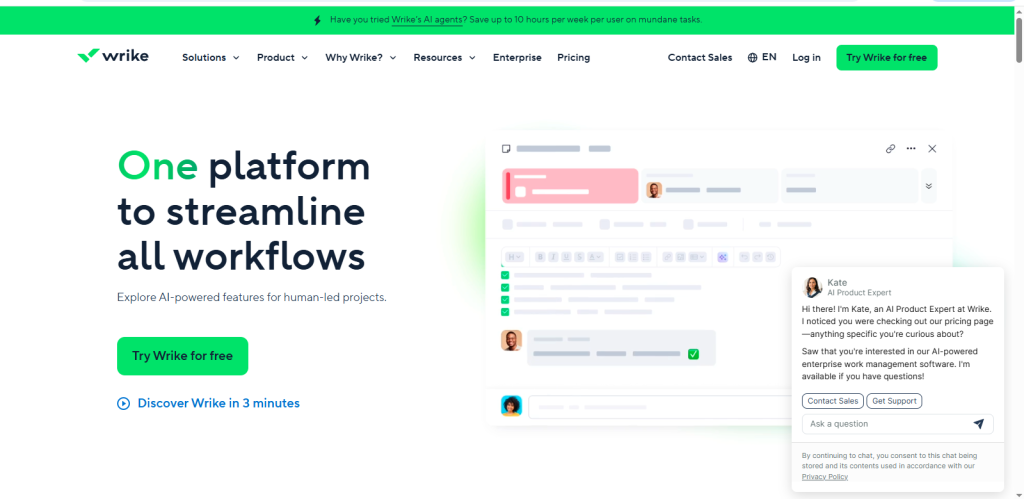
Wrike: Best for Enterprise Team Workflows

Wrike is a robust work management platform designed for larger organizations that need strong reporting, governance, and workflow control. It offers a flexible environment to manage projects, track progress, and maintain accountability across distributed teams. With Wrike, enterprises can standardize processes while giving teams the flexibility to manage tasks and timelines effectively.
Key Features
- Custom workflows: Create tailored workflows that fit organizational processes and project requirements.
- Workload views: Monitor team capacity to balance tasks and prevent overloading.
- Real time reports: Access dashboards and reports that provide actionable insights for project managers and executives.
Pros
- Strong administrative controls for enterprise governance
- Scalable for large teams and cross department collaboration
- Powerful dashboards and analytics for performance tracking
Cons
- Can be complex to administer for new users
- Full feature access requires higher pricing tiers
Pricing
- Free / Paid Plan: Starting at $10 per user per month, with advanced tiers offering enhanced dashboards, automation, and governance features
Best For
Enterprises and distributed teams that require structured governance, detailed reporting, and reliable oversight. Wrike is particularly effective for organizations managing multiple teams and complex workflows, providing the tools needed to maintain visibility, accountability, and project performance at scale.
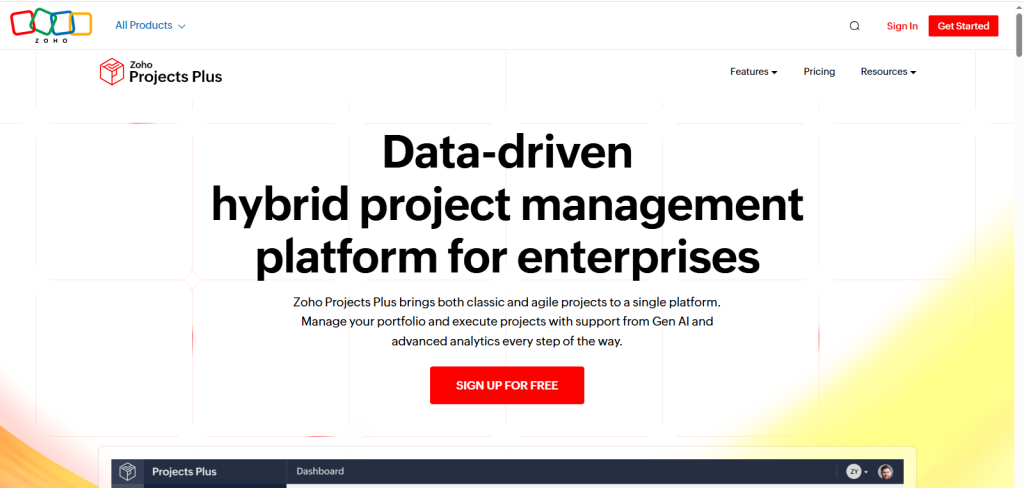
Zoho Projects: Best Budget Friendly Tool

Zoho Projects is a cost effective project management platform that offers essential features for small teams and businesses. It allows teams to plan, track, and collaborate on projects while keeping costs low. Its integration with the broader Zoho ecosystem makes it easy to connect CRM, email, and other business tools, providing a seamless workflow for small and cost-conscious teams.
Key Features
- Milestones and subtasks: Break down complex projects into manageable tasks and track progress toward key goals.
- Timesheets: Monitor time spent on tasks to improve accountability and productivity.
- Custom fields: Capture project-specific information to tailor workflows to team needs.
Pros
- Highly affordable pricing for small businesses
- Built-in time tracking to streamline reporting and billing
- Integrates smoothly with other Zoho products like Zoho CRM and Zoho Desk
Cons
- The user interface can feel outdated compared to modern tools
- Limited automation features compared to competitors like ClickUp or monday.com
Pricing
- Paid Plan: Starting at $4 per user per month, making it one of the most affordable options for small teams
Best For
Small businesses, startups, and cost-conscious teams that need a reliable platform for task management, milestone tracking, and basic project reporting. Zoho Projects balances affordability with core project management capabilities, making it a practical choice for teams looking to stay organized without investing in expensive software.
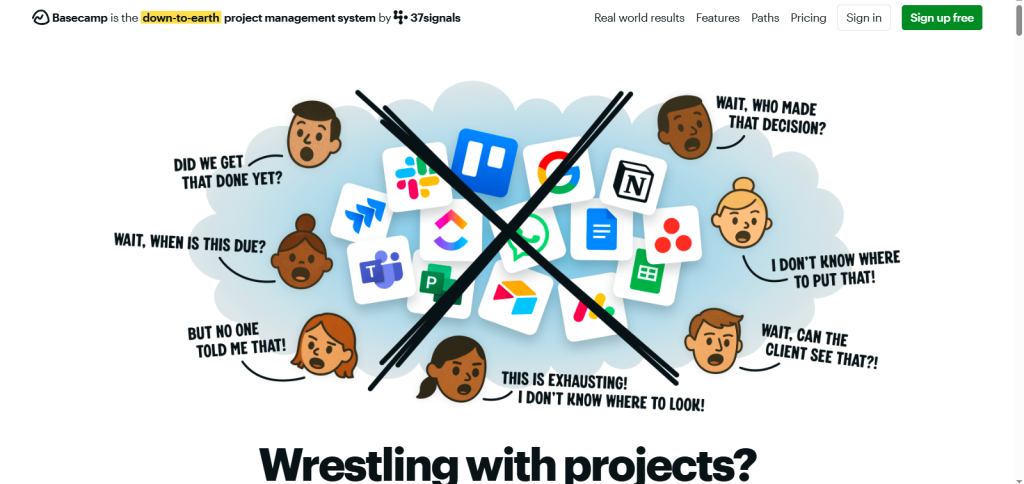
Basecamp: Best for Simple Collaboration

Basecamp is a project management tool that embraces simplicity and clarity, making it ideal for small teams and creative groups. Instead of overwhelming users with complex features, Basecamp focuses on core collaboration tools such as message boards, shared schedules, to do lists, and real time group chat. This approach helps teams stay aligned without the steep learning curve often associated with enterprise grade software.
Key Features
- Message boards: Centralize communication and discussion around projects, reducing email clutter.
- Hill charts: Visualize project progress and identify bottlenecks in a simple, intuitive way.
- Real-time group chat: Keep teams connected and facilitate quick decision-making.
Pros
- Clear, easy-to-use interface suitable for all skill levels
- Inclusive flat pricing with no per-user fees, making it predictable for budgeting
- Encourages collaboration without overcomplicating workflows
Cons
- Limited advanced project management features, like automation or dependencies
- Not ideal for complex planning or large-scale enterprise projects
Pricing
- Starting at $15 per month for unlimited users and projects, offering simplicity and transparency
Best For
Small teams, creative agencies, and startups that value simplicity, transparency, and collaboration. Basecamp is perfect for teams that want a single hub for communication, scheduling, and task management without being weighed down by unnecessary features or per-user costs.
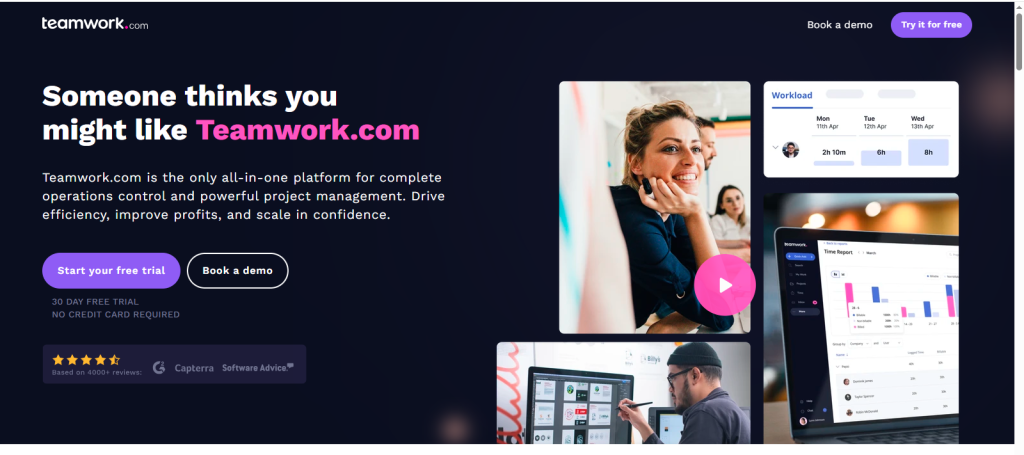
Teamwork.com: Best for Client Based Projects

Teamwork.com is a project management platform designed for agencies and professional services teams that manage client work. It combines task management, invoicing, and project templates in a single workspace, helping teams deliver projects on time while keeping clients informed and engaged. Teamwork.com’s features are particularly valuable for teams that need to balance internal project management with client facing responsibilities.
Key Features
- Client permissions: Control access so clients can view progress without seeing internal only information.
- Billing and estimates: Create invoices and track project costs directly within the platform.
- Milestones: Set and track key project milestones to ensure timely delivery.
Pros
- Tailored for teams managing client projects
- Robust billing and invoicing features for financial oversight
- Solid task management with templates to streamline recurring projects
Cons
- The user interface can feel less intuitive than competitors, requiring a learning period
Pricing
- Paid Plan: Starting at $10 per user per month, offering project templates, client permissions, and billing features
Best For
Agencies, consultants, and professional services teams that need a platform combining project management with client communication and billing. Teamwork.com ensures transparency, accountability, and smooth delivery of client projects, making it a practical choice for teams juggling multiple clients and complex workflows.
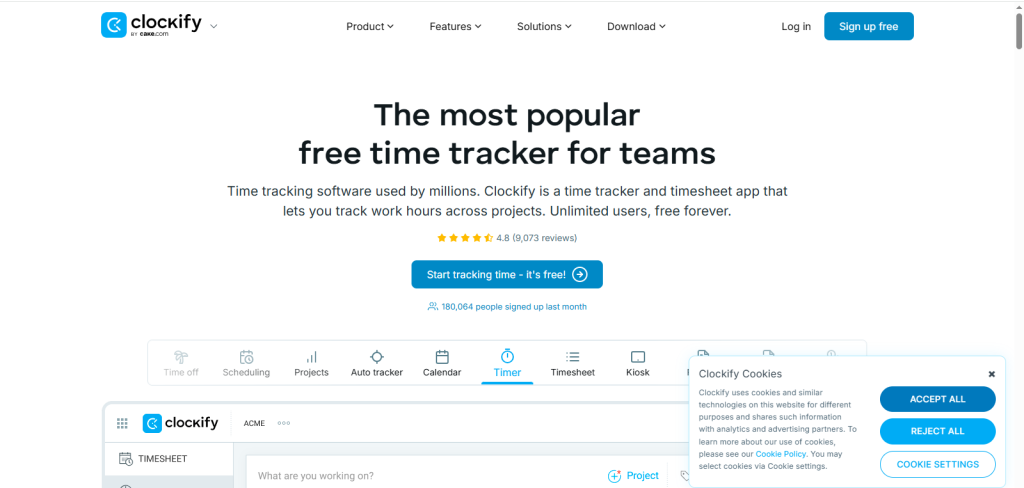
Clockify: Best Free Time Tracker Add On
Clockify is primarily a time tracking tool, but it works exceptionally well as a companion to project management platforms. For teams that already use tools like Trello, Asana, or ClickUp, Clockify adds structured time tracking without requiring a full switch to a new system. It is especially useful for freelancers, agencies, and service based businesses that bill clients hourly or need detailed productivity insights.
Key Features
- Timer and manual logs: Track time in real time or enter hours manually for flexibility.
- Reports and dashboards: Generate detailed reports to analyze billable hours, team productivity, and project timelines.
Pros
- Generous, fully free tier with unlimited users
- Easy to set up and use with minimal onboarding
- Works smoothly as an add on to existing PM tools
Cons
- Not a complete project management solution
- Works best when paired with another task or project management platform
Pricing
- Free Plan: Unlimited users and projects with basic time tracking
- Paid Plan: Starting at $5 per user per month for advanced reporting, invoicing, and admin controls
Best For
Teams and freelancers who primarily need accurate time tracking rather than full project management. Clockify is ideal for organizations focused on monitoring billable hours, improving productivity, and keeping project budgets under control without investing in expensive software.
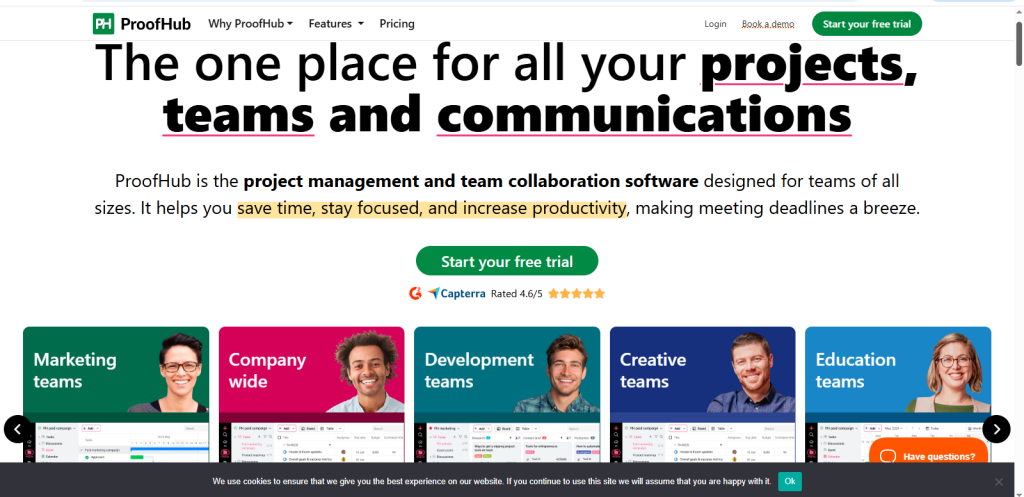
ProofHub: Best Centralized Team Collaboration

ProofHub is designed for teams that want all their work centralized on a single, streamlined platform. It focuses on simplicity, collaboration, and clarity rather than overwhelming users with overly complex features. By combining discussions, task boards, notes, and workflows in a single workspace, ProofHub helps teams reduce tool switching and improve coordination. It is particularly useful for small to mid sized teams that value structured communication and centralized control.
Key Features
- Discussions and notes: Keep conversations organized within projects to reduce the number of scattered emails and messages.
- Workflows and boards: Visualize tasks through boards and manage processes with custom workflows.
- Central file storage: Store and share documents within projects for easy access.
Pros
- True all in one workspace for collaboration
- Encourages transparent communication and task visibility
- Flat pricing model avoids per user complexity
Cons
- Not as feature-rich as enterprise-focused competitors
- Limited advanced automation compared to tools like ClickUp or Wrike
Pricing
- Paid Plans: Typically offered with flat monthly pricing depending on features and storage needs
Best For:
Small to mid size teams seeking a centralized, collaboration-friendly platform without unnecessary complexity. ProofHub works well for marketing teams, creative agencies, and internal departments that want structured teamwork in one cohesive system.
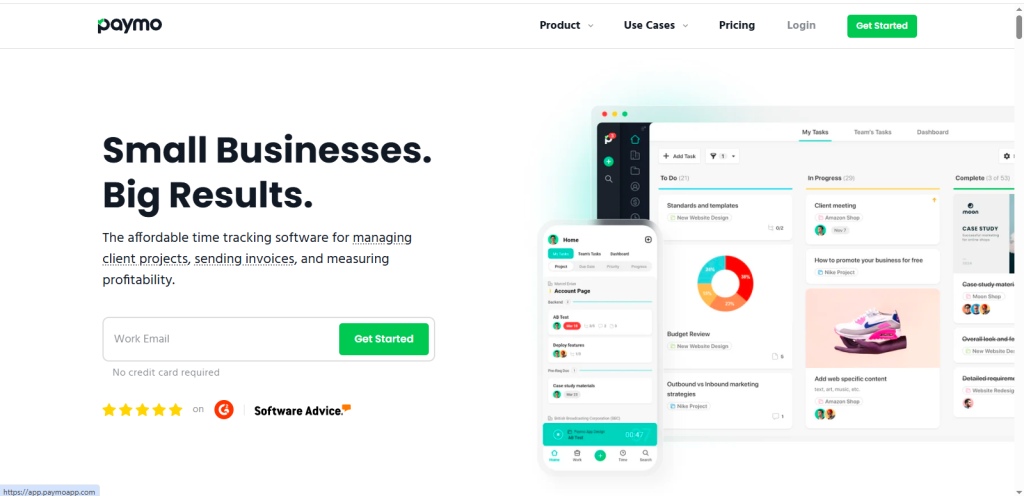
Paymo: Best for Time Tracking + Project Billing
Paymo is a comprehensive project management platform that combines task management, time tracking, and billing in one unified system. It is especially useful for freelancers, consultants, and small agencies that bill clients hourly and need accurate tracking of both work and revenue. By integrating project workflows with invoicing, Paymo eliminates the need to use separate tools for tracking time and managing finances.
Key Features
- Timer and activity tracking: Track time in real time or log hours manually to ensure accurate billing and productivity insights.
- Invoicing and billing: Generate invoices directly from tracked hours and project data.
- Task boards: Organize projects using visual task boards and lists to monitor progress easily.
Pros
- Unified project management and billing in one platform
- Clean, user-friendly interface that is easy to navigate
- Strong time tracking capabilities for service-based businesses
Cons
- Limited advanced automation compared to enterprise level tools
- May not be ideal for large organizations with complex workflows
Pricing
- Paid Plan: Starting at $5.99 per user per month, offering project management, time tracking, and invoicing features
Best For
Freelancers, consultants, and small agencies need accurate time tracking and integrated billing. Paymo is ideal for teams looking to streamline project delivery while maintaining financial control in a single, easy to use platform.
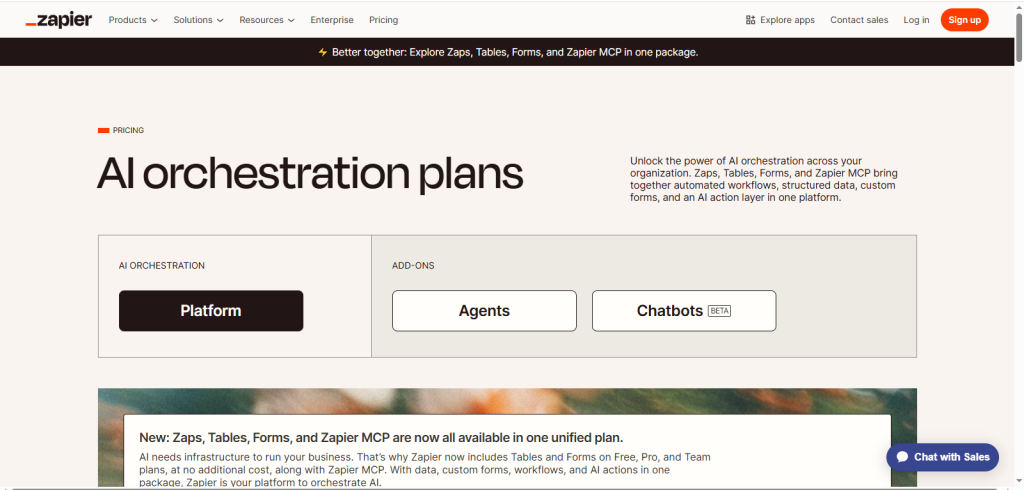
Zapier: Best for Workflow Automation Across Apps

Zapier is not a project management tool on its own, but it plays a powerful supporting role by automating workflows between different apps. Instead of manually updating tasks, sending notifications, or transferring data between platforms, Zapier connects your tools and performs these actions automatically. This saves time, reduces human error, and increases efficiency across teams. It is particularly valuable for organizations that rely on multiple software tools and want them to work together seamlessly.
Key Features
- App integrations: Connects with over 6,000 apps, including popular tools for CRM, email, marketing, and project management.
- Trigger based automation: Create automated workflows (called “Zaps”) that trigger actions when specific events occur.
Pros
- Massive app ecosystem with broad compatibility
- Eliminates repetitive manual tasks
- Improves productivity across departments
Cons
- Not a task or project management platform
- Works best when paired with PM tools like Trello, Asana, or ClickUp
Pricing
- Free Plan: Limited tasks per month with basic automation
- Paid Plans: Start at affordable monthly tiers based on task volume and advanced features
Best For
Teams that want to automate cross-app workflows and streamline operations. Zapier is ideal for businesses aiming to reduce repetitive work, sync data between platforms, and improve operational efficiency without hiring developers.
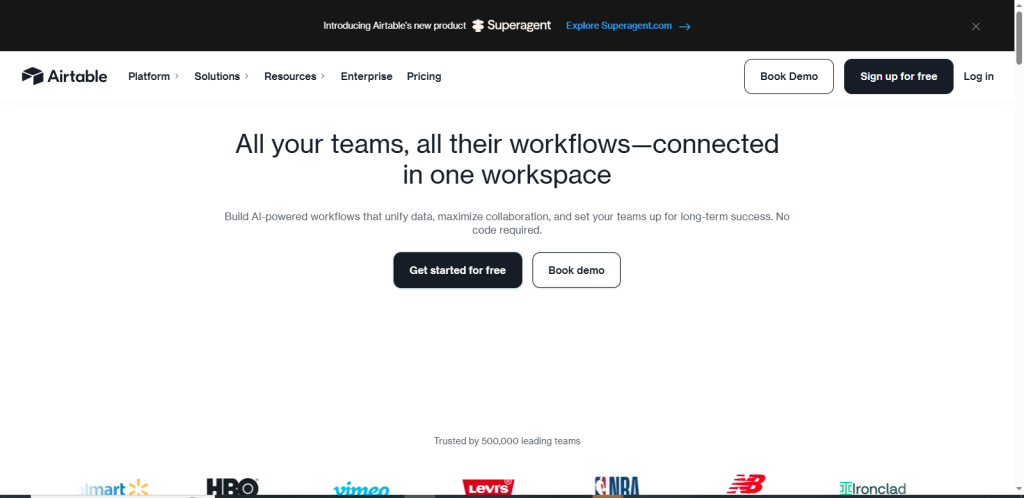
Airtable: Best Hybrid Database Project Manager
Airtable transforms traditional spreadsheets into powerful relational databases, making it a strong choice for teams that need structured data management alongside project planning. Unlike basic task managers, Airtable allows users to link records, build relationships between datasets, and customize views to match specific workflows. This flexibility makes it especially useful for content teams, product managers, and operations departments handling complex information.
Key Features
- Linked records: Connect related data across tables to create relational databases for projects, assets, or campaigns.
- Multiple views: Switch between grid, Kanban, calendar, and gallery views to visualize data in different formats.
- Custom filters: Organize and segment information with advanced filtering and sorting options.
Pros
- Highly flexible data structure adaptable to many use cases
- Combines database functionality with task management
- Clean interface with customizable layouts
Cons
- Requires setup time to configure databases effectively
- Not ideal for heavy workload automation compared to enterprise PM tools
Pricing
- Paid Plan: Starting at $20 per user per month, with additional tiers offering advanced collaboration, automation, and scaling features
Best For
Teams that need database-style tracking combined with project management. Airtable is ideal for organizations managing content pipelines, product inventories, research data, or marketing assets while maintaining structured workflows and visibility.
Featured Article: Best Calendly Alternatives in 2026 (Free, Paid & Advanced Scheduling)
How to Choose the Right Project Management Tool
Every team has unique needs. The right choice depends on team size, workflow complexity, budget, and required features. Below is a practical checklist. If you’re searching for the best project management software for small teams, choosing the right tool can significantly improve productivity, collaboration, and accountability.
Team Size
The number of users and the scale of collaboration heavily influence which platform will work best.
- Solo & Small Teams: If you are a freelancer or a small team, simplicity and affordability matter most. Lightweight tools like Trello or ClickUp offer free plans and intuitive interfaces that reduce setup time while still providing essential task tracking.
- Growing Teams: As teams expand, workflow automation and workload visibility become important. Tools like monday.com or Asana help manage dependencies, assign responsibilities, and reduce manual updates.
- Larger Enterprises: Enterprises require governance, reporting, and structured controls. Platforms like Wrike and Smartsheet provide advanced dashboards, permissions, and portfolio oversight.
Project Complexity
Different projects require different levels of structure, visibility, and reporting. The more complex your workflows, the more advanced your project management software needs to be.
- Simple Task Lists: For straightforward to-do tracking, Trello and Basecamp provide clear visual boards and minimal complexity.
- Cross-Functional Projects: When multiple departments collaborate, Asana and ClickUp help manage dependencies and timelines efficiently.
- Portfolio & Program Planning: For managing multiple large initiatives, Smartsheet and Wrike offer enterprise-grade reporting and governance.
Budget
Cost plays a major role, especially for startups and small businesses, especially for startups and small businesses choosing the best project management software for small teams.
- Free or Low Cost: Zoho Projects and Clockify provide strong functionality at minimal cost.
- Mid Range: ClickUp and Asana balance affordability with advanced features.
- Higher Tier: Smartsheet and monday.com justify higher pricing with automation and enterprise reporting.
Required Integrations
The best project management software doesn’t operate in isolation. To truly improve productivity and collaboration, it must integrate seamlessly with the tools your team already uses.
- Slack & Teams: Most major platforms integrate seamlessly with communication tools.
- Developer Tools (Jira, GitHub): ClickUp and Asana support technical workflows.
- CRM or Finance Apps: Airtable and Teamwork.com integrate well with client and financial systems.
Automation Needs
Automation reduces repetitive work and improves productivity. Automation is no longer optional in modern project management.
- High Automation: monday.com, ClickUp
- Medium Automation: Asana, Wrike
- Low Automation: Trello, Basecamp
Featured Article: Best HubSpot Alternatives in 2026 (Free & Paid CRM Tools Comparison)
How We Tested & Evaluated the Best Project Management Tools
We applied rigorous, experience based criteria so you can trust our recommendations. Our goal is to highlight tools that empower teams of all sizes, from micro teams to large enterprises, without fluff.
We also evaluated customer support quality, integration capabilities, and the value offered at both free and paid tiers. This approach ensures that every recommendation is practical, actionable, and aligned with what teams truly need to manage projects efficiently.
Here’s what we evaluated:
Ease of Use
An intuitive interface significantly reduces onboarding time and training costs. Teams adopt tools faster when navigation feels natural and workflows follow logical steps.Clear menus, drag and drop functionality, and visual dashboards help users focus on work rather than figuring out the software. Tools that are easy to understand also reduce resistance to change, especially in growing teams.
Free Plan vs Paid Value
Not all free plans offer the same level of functionality. Some include unlimited tasks but limit automation or reporting. Others restrict integrations or storage. Teams should carefully evaluate the best project management tools free and unlock productivity gains such as automation, advanced reporting, or enhanced collaboration controls.
Task and Workflow Management
Strong project management tools allow flexible task creation, assignment, and tracking. Support for subtasks, dependencies, recurring tasks, and milestones ensures that both simple and complex workflows can be managed effectively.
Views
Different teams prefer different visualizations. Kanban boards support visual workflows, Gantt charts provide timeline tracking, and list or calendar views offer structured planning options.
Automation and AI
Modern platforms include rule based automation, smart scheduling suggestions, and AI driven insights. These features reduce manual updates and improve efficiency.
Integrations
Seamless connections with Slack, Google Workspace, Microsoft Teams, CRM systems, and developer tools eliminate context switching and improve focus.
Pricing Transparency
Clear pricing tiers, visible per user fees, and straightforward annual discounts help teams budget confidently without unexpected costs.
Featured Article: Best Web Analytics Tools in 2026 (Free & Paid Software Compared)
Conclusion
There is no longer any option in terms of project management tools in 2026. They are key to planning, working, and performance of modern teams. Because organizations work between time zones and departments, the demand for clarity, visibility, and orderly working processes continues to increase.
The correct platform goes beyond coordination of activities. It helps to unify teams towards a common objective, enhance accountability,y and minimize the friction that slows down progress. The project management software market is projected to grow from $10.56 billion in 2026 to $39.16 billion by 2035, representing a 12.8% CAGR.
The work processes between people and systems are being changed by AI powered capabilities, automation, and deep integrations. Monotonous updates are now automated. Reporting may be done immediately. Teams would be able to work on strategy and implementation rather than manual coordination.
This transformation enables companies to work more quickly and accurately, and with control. Nevertheless, not the most sophisticated tool is the best one. It is the one that suits your size, budget, complexity of workflow, and type of collaboration.
Small groups can value being simple and affordable, whereas businesses might need regulation and a type of oversight on the portfolio level. Finally, the appropriate project management software is turned into a growth engine. It enhances communication, helps in making smarter decisions, and enables the team to continuously produce high-quality results in an ever competitive environment.
FAQs
Before making a final decision, here are answers to common questions teams ask.