Most websites collect data, but very few people actually use it well. Web analytics tools help you see what visitors are doing on your site so you can stop guessing and start making better decisions.
Whether you run a blog, an online store, or a large marketing operation, choosing the right analytics tool can directly impact traffic, conversions, and revenue. This guide covers the best web analytics tools in 2026, both free and paid, and what each one is actually good at.
As AI becomes more popular, with cross device tracking and privacy focused laws such as GDPR and CCPA, any business can no longer afford to get by with a simple click counting tool.
The correct analytics tool will allow you to discover user behavioral patterns, manage marketing better, and design a smooth customer experience. This guide walks you through the best web analytics tools in 2026, comparing free and paid software, highlighting their key features, pricing, and ideal use cases.
What Are Web Analytics Tools & Why They Matter
Web analytics tools are software platforms that collect and analyze data about how users interact with your website. These insights are crucial because they empower you to make data backed decisions, reduce guesswork, and refine your marketing and product strategies. They help track:
- Website traffic sources (where visitors come from)
- Visitor behavior (what users do on your site)
- Conversions and funnels
- Customer journeys across devices
Analytics isn’t just about counting clicks; it’s about understanding why users behave the way they do and turning that understanding into growth. Many free options exist, but paid tools unlock deeper insights and advanced features that matter at scale.
How We Chose the Best Web Analytics Tools
Choosing the right web analytics tool isn’t just about tracking clicks or pageviews; it’s about finding a platform that provides accurate insights, integrates seamlessly with your workflow, and grows with your business.
In 2026, businesses need tools that not only measure traffic but also uncover user behavior, conversion patterns, and engagement trends across multiple channels. These criteria focus on accuracy, ease of use, reporting capabilities, and cost-effectiveness, ensuring you can confidently select a tool that fits your goals, whether you’re a small startup, an agency, or an enterprise.
We evaluated tools using these criteria:
- Data accuracy: Tools must reliably track website traffic, user behavior, and conversion metrics. Accurate data ensures decisions are based on real insights, not guesswork.
- Ease of setup: Quick and straightforward implementation is essential. Tools that require minimal coding or technical expertise reduce friction for teams and speed up adoption.
- Reporting & dashboards: Clear, actionable, and customizable reports allow teams to monitor KPIs at a glance. Dashboards that visualize data effectively help stakeholders understand trends quickly.
- Integrations: The best platforms work seamlessly with marketing automation, CRM, email, and CMS platforms. This enables smoother workflows and richer cross-channel insights.
- Pricing & free plans: We prioritized platforms offering the best free website analytics tools or affordable paid plans. This ensures small and medium businesses can access powerful insights without overspending.
- Advanced features: Tools with funnels, event tracking, cohort analysis, and AI powered insights give a deeper understanding of user journeys.
- Scalability: Platforms must grow with your business, supporting small websites to enterprise-level traffic.
- User adoption: Tools with positive real-world reviews and proven performance indicate reliability.
- Variety: A balanced mix of website analytics free tools, and premium solutions ensures options for every need.
- Best Web Analytics Tools (Quick Comparison)
With so many analytics platforms available in 2026, choosing the right one for your business can be overwhelming. Some tools focus on SEO, others on product behavior, UX, or social engagement.
This table provides a high level snapshot, making it easier to see which tools align with your business needs before diving into the detailed reviews below. Whether you’re looking for website analytics free tools or enterprise level software, this comparison will help you quickly narrow down your options.
| Tool | Best For | Key Metrics Tracked | Free Plan | Pricing | Ease of Use |
| Google Analytics | All around traffic & behavior | Traffic, conversions, channels | ✅ | Free & Paid | Medium |
| Adobe Analytics | Enterprise insights | Customer journeys | ❌ | Enterprise | Hard |
| Semrush | SEO & marketing analytics | Organic traffic, keywords | Partial | Tiered | Easy |
| Hootsuite | Social analytics | Social engagement | Partial | Tiered | Easy |
| Moz Pro | SEO performance | Domain authority, rank | Trial | Tiered | Medium |
| Mixpanel | Product & behavior analytics | Funnels, retention | ✅ | Tiered | Medium |
| Amplitude | Behavioral insights | Cohorts, paths | ✅ | Tiered | Medium |
| Hotjar | UX & behavior | Heatmaps, recordings | Limited | Tiered | Easy |
| Pendo | Product analytics | Adoption, feedback | ✅ | Enterprise | Medium |
| Zoho Social | Social analytics | Social engagement | ✅ | Tiered | Easy |
Featured Article: Best Semrush Alternatives in 2026 (Free & Paid SEO Tools Compared)
Top 10 Web Analytics Tools in 2026 (Detailed Reviews)
With so many platforms available, from free tools like Google Analytics to enterprise solutions like Adobe Analytics, it can be overwhelming to know where to start.
Each tool has its strengths; some excel at SEO, others at behavioral insights, product analytics, or social engagement This section covers in depth reviews of the top 10 web analytics tools in 2026, covering key features, pros and cons, pricing, and best-use cases.
Whether you’re a small business, a growing startup, or a large enterprise, this guide will help you find the right analytics platform to track, analyze, and optimize your digital presence effectively.
Google Analytics

Google Analytics remains the most widely used web analytics platform in the world. Known for its robust tracking capabilities. It provides detailed insights into website traffic, user behavior, conversions, and acquisition channels. With the transition to GA4, it now emphasizes event based tracking, cross device reporting, and predictive metrics powered by AI. Google Analytics is the powerhouse of web analytics tools.
Key Features:
- Real time traffic and user behavior tracking
- Conversion tracking and goal setup
- Audience segmentation and demographics
- Event based data and predictive analytics (GA4)
- Integration with Google Ads, Search Console, and other platforms
Pros:
- Free for most features
- Powerful dashboards and reporting
- Reliable and widely supported
- Excellent for small to enterprise-level businesses
Cons:
- Learning curve for GA4
- Advanced features can be complex
Pricing: Free for standard, GA360 for enterprise level solutions
Best for: Small to large businesses needing all around traffic and behavior insights. Ideal for marketers who want actionable data without heavy investment.Adobe Analytics

Adobe Analytics is an enterprise grade analytics platform designed for large organizations needing deep customer insights. It tracks detailed customer journeys across web, mobile, and other digital touchpoints, allowing for highly granular segmentation and predictive modeling.
Key Features:
- Advanced customer segmentation and cohort analysis
- Real time dashboards and alerts
- Attribution modeling and marketing performance tracking
- AI powered predictive analytics
- Integration with Adobe Experience Cloud
Pros:
- Extremely detailed and customizable reports
- Great for multi channel tracking
- Scalable for large enterprises
Cons:
- Expensive, not suitable for small businesses
- Requires training and technical expertise
Pricing: Enterprise pricing; no free version
Best for: Large companies and enterprises that need highly granular analytics, custom dashboards, and multi-channel tracking.Semrush

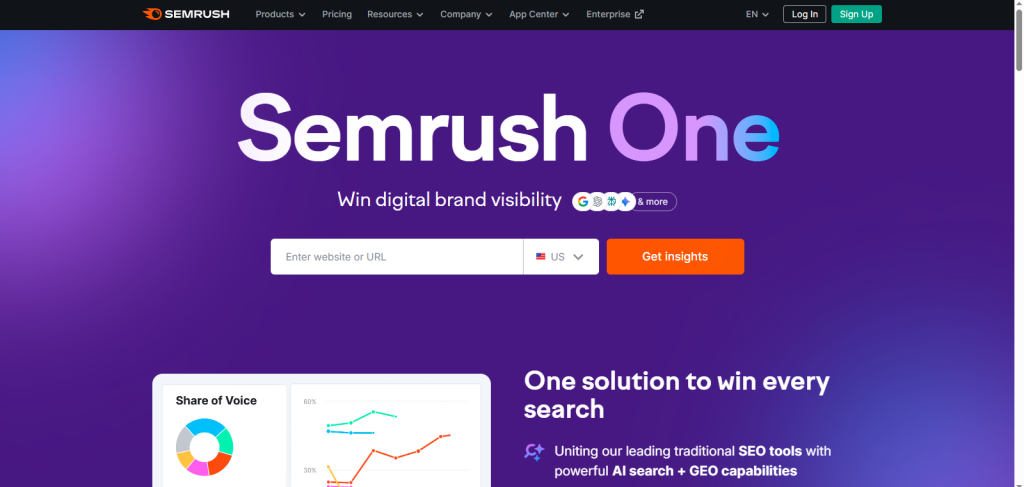
Semrush is a comprehensive SEO and marketing analytics platform used by content marketers, agencies, and businesses to improve online visibility. Beyond traditional SEO, it also tracks competitors, paid campaigns, and backlink performance.
Key Features:
- Keyword research and ranking analysis
- Backlink audit and domain authority tracking
- Competitor analysis and gap identification
- Site audit and SEO recommendations
- Marketing insights for PPC, social, and content
Pros:
- Combines SEO, content, and competitive analysis in one platform
- Easy to use interface with actionable insights
- Great for small businesses and agencies
Cons:
- Some advanced features are only available in higher-tier plans
- Limited in behavioral or in depth product analytics
Pricing: Free limited plan; Paid plans from $165/month
Best for: Businesses and marketers focused on SEO, content strategy, and competitive analysis, needing both traffic insights and actionable marketing recommendations.Hootsuite

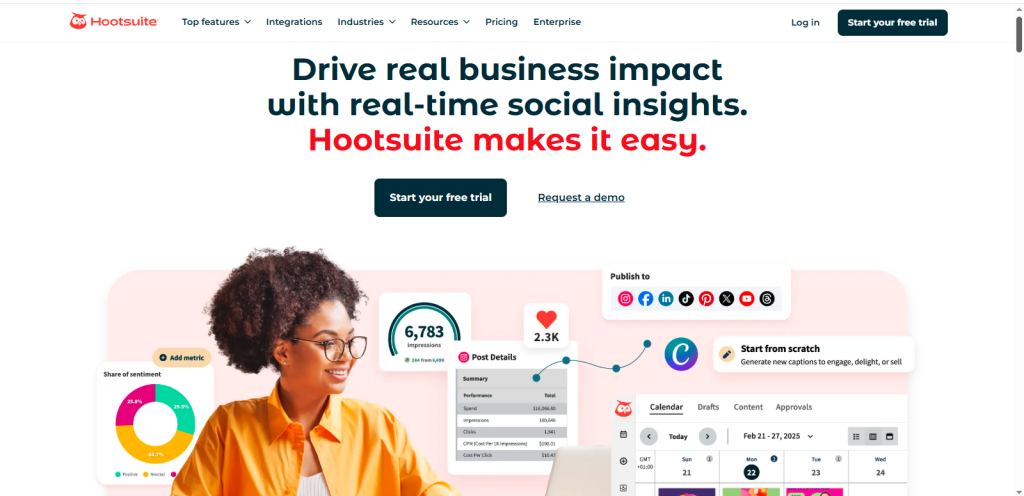
Hootsuite is a leading social media analytics and management tool that allows businesses to track engagement, schedule posts, and monitor campaign performance across multiple platforms. It’s ideal for marketers who want data driven social insights without switching between networks.
Key Features:
- Social engagement and performance analytics
- Content scheduling and publishing across platforms
- Campaign monitoring and sentiment analysis
- Reporting dashboards for team collaboration
- Integration with CRM and marketing tools
Pros:
- Centralizes multiple social accounts in one platform
- Intuitive dashboard for social analytics
- Helps teams streamline content planning
Cons:
- Limited advanced analytics compared to SEO/product tools
- Free plan supports only basic features
Pricing: Free limited plan; Paid plans start at $199/month
Best for: Small to medium businesses, marketing teams, and agencies needing social media insights and streamlined content management.Moz Pro

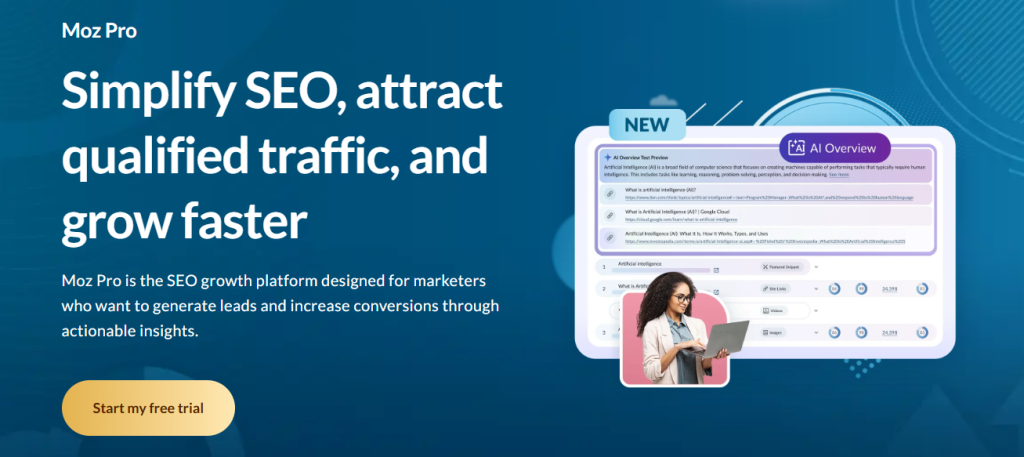
Moz Pro is an all in one SEO toolset designed to improve website visibility, track keyword rankings, and audit site performance. It’s trusted by marketers for its accurate SEO metrics and actionable recommendations.
Key Features:
- Keyword tracking and research
- Site audits and crawl diagnostics
- Domain authority and backlink analysis
- Competitor insights
- Customizable SEO reporting
Pros:
- User friendly interface for beginners and pros
- Provides actionable SEO recommendations
- Good mix of analytics and SEO strategy tools
Cons:
- Limited behavioral analytics
- Free trial only; full features require a paid plan
Pricing: Trial available; Paid plans start at $49/month
Best for: Businesses focused on SEO, content optimization, and competitive analysis, especially small to medium teams aiming to improve organic search performance.Mixpanel

Mixpanel is a behavioral analytics tool that helps product teams understand how users interact with apps and websites. It’s particularly useful for SaaS businesses and mobile applications.
Key Features:
- Funnel tracking and retention analysis
- Event based user tracking
- Cohort analysis for engagement trends
- A/B testing and experiment tracking
- Integration with product and marketing tools
Pros:
- Deep behavioral insights
- Ideal for mobile apps and SaaS products
- Customizable dashboards
Cons:
- Steeper learning curve
- The free plan has limitations on data retention
Pricing: Free basic plan; Paid plans
Best for: Product teams, startups, and businesses focused on understanding user behavior and improving retention.Amplitude

Amplitude is another behavioral analytics platform geared towards product teams and digital growth managers. It provides in depth insights into user journeys, retention, and conversion paths.
Key Features:
- Cohort and path analysis
- Funnel and retention reports
- Product adoption and engagement metrics
- Predictive analytics and AI-powered insights
- Integrations with marketing and product platforms
Pros:
- Excellent for product and user behavior analysis
- Advanced segmentation and analytics tools
- Supports enterprise level scaling
Cons:
- No free plan for advanced features
- Can be complex for beginners
Pricing: Free basic plan; Paid plans starts $49/mo
Best for: Medium to large businesses needing behavior driven insights to optimize product experiences.Hotjar

Hotjar is a UX focused analytics tool that shows how users interact with websites visually. It’s ideal for marketers and UX designers aiming to improve conversion and engagement.
Key Features:
- Heatmaps to visualize user behavior
- Session recordings to observe user journeys
- Surveys and feedback polls
- Conversion funnel analysis
- Integration with CMS and marketing tools
Pros:
- Visual and easy-to-understand insights
- Simple setup with actionable UX data
- Helps improve website design and engagement
Cons:
- Limited advanced analytics
- The free plan has usage restrictions
Pricing: Free limited plan; Paid plans start at $39/month
Best for: UX designers, marketers, and small to medium businesses seeking behavioral insights to optimize website experience.
Pendo

Pendo is a product analytics and adoption platform that helps businesses track in app behavior and guide users through digital products. It’s particularly popular with SaaS companies.
Key Features:
- In app analytics and feature tracking
- User onboarding and product guidance
- Feedback collection and NPS surveys
- Cohort and adoption reporting
- Integrations with CRM and marketing platforms
Pros:
- Combines analytics with product guidance
- Ideal for SaaS and digital products
- Actionable insights to improve feature adoption
Cons:
- Enterprise pricing makes it expensive for small teams
- Requires setup and learning
Pricing: Enterprise level pricing; free plan
Best for: SaaS businesses and product teams seeking in app analytics and adoption insights to improve user engagement.
Zoho Social

Zoho Social is a social media management and analytics tool for businesses and agencies. It helps track engagement, monitor campaigns, and optimize posting strategies.
Key Features:
- Social media engagement analytics
- Post scheduling and publishing
- Performance reports for campaigns
- Monitoring mentions and trends
- CRM and marketing integrations
Pros:
- Affordable with free plan options
- Easy to use interface
- Integrates well with other Zoho products
Cons:
- Limited depth compared to enterprise analytics tools
- Advanced reporting requires a paid plan
Pricing: Free plan available; Paid plans start at $10/month
Best for: Small to medium businesses and agencies looking for simple, effective social media analytics and management.




Featured Article:Best Brand Mention Tools in 2026 (Monitor & Track Your Brand Online)
Free vs Paid Web Analytics Tools: Which Is Right for You?
Not every business needs an expensive analytics suite. But not every free tool is enough either. The right choice depends on your traffic volume, growth stage, reporting needs, and team structure. Understanding when to use free versus paid options makes your analytics setup smarter and more cost effective. The goal is simple: use the least complex tool that still delivers the insights you need.
When Free Tools Are Enough
Free analytics platforms can be surprisingly powerful. For many businesses, especially in early stages, they provide more than enough insight to guide marketing and content decisions. Free tools are usually enough if you:
- Run small blogs or businesses
- Need basic traffic and user behavior insights
- Operate on limited budgets
- Don’t require advanced segmentation or attribution models
Examples: Google Analytics, Hotjar free tier, Zoho Social free plan
When Paid Tools Make Sense
As your business grows, analytics needs become more complex. You may need deeper insights, cross channel visibility, or advanced reporting for stakeholders. Paid tools are ideal if you need:
- Advanced segmentation
- Real time customer journey mapping
- Multi channel attribution
- Dedicated support
- Custom dashboards for multiple teams
Paid options: Adobe Analytics, Semrush full suite, Mixpanel, Amplitude for product behavior
GA4 vs Paid Alternatives
Many businesses start with GA4. But as requirements evolve, paid alternatives may offer more flexibility and customization.
Here’s a quick comparison:
| Feature | Google Analytics (Free) | Paid Suite |
| Price | Free | Paid |
| Funnels | Yes | Yes, deeper |
| Predictive Analytics | Basic | Advanced |
| Integrations | Good | Enterprise integrations |
| Support | Community | Dedicated |
Free tools are powerful. But paid tools fill critical gaps when your business grows, your data becomes more complex, and your reporting demands increase.
Conclusion
Analytics is not an option in 2026; it is one of the engines of sustainable growth. Companies that only operate by intuition lag behind their competitors, who base their strategy on actual user specifications. The appropriate analytics can assist you in knowing who your customers are, how they act, and what makes them choose a certain way.
That understanding results in wiser marketing decisions, more powerful messages, and superior experiences with users. In the long-term, this can be translated into an increase in conversion rates and stable boosts in performance. Data eliminates conjectures and substitutes them with a quantifiable advancement.
Google Analytics is the basis of most businesses. It provides a good tracking of traffic and conversion data, and it can also be connected to such platforms as Google Ads and Google Search Console. None of the tools is all-encompassing, however.
Given the teams that have specific objectives, they tend to overlay other platforms like Hotjar to capture user behavior, Mixpanel to analyze products, or Adobe Analytics to provide a more enterprise-level reporting. The point is to match the tools with the definite purposes instead of pursuing features. The end is not to gather more data but to come up with better decisions. Select the tools that are equal to your strategy, budget, and stage of growth.