SHORT SUMMARY
- See why Wix is the best all-around AI website builder in 2026 for growing small businesses.
- Compare 11 top AI website builders side by side on price, free plans, and hidden AI credit limits.
- Get honest reviews of every tool, packed with real features, pros, cons, and true renewal pricing.
- Find your perfect match, whether you’re a beginner, an agency, an online store, or chasing better SEO.
- Learn how AI website builders actually work, and where they fall short before you commit your money.
AI Website Builders Compared at a Glance
The table below ranks 11 AI website builders by price, free plan access, AI credit limits, and code export. Only 3 of the 11 tools tested, 10Web, Dorik, and Webflow, allow code export. Only 2 tools, B12 and Durable, disclose AI credit limits on the pricing page before signup.
| Builder | Best For | Starting Price | Free Plan | AI Credit Limit | Code Export |
| Wix | All-around small business sites | $17/mo | Yes (with Wix branding) | Not disclosed publicly | No |
| Squarespace | Image-heavy, design-polished sites | $16/mo (annual) | No (14-day trial) | Not disclosed publicly | No |
| B12 | Service businesses, client-facing sites | $42/mo (annual) | Yes (30 AI credits/mo) | 300 messages/mo on Basic | No |
| Durable | Fastest possible launch | $15/mo (annual) | Yes (subdomain only) | 50 images + 1,000 messages/mo | No |
| 10Web | WordPress users who want AI speed | $10/mo (annual) | No (7-day trial) | Not disclosed publicly | Yes (it’s WordPress) |
| Framer | Portfolios, design-led landing pages | $5/mo (annual) | Yes (1 site, subdomain) | Not disclosed publicly | No |
| Unicorn Platform | SaaS and startup landing pages | $9/mo (Maker) | Yes (1 site, 10 blog posts) | Not credit-based | Yes (HTML export) |
| Hostinger | Budget-conscious solopreneurs | $2.99/mo (3-yr promo) | No (30-day refund only) | Not disclosed publicly | No |
| Dorik | CMS-driven sites and memberships | $18/mo (annual) | No (14-day trial) | Not disclosed publicly | Yes, full code export |
| GoDaddy Airo | Bundled with an existing GoDaddy domain | ~$9.99/mo | Effectively (bundled) | Not disclosed publicly | No |
| Webflow | Freelancers and agencies needing CSS control | $14/mo (annual) | Yes (2 static pages) | Not disclosed publicly | Yes (HTML/CSS/JS) |
The 11 Best AI Website Builders in 2026
AI website builders vary in customization, AI capabilities, pricing, and ease of use. The tools below are selected based on testing, feature depth, value, and suitability for different users.

Wix

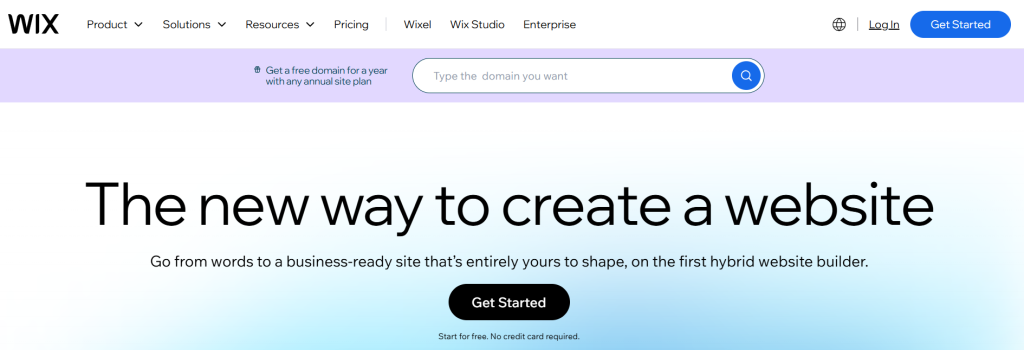
Wix generates a full website in under 5 minutes using AI, then supports it with 900+ templates and 300+ app integrations. Wix suits small businesses selling products, booking appointments, or running blogs on one platform.
Key Features
- AI generator (Wix ADI): questionnaire-based site generation
- Template library: 900+ templates across 40+ industry categories
- Native e-commerce: subscription products, dropshipping, digital downloads
- App marketplace: 300+ third-party integrations, the largest tested
Pros and Cons
Pros: 900+ templates provide broad design coverage. Native e-commerce removes the need for a separate store platform. The 300+ app marketplace covers CRM, email marketing, and analytics tools.
Cons: Templates lock after publishing; switching requires a full rebuild. Code export is not available. AI credit limits are not disclosed before signup.
Pricing
Wix offers a free plan with Wix branding on a subdomain. Paid plans start at $17/month (Light) and reach $32/month (Business), which adds e-commerce and analytics.
Why Choose Wix
Wix fits a small business needing e-commerce, booking, and marketing tools on one platform without a per-feature subscription.
Squarespace

Squarespace generates image-driven templates through its Fluid Engine editor, which auto-aligns layout elements during editing. Squarespace suits photographers, fitness trainers, and service providers who depend on strong visuals.
Key Features
- Fluid Engine editor: automatic element alignment during editing
- Template library: 180+ templates built for image-heavy layouts
- Acuity Scheduling: built-in appointment booking
- AI text rewriting: content-level only, not structural
Pros and Cons
Pros: 180+ templates score highest on visual polish among tools tested. Acuity Scheduling removes the need for a separate booking tool. The Fluid Engine editor prevents misaligned layouts.
Cons: No free plan exists; only a 14-day trial is offered. Code export is not available. Page load speed drops on image-heavy sites without manual compression.
Pricing
Squarespace offers a 14-day trial with no permanent free tier. The Basic plan starts at $16/month billed annually.
Why Choose Squarespace
Squarespace fits a photography, fitness, or creative business where visual presentation drives conversion.
B12

B12 generates an AI website draft, then routes it through a human designer for review on paid plans before publishing. B12 suits consultants, coaches, legal professionals, and agencies needing a client-facing site with built-in business tools.
An independent review from ScribeHow verified B12’s 60-90 second generation claim directly, confirming real copy, real layout, and functioning scheduling and invoicing tools in the initial draft. G2 lists over 200 reviews for B12 at a 4.4 average rating.
Key Features
- AI theme generator: 10 layout options per business questionnaire
- Human review: designer-reviewed draft on Basic + Client Engagement and above
- Built-in business tools: scheduling, invoicing, payments, CRM, email marketing
- SEO support: analytics and ongoing optimization on Professional plan
Pros and Cons
Pros: Independent testing confirmed a 60-90 second generation time with working copy. Scheduling, invoicing, and CRM tools ship without a separate subscription. Human design review is available on B12 alone among the 11 tools tested.
Cons: The section-based editor limits layout control compared to Wix or Webflow. Code export is not available. The Basic plan’s 300 AI messages per month run out during multi-page rebuilds.
Pricing
The free plan includes 30 AI credits per month on a b12sites.com subdomain. Basic costs $42/month billed annually and includes 300 AI messages and a custom domain. Basic + Client Engagement costs $78/month and adds contracts and eSignatures. Professional costs $199/month and adds SEO analytics.
Why Choose B12
B12 fits a service business needing client management tools bundled with the website, backed by a human review step before launch.
Before choosing a plan, explore our complete B12 AI Website Builder Review for detailed pricing, real testing insights, alternatives, and the latest offers.
Durable

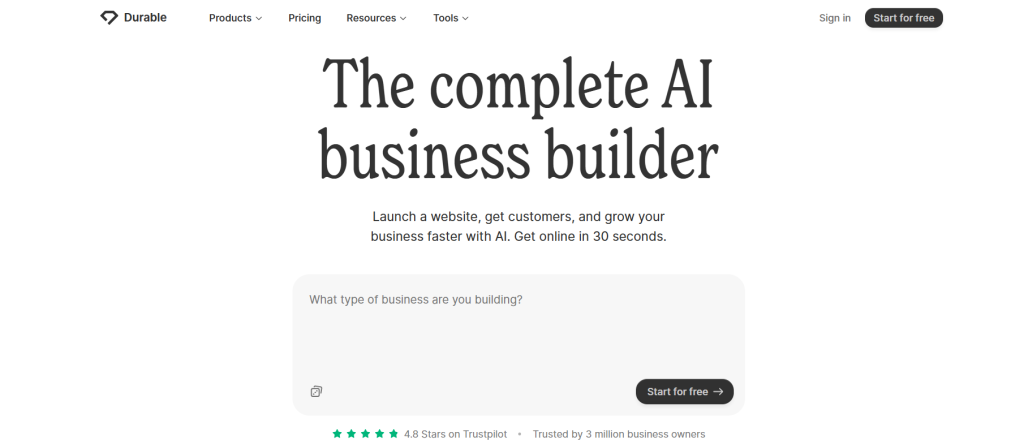
Durable generates a live website from a business description in under 60 seconds. Durable suits plumbers, electricians, contractors, and other local service businesses needing an online presence immediately.
Key Features
- Site generation: live site in under 60 seconds from a text description
- Bundled tools: CRM, invoicing, marketing, included at no extra cost
- Disclosed AI limits: 50 images and 1,000 messages per month on entry plan
- Update frequency: new features released on a rolling basis
Pros and Cons
Pros: Site generation completes faster than any other tool tested. CRM and invoicing ship bundled with the website. AI credit limits are disclosed directly on the pricing page.
Cons: Layout customization is the most restricted among the 11 tools tested. Output across different businesses looks visually similar. Code export is not available.
Pricing
The free plan publishes on a Durable subdomain. Starter costs $15/month billed annually. Business costs $20/month billed annually. Mogul costs $80/month billed annually and includes 5 custom domains.
Why Choose Durable
Durable fits a local service business needing a professional-looking site online within the same day, without design customization priorities.
10Web

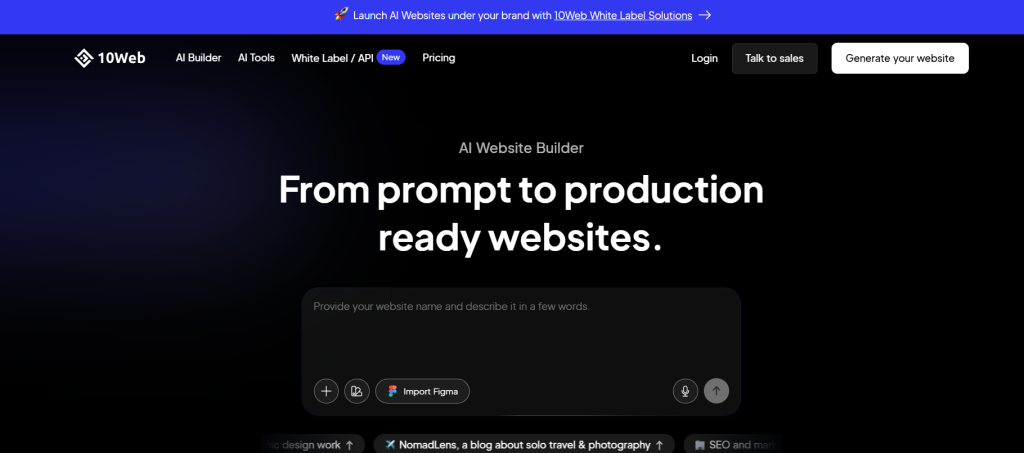
10Web generates a complete WordPress website using AI, then hands editing control to Elementor. 10Web suits business owners who want AI-generated design combined with WordPress’s plugin ecosystem.
WordPress powers over 40% of all websites on the internet, giving 10Web access to a mature plugin and SEO ecosystem that AI-only builders do not have.
Key Features
- AI site generator: full WordPress site from a business questionnaire
- Site cloning: recreates an existing website’s design as an editable template
- Managed hosting: Google Cloud infrastructure with automatic backups
- E-commerce: full WooCommerce integration
Pros and Cons
Pros: Sites export as real, self-hostable WordPress files. Google Cloud hosting delivers fast page load times. WooCommerce support handles online stores without a third-party plugin.
Cons: WordPress requires ongoing plugin and security maintenance after launch. The AI generates the site once and does not function as an ongoing editing assistant.
Pricing
No free plan is offered; a 7-day trial is available. Plans start at $10/month billed annually.
Why Choose 10Web
10Web fits a business wanting AI-generated speed at launch with the option to self-host or hand the site to a developer later.
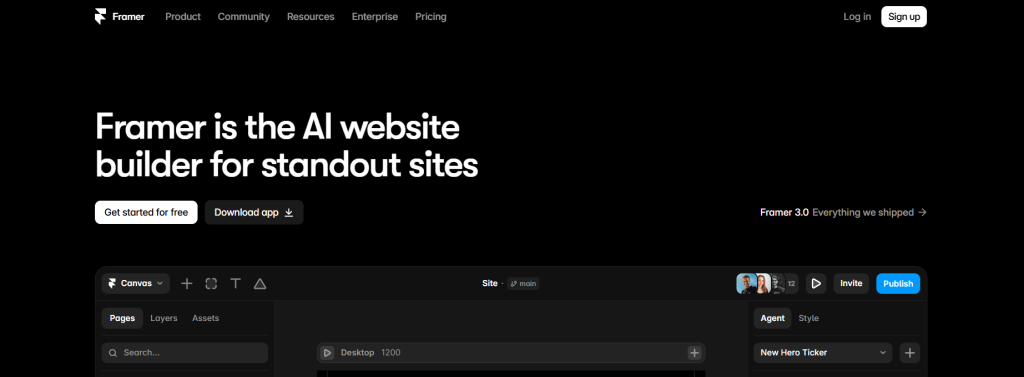
Framer

Framer generates a structural website layout through its AI Wireframer tool, then hands design control to a pixel-level visual canvas. Framer suits designers, startup founders, and freelancers building portfolios or design-led landing pages.
Key Features
- AI Wireframer: chat-based layout generation
- Visual canvas: pixel-level element placement
- Built-in CMS: blog and dynamic content support
- Plugin ecosystem: analytics, form, and integration plugins
Pros and Cons
Pros: Output scored highest for visual distinctiveness among tools tested. Built-in animations require no manual coding. Custom code injection is supported for advanced users.
Cons: The learning curve is steep for users without design experience. Code export is not available. Per-editor pricing increases cost at team scale.
Pricing
The free plan includes 1 site on a subdomain. Paid plans start at $5/month billed annually (Mini) and reach $15/month (Basic).
Why Choose Framer
Framer fits a portfolio or brand-led landing page where visual distinctiveness matters more than editing speed.
Unicorn Platform

Unicorn Platform generates SaaS-specific page sections, including pricing tables and FAQs, through its AI Co-Pilot tool. Unicorn Platform suits SaaS founders and startups launching a single conversion-focused landing page.
Key Features
- AI Co-Pilot: generates pricing tables, FAQs, testimonials, CTAs from a prompt
- SaaS templates: built for product launches and directories
- Custom HTML: manual code insertion alongside the visual editor
- Native integrations: Stripe, Zapier, Mailchimp, Google Sheets
Pros and Cons
Pros: Templates are built specifically for SaaS and product launch use cases. HTML export is available, unlike most tools tested. Grammar correction runs across the full page in one pass.
Cons: Template variety is smaller than general-purpose builders. The platform is not built for service businesses or e-commerce catalogs.
Pricing
The free plan includes 1 site and 10 blog posts. Maker costs $9/month. The startup costs $29/month and removes branding. Business costs $49/month and supports 3 sites.
Why Choose Unicorn Platform
Unicorn Platform fits a product launch needing a conversion-focused page, not a multi-purpose business site.
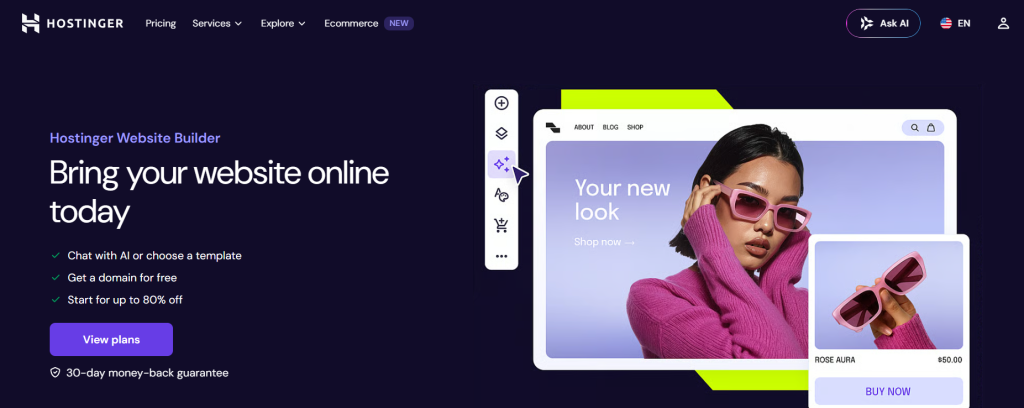
Hostinger

Hostinger bundles AI website generation with hosting and a free first-year domain starting at $2.99/month. Hostinger suits solopreneurs and small local businesses prioritizing price over design flexibility.
Key Features
- AI generator: full site from a business description
- Editor: drag-and-drop refinement after generation
- E-commerce: physical and digital product support
- Bundle: hosting and free first-year domain included
Pros and Cons
Pros: Entry pricing is the lowest among the 11 tools tested. Templates render correctly on mobile devices by default. Hosting and domain registration are bundled into one payment.
Cons: Templates lock after site creation; switching requires a rebuild. Output looks templated compared to Wix or Squarespace. Renewal pricing increases from $2.99/month to $10.99/month after the promotional term.
Pricing
No free plan is offered; a 7-day trial and 30-day refund are available. Entry pricing starts at $2.99/month on a 3-4 year term, renewing at $10.99/month.
Why Choose Hostinger
Hostinger fits a business where the lowest total cost outweighs design flexibility.
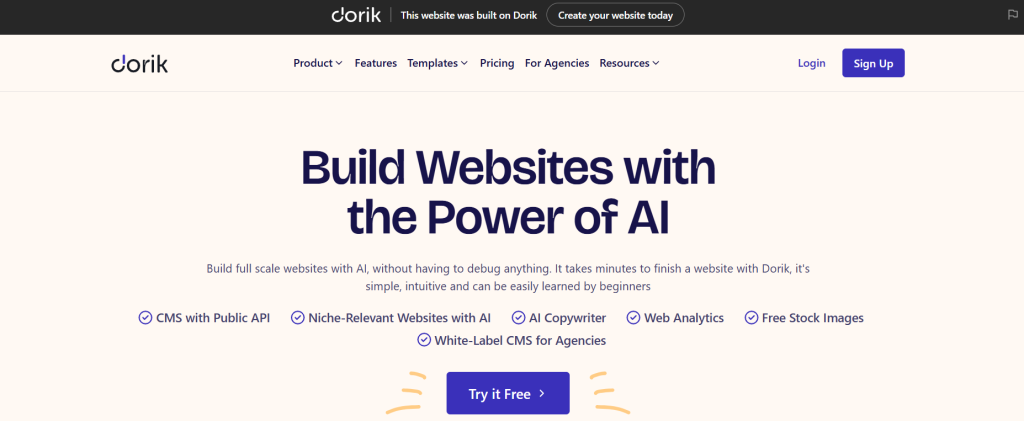
Dorik

Dorik generates a multi-page website with a built-in CMS supporting membership and paywall content from one text prompt. Dorik suits creators and startups needing gated content or subscription-based access.
Key Features
- AI generator: multi-page site with copy and images from one prompt
- Dorik CMS: blog management and membership/paywall support
- Editor: drag-and-drop on pre-designed UI blocks
- Code export: full export supported
Pros and Cons
Pros: Layout customization exceeds most AI builders tested. Full code export is supported, unlike 8 of the 11 tools tested. Membership and paywall tools are built in without a third-party plugin.
Cons: UI lag occurs on larger sites according to user reports. Confusion between Classic and CMS modes sometimes requires restarting a project.
Pricing
A 14-day trial is offered; no permanent free plan exists. Personal costs $18/month billed annually. Business costs $39/month billed annually.
Why Choose Dorik
Dorik fits a content or membership site needing the option to export and migrate later.
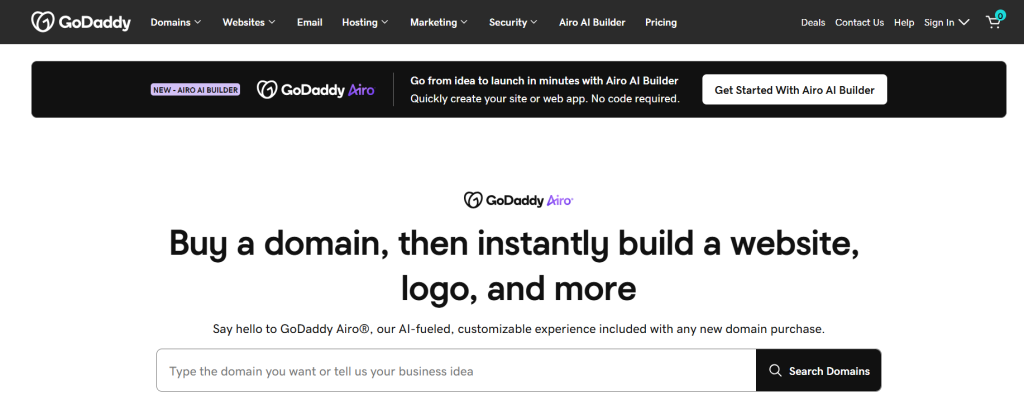
GoDaddy Airo

GoDaddy Airo generates a website through its Airo AI chatbot, bundled directly with GoDaddy domain and hosting plans. GoDaddy Airo suits businesses that already own a GoDaddy domain and want the fewest setup steps.
Key Features
- AI chatbot (Airo): site generation from a business description
- Bundle: domain, hosting, basic SEO, and email in one account
- Built-in tools: appointment scheduling, basic e-commerce
- Social suggestions: auto-generated post ideas
Pros and Cons
Pros: Setup requires the fewest steps among tools tested for existing GoDaddy customers. Domain, hosting, and email live in one dashboard.
Cons: Design output scored lowest among the 11 tools tested. Layouts are more rigid than Wix or Squarespace. Code export is not available.
Pricing
Effectively free when bundled with an existing GoDaddy plan. Standalone pricing starts at $9.99/month.
Why Choose GoDaddy Airo
GoDaddy Airo fits an existing GoDaddy domain owner, prioritizing setup speed over design quality.
Webflow

Webflow generates an initial AI layout, then hands full CSS-level control to its visual editor. Webflow suits freelancers and agencies needing to hand off clean, exportable code to clients or developers.
Key Features
- AI generator: initial layout from a business description
- CSS control: full spacing, typography, and interaction editing
- Built-in CMS: dynamic content for blogs and listings
- Code export: clean HTML/CSS/JS
Pros and Cons
Pros: The visual editor scored highest for design control among tools tested. Code export is available, unlike 8 of the 11 tools tested. Output does not look templated.
Cons: The learning curve is the steepest among the 11 tools tested. AI guidance stops after the initial draft. CMS-enabled plans cost $25/month and above.
Pricing
The free plan includes 2 static pages on a subdomain. Basic costs $14/month billed annually. CMS plans start at $25/month.
Why Choose Webflow
Webflow fits an agency or freelancer needing pixel-level control and a clean code handoff to clients.



Which AI Website Builder Is Right for You?
No single AI website builder is perfect for every user. Compare the recommendations below to find the platform that best matches your website goals, customization needs, and budget.
What is the best AI website builder for beginners?
Durable is the best AI website builder for beginners. Durable generates a live site in under 60 seconds from a text description, with no editor to learn beforehand. Wix ranks second for beginners who plan to customize the site after launch.
What is the best AI website builder for small businesses?
Wix is the best AI website builder for small businesses. Wix combines booking, e-commerce, and a 300+ app marketplace on one platform. B12 ranks first for service-based small businesses needing bundled scheduling, invoicing, and CRM tools.
What is the best AI website builder for e-commerce stores?
Wix is the best AI website builder for e-commerce stores. Wix supports subscriptions, dropshipping, and digital products natively. 10Web ranks first for businesses specifically needing WooCommerce. Hostinger ranks first for small catalogs under a tight budget.
What is the best AI website builder for freelancers and agencies?
Webflow is the best AI website builder for freelancers and agencies. Webflow exports clean HTML/CSS/JS code for client handoff. Framer ranks first for agencies prioritizing visual polish over code control.
What is the best AI website builder for SEO?
10Web is the best AI website builder for SEO. 10Web generates real WordPress, giving access to WordPress’s mature SEO plugin ecosystem, which powers over 40% of websites globally. Webflow ranks second, exporting clean semantic HTML that search engines crawl without JavaScript rendering delays.
What is the best AI website builder for landing pages?
Unicorn Platform is the best AI website builder for landing pages. Unicorn Platform generates pricing tables, FAQs, and CTA blocks specifically for product launches. Framer ranks first for landing pages prioritizing visual distinctiveness over conversion templates.
What Is an AI Website Builder?
An AI website builder is a software tool that generates a working website from a text description of a business. The tool produces layout, written copy, and images automatically, then hands editing control to a visual editor for manual refinement.
How do AI website builders work?
AI website builders follow a 3-step process: input, generation, and manual editing. A user enters a business description through a form or chat prompt. The AI generates a layout, copy, and images matching that description. The user then edits the draft in a visual editor before publishing. B12 adds a fourth step, human design review, on plans above Basic + Client Engagement. All 11 tools tested required manual editing after the AI draft, most commonly to replace generic copy or a mismatched stock image.
Benefits of Using an AI Website Builder
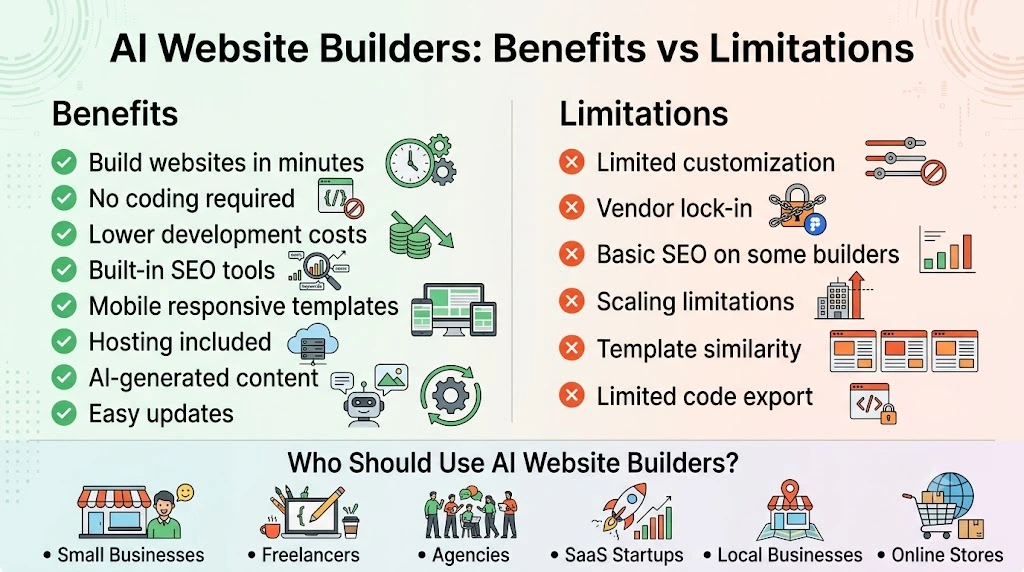
AI website builders help individuals and businesses launch professional websites faster with less effort. The benefits below explain how they save time, reduce development costs, eliminate coding requirements, and simplify website management.
How much faster is website creation with an AI builder?
AI website builders generate a working site in under 5 minutes. Durable, Wix, and B12 each completed generation in under 90 seconds during testing. Webflow and Framer, the slowest tools tested, still completed generation in under 10 minutes, compared to multiple days for a manually built site.
How much does an AI website builder lower development cost?
AI website builders cost under $50 per month, compared to $1,000-$5,000 for a freelance developer. B12’s Basic plan, priced at $42/month, bundles scheduling, invoicing, and email marketing tools that would otherwise require 3 separate subscriptions alongside a developer’s fee.
Does an AI website builder require coding knowledge?
No AI website builder in this comparison requires coding knowledge to launch a site. All 11 tools tested generate a working site from a text description or short questionnaire, with no code required at any step.
Do AI website builders include SEO features by default?
8 of the 11 AI website builders tested generate meta titles, meta descriptions, and heading structure automatically. 10Web and Webflow generate the most crawlable output, since 10Web produces real WordPress and Webflow exports semantic HTML without heavy JavaScript.
While built-in SEO features help optimize your website, tracking performance is equally important. After publishing your site, explore our guide to the Best Web Analytics Tools to monitor traffic, user behavior, and conversion performance.
Limitations of AI Website Builders
AI website builders offer speed and convenience, but they also have limitations that can affect long-term flexibility. The points below highlight common drawbacks to consider before choosing a platform for your website.
Limited Customization
Most AI website builders trade design freedom for speed. Once the AI generates your layout, you are usually editing within that structure rather than rebuilding it from the ground up. Durable and Hostinger were the most restrictive in our testing, with layouts that were fast to generate but hard to meaningfully change afterward. If deep customization matters more to you than speed, Webflow and Framer offer far more control, but that control comes with a steeper learning curve.
Vendor Lock-In
Only three of the eleven tools we tested, 10Web, Dorik, and Webflow, let you export usable code. Every other builder in this guide keeps your site tied to their platform. If you decide to switch tools later, or hand your site to a developer, you may need to rebuild it from scratch rather than move it. This is worth checking before you commit, especially if you expect your business to outgrow a template based builder within a year or two.
SEO Limitations
Built in SEO features handle the basics, but they do not guarantee rankings. Several tools we tested, including some of the more design focused builders, generate pages that rely heavily on JavaScript, which search engines can struggle to crawl fully. Templated output can also work against you, since a site that looks nearly identical to hundreds of others in the same builder gives search engines fewer unique signals to reward. The AI can set up the technical foundation, but ranking still depends on original content and ongoing optimization, not the builder alone.
Scaling Challenges
A tool built for a five page business site is not always built for a fifty page site with a blog, a store, and a membership area. Builders like Durable and Hostinger, which excel at fast simple sites, tend to struggle once you add complexity. WordPress based tools like 10Web handle growth more naturally, since you are working within an ecosystem built for scale. Before committing to a builder, it is worth thinking about where your site needs to be in two years, not just where it needs to be today.
How We Tested These AI Website Builders
Each of the 11 tools generated the same five-page site from one identical business brief. The brief specified a homepage, an about page, a services page, a contact page, and a blog for a fictional service business. Each generated site was then manually edited: one section of copy was rewritten, one image was swapped, one page was added, and the color scheme was changed.
Testing Criteria
Every tool was scored against 9 criteria.
- Speed to first draft: time from business description to a published or previewable site
- Editing experience: number of steps required to rewrite text or swap an image
- Design quality: whether the generated site required significant rework before publishing
- Mobile responsiveness: rendering accuracy on a phone-sized viewport
- AI credit transparency: whether the pricing page disclosed monthly generation limits
- SEO foundation: whether meta titles, descriptions, and heading structure generated automatically
- Code ownership: whether the site’s code could be exported to another host
- Renewal pricing: cost after the introductory term, not the signup price
- Support quality: response time and availability of documentation
Final Verdict: Which AI Website Builder Should You Choose?
Wix is the best AI website builder for most small businesses tested in this guide. Wix scored highest across e-commerce, booking, and app integration criteria among the 11 tools tested.
Three business types score better with a different tool. Service businesses score better with B12, the only tool offering human-reviewed AI drafts combined with bundled CRM, scheduling, and invoicing. Businesses needing a site within 60 seconds score better with Durable. Agencies requiring code export score better with Webflow, the only tool tested with full CSS control and HTML/CSS/JS export.
Match the “Best For” description under each tool to your business type before selecting a builder based on price alone.