Customer relationship management (CRM) systems are some of the tools needed to assist small businesses to organize their leads, enhance sales, marketing, and customer management, and automation follow-ups. The best CRM for the business sector in 2026 will be a combination of effective sales automation features, intuitive customer management tools and easy to use marketing tools that will enable them to enhance productivity and revenue without the complexity of an enterprise.
You may wish to better the conversions, automation of follow-ups to the customer, as well as alignment between sales and marketing and this guide will provide the most effective CRM platforms currently in the market as well as the reason why they are important and how to select the appropriate one.
For a related comparison of top small business CRM tools, check out our overview of the best CRM platforms for small business on SaasTools.
SHORT SUMMARY
- Find out why a CRM is more important to small businesses than spreadsheets or simple tools.
- Discover the key benefits: centralized data, automation, sales + marketing alignment.
- Explore essential CRM features: contact management, pipelines, integrations, reporting, ease of use.
- Compare 12 leading CRM platforms, price, optimal use cases, free.
- Get a practical guide on selecting the right CRM depending on the size of team, sales process and budget.
- Common questions are answered with an FAQ: the easiest CRM, free or paid, and its appropriate use to service companies.
12 Best CRM Platforms for Small Business – Quick Comparison
Below is a list of the best CRM platforms available in 2026 for small businesses, including free and paid options suitable for every team size.
| CRM Platform | Best For | Core Features | Free Plan? | Starting Price (per user/mo) |
| HubSpot CRM | Best Free CRM & Marketing | Contact & deal mgmt, email tracking, basic automation | ✔️ Yes US $0/mo Free for up to 2 users. | $0 |
| monday.com CRM | Workflows + simple sales pipeline | CRM + workflows + tasks + automations | ✔️ Tier available | $0 free forever Up to 2 seats |
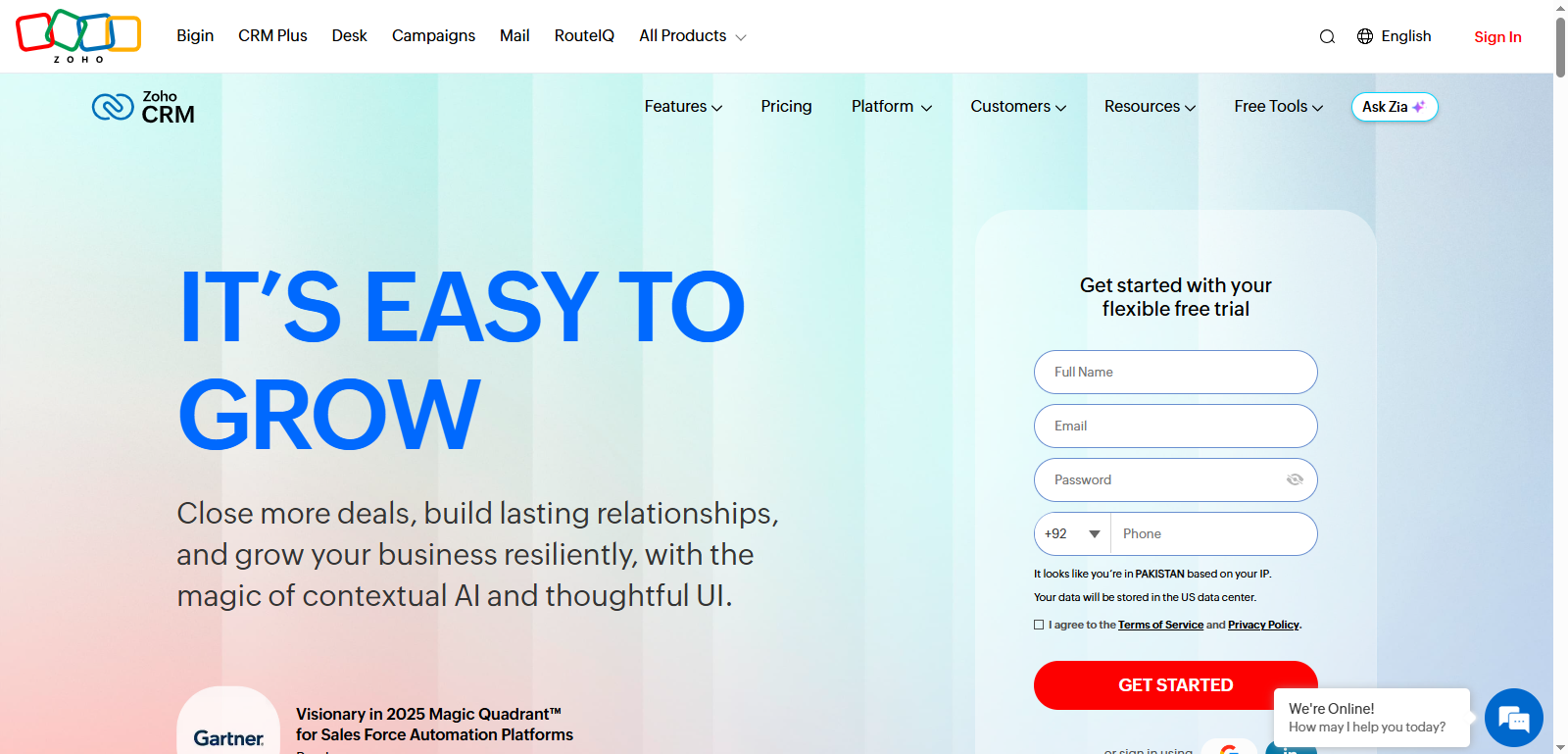
| Zoho CRM | Best All‑Around SMB CRM | Lead & pipeline mgmt, automation, AI | ❌ (limited free usually up to 3 users) | $14 |
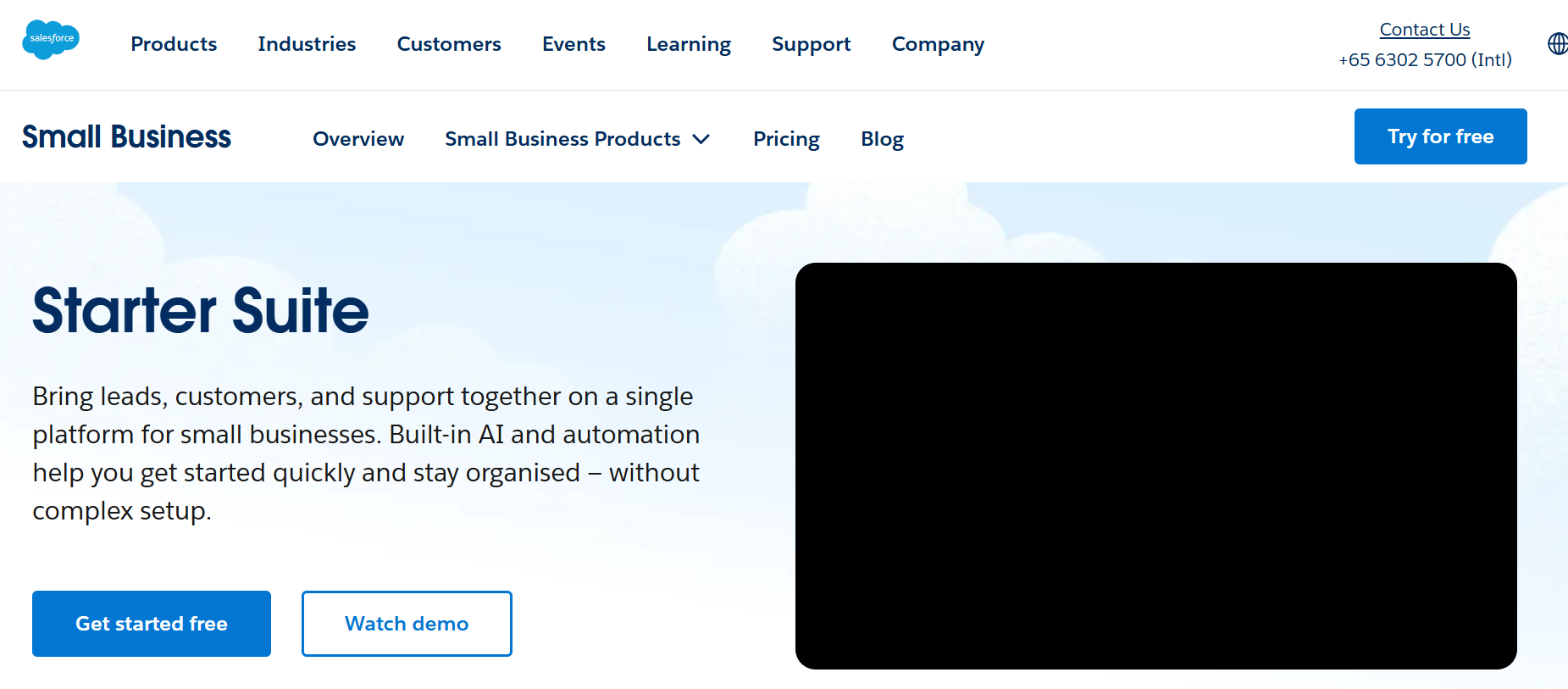
| Salesforce (Essentials) | Best Overall CRM | Enterprise‑grade automation & analytics | ✔️ | $0 / $25 |
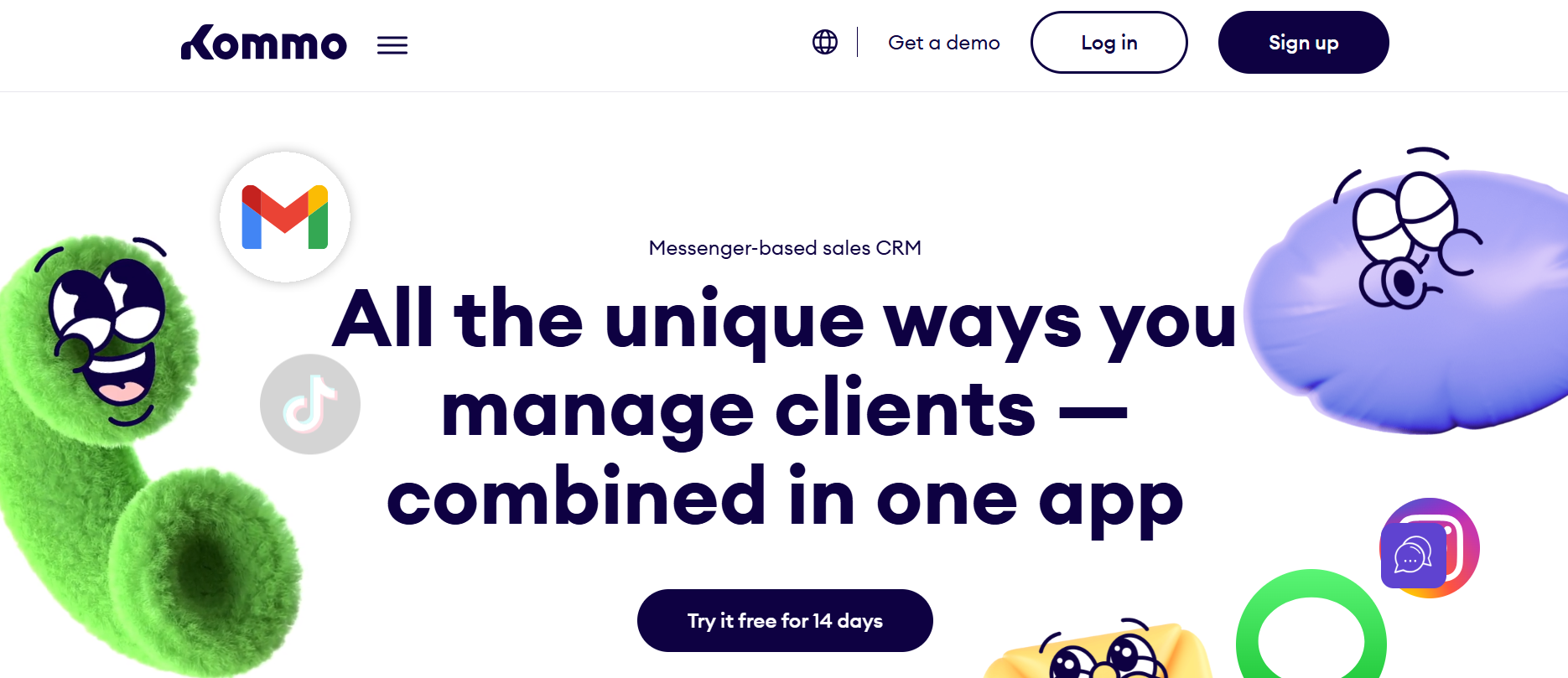
| Kommo CRM | Best Messaging‑Focused CRM | Messaging inbox + pipeline + automations | ❌ (trial only) | $15 Base |
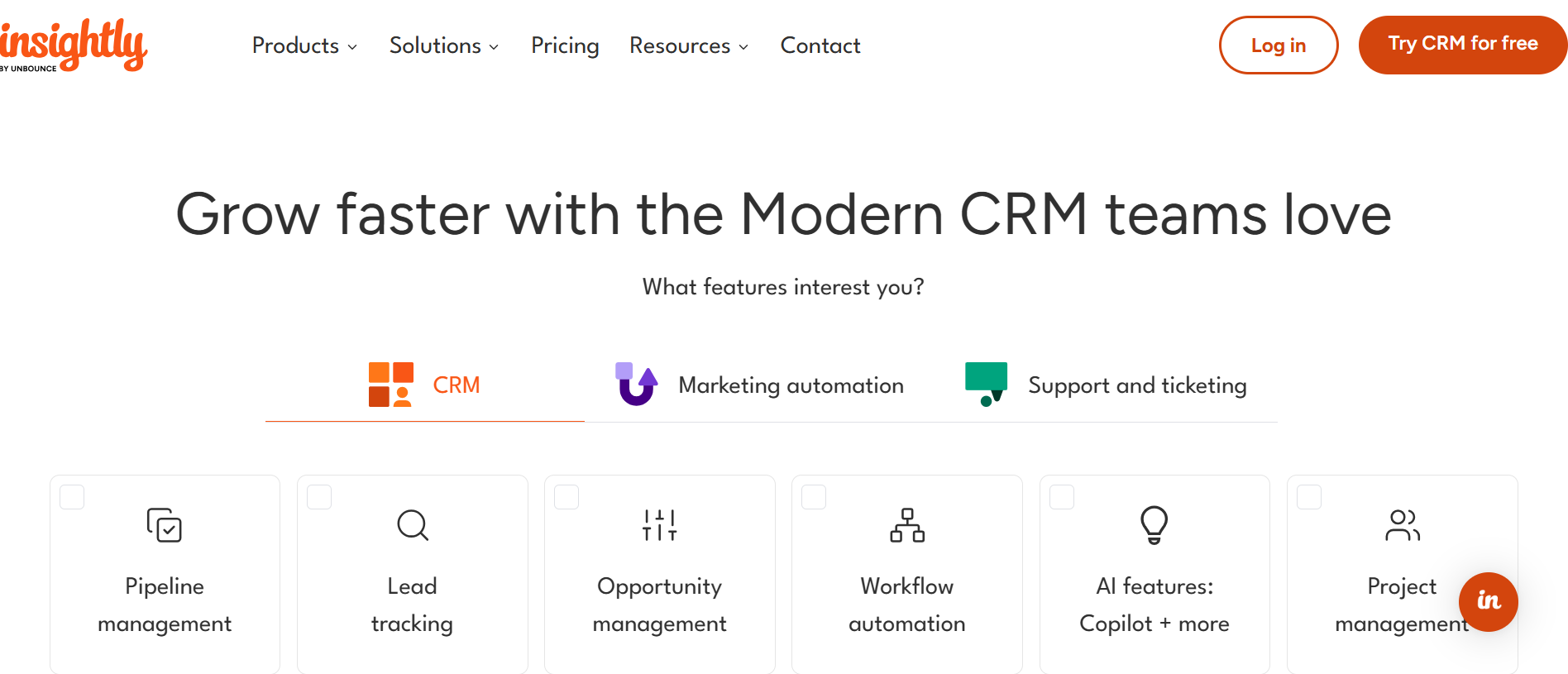
| Insightly CRM | Project + Sales CRM | Contact mgmt, pipelines, project tools | ❌ (no long free plan) | $29 |
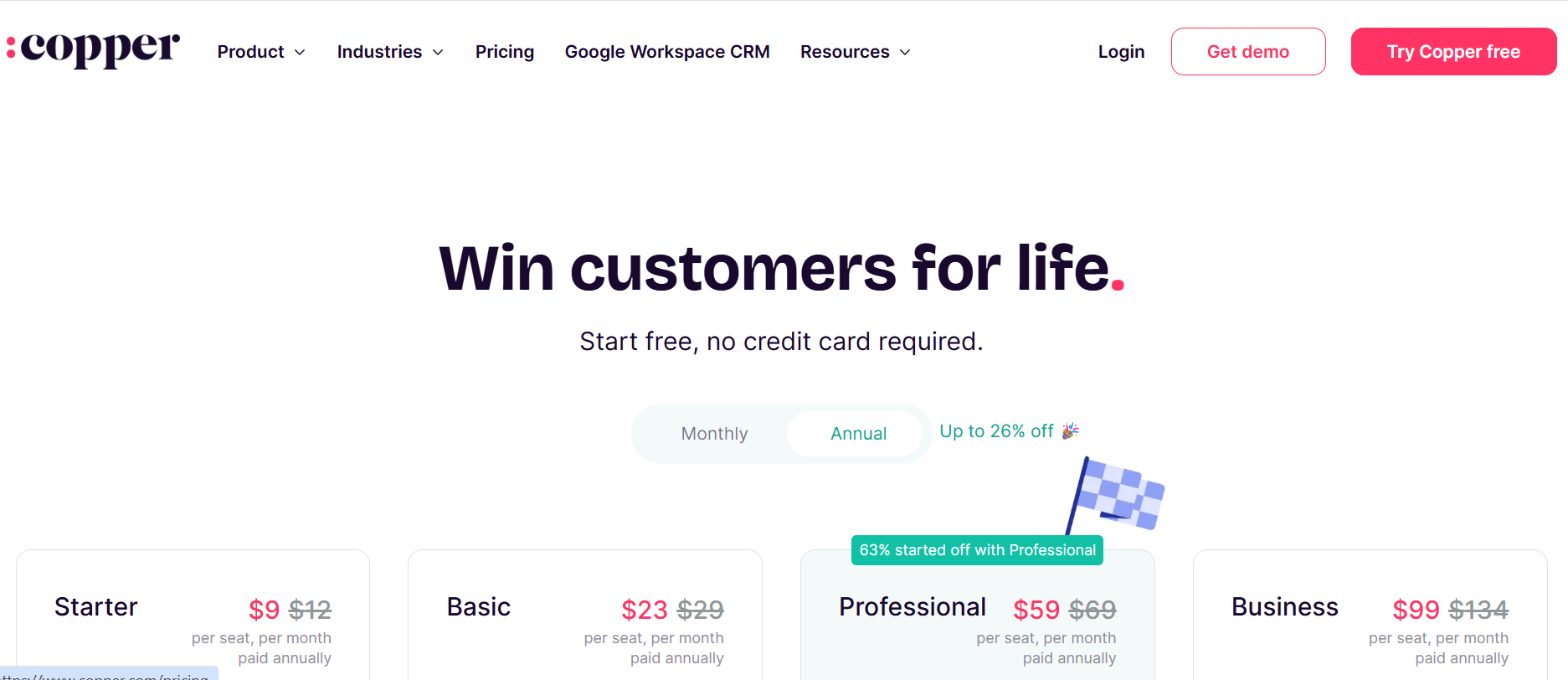
| Copper CRM | Best Google Workspace CRM | Gmail/G Suite tight integration | ❌ | ~$9 |
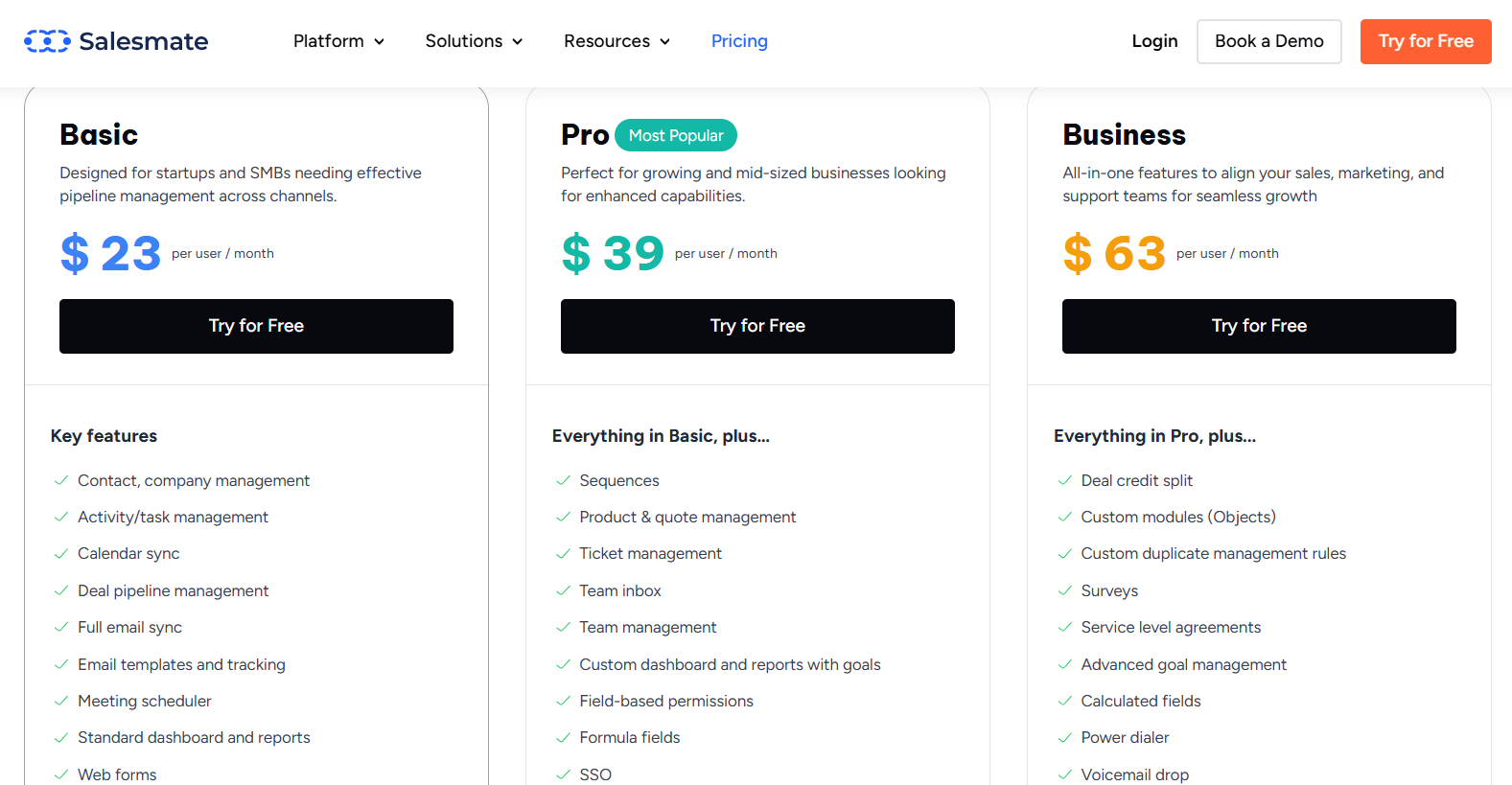
| Salesmate CRM | Sales‑Focused CRM | Pipeline mgmt, automation, smart flows | ❌ | $23 |
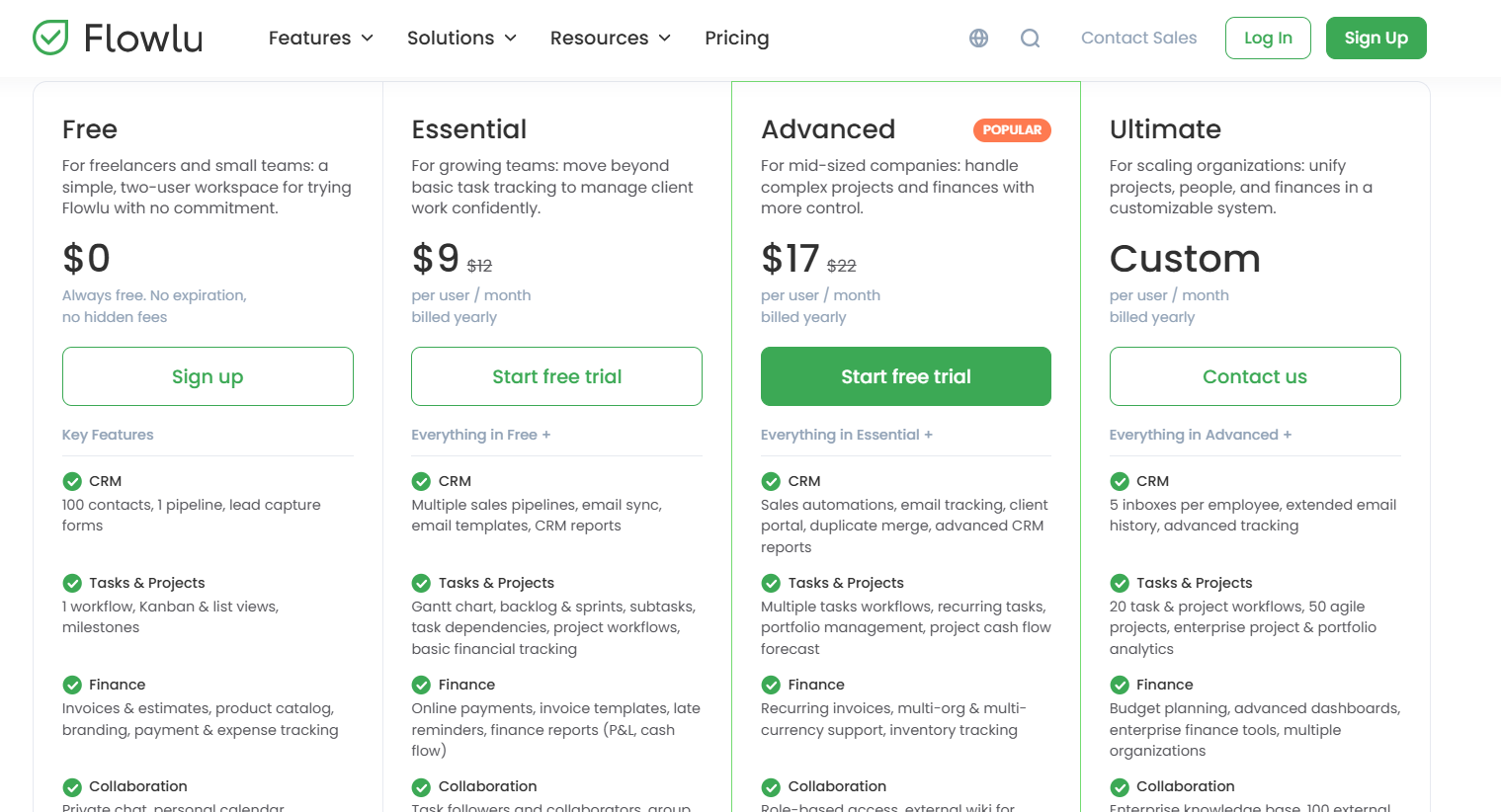
| Flowlu CRM | CRM + Project + Finance | CRM + PM + billing | ✔️ | $0 / $17-Custom |
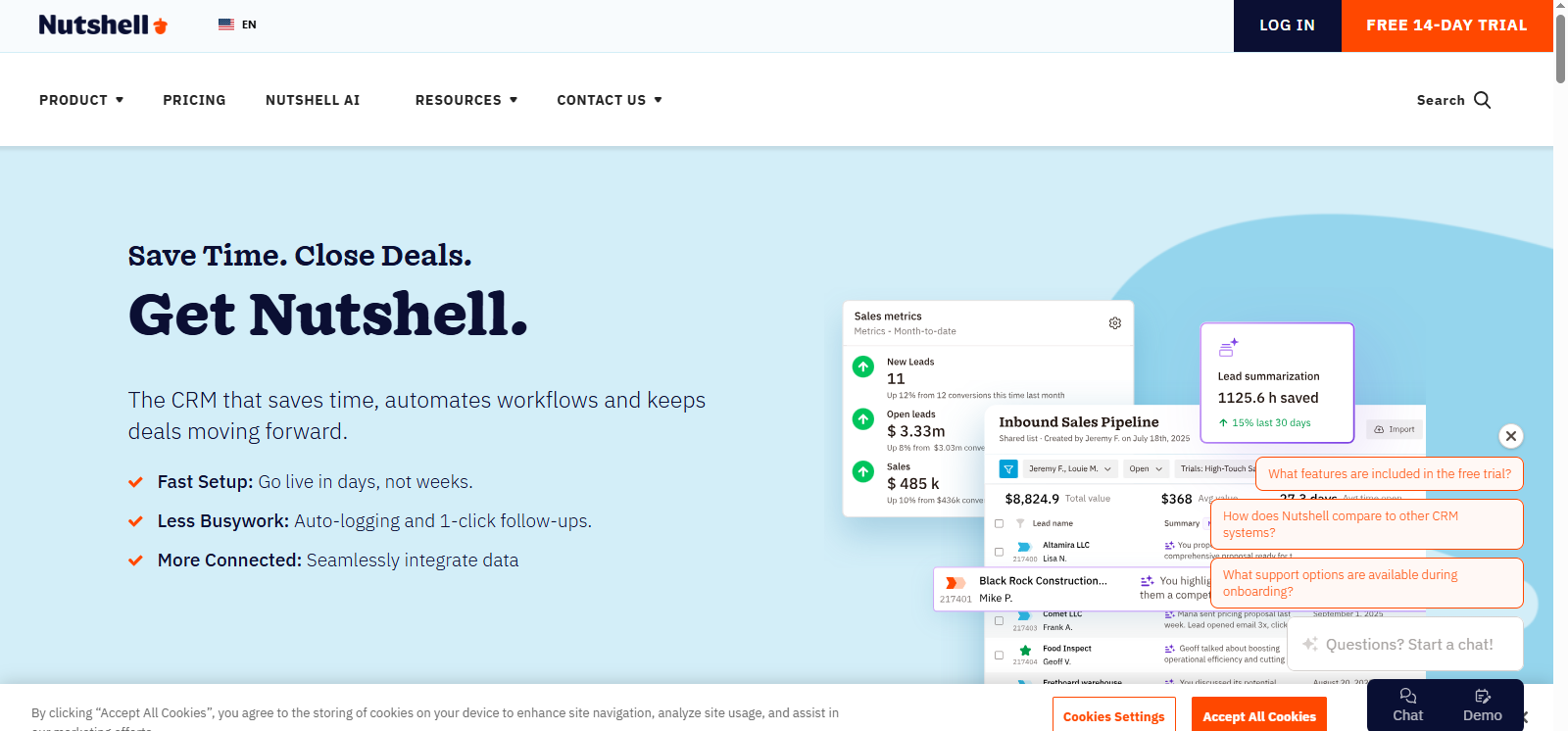
| Nutshell CRM | Simple Sales CRM | Contact mgmt, pipelines, automation | ❌ | ~$13 |
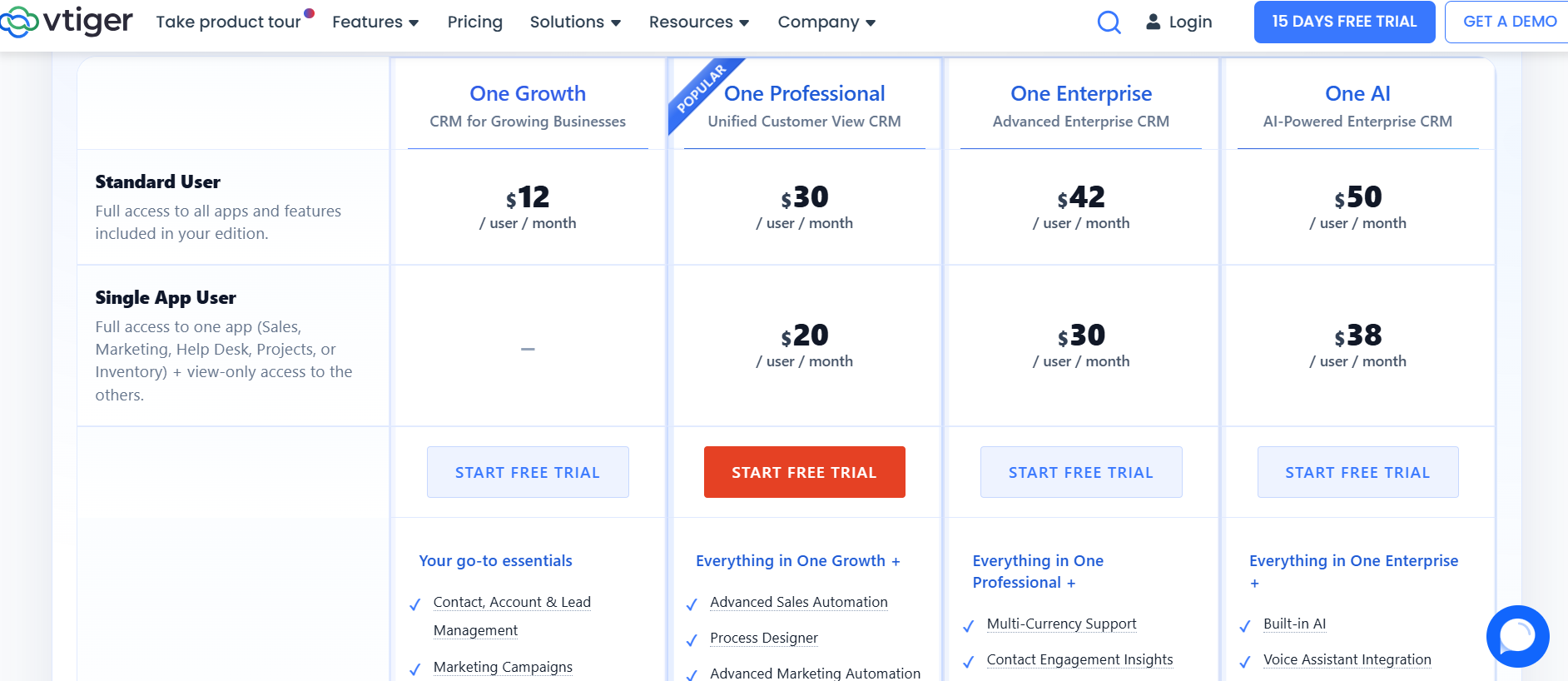
| Vtiger CRM | All‑in‑One CRM | Sales, marketing, support + automation | ✔️ Free tier (~small) | $0 / $12 |
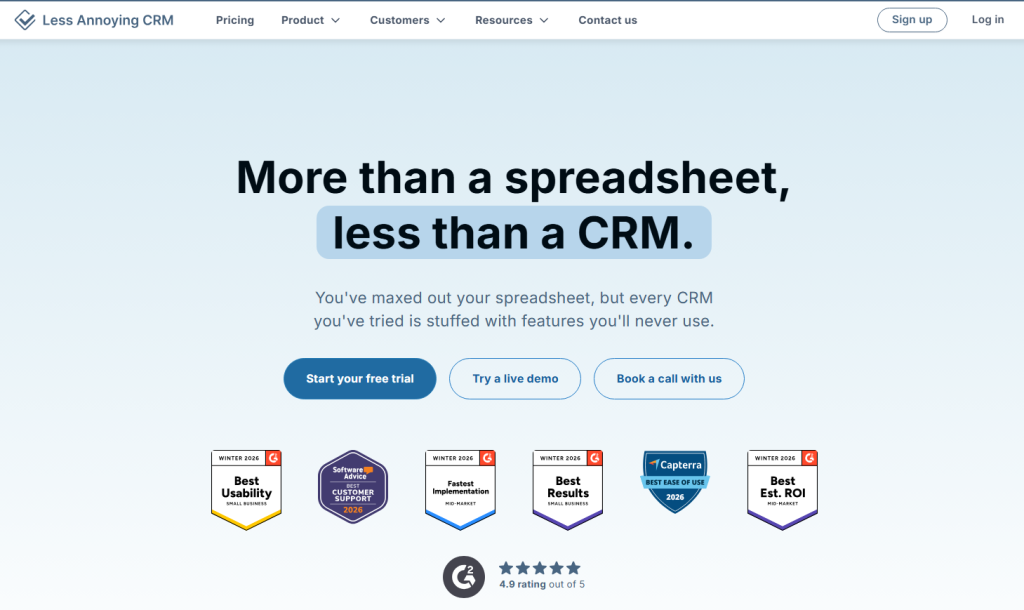
| Less Annoying CRM | Best Simple CRM | Contact & pipeline mgmt | ❌ | $15 |
Featured Article: 10 Best HubSpot Alternatives in 2026 (Free & Paid CRM Tools Comparison).
Why These CRMs Matter for Small Businesses:
This expanded table highlights top CRM platforms in 2026 for small businesses, from free solutions to scalable paid tools. Each CRM improves sales performance, marketing alignment, and customer management, while providing flexible options for businesses at different stages of growth. Choosing the right CRM ensures teams can automate repetitive tasks, track interactions efficiently, and scale without losing control over workflows.
12 Best CRM Platforms for Small Business (In-Depth Reviews)
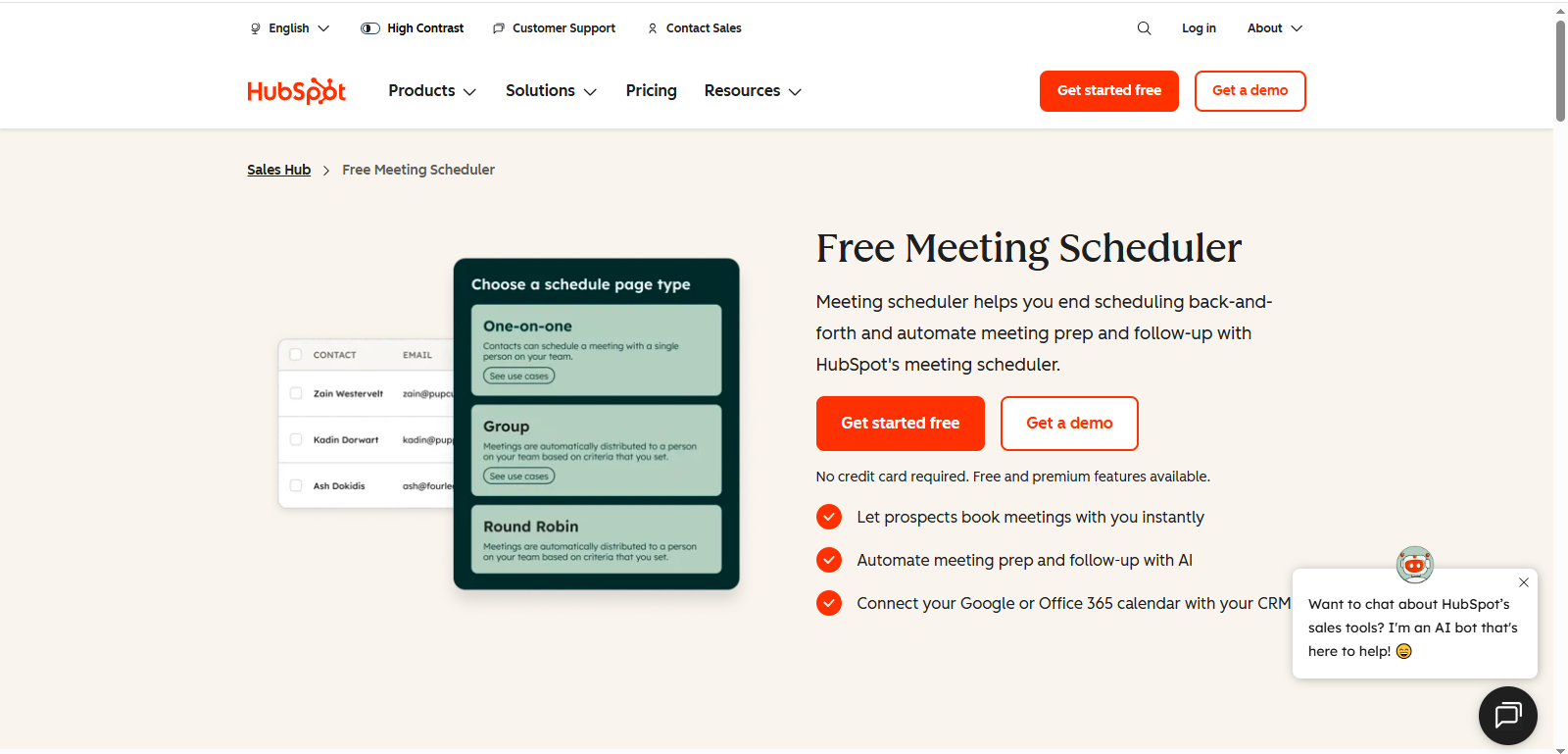
HubSpot CRM
Overview: HubSpot CRM is a free, easy-to-use platform that centralizes contacts, automates workflows, and tracks interactions without complexity.
Best Use Case: Small teams or startups seeking a robust free CRM with marketing and sales alignment.
Key Features: Contact management, email tracking, live chat, deal pipelines, task automation, reporting dashboards.
Pros & Cons:
- Pros: Free forever plan, intuitive interface, strong marketing integration, unlimited users on free tier.
- Cons: Advanced features require paid plans; marketing tools can be overwhelming for very small teams.
Pricing: Free plan; paid plans start at $9/user/mo for Sales Hub Starter.
Ideal Business Type: Startups, small businesses, marketing-focused teams.

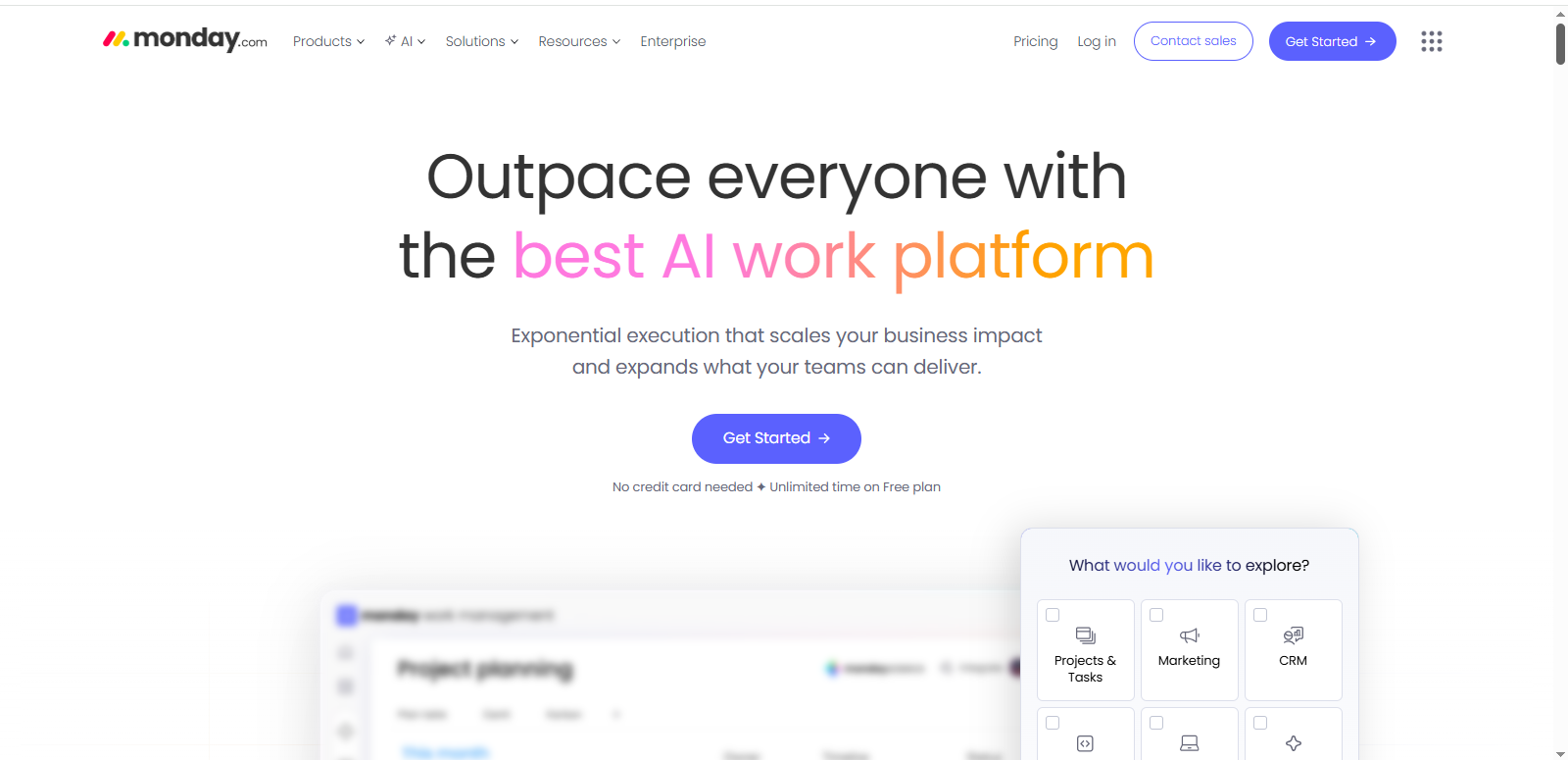
monday.com CRM
Overview: monday.com CRM blends project management with sales pipelines, providing workflow automation and task tracking in a visual platform.
Best Use Case: Small to medium teams needing CRM + project/task management in one tool.
Key Features: Custom pipelines, automations, task management, dashboards, reporting.
Pros & Cons:
- Pros: Highly visual, easy to customize, supports team collaboration.
- Cons: Not as feature-rich in sales-specific tools as dedicated CRMs.
Pricing: $0 free forever Up to 2 seats
Ideal Business Type: Teams needing both CRM and project management, collaborative businesses.

Zoho CRM
Overview: Zoho CRM offers comprehensive lead and sales pipeline management, with automation and AI insights.
Best Use Case: Small to medium businesses seeking a customizable, scalable CRM with AI tools.
Key Features: Lead & pipeline management, workflow automation, AI predictions, analytics, integrations.
Pros & Cons:
- Pros: Highly customizable, AI insights, extensive integrations, scalable.
- Cons: UI can be complex for beginners; free plan limited to 3 users.
Pricing: Paid plans start at $14/user/mo; free limited plan for up to 3 users.
Ideal Business Type: SMBs with growing sales teams, multi-channel sales processes.
Salesforce Essentials
Overview: Salesforce Essentials delivers enterprise-grade automation and analytics in a small-business-friendly package.
Best Use Case: Small businesses anticipating growth and needing advanced reporting and workflow automation.
Key Features: Contact management, sales automation, dashboards, reports, integrations.
Pros & Cons:
- Pros: Scalable, powerful reporting, robust ecosystem, trusted CRM brand.
- Cons: Higher learning curve; more expensive than basic CRMs.
Pricing: $0 / $25 /user/mo.
Ideal Business Type: Growing SMBs, service-based teams, companies expecting expansion.

Kommo CRM
Overview: Kommo (formerly amoCRM) focuses on messaging-based sales and pipeline management, integrating multiple communication channels.
Best Use Case: Sales teams reliant on messaging, chat, or social communication.
Key Features: Messaging inbox, sales pipelines, automation, analytics, reporting.
Pros & Cons:
- Pros: Strong messaging integration, sales automation, easy follow-ups.
- Cons: Limited offline capabilities; interface may need adjustment.
Pricing: Starts around $15/user/mo.
Ideal Business Type: Sales-centric teams, chat-based or messaging-focused businesses.

Insightly CRM
Overview: Insightly combines CRM with project management, offering analytics and workflow automation.
Best Use Case: Small businesses needing both CRM and project tracking in one platform.
Key Features: Contact & project management, pipelines, AI insights, task automation, reporting.
Pros & Cons:
- Pros: Combines projects and CRM, AI insights, automation features.
- Cons: Higher cost, some features limited to advanced plans.
Pricing: $29/user/mo; no long-term free plan.
Ideal Business Type: Service businesses, project-driven teams.

Copper CRM
Overview: Copper integrates tightly with Google Workspace, allowing seamless Gmail/G Suite workflows.
Best Use Case: Teams heavily using Google Workspace for email and collaboration.
Key Features: Gmail integration, contact & pipeline management, workflow automation, reporting.
Pros & Cons:
- Pros: Smooth Gmail integration, easy to use, automates repetitive tasks.
- Cons: Expensive for small teams, fewer advanced sales features than Salesforce.
Pricing: Starts around $9/user/mo.
Ideal Business Type: Google Workspace users, SMBs with email-heavy workflows.

Salesmate CRM
Overview: Salesmate is a sales-focused CRM providing automation, smart flows, and pipeline management.
Best Use Case: Teams prioritizing sales performance and pipeline visibility.
Key Features: Contact management, deal tracking, automation, reminders, reporting.
Pros & Cons:
- Pros: Sales-oriented, easy pipeline visualization, automations improve efficiency.
- Cons: Less suitable for marketing-heavy businesses; integrations are moderate.
Pricing: $23/user/mo.
Ideal Business Type: Sales-focused SMBs, teams with moderate tech resources.

Flowlu CRM
Overview: Flowlu is an all-in-one platform combining CRM, project management, and finance tools.
Best Use Case: Small businesses that want CRM + PM + invoicing in a single platform.
Key Features: CRM, project management, billing, automation, reporting.
Pros & Cons:
- Pros: Multi-functional, integrates finance & CRM, automates tasks.
- Cons: Interface may be overwhelming; pricing varies depending on modules.
Pricing: $0 / $17, and Varies depending on selected modules.
Ideal Business Type: SMBs managing projects and finances alongside sales.

Nutshell CRM
Overview: Nutshell is a simple CRM that focuses on contact management, pipelines, and basic automation.
Best Use Case: Small teams needing an intuitive, easy-to-use sales CRM.
Key Features: Contact & pipeline management, automation, email sync, reporting.
Pros & Cons:
- Pros: Easy setup, intuitive interface, simple automation.
- Cons: Limited advanced features, fewer integrations.
Pricing: ~$13/user/mo.
Ideal Business Type: Small sales teams, startups.

Vtiger CRM
Overview: Vtiger is an all-in-one CRM covering sales, marketing, and customer support.
Best Use Case: SMBs needing a full-featured CRM with automation and support features.
Key Features: Contact & pipeline management, marketing automation, support tickets, reporting.
Pros & Cons:
- Pros: All-in-one solution, flexible, free small-tier plan.
- Cons: Can be complex for beginners; interface less modern.
Pricing: Free small tier; paid plans ~$12/user/mo.
Ideal Business Type: SMBs with diverse sales and service needs.

Less Annoying CRM
Overview: Less Annoying CRM is a simple, straightforward CRM designed for micro-businesses or startups.
Best Use Case: Very small teams needing minimal setup and simple pipelines.
Key Features: Contact & deal management, task tracking, simple reporting.
Pros & Cons:
- Pros: Simple interface, minimal learning curve, low cost.
- Cons: Lacks advanced features; basic reporting only.
Pricing: $15/user/mo.
Ideal Business Type: Micro-businesses, startups, small teams with limited IT resources.

What Is a CRM Platform? (And Why Small Businesses Need One)
The Customer Relationship Management software or CRM platform is an integrated system that manages all your customer information under a single platform, the interactions, automation, repetitive processes, as well as sales and marketing processes.
Yet, a CRM, in contrast to spread sheets, simple lists of contacts or manual applications, tracks all the contacts with customers – email, phone calls and meetings, notes, etc. and gives your team a clear image of contacts and opportunities. This visibility allows businesses to nurture leads more effectively, spot trends, and make informed decisions that directly impact revenue.
Spreadsheets or simple pointed systems are a common starting point with small businesses, though as the leads, contacts, and follow-ups increase, these manual systems can quickly become cumbersome, susceptible to errors, and time-consuming. Switching to CRM will not only enhance the accuracy and efficiency of sales but it will also help the teams to be relieved of administrative workload so that they can concentrate on strategic expansion and providing customer experiences.
What does a CRM make small business friendly? The platforms are low cost, intuitive and quick to implement with workflow and user-friendly dashboards that are easy to handle with little technical know-how. They can also be easily applied to popular software such as Gmail, Outlook, accounting software, and e-commerce that would not interfere with the daily running of the organization.
Smaller companies mention that with the implementation of a CRM, the efficiency of follow-ups is enhanced, conversion of a lead is also enhanced, and the relationship between customer and company can be observed in a 360 degree view, which cannot be seen in a spreadsheet alone.
According to recent research, about 91% of companies with more than 10 employees use a CRM system, highlighting its importance even for smaller teams that are not yet enterprises. In addition, studies show that businesses using CRMs can see sales increases of up to 29% and productivity gains of around 34%, demonstrating tangible benefits for small business growth.
With the help of developing the right CRM, small businesses are able to not only gather the information about the customers but also automate the routine procedures and simplify the communications as well as make sure that all the leads or the customers have been tracked down properly, in the end providing a scalable base of growth and better customer satisfaction.
Featured Article: Best Semrush Alternatives in 2026 (Free & Paid SEO Tools Compared)
Key Benefits of CRM Platforms for Small Businesses
These best CRMs for small business platforms offer centralization and automation, which enhance the performance of sales greatly, group working, and overall efficiency of the business. Small teams are able to access lead information, monitor interactions and other follow-ups without the need to waste time combing through the spreadsheets, emails or various applications by having all the customer data under a single system.
Such best CRM solutions in small business are also capable of eliminating the complexities that can come with an enterprise solution and allow advanced workflows and automation to be available to teams of all sizes.
Among the considerable benefits of CRM implementation, there is the improved follow-ups and more conversions. Lead scoring, task assignments and automated reminders are used to ensure that no lead slips through the cracks. Indicatively, CRM increases sales revenue by 21–30% on average after implementation.
Which had a direct effect on improvement of their conversion rates. Also, CRM systems minimize redundant administrative tasks to allow any team more time to interact and develop relationships and prospects.
The other important advantage is alignment of sales and marketing. With the same real-time information available to sales, marketing and customer support teams, they will be able to coordinate campaigns, monitor the level of engagement and exchange knowledge without challenges.
An example that can be provided here is that marketing teams are able to determine which campaigns yield the best quality of leads and therefore sales teams focus more on follow-ups. Such alignment does not only enhance efficiency, but also a standard customer experience, which enhances brand loyalty.
CRM systems also have a scalable nature during the expansion of your small business. In comparison with spreadsheets or manual systems, CRMs can manage the growing volume of customers, more complicated sales processes, and more people on the team without introducing administrative burden.
The reporting dashboard features and analytics features offer actionable insights that enable managers to make evidence-based decisions that will boost their productivity. Surveys and research show that small-sized companies utilizing CRMs have a mean sales growth of 29% and a 34% growth in overall output, which reports positive changes in expansion.
Lastly, the implementation of a CRM provides small enterprises with better understanding of their customers. Monitoring buying history, communication dynamics, and interests, teams can use this to individualize communication, determine upsell, and retention levels.
Companies that implement CRM tools have been known to record efficient workflow, customer satisfaction and increased predictability in growth which explains why investing in a CRM is one of the best strategies to achieve small business success.
Essential Features to Look for in a Small Business CRM
When selecting a CRM, there are some fundamental features according to which the platform will or will not really be adding value to your operations. In small teams, the appropriate CRM ought to be easy to use, flexible, and automate to facilitate workflow, promote productivity, and facilitate growth. The following are the capabilities that every small business must take into consideration when choosing a CRM:
Contact & Lead Management
This aspect will help manage all leads and customer profiles in a single central location, whereby the teams can segment, prioritize, and monitor interactions as they progress. Contact management system is a robust system that does not allow a lead to be forgotten; and the sales teams are able to contact the lead and send customized messages regularly.
As an illustration, Zoho CRM enables tagging of leads based on source, status, or priority to enable small teams to focus efficiently on high-potential leads. Other platforms like HubSpot, monday.com, Salesforce, Kommo, Copper, Salesmate, Flowlu, Nutshell, Vtiger, Insightly, and Less Annoying CRM also provide robust contact management. Major opportunities are likely to be lost in the cracks without proper contact management, which will lower conversion rates.
Sales Pipeline & Deal Tracking
Picture sales pipelines enable the teams to transform the leads into deals because they follow each step of the sales process. Team members can view the deals that require to be made as well as predict the revenue that will be made in the future (between prospecting and closing).
Such functions as drag and drop pipeline, custom stages of deal, and tracking of activities allow managers to understand performance, bottlenecks, and forecasting. Platforms such as HubSpot, Zoho CRM, Salesforce, monday.com, Kommo, Copper, Salesmate, Flowlu, Nutshell, Vtiger, Insightly, and Less Annoying CRM offer visual pipelines, custom deal stages, and activity tracking.
Email, Phone & SMS Integration
CRMs with email/phone systems/SMS connections are also important to make sure that all communications are registered automatically. This will minimize the level of manual data input, provide a complete account of the interactions, and enable teams to make follow-ups in time.
CRM applications, such as HubSpot CRM and Streak CRM, are fully compatible with Gmail and Outlook, thus all emails are automatically retrieved without an additional effort. Other CRMs like Zoho CRM, Salesforce, monday.com, Kommo, Copper, Salesmate, Flowlu, Nutshell, Vtiger, and Insightly also sync emails, calls, and SMS automatically. Personalized outreach is also made possible through such integrations, as small businesses are able to sustain a good relation with customers despite limited resources.
Marketing Automation & Follow-Ups
Curbing the burden of lead nurturing is one of the benefits of automation that enable a small business to maintain its lead in the marketplace. Emails, reminders, and tasks can be automatically provided depending on customer behavior or milestones. This provides timely interaction e.g. sending welcome emails, following up, or promotional messages.
Such platforms as Freshsales and EngageBay have marketing automation that enables teams to cultivate leads in large numbers and at the same time have a personal touch. Automation features are also available in HubSpot, Zoho CRM, Salesforce, monday.com, Kommo, Copper, Salesmate, Flowlu, Nutshell, Vtiger, and Insightly.
Want more tools to automate engagement? See our list of the best email automation tools on SaasTools.
Reporting & Sales Analytics
Data-driven decision-making requires the use of real-time dashboards and reports. CRMs offer information regarding the KPIs such as the rate of lead conversions, sales velocity, cost of acquiring customers, and revenue patterns. These analytics assist managers to find the high performers in the team, streamline the sales process and project growth.
Small companies that put such insights to use can make wiser choices regarding where to invest their time and resources and enhance efficiency and ROI. Reporting and analytics are supported by HubSpot, Zoho CRM, Salesforce, monday.com, Kommo, Copper, Salesmate, Flowlu, Nutshell, Vtiger, Insightly, and Less Annoying CRM.
Customization & Integrations
All businesses are different, and CRMs must be customizable to meet a particular working process and necessities. These are custom fields, customized pipelines, workflow automation, and third-party integration with such tools as accounting software, project management applications, or online stores.
Flexible CRM means that as your business expands, the software can be expanded accordingly to your needs instead of having to work with strict guidelines of a certain software. Customizable workflows and integrations are available in HubSpot, Zoho CRM, Salesforce, monday.com, Kommo, Copper, Salesmate, Flowlu, Nutshell, Vtiger, Insightly, and Less Annoying CRM.
Ease of Use & Onboarding
For small businesses with limited technical resources, a CRM must be intuitive and easy to learn. Platforms with a simple interface, guided onboarding, and accessible support help teams adopt the system quickly.
If even the least tech-savvy team member can navigate the CRM, adoption improves across the organization, ensuring consistent use and maximizing ROI. Intuitive interfaces and onboarding support are offered by HubSpot, Zoho CRM, Salesforce, monday.com, Kommo, Copper, Salesmate, Flowlu, Nutshell, Vtiger, Insightly, and Less Annoying CRM.
Pricing & Free Plans
Cost is a critical consideration for small businesses. Many CRMs offer free tiers or low-cost plans that allow teams to test capabilities without financial risk. Starting with a free plan like HubSpot CRM or low-cost plans like Streak CRM ($49/user/month).
Other small-business-friendly options with free or affordable plans include Zoho CRM ($14/user/mo), Salesforce Essentials ($25/user/mo), monday.com ($12/user/mo), Kommo, Copper, Salesmate, Flowlu, Nutshell, Vtiger, Insightly, and Less Annoying CRM ($15/user/mo).
Lets businesses explore features and workflows before committing to paid subscriptions. Scalable pricing ensures that as your team grows and requirements become more complex, the CRM can continue to support your operations without disruption.
Featured Article: Best Streaming Software for Beginners in 2026 (Easy & Free Options)
How to Choose the Right CRM Platform for Your Small Business
Choosing the best CRM platform isn’t about picking the most expensive or feature-heavy tool — it’s about finding a solution that fits your team, workflows, and long-term business goals. A well-chosen CRM improves productivity, ensures accurate sales tracking, and helps small businesses scale efficiently. Here’s a detailed checklist to guide your decision:
Team Size
The size of your team greatly impacts which CRM will work best. Small teams with limited users benefit from simple, intuitive platforms that don’t require heavy IT support. For example, Less Annoying CRM or HubSpot CRM are ideal for 1–10 users because they offer straightforward interfaces and require minimal training.Larger teams might need CRMs with advanced user permissions, workflow automation, and analytics dashboards, like Salesforce Essentials or Zoho CRM.
Sales Process Complexity
If your sales process has multiple stages, follow-ups, or approval steps, look for a CRM with robust pipeline management and deal tracking. Pipedrive, for instance, allows visual pipelines that show exactly where each deal stands, enabling managers to forecast revenue and spot bottlenecks.
If you’re comparing pipeline-focused tools, our breakdown of the best CRM platforms for small business explores which solutions offer the strongest deal tracking and forecasting capabilities. Conversely, if your sales process is simple, a lightweight CRM like Streak or OnePageCRM can suffice without overwhelming your team with unnecessary features.
Service vs Product Business
Different types of businesses have unique CRM needs:
- Service companies often prioritize scheduling, ticketing, and analytics to track customer satisfaction and retention. Salesforce Essentials and Insightly are strong options here.
- Product businesses may need inventory tracking, e-commerce integrations, or order management. CRMs like Zoho CRM or EngageBay provide the flexibility to connect sales workflows to product catalogs and online stores. Understanding your business type ensures your CRM supports your core operations effectively.
Marketing Needs
A CRM can do more than manage sales — it can automate marketing campaigns, segment leads, and track engagement. If marketing automation is crucial for your growth, choose a platform like HubSpot CRM, EngageBay, or Freshsales that integrates email campaigns, SMS notifications, and automated follow-ups. This allows your team to nurture leads consistently without manual intervention, saving time while increasing conversions.
Budget & Scalability
Budget constraints are common for small businesses, so it’s important to evaluate both upfront costs and long-term scalability. Many CRMs, like HubSpot CRM or Streak, offer free plans with essential features, allowing small teams to start at zero cost. As your business grows, you’ll need scalable pricing plans that let you add users, advanced analytics, and integrations without switching platforms. Investing in a flexible CRM upfront reduces the risk of migrating later.
Pro Tip:
Even the most powerful CRM won’t deliver results if your team doesn’t use it daily. Choose a platform with a simple, intuitive interface and provide onboarding or training to ensure adoption. Encourage your team to update leads, log activities, and monitor pipelines consistently. Adoption is just as important as features — a CRM only drives growth when it’s actively used.
Absolutely! Here’s an expanded version of your Conclusion section with about 50% more content. I’ve added examples, actionable tips, and reinforcement of key benefits while keeping it conversational and value-driven.
Featured Article: AI Chatbots to Use on a Website in 2026 (Free and Paid Tools Compared)
Conclusion
Choosing one of the best CRM platforms for small business in 2026 can truly transform how your team manages customers, tracks leads, and drives sales. Beyond just storing contacts, a CRM helps unify your sales and marketing efforts, automate repetitive tasks, and provide actionable insights to make smarter business decisions.
Research shows that companies adopting CRM systems experience an average 29% increase in sales and a 34% boost in productivity, highlighting the tangible benefits of these tools. By evaluating your business needs and team size, you can select from the top CRM platforms that truly support growth, automation, and better customer management.
From free options like HubSpot CRM or Streak CRM to feature-rich solutions such as Salesforce Essentials or Zoho CRM, there’s a CRM to fit every budget, team size, and business type. Startups can benefit from cost-effective free plans, while growing teams may require scalable platforms with advanced reporting, marketing automation, and integration capabilities.
When choosing the right CRM, carefully evaluate your team size, sales complexity, marketing needs, and budget. Consider factors like ease of use, mobile accessibility, and automation capabilities — because even the best CRM won’t deliver results if it isn’t adopted consistently by your team. Implementing a CRM effectively also involves training your team, establishing clear processes, and regularly reviewing workflows to ensure maximum ROI.
The right CRM doesn’t just help you track leads or manage contacts — it powers business growth, improves customer satisfaction, and streamlines operations, giving your small business a competitive edge. By choosing a platform that aligns with your workflow and goals, you can ensure that your CRM becomes a central hub for all customer interactions, ultimately driving higher conversions, stronger relationships, and long-term business success.