AI is transforming the process of code writing, and even the best AI code editors are now code assistants. They are not just text editors; they provide intelligent code completion, AI pair programming, and even assist you in creating entire applications in less time with fewer errors.
By 2026, more than 84 percent of developers will be working with AI tools, and almost 41 percent of code will be produced by AI in real world workflows. This change demonstrates the extent of the penetration of AI into contemporary development. The thing is, of course, herein lies the catch: not all the tools will provide the same value. Some are highly productive, while others may slack off due to inaccurate recommendations or integration issues.
This is why selecting the appropriate editor is important. This guide gives a shortcut through all the noise and brings out the 10 best AI code editors currently available. You will know how they operate, what they differ, and which one will suit your workflow, to be a smarter, faster, and more confident coder.
What Are AI Code Editors?
AI code editors are tools that use artificial intelligence to help developers write, edit, and debug code faster and more efficiently. Unlike traditional editors, which rely on manual input and basic autocomplete, AI-powered editors understand context, suggest entire code blocks, and even fix errors in real time. This makes them essential in modern development workflows.
Key differences:
- Traditional editors: Manual coding with limited suggestions
- AI code editors: Smart recommendations, debugging support, and built in AI chat
What AI adds:
- Intelligent code completion
- Refactoring suggestions
- Real time error detection
- Conversational coding assistance
IDE vs lightweight editors:
- IDEs like Visual Studio Code offer full development environments
- Lightweight AI editors are faster, simpler, and often browser based
How AI Code Editors Work
AI code editors use advanced large language models (LLMs) to understand your code and provide real time suggestions. These models are trained on massive datasets, allowing them to recognize patterns, predict code, and generate accurate solutions based on your project context.
Core working:
- LLMs + context awareness: AI tools analyze your entire codebase, not just one line. This helps them generate more relevant and accurate suggestions.
- Inline suggestions: As you type, the editor predicts and completes lines or even full functions instantly.
- Chat based coding: You can interact with AI using natural language to generate, debug, or refactor code.
Local vs cloud models:
- Cloud based models: More powerful and frequently updated, but require internet access
- Local models: Run on your device, offering better privacy and control
Privacy matters:
- Some AI code editors access your repository to improve suggestions
- This raises concerns about data security and code ownership
- Enterprises often prefer tools with strict privacy controls or local processing
Trust remains a key issue, as only 29–46% of developers fully trust AI generated code, which is why reviewing outputs is essential.
Why Developers Are Switching to AI Code Editors
Developers are rapidly switching to AI code editors online because these tools significantly reduce manual effort and speed up development. By automating repetitive tasks and offering intelligent suggestions, AI helps developers focus more on problem solving instead of writing boilerplate code.
Key benefits:
- Faster development cycles: AI can generate entire functions in seconds
- Fewer manual errors: Real time suggestions reduce syntax and logic mistakes
- Automatic test generation: Some tools create test cases instantly
- Easier learning curve: Developers can quickly understand new languages and frameworks
Real impact:
- Developers report 25–39% productivity gains when using AI tools
- Around 90% of developers now use AI in their coding workflows
- Many teams ship features faster due to AI assisted development
Who benefits most:
- Beginners: Learn coding faster with guided suggestions
- Solo developers: Build complete apps without large teams
- Teams & enterprises: Automate workflows and improve efficiency
The reality check:
AI is powerful, but not perfect. Developers often need to review and edit AI generated code. In some cases, productivity may drop temporarily due to extra validation and debugging.
10 Types of AI Code Editors in 2026 (Tested by Developers)
It includes a list of AI code editors for 2026,
AI First Code Editors (Built Around AI)
- Cursor
- Windsurf
Built with AI at the core
Best for advanced workflows
-
Cursor
Best AI first editor
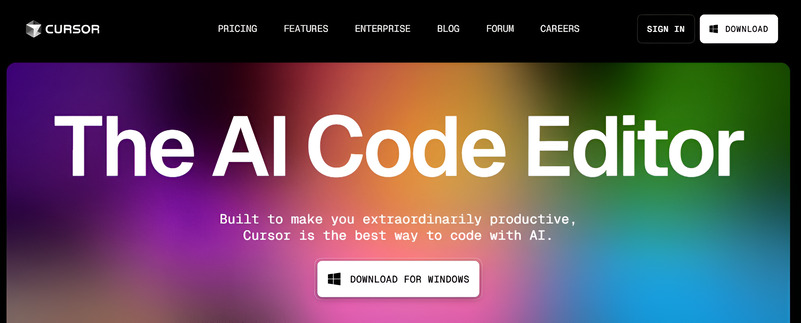
Cursor is a modern AI first code editor built specifically for developers who want deeper AI integration in their workflow. Unlike traditional editors with add ons, Cursor is designed around AI, making it feel like a true coding partner rather than just a helper.
Key features:
- Deep code understanding: Cursor analyzes your entire codebase, not just single files, allowing it to generate highly relevant suggestions
- Built in AI chat: You can ask questions, refactor code, or debug issues directly inside the editor using natural language.
- Advanced workflows: Supports multi file edits, code generation, and intelligent refactoring with minimal input
Why developers prefer it:
Cursor stands out for its ability to handle complex coding tasks with better context awareness. It reduces the need to switch between tools like chatbots and editors, keeping everything in one place.
Pros:
- Powerful context aware suggestions
- Seamless AI integration
- Faster development for complex projects
Cons:
- Slight learning curve for beginners
- Requires strong prompts for best results
Use case:
Ideal for developers working on large scale or complex projects who want full AI assisted development.
Price:
Starts at $20/mo.
-
Windsurf

Windsurf is a lightweight AI-powered code editor designed for developers who want a simple, fast, and cost effective way to start coding with AI assistance. Unlike heavier IDEs, Windsurf focuses on ease of use, making it ideal for beginners and developers who prefer a clean, distraction free environment.
Key features:
- Lightweight performance: Runs smoothly even on low end systems, making it accessible for students and entry level developers
- Beginner friendly interface: Simple layout with minimal setup required
- AI powered suggestions: Offers real-time code completion and basic debugging support
Why developers prefer it:
Windsurf stands out because it removes the complexity often found in advanced tools. It allows users to experience AI assisted coding without needing deep technical knowledge or expensive subscriptions.
Pros:
- Free to use
- Easy to set up and learn
- Fast and responsive
Cons:
- Limited advanced features
- Not ideal for large scale or enterprise projects
Use case:
Perfect for beginners, students, and developers exploring AI coding tools for the first time.
Price:
Starts at $20/mo.
Traditional Editors with AI Add ons
- GitHub Copilot
- JetBrains IDEs
- Codiga
Familiar environment + AI power
Ideal for professionals -
GitHub Copilot

GitHub Copilot is one of the most widely used AI coding assistants, built by Microsoft in collaboration with OpenAI. It integrates directly into popular editors and acts like an AI pair programmer, helping developers write code faster and more efficiently.
Key features:
- Real time code suggestions: Generates lines, functions, and even entire modules as you type
- Strong IDE integration: Works seamlessly with tools like Visual Studio Code and JetBrains IDEs
- Multi language support: Supports Python, JavaScript, Java, C++, and more
Why developers prefer it:
Copilot is trusted because it fits naturally into existing workflows. Developers don’t need to switch tools; it enhances their current coding environment while improving speed and accuracy.
Pros:
- Saves time on repetitive coding
- Easy to use for both beginners and professionals
- Continuously improving with AI updates
Cons:
- Paid subscription required
- May generate incorrect or outdated code
Use case:
Ideal for professional developers who want to speed up production level coding while maintaining control over their workflow.
Price:
Starts $4/mo.
-
Jetbrains
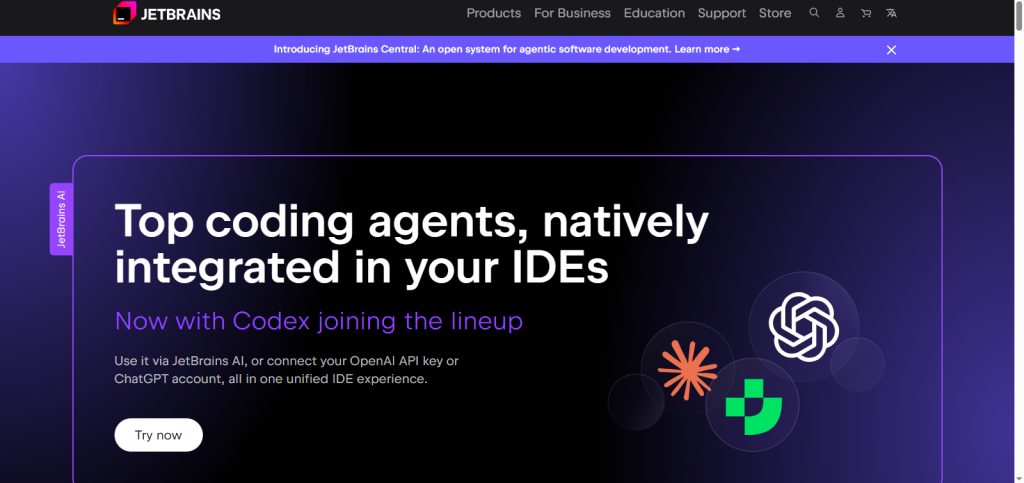
JetBrains offers a suite of powerful IDEs designed for professional and enterprise level development. Tools like IntelliJ IDEA, PyCharm, and WebStorm are widely trusted for their robust features and deep integration with modern development workflows. With the addition of AI capabilities, JetBrains has evolved into a strong competitor in the AI code editor space.
Key features:
- Deep IDE integration: AI features are seamlessly built into the development environment, enhancing productivity without disrupting workflows
- Advanced coding tools: Includes intelligent code completion, refactoring, debugging, and project navigation
- Multi language support: Supports a wide range of programming languages and frameworks
Why developers prefer it:
JetBrains stands out for its reliability and precision. It provides a structured environment that helps developers manage large and complex codebases efficiently, making it a top choice for professional teams.
Pros:
- Highly reliable and feature rich
- Excellent for large scale projects
- Strong ecosystem and community support
Cons:
- Paid tools can be expensive
- Slightly heavy for low end systems
Use case:
Ideal for enterprise developers and teams working on complex applications who need a stable, all in one development environment with advanced AI support.
Price:
Starts at $10/mo.
-
Codiga
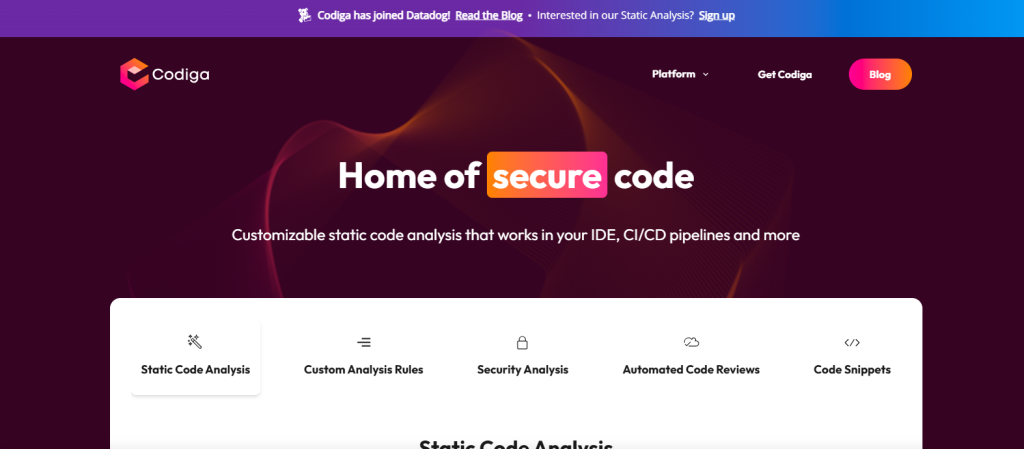
Codiga is an AI powered code analysis tool designed to help developers write cleaner, safer, and more efficient code. Unlike traditional AI editors that focus on generating code, Codiga specializes in reviewing and improving existing code in real time, making it a valuable addition to any development workflow.
Key features:
- Static code analysis: Scans your code continuously to identify issues, bugs, and inefficiencies before they become major problems
- Real time error detection: Highlights potential errors and security vulnerabilities as you write code
- Custom rules: Allows teams to define coding standards and enforce them automatically
Why developers prefer it:
Codiga stands out because it focuses on code quality rather than just speed. It acts like an automated reviewer, helping developers maintain clean and consistent code without relying entirely on manual reviews.
Pros:
- Improves code reliability and maintainability
- Helps prevent bugs early in development
- Supports team-wide coding standards
Cons:
- Not a full code editor
- Limited code generation features
Use case:
Ideal for developers and teams who want to improve code quality, reduce bugs, and maintain consistent coding standards across projects.
Browser Based AI Code Editors
- Replit
- PlayCode
No setup needed
Best for beginners -
Replit
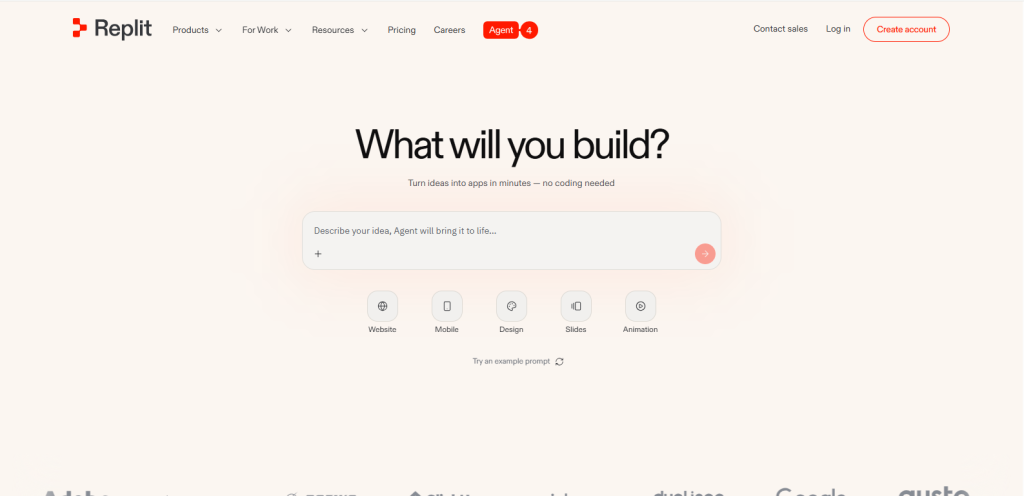
Replit is a browser based AI code editor that makes coding simple, accessible, and fast especially for beginners. Unlike traditional setups that require installation and configuration, Replit works entirely online, allowing you to start coding instantly from any device.
Key features:
- Browser based environment: No downloads or setup required, just open your browser and start coding
- AI assisted app building: Built in AI helps generate code, fix errors, and guide users step by step
- Multi-language support: Supports dozens of programming languages, including Python, JavaScript, and HTML/CSS
Why developers prefer it:
Replit stands out for its simplicity and accessibility. It removes technical barriers, making it easier for new developers to focus on learning and building projects rather than dealing with complex environments.
Pros:
- Extremely beginner-friendly
- Free plan available
- Built-in collaboration and sharing
Cons:
- Limited performance for large projects
- Fewer advanced features compared to IDEs
Use case:
Ideal for students, beginners, and developers who want to quickly build and test small projects without setting up a local development environment.
Price:
Starts at $17/mo.
-
CodeWP
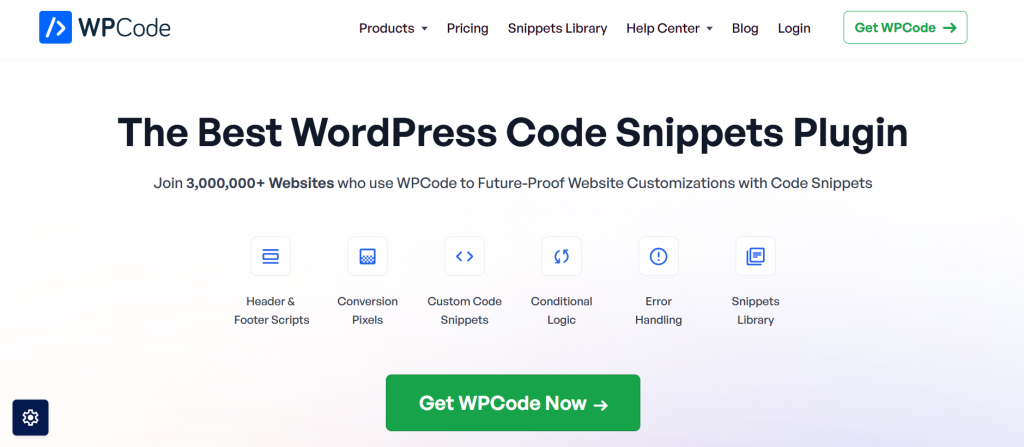
CodeWP is a specialized AI code editor designed specifically for WordPress development. Unlike general-purpose AI coding tools, it focuses on generating WordPress specific code, making it highly useful for developers, freelancers, and even non-technical users working with WordPress websites.
Key features:
- WordPress focused code generation: Creates plugins, themes, and custom functions tailored to WordPress
- Beginner friendly interface: Simple prompts allow users to generate code without deep technical knowledge
- Pre trained AI models: Optimized for WordPress standards, reducing errors and compatibility issues
Why developers prefer it:
CodeWP stands out because it eliminates the need to search for snippets or write complex PHP code manually. It understands WordPress structure, which helps generate more accurate and usable outputs compared to generic AI tools.
Pros:
- Saves time on WordPress development
- Reduces dependency on manual coding
- Great for freelancers and agencies
Cons:
- Limited outside the WordPress ecosystem
- Less useful for general programming
Use case:
Ideal for developers, designers, and freelancers who want to build WordPress websites, plugins, or custom features faster without writing everything from scratch.
Price:
Starts at $49/year.
Enterprise AI IDEs
- Tabnine
Secure and scalable
Built for teams -
Tabnine
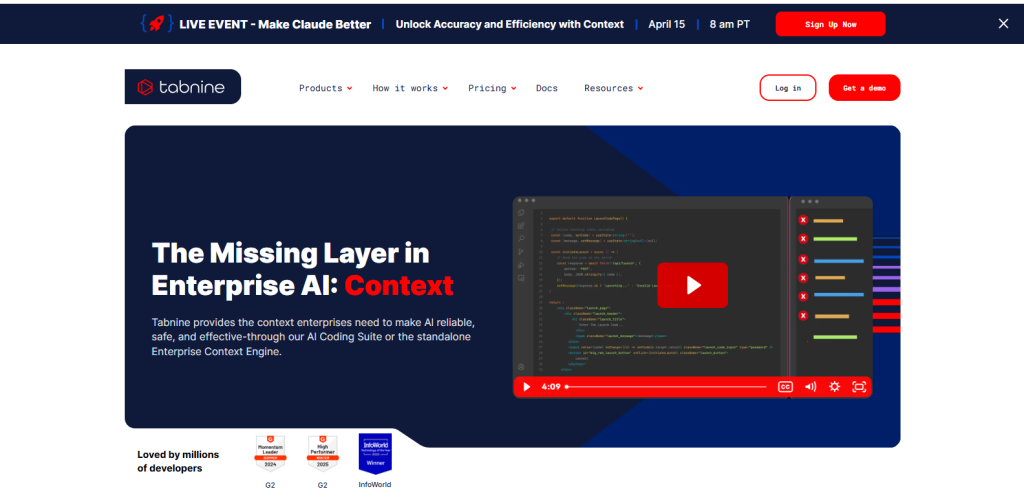
Tabnine is an AI powered code completion tool designed with a strong focus on privacy and security. Unlike many cloud based AI code editors, Tabnine allows developers to run AI models locally, ensuring that sensitive code never leaves their environment. This makes it a preferred choice for enterprises and teams handling confidential projects.
Key features:
- Local AI models: Run AI directly on your machine or private servers, reducing data exposure risks
- Secure coding environment: No need to share your code with external servers, ensuring full control over your data
- Fast code completion: Provides accurate and context-aware suggestions across multiple programming languages
Why developers prefer it:
Tabnine stands out because it balances AI capabilities with strict privacy controls. Many developers and organizations are cautious about sharing proprietary code, and Tabnine solves this problem effectively.
Pros:
- Strong privacy and security
- Works offline with local models
- Suitable for enterprise use
Cons:
- Slightly less powerful than cloud-based AI tools
- Limited advanced features compared to AI first editors
Use case:
Ideal for developers and organizations that prioritize data security and want AI assistance without compromising privacy.
Price:
Custom plans available
AI Coding Assistants
- ChatGPT
- Pieces for Developers
Conversational coding
Code explanation and debugging -
Pieces for Developers

Pieces for Developers is an AI powered productivity tool designed to help developers save, organize, and reuse code snippets efficiently. Unlike traditional editors, it focuses on knowledge management, allowing you to store useful code and access it instantly whenever needed.
Key features:
- Snippet management: Save and organize reusable code snippets with proper context, making it easy to find and reuse them later
- Context aware suggestions: AI understands your workflow and suggests relevant snippets based on your current task
- Offline support: Works locally, ensuring your saved code remains private and accessible even without internet
Why developers prefer it:
Pieces stand out because it reduces repetitive work. Instead of rewriting similar code, developers can quickly insert pre-saved snippets, improving speed and consistency across projects.
Pros:
- Improves productivity and workflow efficiency
- Helps organize and reuse code effectively
- Strong privacy with local storage
Cons:
- Not a full featured code editor
- Limited code generation capabilities
Use case:
Ideal for developers who want to manage reusable code, streamline workflows, and avoid repeating the same coding tasks.
Price:
Pro plan $18.99/mo.
-
ChatGPT
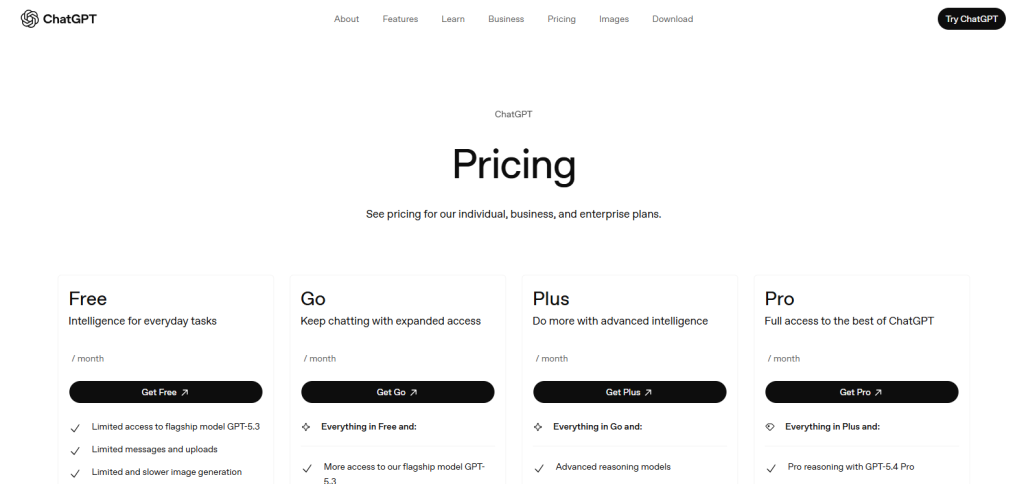
ChatGPT is a powerful AI coding assistant that helps developers generate, debug, and understand code through natural language interaction. While it is not a traditional code editor, it plays a key role in modern development by acting as an on-demand coding partner.
Key features:
- Code generation: Create functions, scripts, or entire code blocks from simple prompts
- Debugging support: Identify errors and suggest fixes with clear explanations
- Learning assistance: Helps developers understand concepts, frameworks, and best practices
Why developers prefer it:
ChatGPT is highly flexible. Developers can use it across different tasks from writing code to explaining complex logic without being tied to a specific editor or environment.
Pros:
- Supports multiple programming languages
- Easy to use with natural language prompts
- Great for learning and problem-solving
Cons:
- Requires manual copy paste into editors
- May produce incorrect or incomplete code
Use case:
Ideal for developers who need flexible, conversational AI support for coding, debugging, and learning new technologies.
How to Choose the Best AI Code Editor
Choosing the right AI code editor is essential to maximize productivity, avoid frustration, and ensure your coding workflow is efficient. The best editor depends on your goals, experience level, project type, and team setup. A mismatch can lead to wasted time, repeated debugging, or poor code quality.
Key considerations:
- Programming language support: Ensure the editor or AI tool supports the languages and frameworks you use. For example, JavaScript developers might prefer Replit or JetBrains WebStorm, while Python developers could benefit from GitHub Copilot or Cursor.
- Solo vs. team usage: If you work alone, lightweight AI editors or browser based tools like Windsurf or CodeWP can speed up development. For teams, enterprise ready tools like Tabnine or JetBrains provide collaboration features and version control integration.
- Privacy requirements: Sensitive projects require AI tools with local models (e.g., Tabnine) or privacy focused editors, avoiding cloud-only solutions that may expose code.
- Budget: Some tools are free or offer freemium plans (Replit, Windsurf, CodeWP), while advanced AI IDEs like JetBrains or GitHub Copilot may require subscriptions. Consider your needs carefully before investing.
- Local vs. cloud AI: Cloud based editors offer more computing power and advanced AI features, while local models provide privacy and offline access. Your choice depends on whether speed or security is the priority.