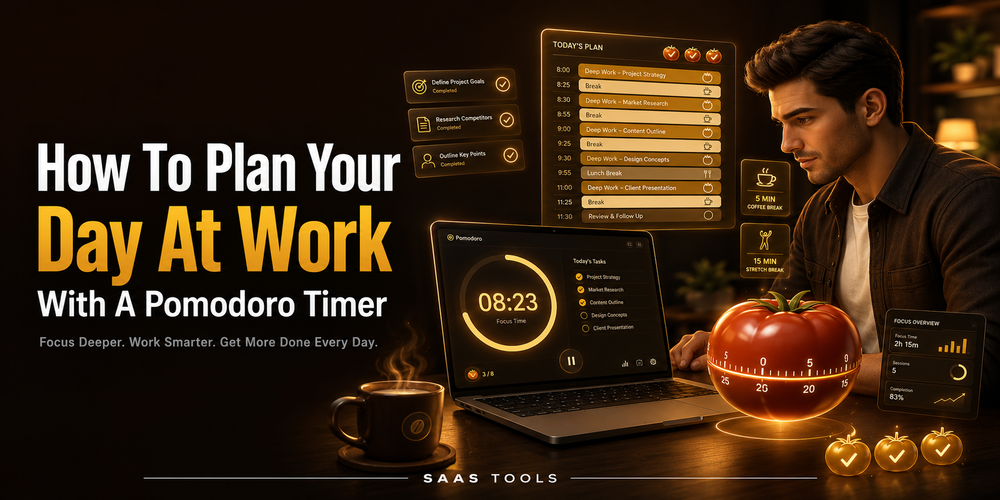
Learning how to plan your day at work starts with choosing the right work tasks, putting them in a realistic order, and completing them through focused sessions.
A work day can become messy fast. Emails, meetings, client work, admin tasks, messages, and urgent requests all compete for attention. A Pomodoro timer helps by turning the work day into smaller focus blocks with planned breaks.
This guide explains how to plan your work day using a simple Pomodoro workflow. For a broader personal planning workflow outside office tasks, read our guide on how to plan your day.
For a timer based work planning app, you can also review our Blitzit discount coupon page. Blitzit is relevant here because its official site describes it as a simple to-do list and timer app with planning, Focus mode, Pomodoros, task scheduling, alerts, notes, lists, task time tracking, and reports.
1. Write Down Every Work Task
The first step in how to plan your day at work is to get every task out of your head.
Start with a quick work brain dump. Write down emails, meetings, calls, client work, reports, reviews, admin tasks, follow ups, and anything that needs attention today.
Do not organise the list at first. The goal is to make your work visible. Once everything is written down, the day becomes easier to control because you are no longer relying on memory.
2. Choose Your Main Work Priorities
To plan your day effectively, separate important work from low value tasks.
Pick the tasks that must move forward today. A practical rule is to choose three main priorities before adding smaller items. These should usually be deadline tasks, high impact work, or tasks that block another person.
Use this order:
- Deadline work.
- Client or manager requests.
- Deep work tasks.
- Admin tasks.
- Optional small tasks.
This keeps your work day realistic. A long task list can look productive, but it often creates pressure without giving you a clear starting point.
3. Estimate Time Before Starting
If you want to know how to plan your work day, add rough time estimates before opening the timer.
A task list without time estimates can become unrealistic. Add a simple estimate beside each task, such as 25 minutes, 50 minutes, or 90 minutes.
This helps you decide how many Pomodoro sessions each task needs. A short email block may need one session. A report, article, spreadsheet, design task, or analysis task may need two or three sessions.
4. Turn Tasks Into Pomodoro Sessions
A Pomodoro timer works best when each session has one clear task.
Choose one task, start the timer, and work only on that task until the session ends. Avoid switching between email, chat, documents, and browser tabs unless the active task requires it.
A simple Pomodoro work structure can look like this:
- 25 minute focus session.
- 5 minute break.
- 25 minute focus session.
- 5 minute break.
- Longer break after a few sessions.
The exact timing can change. The main idea is simple: focused work first, planned break after.
5. Organise Your Work Day By Energy
The answer to “how do you organise your work day?” is not only time management. It is also energy management.
Put harder work near the part of the day when you think best. If you have more focus in the morning, use that time for writing, strategy, analysis, coding, planning, or problem solving.
Put lighter work into lower energy parts of the day. Emails, simple updates, file organisation, and admin tasks are usually easier to handle after deep work.
A simple work day order can be:
- First focus task.
- Short email or message block.
- Second focus task.
- Meeting or admin block.
- Final review.
This gives the day structure without making every minute too rigid.
6. Use Breaks To Stay Productive
Planning breaks is part of learning how to plan your day to be productive.
Skipping breaks can make the second half of the work day worse. Short breaks help you reset before the next focus session.
Use breaks to stand up, drink water, clear your desk, or check the next task. Keep the break short enough that it does not become another distraction loop.
7. Keep One Task Visible
A Pomodoro work plan is easier to follow when the current task is clear.
During a focus session, keep only the active task visible. This reduces task switching and makes it easier to finish one item before moving to the next.
Blitzit’s official site lists Focus mode, Pomodoros, task scheduling, alerts, notes, lists, task time tracking, and reports. These features fit a work day planning system where you choose a task, start a timer, and review the time spent later.
8. Review The Work Day Before Stopping
The final step is a short review before you close the work day.
At the end of the day, check what was completed, what moved forward, and what needs to be planned for tomorrow.
Ask four questions:
- What did I finish?
- What took longer than expected?
- What should move to tomorrow?
- What is the first task for the next work day?
A short review helps tomorrow start faster because your next task is already clear.
Simple Pomodoro Work Day Plan
Use this workflow when you need a simple way to plan your day at work.
- Write down every work task.
- Choose three main priorities.
- Estimate the time needed.
- Convert tasks into Pomodoro sessions.
- Work on one task per session.
- Take short planned breaks.
- Review the day before stopping.
This system works because it keeps the work day practical. You do not need a complicated productivity setup. You need a clear task list, realistic focus sessions, and a short review.
When To Use Blitzit
Blitzit is a relevant option if you want a work planning and timer app for tasks, Pomodoro sessions, scheduling, notes, lists, time tracking, and reports.
It is not positioned here as a full project management suite. It fits better as a personal work planning app for organising tasks, starting focus sessions, tracking task time, and reviewing work patterns.
You can visit our Blitzit discount coupon page if you want to compare the current offer with your workflow.
FAQ’s
Editorial Note
This article is written with care, but some details may change or contain unintentional mistakes. If you find anything outdated or incorrect, please contact us so we can review and correct it.