Professional document writing, formatting, and editing used to take hours. Nowadays, if it is necessary to create a report, a proposal, SOPs, or structured documentation, AI Document Generators can do this within several minutes.
They are used by businesses to automate processes of documentation and by students to produce research notes, assignments, and write academic reports promptly.
Rather than having to create a blank piece of paper, AI driven services can create business reports, proposals, internal records, knowledge-base articles, and academic summaries with just a few clicks and ready-to-go templates.
These applications are artificial intelligence, natural language processing, and automation that help to arrange the information into clear, structured files.
Automated documentation is becoming increasingly demanded. Generative AI may replace much of the workplace documentation workload, according to a study by McKinsey, and free up more of their time to focus on strategy and make decisions instead of writing jobs.
This technology can save a tremendous amount of time, increase clarity, and consistency in documentation, making it very important to startups, enterprises, freelancers, and students.
Studies indicate that about 75% of knowledge workers now use generative AI tools in their daily tasks, saving an average of 5.4% of working hours each week through automation. We have examined in this guide the 12 best AI document generators in 2026.
What Are AI Document Generators & How They Work
AI document generators are software tools that automatically create structured documents using artificial intelligence, prompts, and templates. They help users produce reports, documentation, proposals, and academic materials quickly without manual formatting or writing from scratch.
Generative AI has rapidly changed knowledge work. Research from McKinsey shows that technologies like generative AI could automate up to 62% of workplace tasks, especially activities involving documentation, communication, and research.
These tools reduce repetitive work and allow teams to focus on analysis, creativity, and decision making.
Best AI Document Generators: Quick Comparison
Below is a quick comparison of the best AI document generators available today. The tools below include both advanced AI writing platforms and free online document creator solutions that help teams generate structured documentation quickly.
| Tool | Best For | Document Types | Free Plan | Pricing |
| Grammarly Business | Professional writing | Reports, proposals | No | $12/mo |
| Notion AI | Productivity workflows | Docs, notes | Limited | $10/mo |
| Zoho Writer | Business documents | Reports, contracts | Yes | Freemium |
| GitBook | Developer documentation | Knowledge base | Limited | $65/mo |
| Simplified | Content teams | Marketing docs | Yes | $19/mo |
| Slite | Team documentation | Internal docs | Yes | $8/mo |
| Document360 | Knowledge bases | Help documentation | Limited | Paid |
| Guidde | Tutorial documentation | Visual guides | Limited | $18/mo |
| MadCap Software | Technical writing | Manuals | No | Paid |
| Scribe | Process documentation | Workflow guides | Yes | $13/mo |
| Tallyfy | SOP automation | Workflow docs | Limited | $10/mo |
| ClickHelp | Technical manuals | Documentation portals | Limited | $185/mo |
12 Best AI Document Generators by Use Case
Different tools serve different needs. Some focus on enterprise documentation, while others help with academic writing or team collaboration. Below are the 12 best AI document generators and their ideal use cases.
Grammarly Business

Best for: professional reports and proposals.
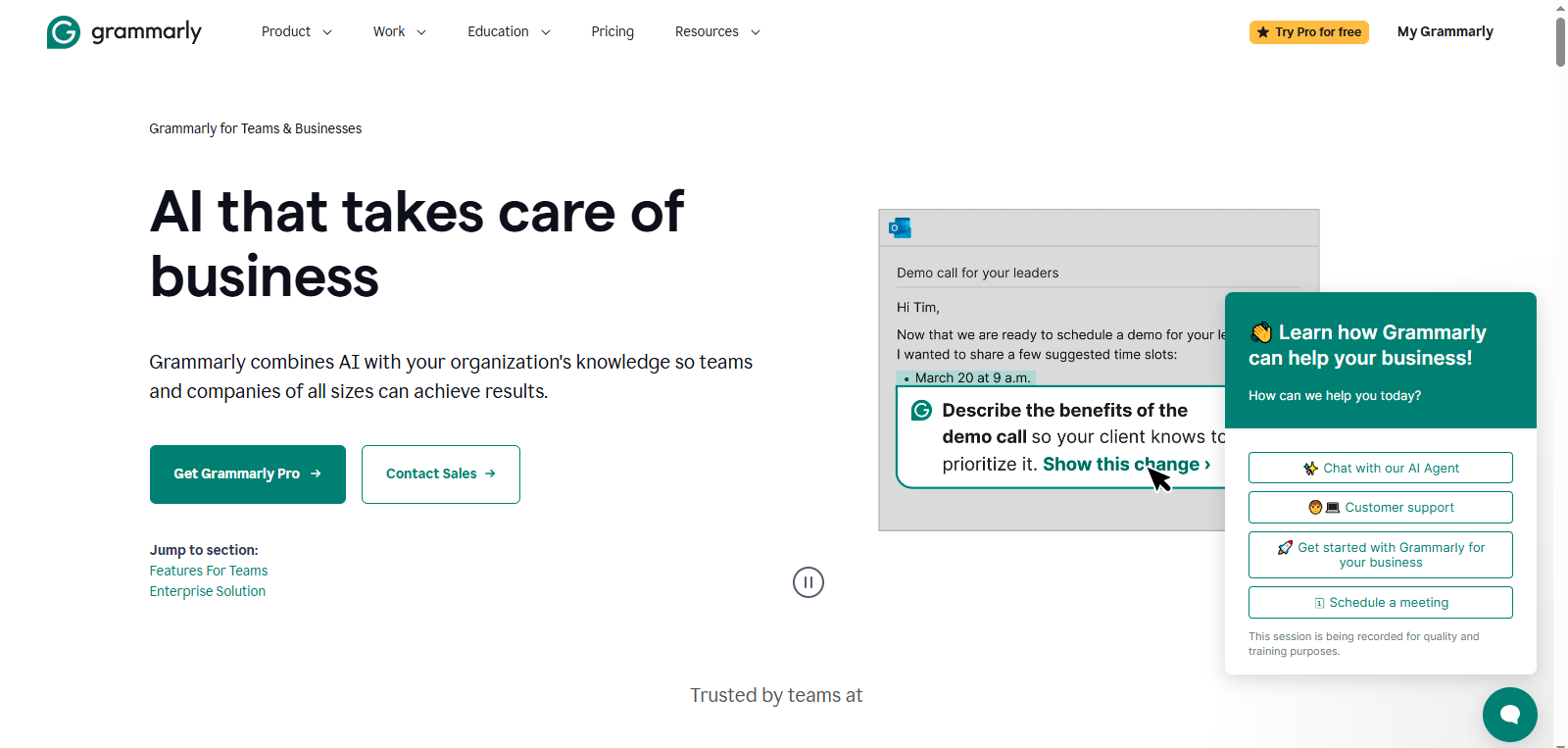
Grammarly Business is widely known as one of the most trusted writing assistants. However, its AI capabilities now extend far beyond grammar correction. Businesses use Grammarly Business to improve the quality of reports, proposals, emails, and internal documentation.
The platform uses advanced AI to analyze writing clarity, tone, and structure. It provides suggestions that help teams maintain a consistent voice across all documents. This is particularly useful for organizations that produce large volumes of client communication and formal documentation.
Another advantage is Grammarly’s integration with tools such as Google Docs, Microsoft Word, Slack, and email platforms. This allows teams to generate and edit documents without switching between applications.
Key Features
- AI writing suggestions
- Tone detection and rewriting
- Plagiarism detection
- Business communication support
- Cross platform integrations
Pros
- Improves clarity and readability
- Strong enterprise features
- Widely trusted AI writing assistant
Cons
- Limited document templates
- Advanced features require paid plans.
Pricing
Business plans typically start around $12 per user per month, depending on team size.
Notion AI

Best for: Productivity and knowledge management.
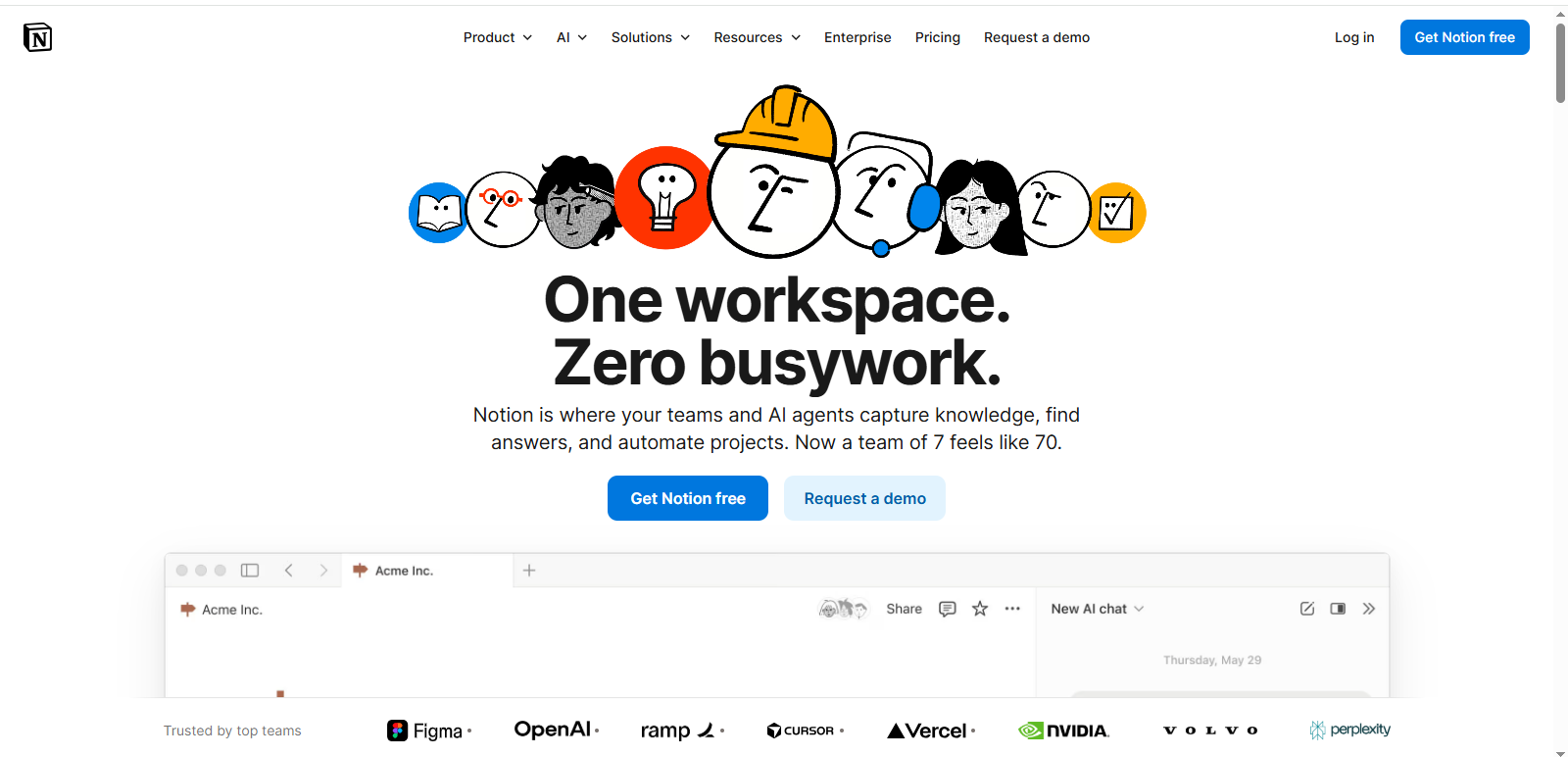
Notion AI has become one of the most popular AI productivity platforms in recent years. It combines document generation, knowledge management, and project collaboration within a single workspace.
Instead of managing documents across multiple tools, teams can create reports, meeting notes, documentation, and task lists inside Notion. The AI assistant helps generate structured documents based on prompts, summarize long content, and rewrite sections for clarity.
One of Notion AI’s biggest strengths is its flexibility. Users can create custom templates for documents such as SOPs, research notes, training manuals, and internal knowledge bases. This makes it particularly useful for startups and remote teams that need a centralized platform for information management.
Notion’s popularity has grown rapidly. The company reports tens of millions of active users worldwide, many of whom rely on the platform for daily documentation workflows.
Key Features
- AI writing assistant
- Collaborative document workspace
- Knowledge base creation
- Task and project integration
- Customizable document templates
Pros
- Extremely flexible workspace
- Strong collaboration features
- Ideal for documentation and productivity
Cons
- New users may experience a learning curve.
Pricing
Free plan available. AI features generally start around $10 per user per month.
Zoho Writer

Best for: Automated business documentation.
Zoho Writer is a cloud-based word processor that includes powerful AI writing capabilities. It is part of the larger Zoho productivity ecosystem, which includes CRM, project management, and business automation tools.
Businesses use Zoho Writer to create structured documents such as reports, proposals, contracts, and internal documentation. The AI writing assistant helps generate text, improve grammar, and suggest formatting improvements.
A major advantage of Zoho Writer is its integration with other Zoho products. For example, teams can generate documents directly from CRM data or workflow automation systems. Zoho’s ecosystem is widely used by companies worldwide.
Key Features
- AI writing assistant
- Document automation templates
- Real-time collaboration
- Integration with the Zoho ecosystem
Pros
- Affordable compared with many competitors
- Strong automation features
- Excellent for business workflows
Cons
- Fewer advanced AI writing features compared with newer AI platforms
Pricing
Zoho Writer offers a free plan, with additional premium features available through paid subscriptions.
GitBook

Best for: Technical documentation.
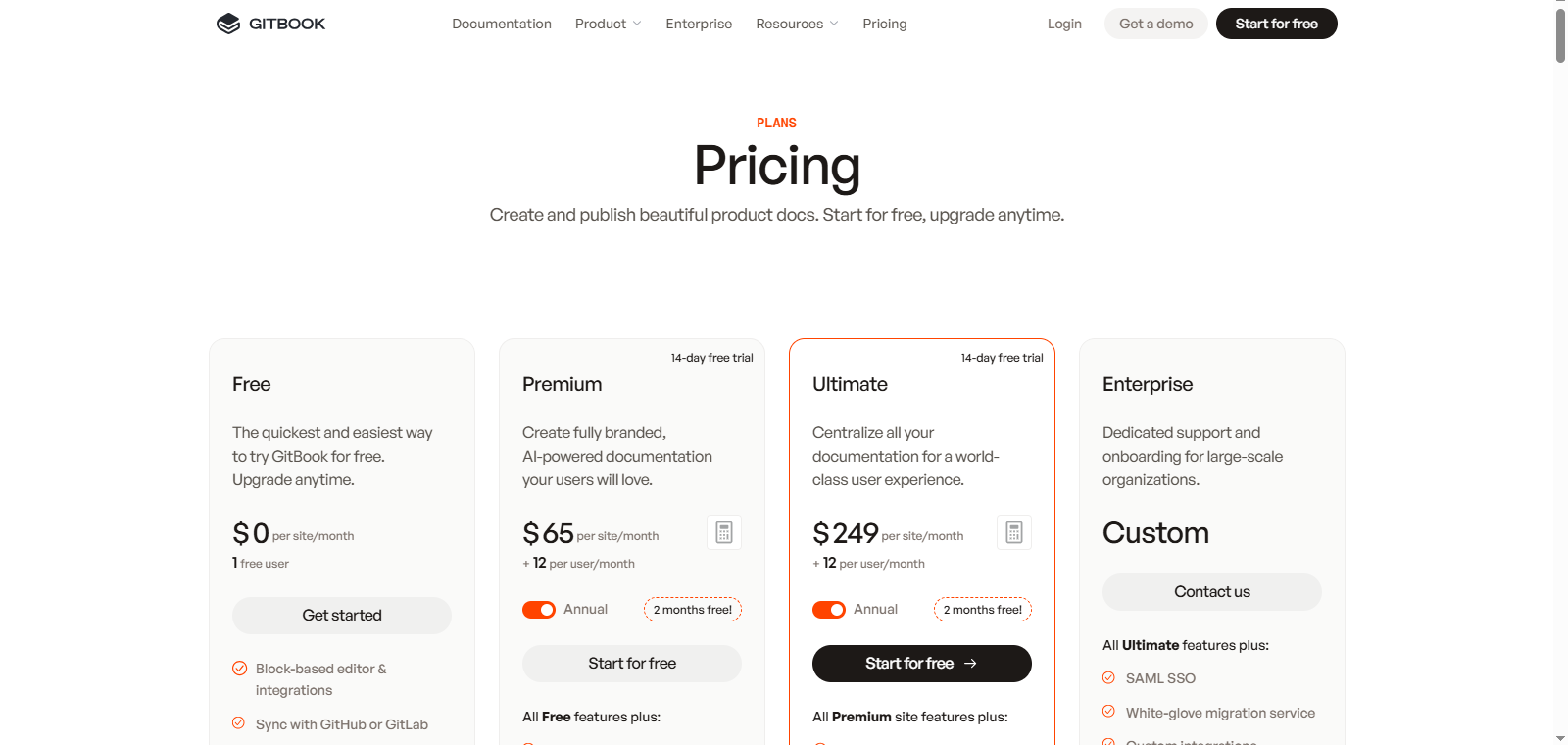
GitBook is a documentation platform designed primarily for developers and technical teams. It helps organizations create structured documentation for software products, APIs, and developer guides.
Unlike traditional word processors, GitBook focuses on technical knowledge bases and documentation portals. Developers can organize content using Markdown, collaborate with teammates, and publish documentation online.
One of GitBook’s strengths is its ability to manage complex documentation structures. Companies often use it to create developer portals, API documentation, and product guides.
Technical documentation is increasingly important for modern software teams. Research from Stripe Developer Coefficient reports that developers spend over 40% of their time maintaining documentation and internal tools. Platforms like GitBook help reduce this burden by simplifying documentation workflows.
Key Features
- API documentation tools
- Collaborative editing
- Documentation hosting
- Developer integrations
Pros
- Excellent for developer documentation
- Strong knowledge-base structure
Cons
- Not ideal for general business documents
Pricing
Free plans are available with paid enterprise tiers for advanced documentation features.
Simplified

Best for: Marketing documentation and content teams.
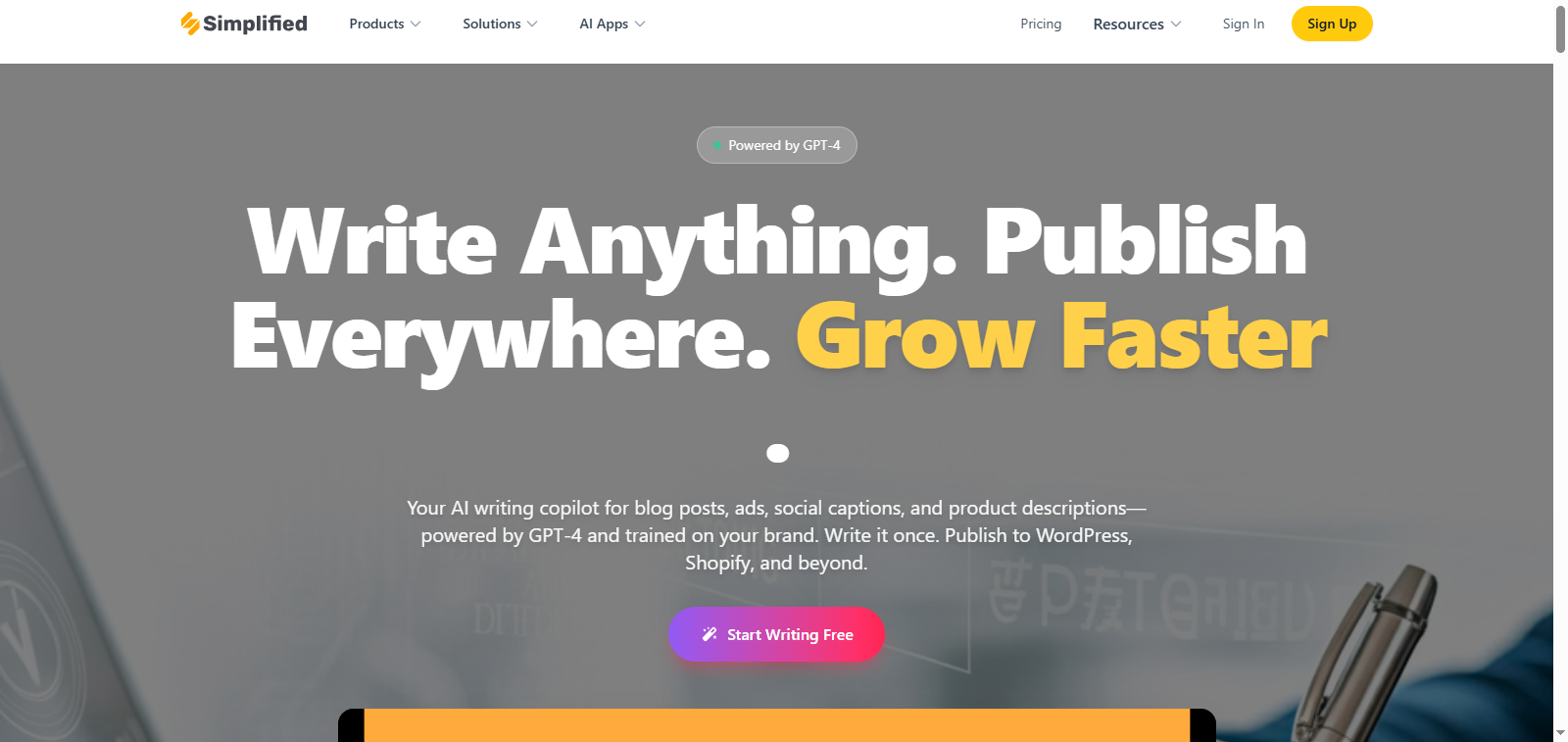
Simplified is an AI content platform that combines writing, design, and collaboration tools in one place. Marketing teams often use it to generate reports, campaign briefs, documentation, and content outlines.
The platform’s AI engine can generate marketing copy, blog content, and structured documents from prompts. Teams can also collaborate on documents, edit content together, and export files for publishing.
One major advantage of Simplified is accessibility. Unlike enterprise documentation tools, it is designed for content creators, freelancers, and small marketing teams. The platform also supports additional creative tools such as graphic design and video editing, making it useful for teams managing multiple content workflows.
Key Features
- AI content generator
- Document templates
- Collaboration features
- Marketing content tools
Pros
- Easy to use
- Free plan available
- Suitable for marketing teams and creators
Cons
- Fewer advanced documentation features than enterprise platforms
Pricing
Free plans are available with paid enterprise starting from $19/mo.
Slite

Best for: Internal team documentation.
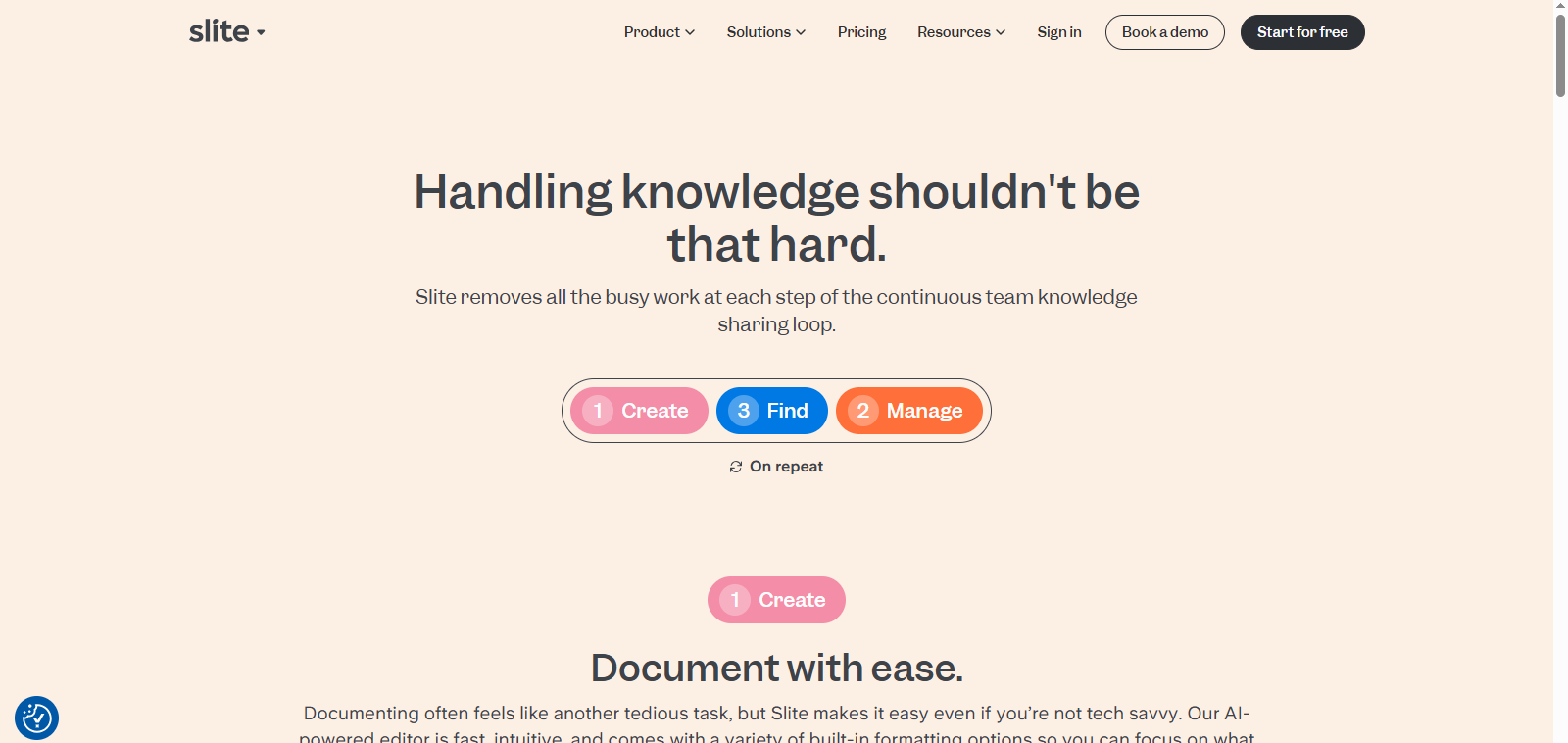
Slite is designed to help teams create and manage internal documentation. Companies use it to store knowledge bases, onboarding guides, and process documentation in a centralized location.
One of Slite’s biggest strengths is collaboration. Team members can create documents together, add comments, and organize information into structured folders. This helps companies avoid one of the biggest workplace productivity problems: lost information. Studies show employees spend up to 2.5 hours per day searching for information, which significantly reduces productivity. Slite helps solve this by providing a central hub for company knowledge.
Key Features
- Collaborative documents
- Internal knowledge bases
- AI search functionality
Pros
- Excellent for team collaboration
- Ideal for remote teams and startups
Cons
- Limited customization compared with enterprise documentation platforms
Pricing
Free plans are available with paid enterprise starting from $8/mo.
Document360

Best for: Enterprise knowledge bases.
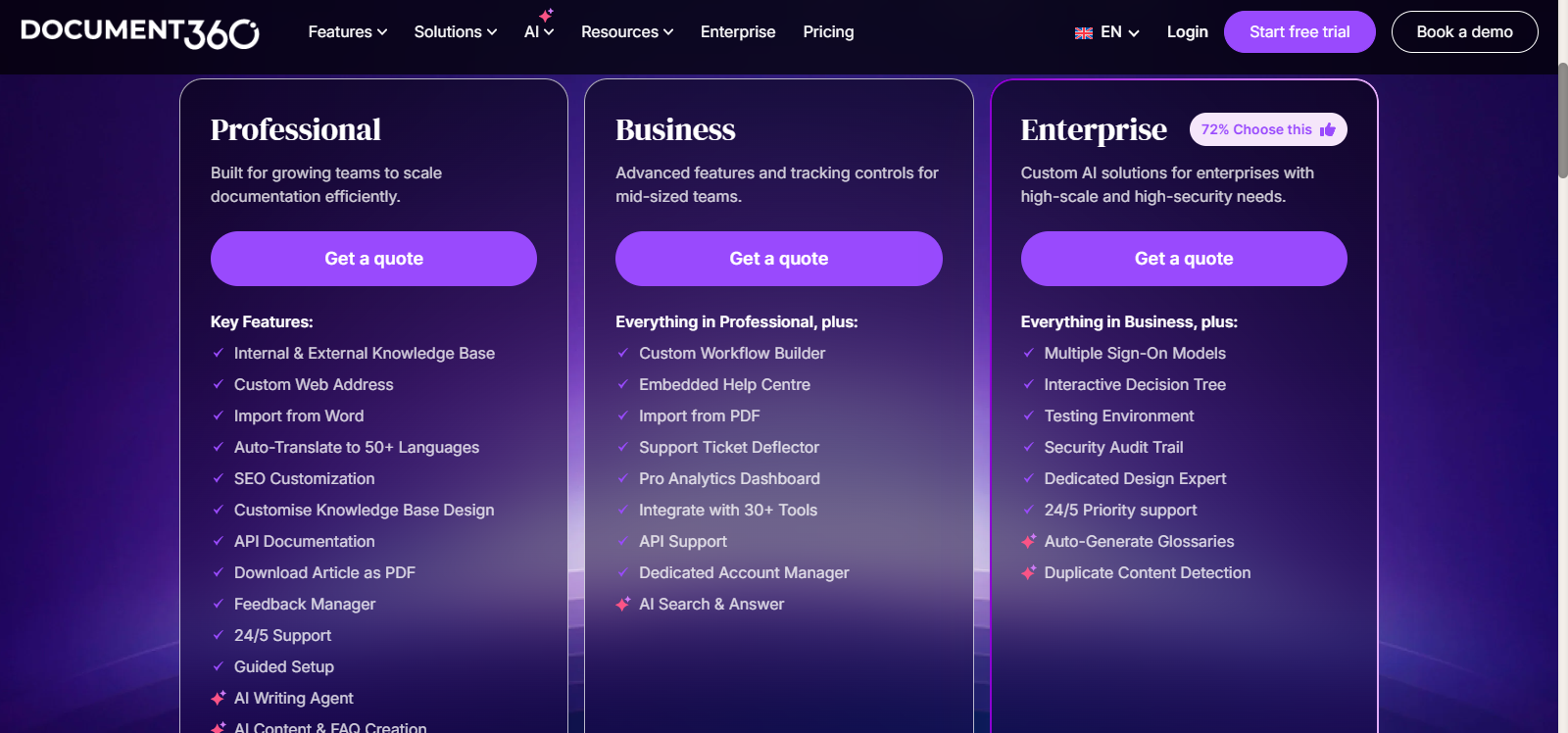
Document360 is a knowledge base platform used by organizations to manage product documentation and customer help centers.
Companies often use Document360 to create support portals, product guides, and internal documentation systems. The platform allows teams to organize content into structured knowledge bases and publish them online.
Strong documentation systems are critical for customer support teams. Research shows that 91% of customers would use a knowledge base if it met their needs, highlighting the importance of accessible documentation. Document360 helps businesses meet this demand by providing powerful documentation management tools.
Key Features
- Knowledge base creation
- API documentation
- Analytics tools
- Team collaboration
Pros
- Ideal for customer support documentation
- Scalable for large organizations
Cons
- Higher pricing for advanced enterprise features
Guidde

Best for: Visual documentation.
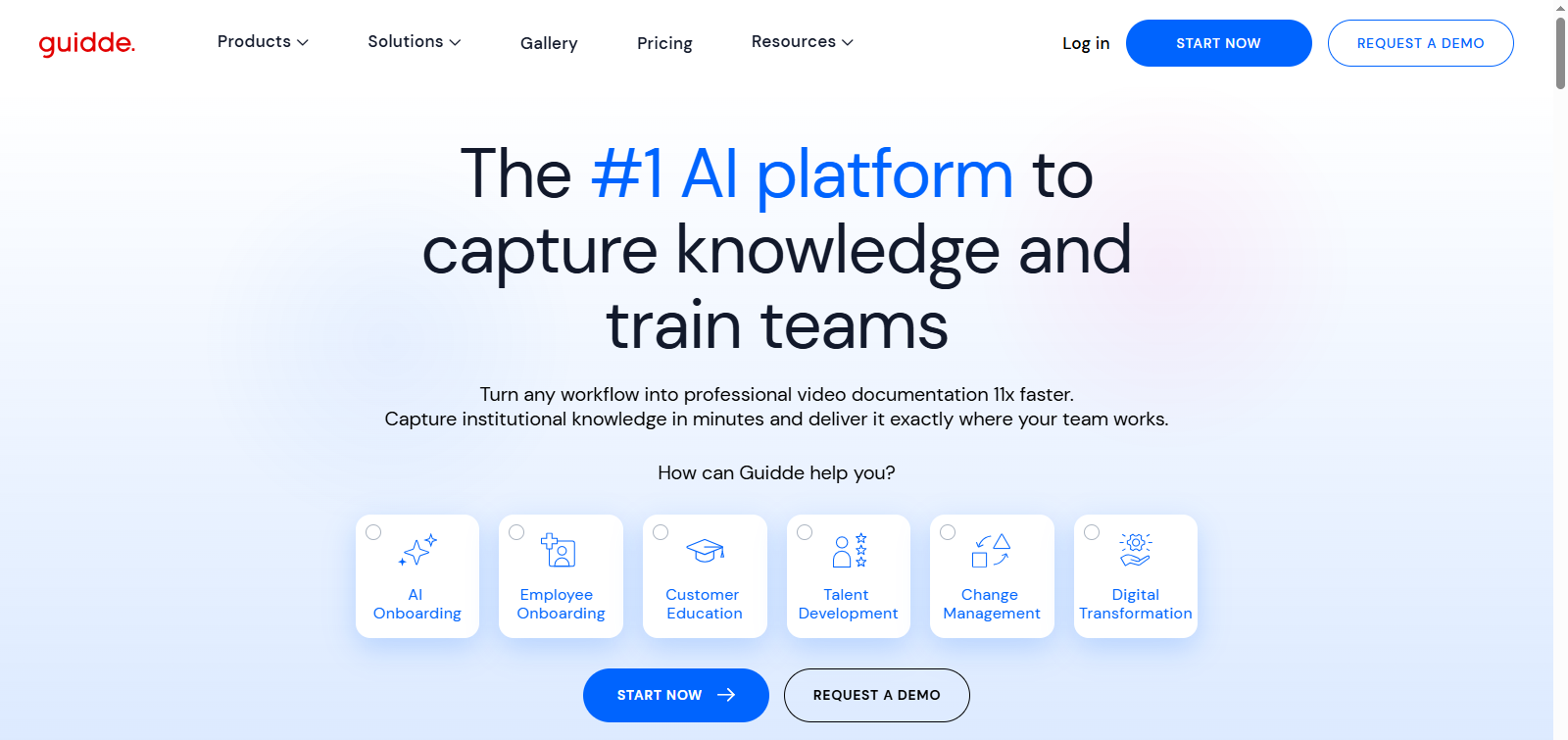
Guidde focuses on creating visual and video documentation rather than traditional text based documents. Teams uses it to generate tutorials and training materials automatically.
The platform records workflows and converts them into step by step guides with screenshots or videos. This is particularly useful for onboarding employees or training customers to use software products.
Visual documentation has become increasingly important for remote teams because it helps explain complex processes more clearly than text alone. Many organizations use Guidde to create product tutorials, onboarding guides, internal process documentation, and customer support resources.
By simplifying documentation with visuals, teams can reduce training time, improve knowledge sharing, and ensure employees follow processes correctly.
Key Features
- Automated tutorial generation
- Screen recording tools
- Visual documentation guides
Pros
- Excellent for training materials
- Simplifies complex workflows
Cons
- Limited long-form documentation features
Pricing
Guidde offers a free plan, with an additional premium at $18/mo.
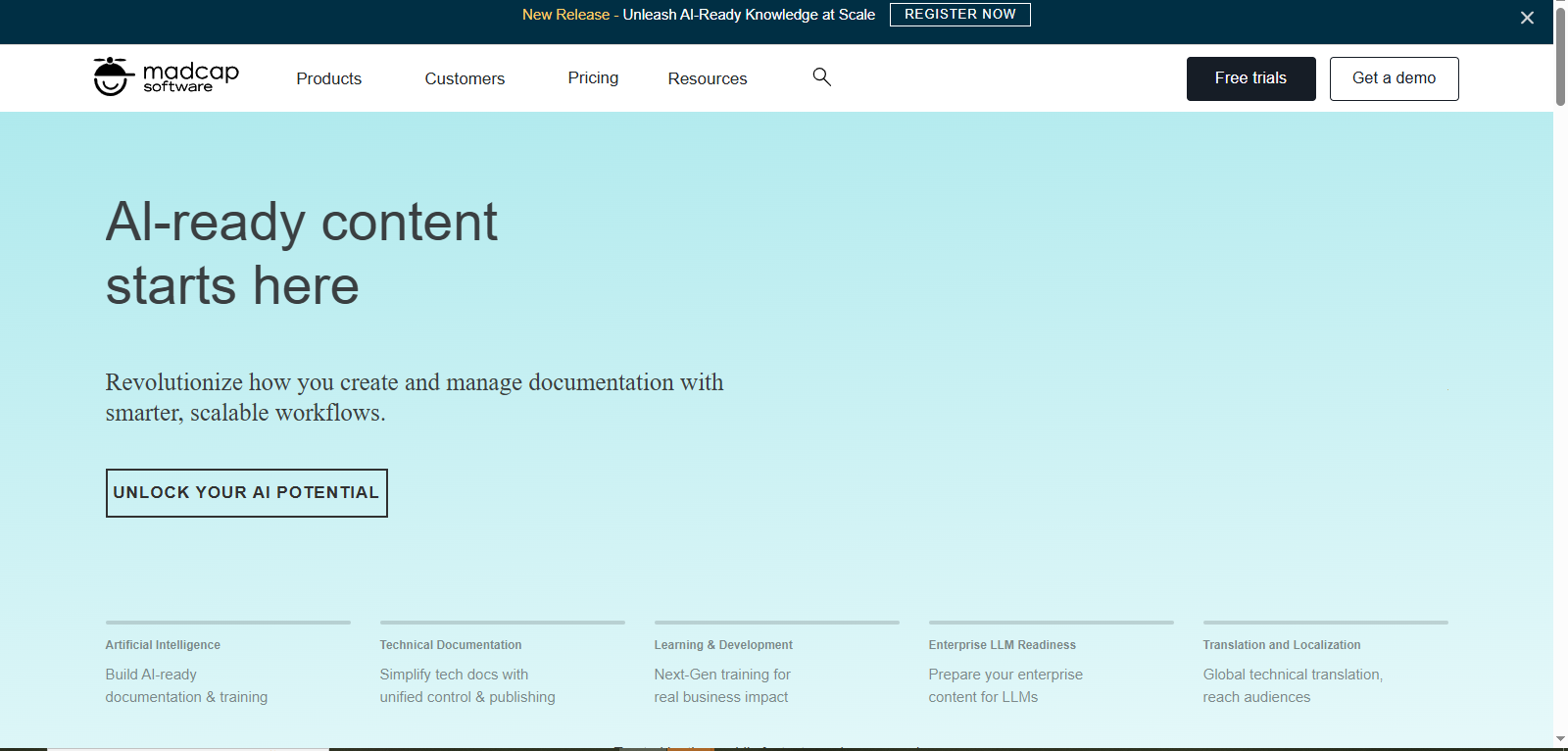
MadCap Software

Best for: Enterprise technical documentation.
MadCap Software is widely used by large organizations to create technical manuals and structured documentation systems.
It provides advanced authoring tools that allow companies to produce documentation for multiple channels, including websites, help centers, and printed manuals. MadCap also supports content reuse, which allows teams to update documentation efficiently across different products.
Instead of rewriting the same content repeatedly, organizations can maintain a single source of truth and automatically distribute updates across all documentation channels.
Key Features
- Advanced document authoring
- Content reuse capabilities
- Multi channel publishing
Pros
- Powerful enterprise documentation tools
- Ideal for complex documentation projects
Cons
- Expensive compared with other tools
- A complex interface for beginners
Pricing
It offers a free plan, with additional premium packages.
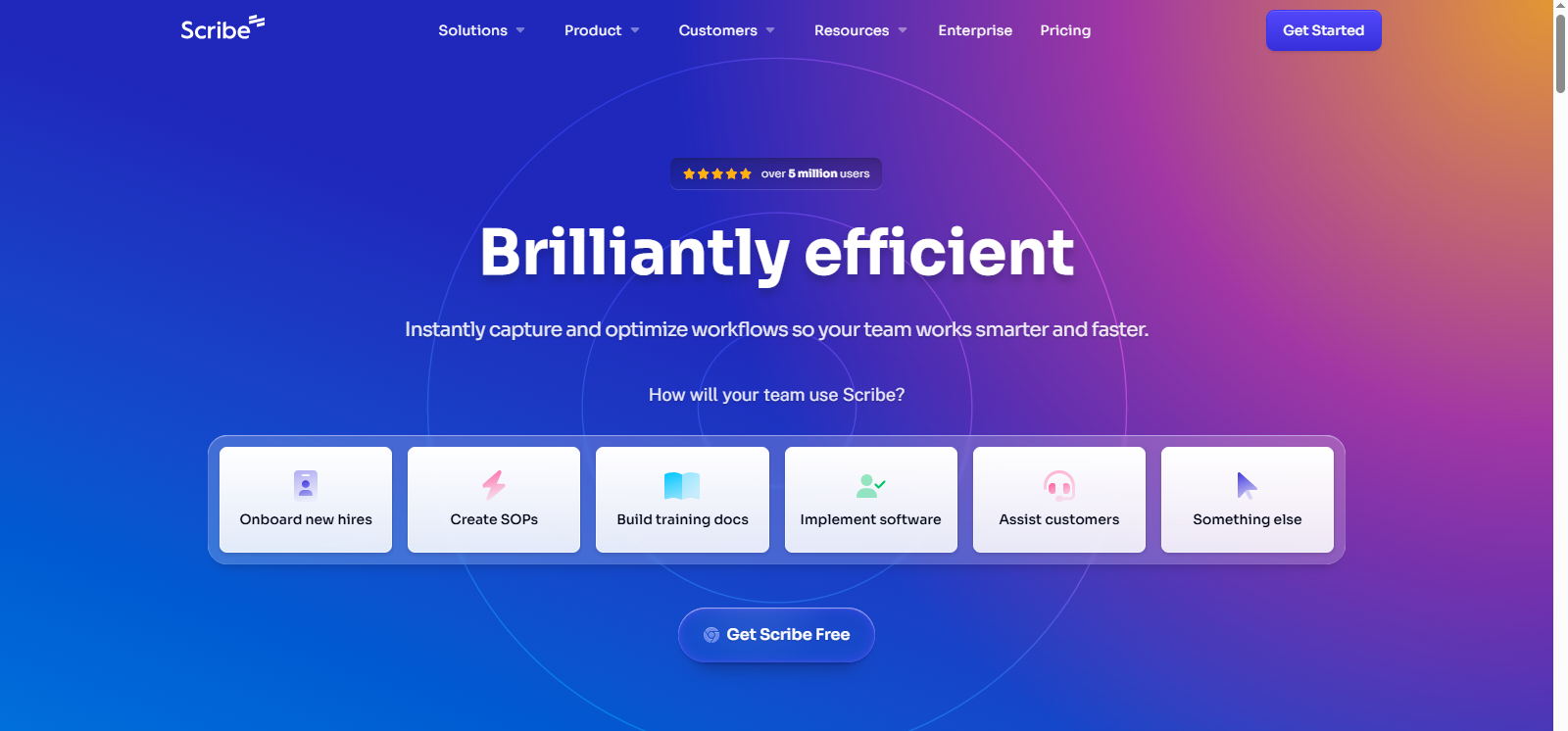
Scribe

Best for: Workflow documentation.
Scribe is a powerful tool that automatically generates step by step process documentation.
Instead of writing instructions manually, users simply perform a task while Scribe records their actions. The platform then converts those actions into a structured guide with screenshots and instructions. This makes it extremely useful for SOP creation, employee training, and workflow documentation.
Key Features
- Automatic process documentation
- Screen capture guides
- Workflow recording
Pros
- Extremely fast documentation creation
- Ideal for SOPs and training guides
Cons
- Limited long-form document generation
Pricing
It offers a free plan, with an additional premium package starting at $13/mo.
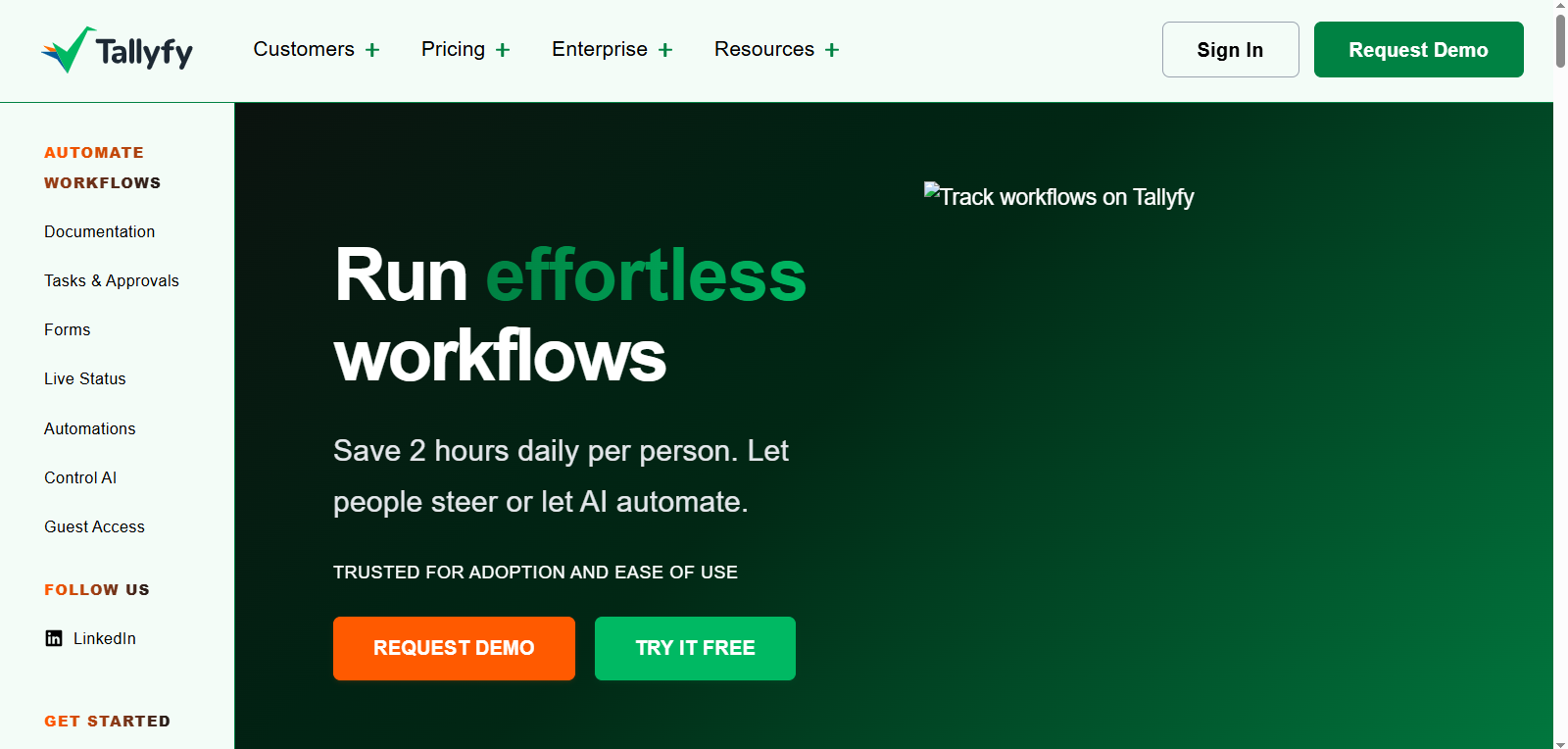
Tallyfy

Best for: SOP automation.
Tallyfy focuses on workflow management and process documentation. Organizations use it to automate repetitive processes and maintain consistent documentation across teams. Instead of relying on static documents, Tallyfy allows teams to create dynamic workflows that guide employees through processes step by step.
Businesses commonly use Tallyfy for SOP management, employee onboarding, approval processes, and operational workflows, making it especially useful for operations teams that need clear and repeatable processes across departments.
Key Features
- Workflow automation
- Process documentation
- Task tracking
Pros
- Excellent for operations teams
- Improves workflow consistency
Cons
- Not designed for academic or creative writing
Pricing
It offers a free plan, with an additional premium package starting at $10/mo.
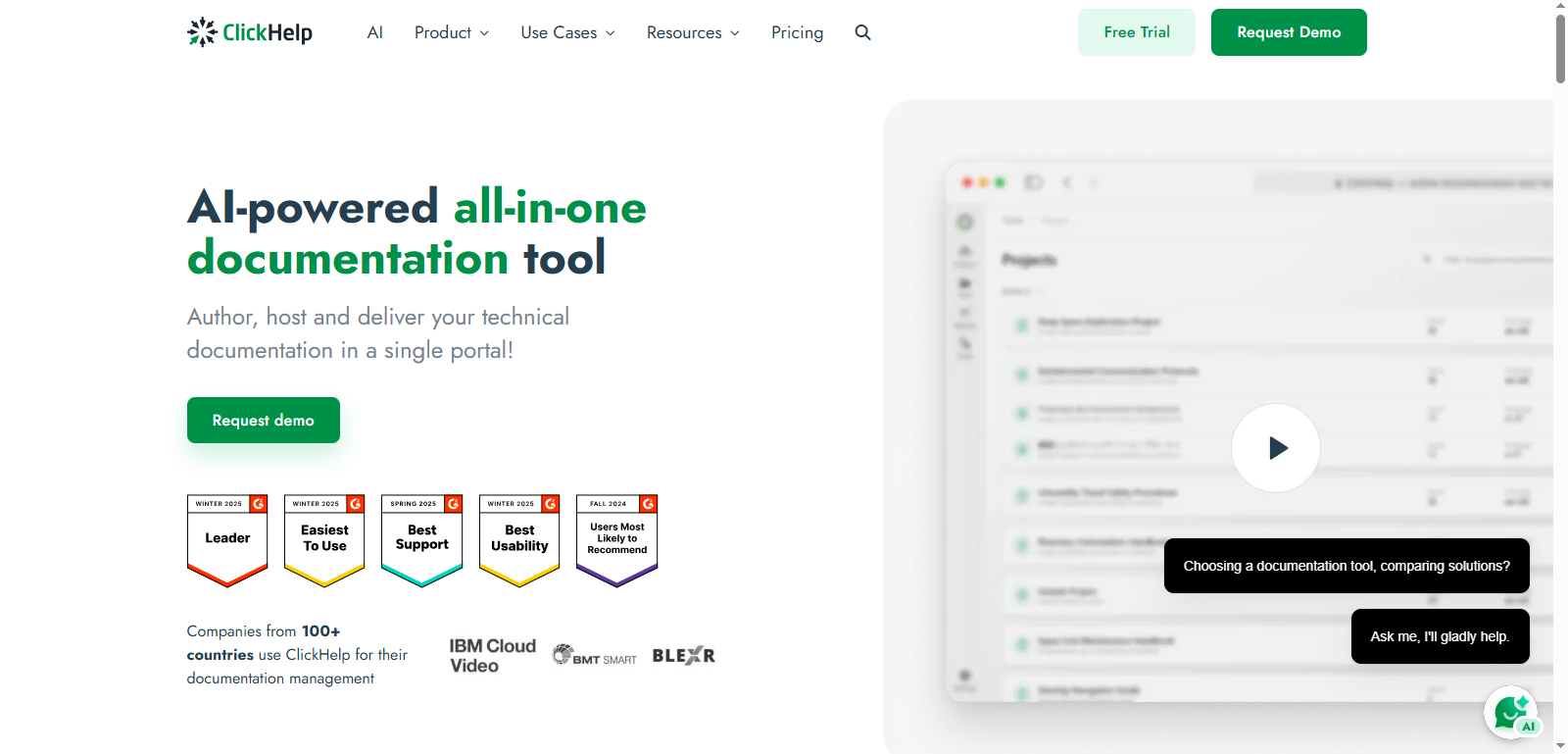
ClickHelp

Best for: Technical manuals and documentation portals.
ClickHelp is a documentation management platform used by software companies to create structured manuals and product documentation.
The platform supports collaboration, version control, and online documentation portals. This allows companies to maintain large documentation libraries while ensuring content stays updated.
Key Features
- Online documentation portals
- Collaborative editing
- Version control
Pros
- Strong documentation management features
- Scalable for technical teams
Cons
- Fewer AI writing features compared with modern AI tools
Pricing
It offers a limited free plan, with an additional premium package starting at $185/mo.
What Are AI Document Generators?
An AI document generator is a software platform that automatically creates documents based on prompts, templates, or existing data.
These tools typically use natural language processing (NLP) and machine learning to generate structured content.
Common use cases include:
- Business reports
- Client proposals
- SOP documentation
- Knowledge-base articles
- Academic research summaries
- Meeting notes
- Training manuals
Some platforms also provide free AI document generator features for students and freelancers.
Types of Documents AI Tools Can Create
Many organizations now use AI to create knowledge bases and documentation hubs because workers often struggle to locate information quickly. AI documentation systems solve this problem by organizing and generating knowledge automatically. AI document generation tools support a wide range of document formats.
Examples include:
Business Documents
- Reports
- Proposals
- Business plans
- Contracts
Technical Documentation
- API documentation
- Software manuals
- Product documentation
Internal Knowledge
- SOPs
- Onboarding guides
- Training manuals
Academic Documents
- Essays
- Research summaries
- Study notes
How AI Document Generators Work
Most AI document generators follow a simple workflow. Advanced tools can also integrate with project management systems or CRM platforms.
Step 1: Prompt Input
The user enters instructions or document requirements.
Example prompt: “Create a client proposal for a digital marketing agency.”
Step 2: Template Selection
Users select templates for:
- Proposals
- Reports
- SOPs
- Documentation
Step 3: AI Content Generation
AI models generate structured content based on the prompt.
Step 4: Editing and Export
Users edit the content and export the document in formats like:
- Word
- HTML
- Markdown
AI Writers vs AI Document Generators
Many people confuse AI writing tools with AI document generators. They are not the same.
| Feature | AI Writers | AI Document Generators |
| Purpose | Write text | Generate full documents |
| Structure | Basic paragraphs | Structured templates |
| Formatting | Manual | Automated |
| Collaboration | Limited | Built in teamwork |
| Use Case | Content writing | Documentation & reports |
Benefits of Using AI Document Generators
AI document generation tools help teams produce documents faster and with fewer errors. They automate repetitive writing tasks and maintain consistent formatting across documents. Below are the biggest advantages.
Faster Document Creation
AI tools generate full documents in seconds. This can save hours of manual writing time. Instead of writing a report from scratch, users can:
- Input a prompt
- Select a template
- Generate a complete document instantly
Consistent Formatting and Tone
AI document generators maintain consistent formatting. This consistency is particularly important for large teams and enterprises.
For example:
- Brand voice
- Writing style
- Headings
- Structure
Reduced Manual Work
Many documentation tasks are repetitive. Automation allows employees to focus on strategy instead of formatting documents.
AI tools automate:
- Document formatting
- Summaries
- Content generation
- Editing suggestions
Better Collaboration and Version Control
Many AI document generators include built in collaboration tools. This prevents common problems such as duplicate documents and outdated files.
These features allow teams to:
- Edit documents together
- Track revisions
- Manage versions
Ideal for Businesses and Students
AI document generators serve different audiences. As AI evolves, these tools will continue to improve productivity across industries.
Businesses use them for:
- SOP documentation
- Internal reports
- Knowledge bases
Students use them for:
- Assignments
- Research summaries
- Study notes
Conclusion
The use of AI document generators is changing the way people and companies generate documentation. Users are now able to create structured documents in minutes using prompts, templates, and automation tools instead of spending hours writing and formatting reports, proposals, manuals, or SOPs.
This change is indicative of a greater workplace productivity change. According to studies by McKinsey, the existence of generative AI technologies may fully automatize high level work, particularly writing, research, and documentation.
Consequently, professionals will be able to use less time on repetitive activities and more on strategic decision-making and creative work. But the ideal AI document generation is relative. There are those tools that are aimed at business communication, whereas there are those that are targeted at knowledge management or technical documentation.
The following are the best choices depending on the application:
- Best Overall: Notion AI, a documentation and flexible workspace system.
- Best to use business writing: Grammarly business Strong AI editing and communication tools.
- Best to Knowledge Bases: Document360, best to product documentation and help centers.
- Best Free Choice: Simplified – tool available to creators and small teams.
The document generators will become valuable productivity tools to business teams, developers, educators, and students as the AI technology continues to evolve. Early adopters of such tools will experience a competitive edge by ensuring that efficiency and work in manual documentation is minimized, and a better knowledge management system is developed.